Konfigurera subdomäner
Subdomäner, som “subdomain.example.com” eller “www.example.com,” är tillägg till en rotdomän, som representerar den grundläggande URL:en, till exempel “example.com.” Subdomäner strukturerar och segmenterar innehåll, vilket gör det enklare att hantera olika delar av en website. Den här guiden går igenom processen för att sätta upp en subdomän i ditt konto.
Skapa en ny domän
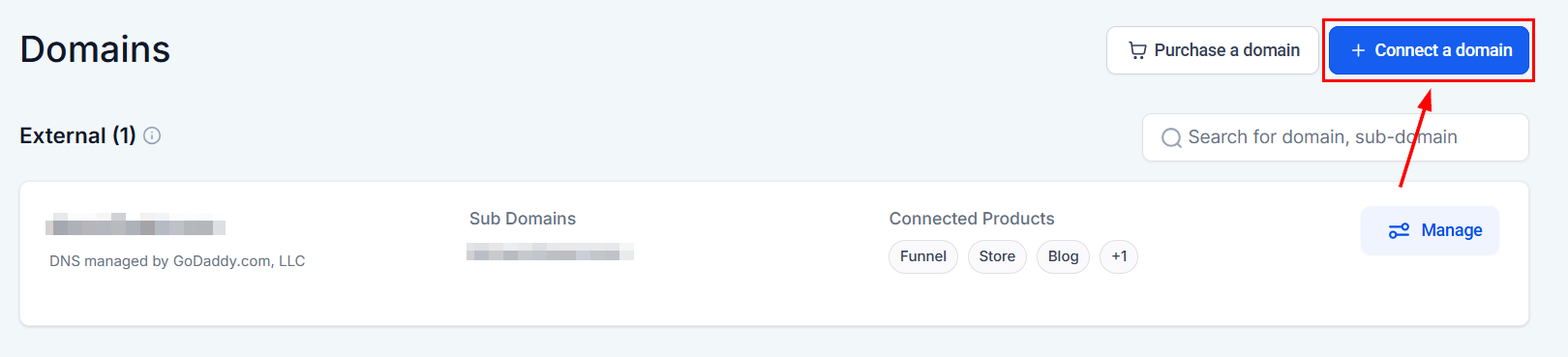
Navigera till Settings från vänstermenyn på din plattform och välj sedan Domains från undermenyn Settings. Klicka på “Connect a Domain” för att lägga till en ny domän i modalen.
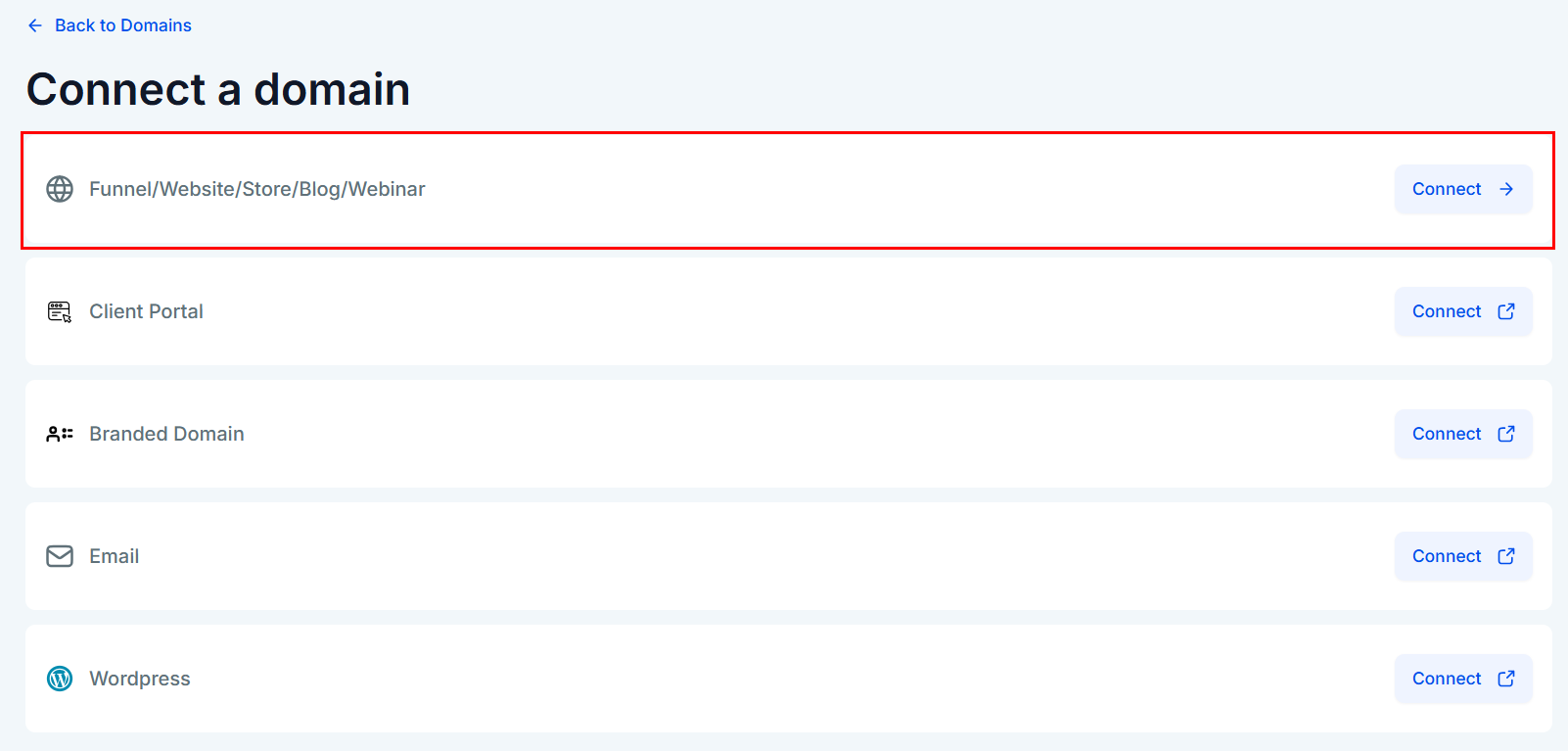
Välj sedan alternativet att koppla domänen till en funnel, website, store, blog eller webinar.
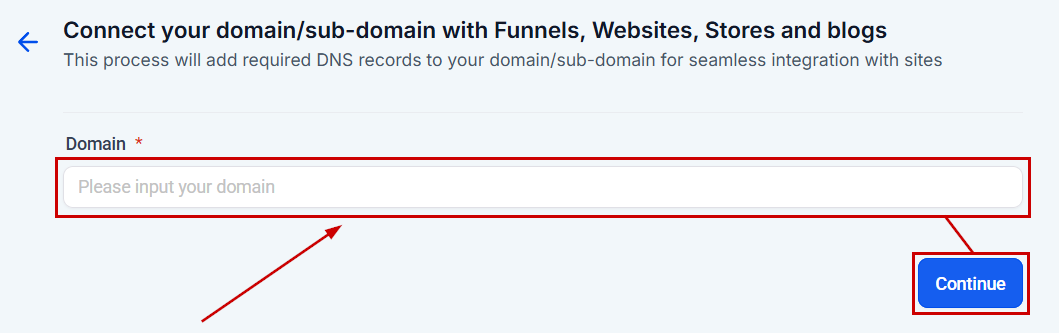
Ange din subdomän-URL i det avsedda fältet och klicka sedan på “Continue.” För subdomäner lägger du till några tecken till rotdomänen, till exempel “go.” eller “info.” Det här steget säkerställer att du ansluter till en subdomän.
Skapa en DNS-post
Om DNS-posterna inte länkades automatiskt till din domän loggar du in hos din domänregistrar (t.ex. Namecheap) och navigerar till sidan DNS Management för din domän.
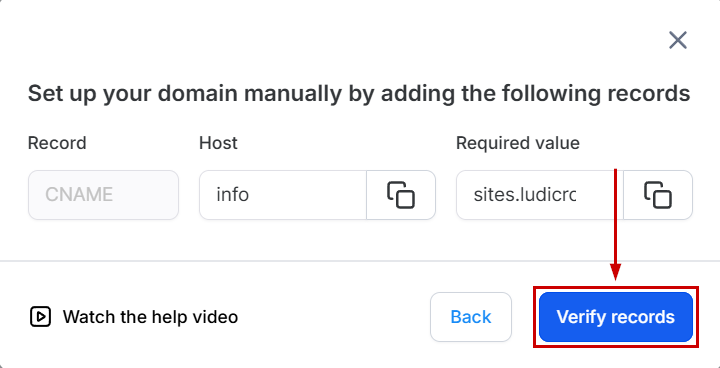
Skapa en ny post genom att klicka på Add, välja “CNAME” som posttyp, använda subdomänprefixet som host och ange “sites.ludicrous.cloud” i fältet “Points To”.
Ställ in TTL till 30 minuter för snabbare propagering.
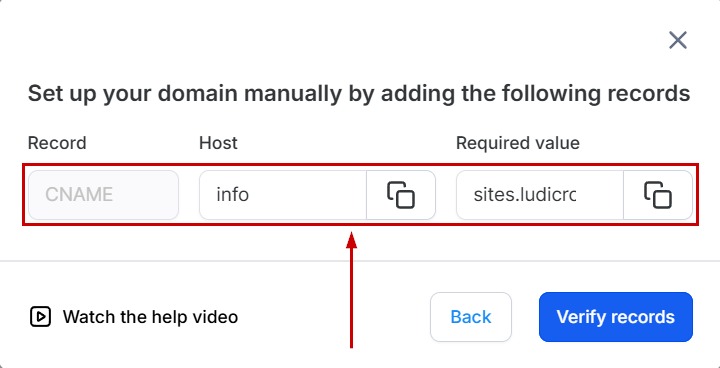
Välj knappen “Verify Records” för att starta verifieringsprocessen. Vänta upp till 10 minuter innan detta är klart.
Välj funnel eller website
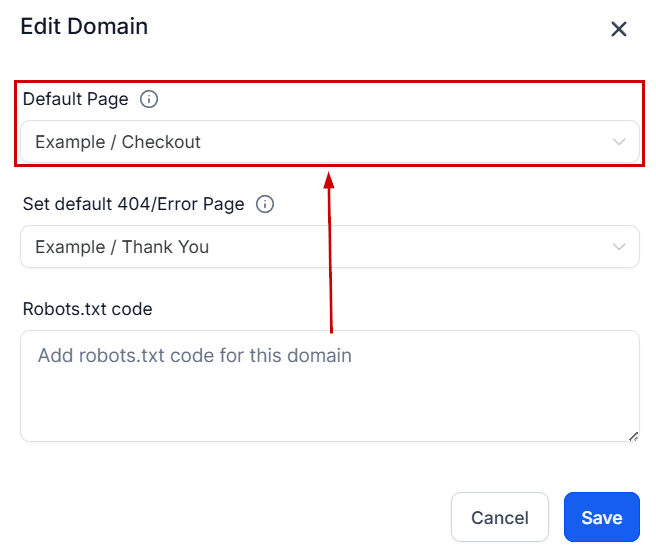
För att koppla subdomänen till en funnel eller website väljer du lämpligt alternativ från rullgardinsmenyn och anger standardsidan för subdomänen. Om de första försöken misslyckas, vänta på propagering. Ett framgångsmeddelande bekräftar när subdomänen är redo.
Från rullgardinsmenyn väljer du den funnel eller website du vill koppla till subdomänen samt standardsteget för funnel eller website.
Ange webbplatsens 404-/felsida
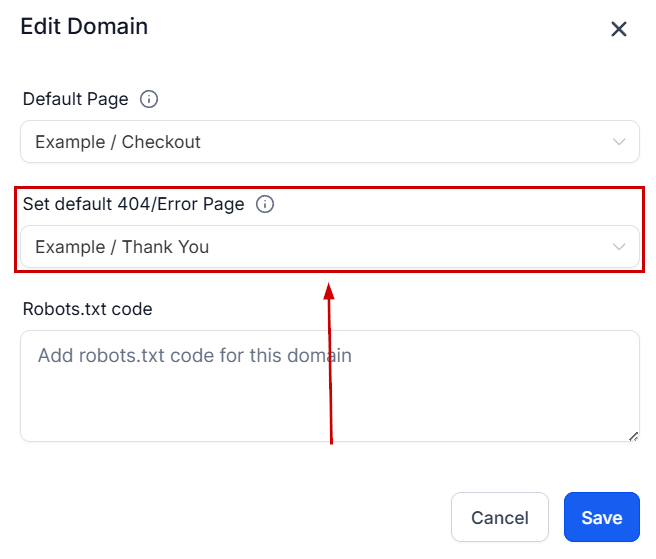
Valfritt kan du välja önskad sida som ska visas som felsida från rullgardinsmenyn.
Slutför processen genom att klicka på “Save”.
När dessa steg är klara kommer din webbplats att vara live och tillgänglig via din subdomän!
Vanliga frågor
Q: Kan jag fortfarande konfigurera mina domäner manuellt om jag hellre inte vill använda Domain Connect?
- Ja, manuell konfiguration är fortfarande ett alternativ för användare som föredrar att sätta upp sina DNS-poster manuellt eller vars domänleverantörer för närvarande inte stöds av Domain Connect.
Q: Vad händer om min domänleverantör inte är en av de tre främsta som stöds av Domain Connect?
- Användare med domänleverantörer som för närvarande inte stöds av Domain Connect kan fortfarande lägga till de nödvändiga DNS-posterna manuellt. Den manuella konfigurationsprocessen förblir densamma.
Q: Vad händer om jag aktiverar alternativet “Also add www domain” men min www-subdomän redan pekar mot ett annat system?
- En CNAME-post skapas för din subdomän i dina DNS-poster och pekas mot vår plattform, men vi kan inte ta bort den befintliga CNAME- eller A-posten som du har för din www-domän som pekar mot en annan tjänst. Du behöver ta bort den själv så att din www-domän kan fungera med vår plattform.
Inte kund hos Funnelbud ännu?
Prova vårt allt-i-ett CRM för sälj och marknadsföring — gratis i 7 dagar, ingen bindningstid.