Hur man skapar en prenumeration
Recurring purchases are ideal for your business, whether it be an ongoing course, a repeat buy, or a payment plan for a big purchase. They help you minimize revenue fluctuations and relax your efforts on attracting new leads and converting them to sales. So, let’s check how to enroll a customer in a subscription plan.
Förutsättningar
Before adding a customer to a subscription plan, you must create a Recurring product. To do so, navigate to the Products tab inside the Payments section and click “+ Create Product.”

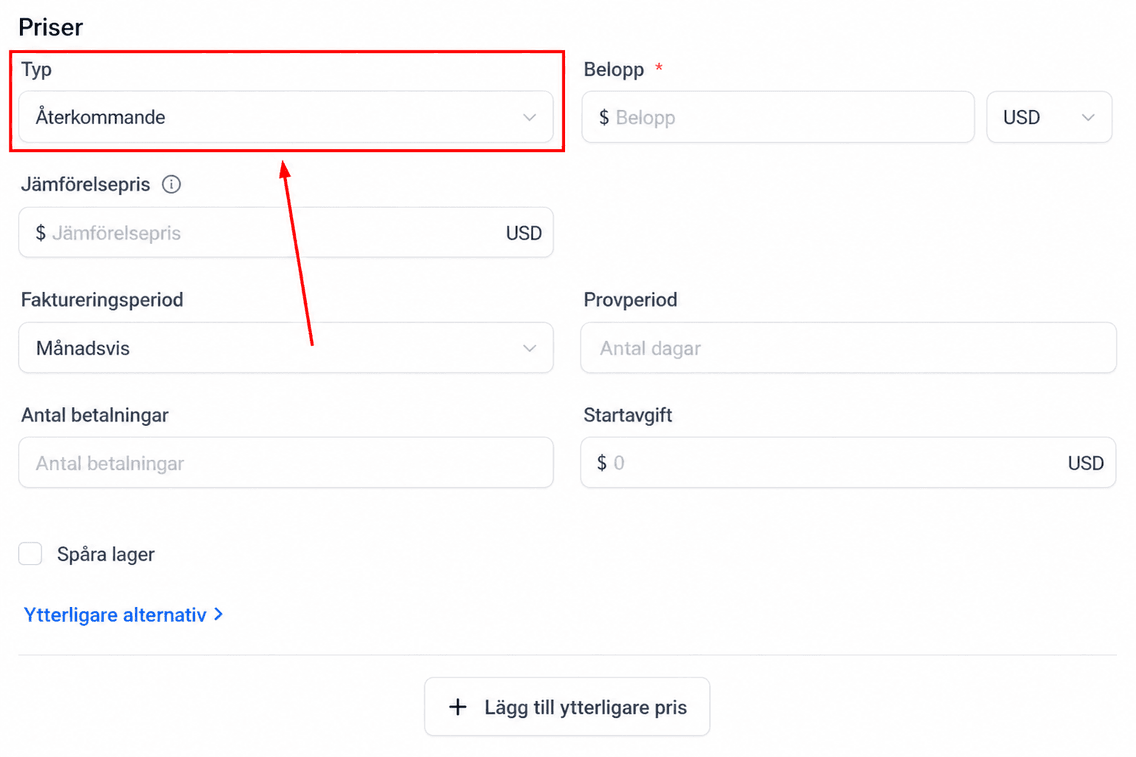
Create your product as normal, and in the Prices section, select the Type as Recurring.
Slutför produktkonfigurationen och spara den.
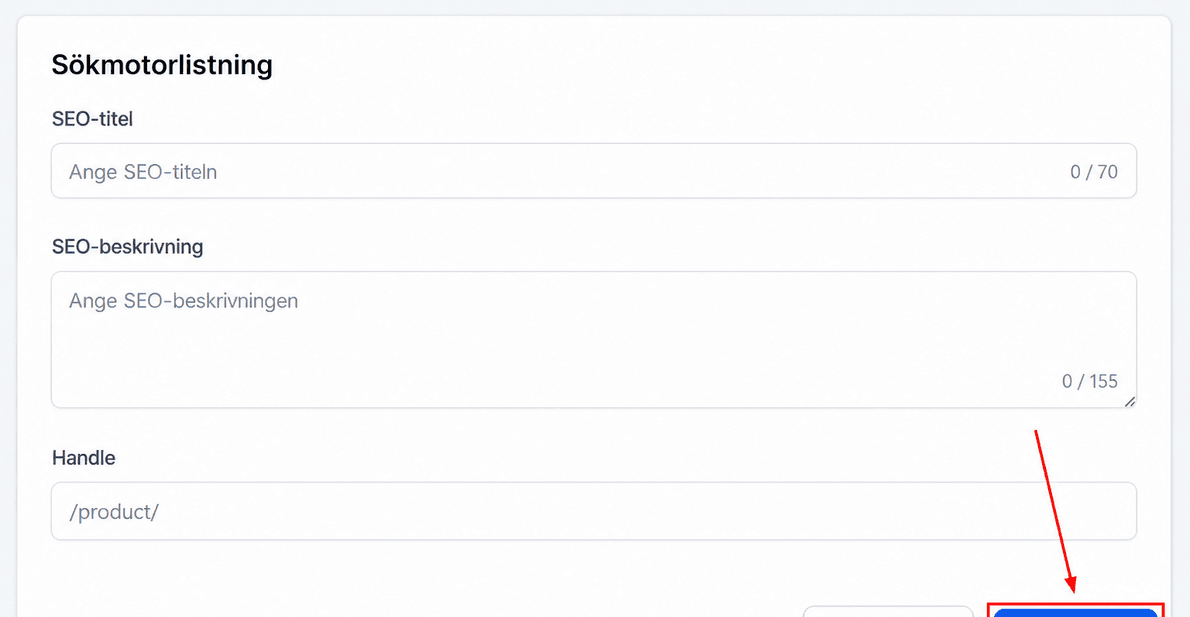
📌Note: For a more detailed tutorial on how to create a new product, check the article titled “Creating New Products.”
Lägga till en prenumeration
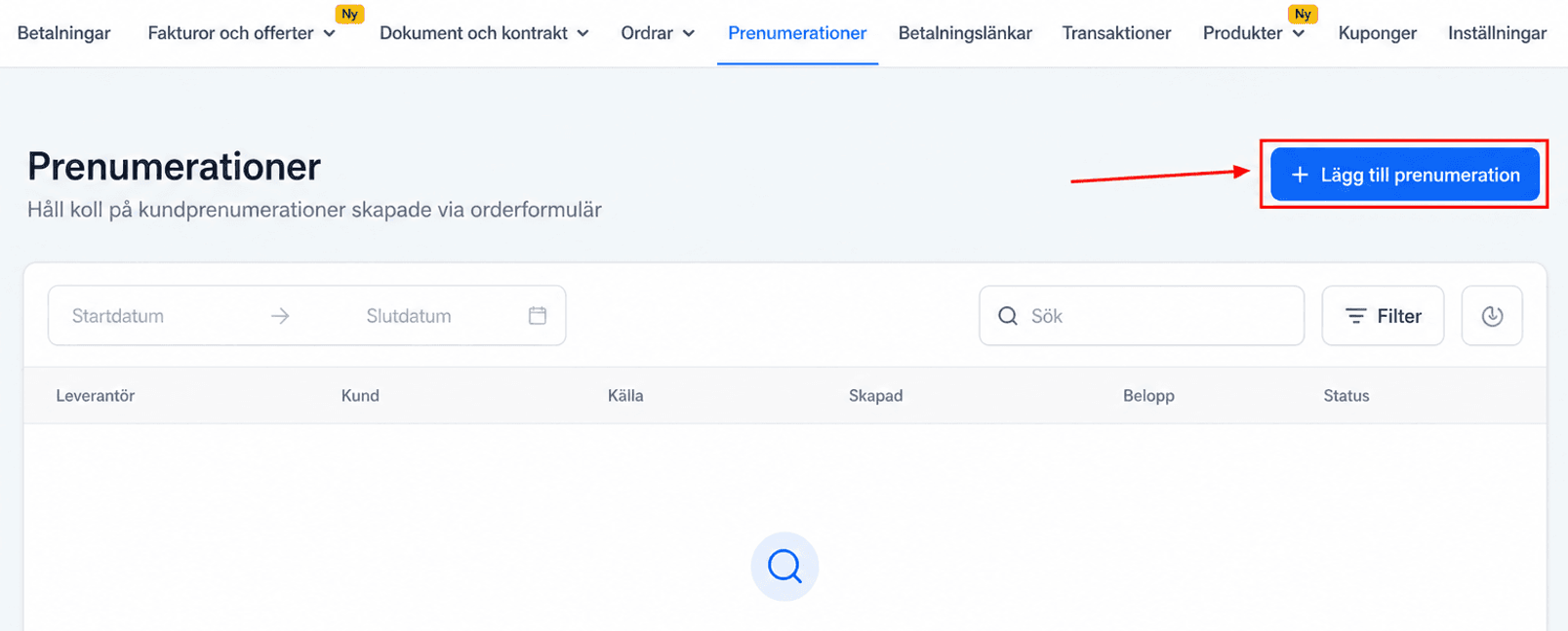
Once you’ve created a recurring product, switch to the Subscription tab and click “+ Add Subscription.”
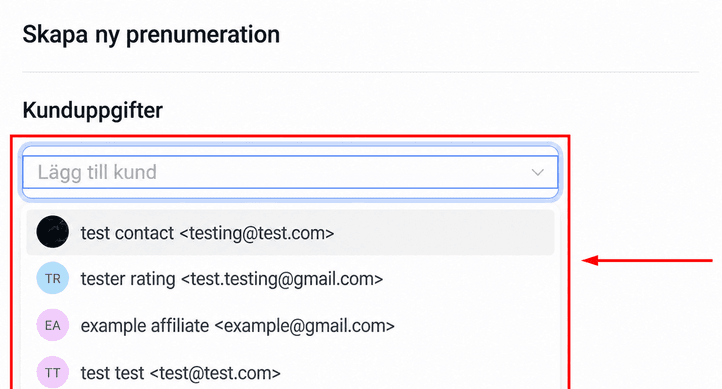
Select the customer you want to enroll in a subscription plan from the dropdown menu.
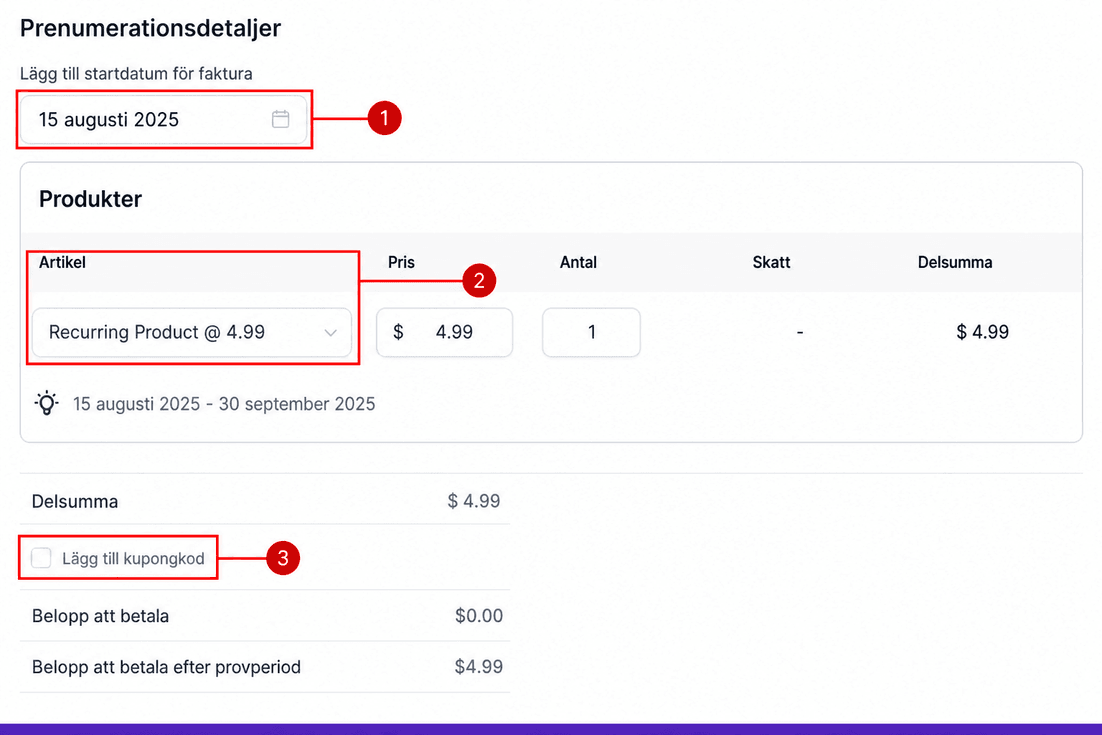
Fyll i övriga uppgifter; dessa kommer att vara:
- Bill Start Date: This will be the first time the contact is billed for the product.
- Products: Select the product that you’ll be billing for.
- Coupon Code: Apply any extra discounts by entering the respective coupon code.
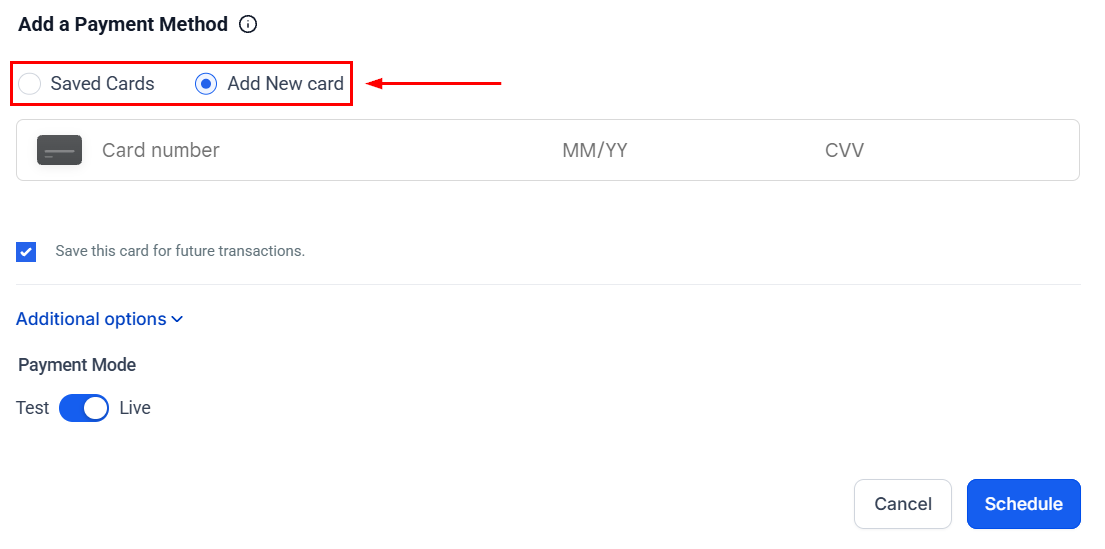
Välj betalningsmetod; you can select between saved cards if the customer has made a previous purchase or add a new card for first-time purchases.
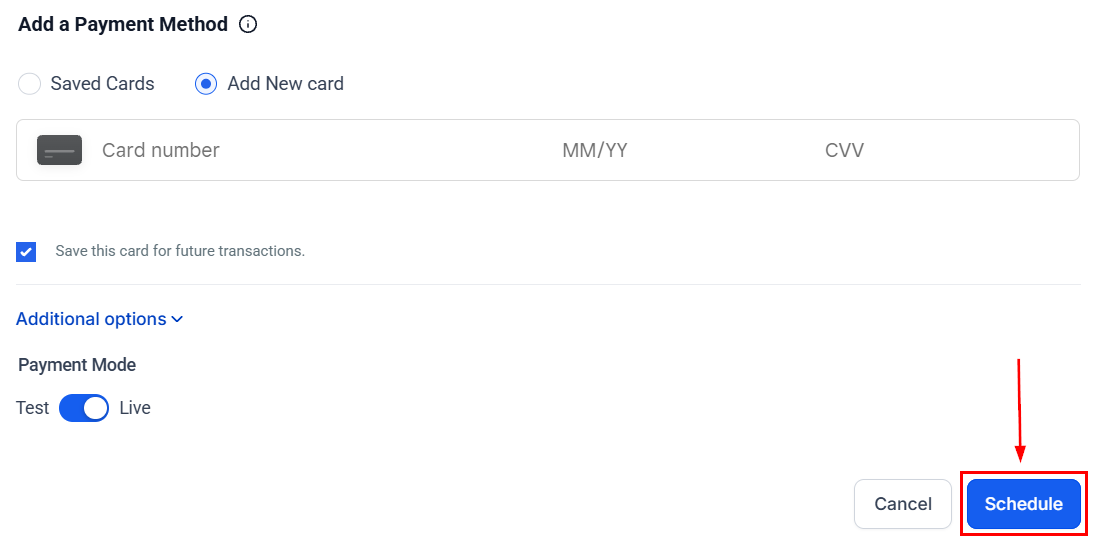
Once you’ve filled out the details correctly, click Schedule to add the subscription to your system. The subscription will be added to your CRM for easy management. Any completed invoice or online purchase for recurring products will be added to this section.
Använd din nya kunskap för att hantera återkommande och långvariga relationer med kunder, bli en del av dina kunders liv och öka varumärkeslojaliteten.
Inte kund hos Funnelbud ännu?
Prova vårt allt-i-ett CRM för sälj och marknadsföring — gratis i 7 dagar, ingen bindningstid.