Hur kan jag publicera Evergreen Content med hjälp av Category Queue?
Being constant is key to reaching big audiences and remaining relevant on social media. Kategoriköer hjälper dig att organisera dina tillgångar i sociala medier genom att gruppera dem baserat på deras teman, och bildar vintergröna innehållshinkar som främjar varumärkets synlighet och optimerar din innehållsstrategi.
To use them, navigate to the Social Planner tab, click “+ New Post,” and select Category Queue.
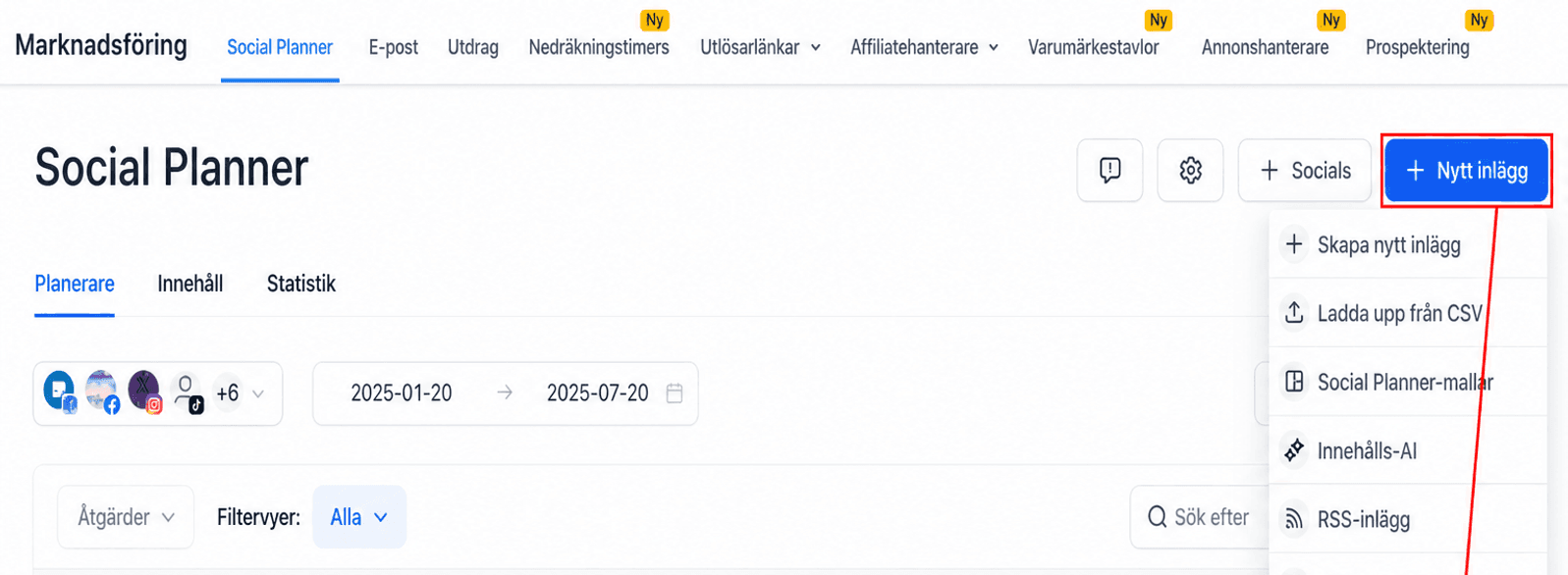
Enter your category name, then click “(Create new category).”
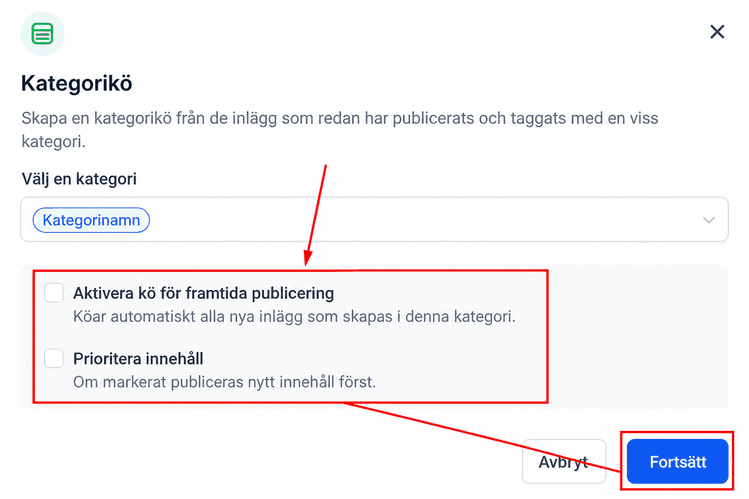
Enable Future Posting or Prioritise Content by checking the corresponding checkboxes, then click Continue.
Set the days and times you want to publish your content, then click ‘Queue Post’.
Create your content as desired; you can add more posts by clicking “+ New Post.”
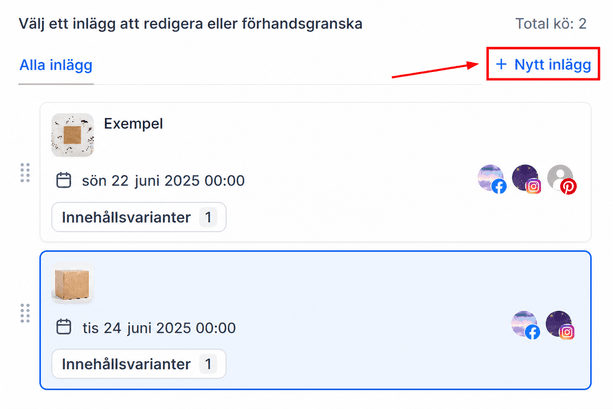
Once satisfied, click the Queue Post button to schedule them for the future.
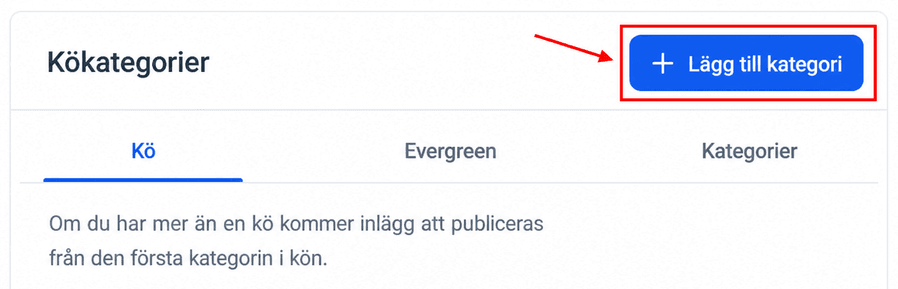
When creating a new post, you can select a Category to add it to the content bucket.
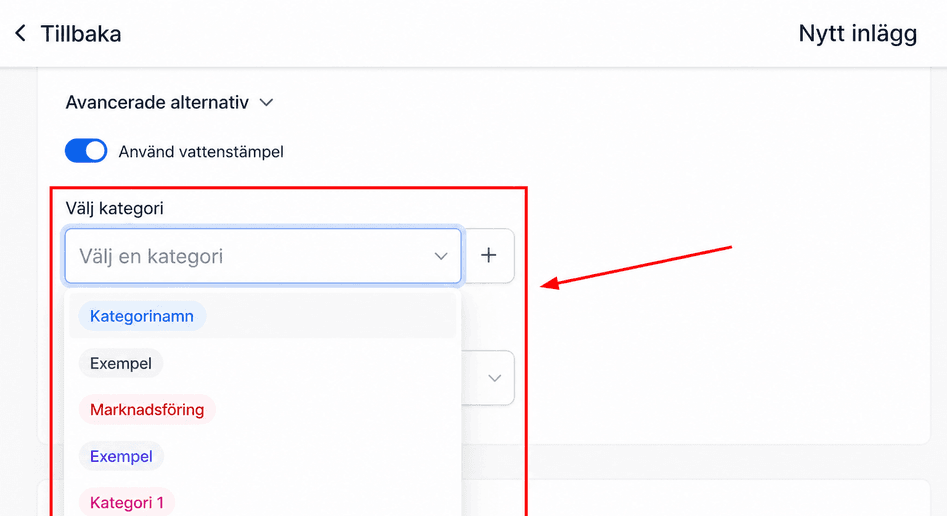
The scheduled posts will ensure that, even if you take a social media break, your brand stays present, consistent, and relevant. Allowing you to pause or reactivate the categories, however, it best fits your current marketing strategy.
Inte kund hos Funnelbud ännu?
Prova vårt allt-i-ett CRM för sälj och marknadsföring — gratis i 7 dagar, ingen bindningstid.