How to Enable Google Login for Users
A common feature in most apps nowadays is using your Google account to log in. This makes the login process convenient, reduces issues with forgetting your password, and speeds up the experience. We know you want to offer the best experience to your subaccount users, so follow along to enable this option.
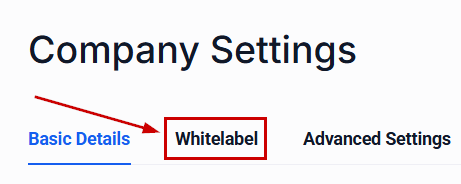
In the Agency View, access your settings. Then, navigate to the Company section and select the Whitelabel tab.
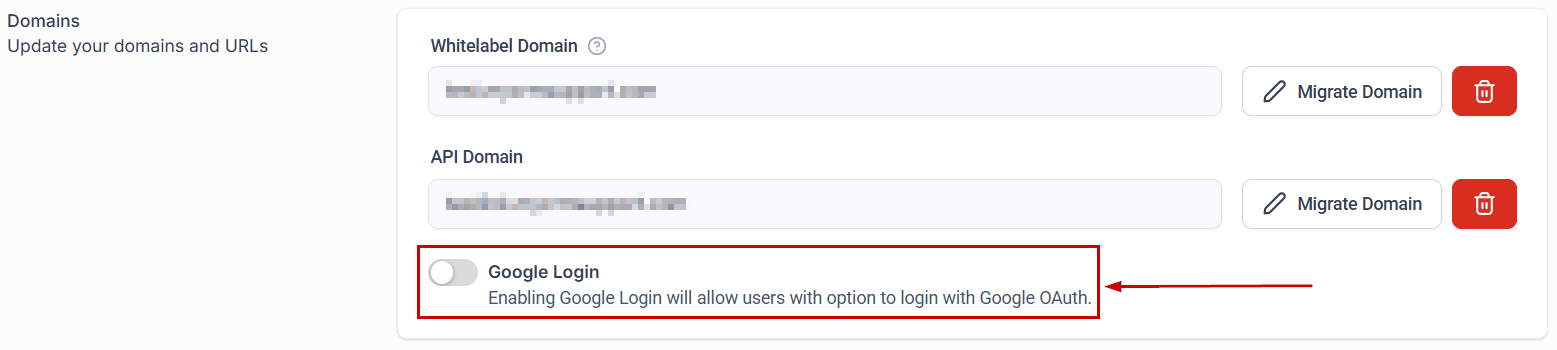
If your white-label domain is configured correctly, you’ll see a toggle to enable Google Login.
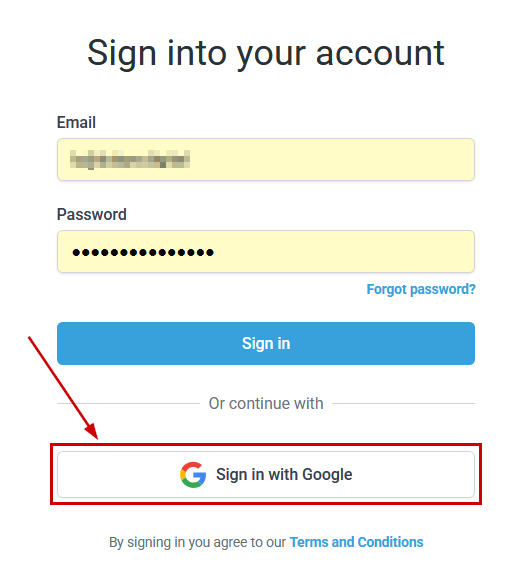
Once enabled, the WL login page will display a “Sign in with Google” CTA, allowing users to authenticate via Google OAuth.
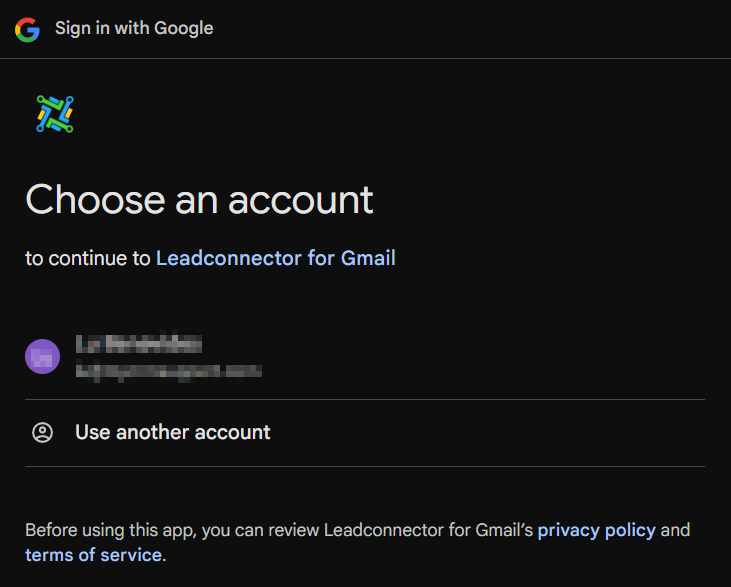
This will open a pop-up window for the user to select the Google Account for authentication.
Enabling this option makes the experience smoother for users without impacting existing CSS implementations.