Requests Overview
The Requests section provides a comprehensive overview of all review requests you’ve sent, whether they are completed or still pending. It also displays essential customer details, enabling you to track engagement and interaction with your review outreach closely. This detailed record serves as a valuable tool for assessing the effectiveness of your feedback collection efforts, allowing you to make informed adjustments to enhance your reputation management strategy and improve customer relations.
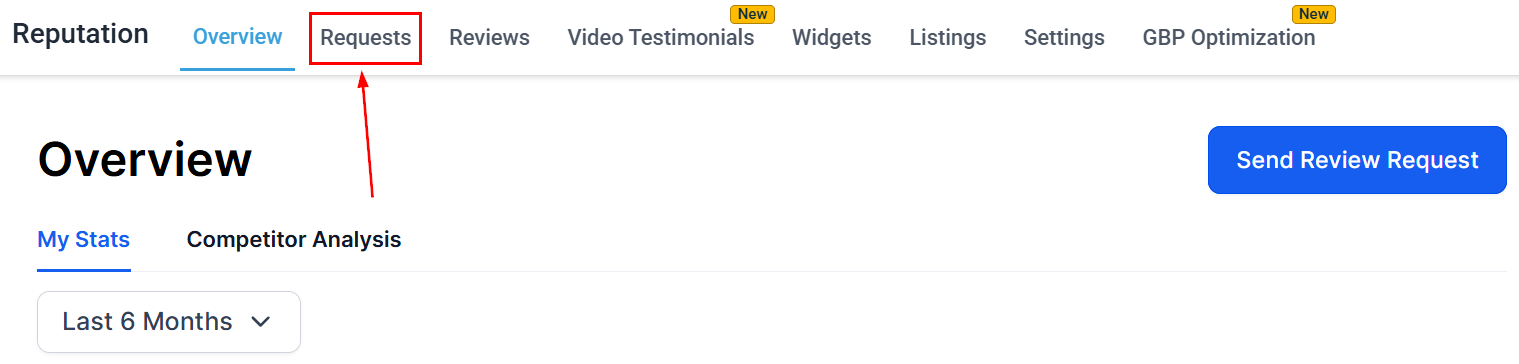
Access the Requests tab with the Reputation section of your account.
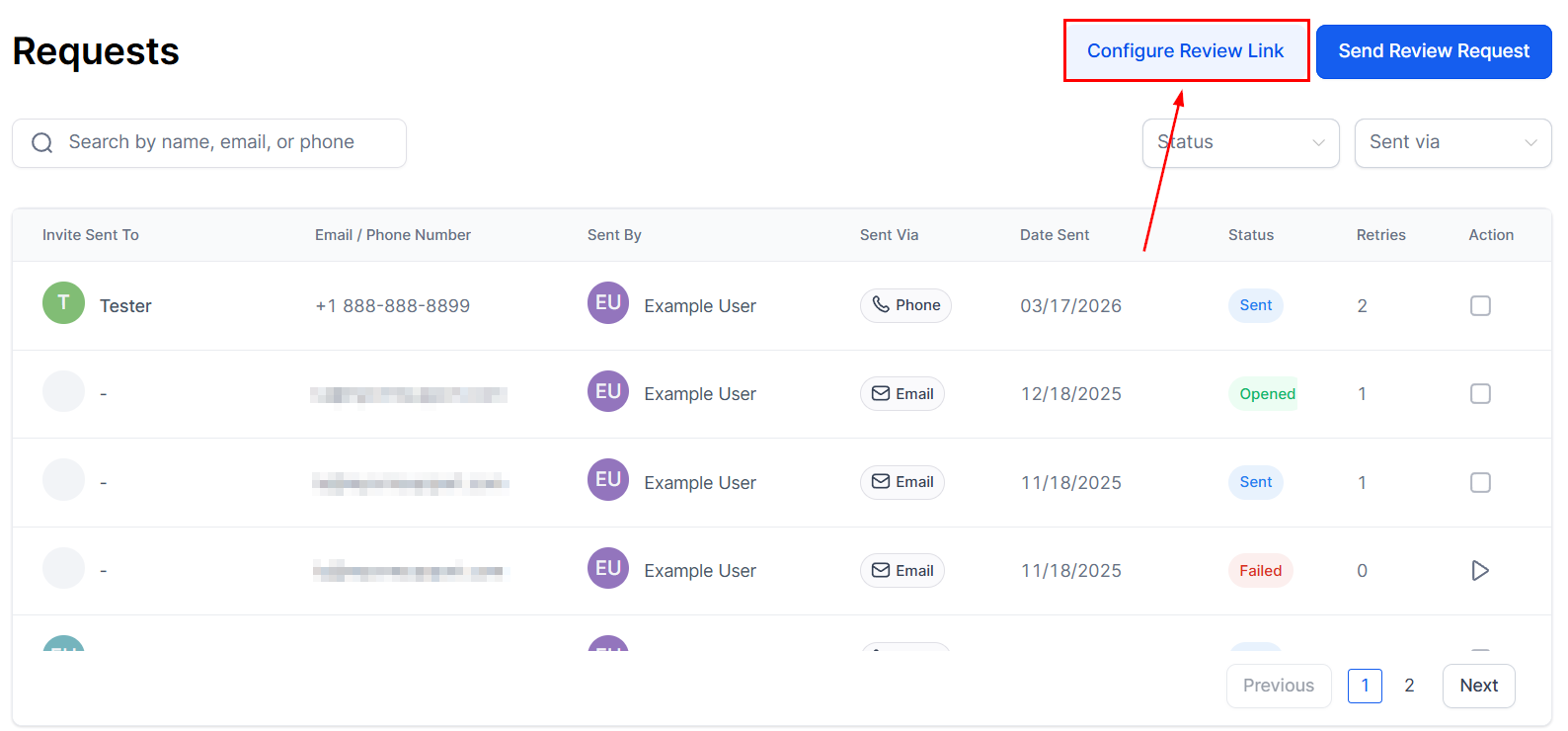
Configure Review Link
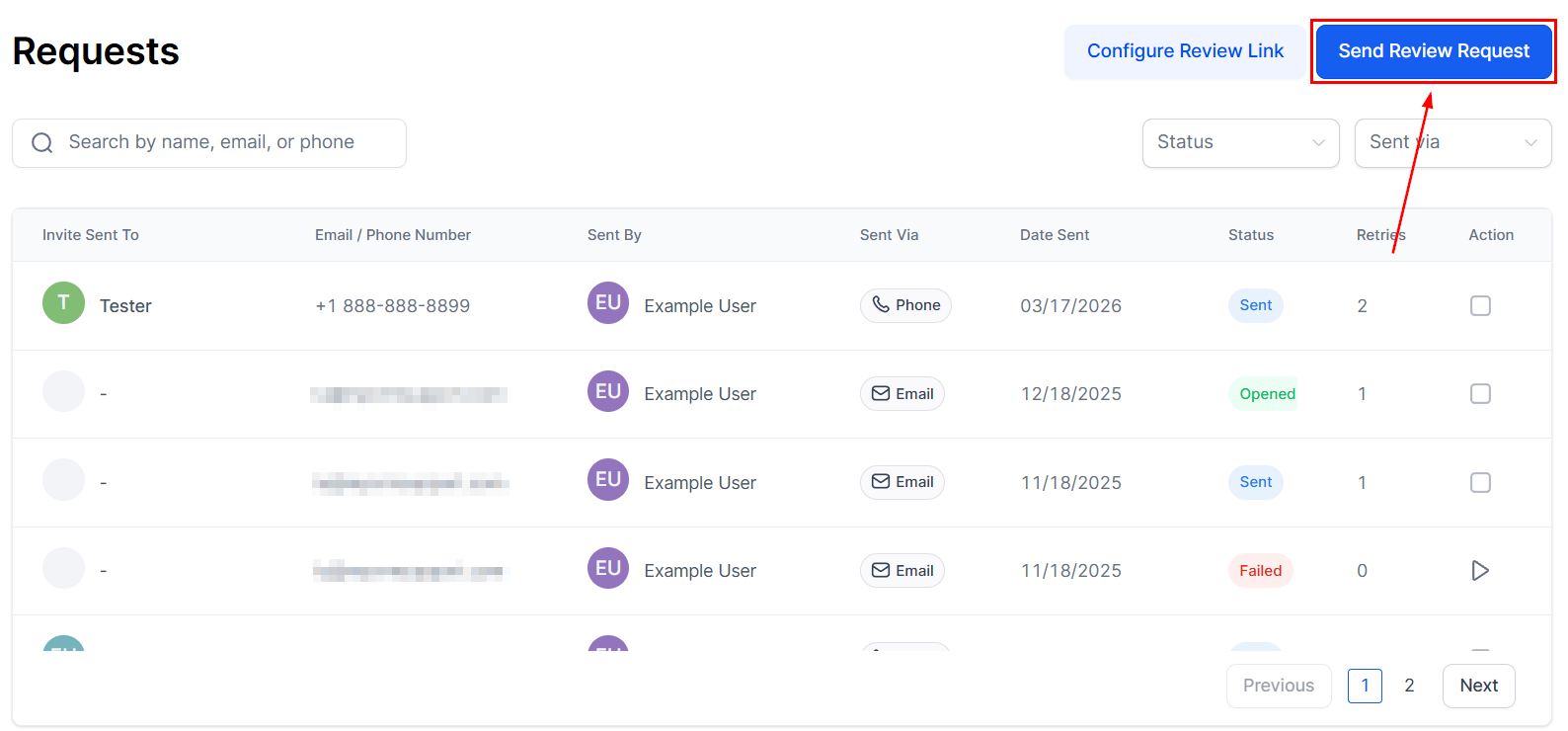
Send Review Request
Click this button to issue a review request to a contact. You will then be prompted to enter the contact’s name, provide their contact details, and select the preferred delivery channel for the request.
Review Request List
The Review Request List displays all your requests and their related data, helping you track the effectiveness of your outreach. You can search for a specific review by entering the associated contact name, email or phone number.
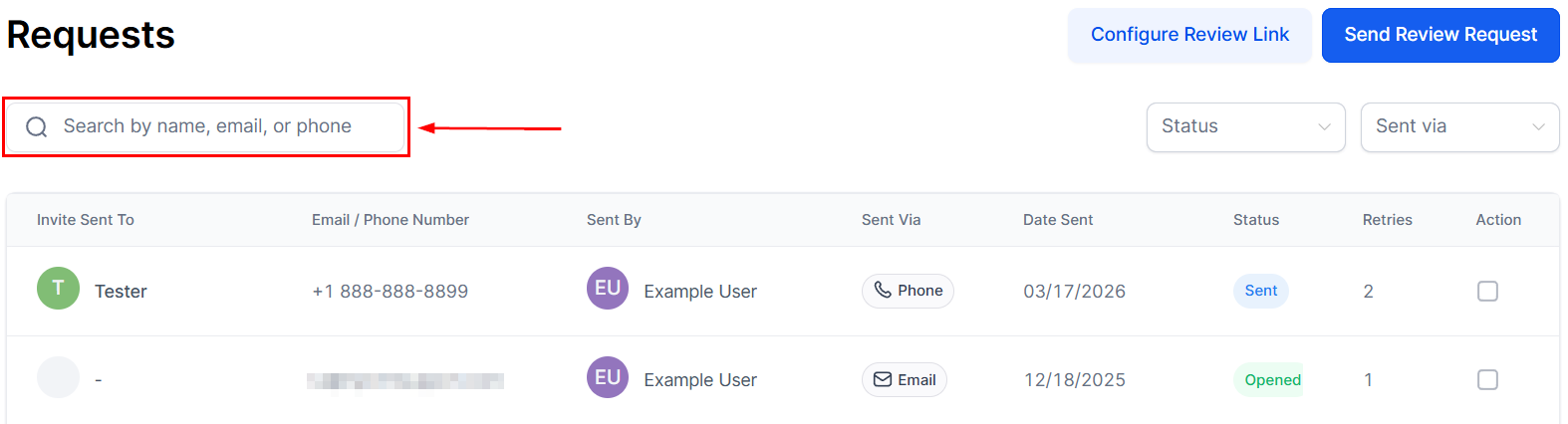
Here’s a breakdown of the columns in the table:
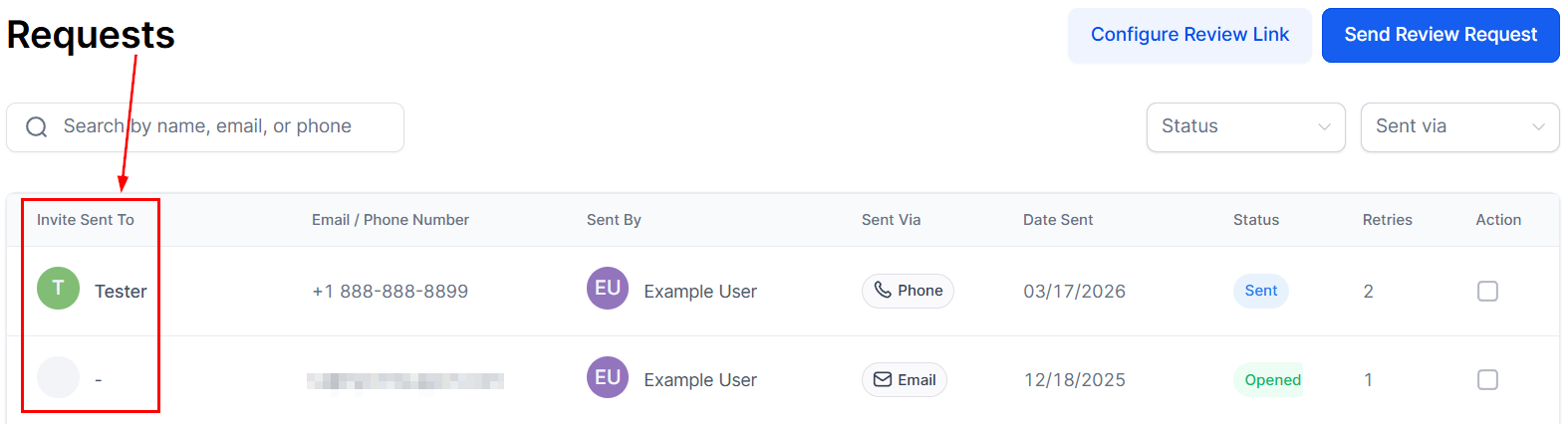
Invite Sent To
This column shows the name of the recipient who was targeted for the review request. It allows you to easily identify which customers have been invited to provide feedback, ensuring that you can keep track of who is being engaged for reviews.
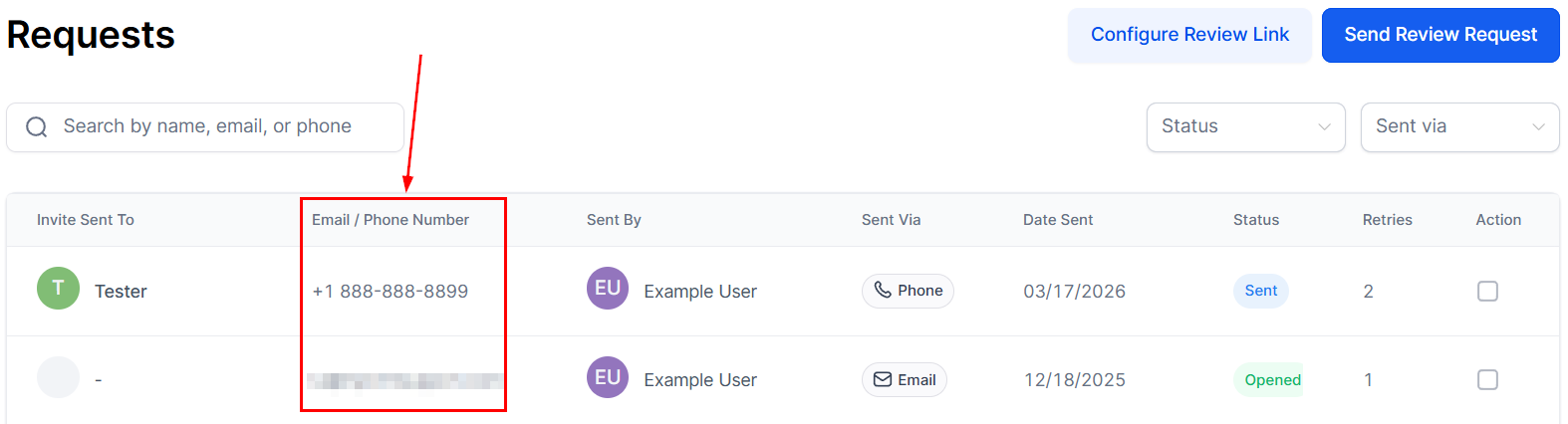
Email or Phone Number
Displays the method of contact used to send the review request, either via email or SMS. This is particularly helpful for understanding customer preferences and determining which method is more effective in prompting responses.
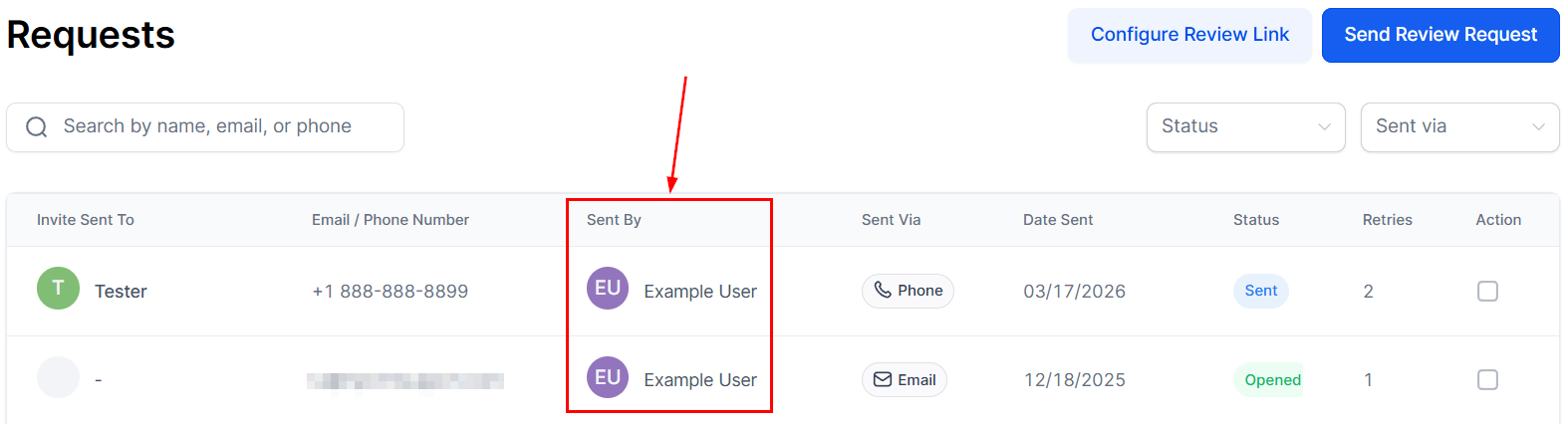
Sent By
This field indicates which team member or user from your organization sent the review request. It’s useful for accountability and tracking which staff members are managing customer outreach, especially in larger teams.
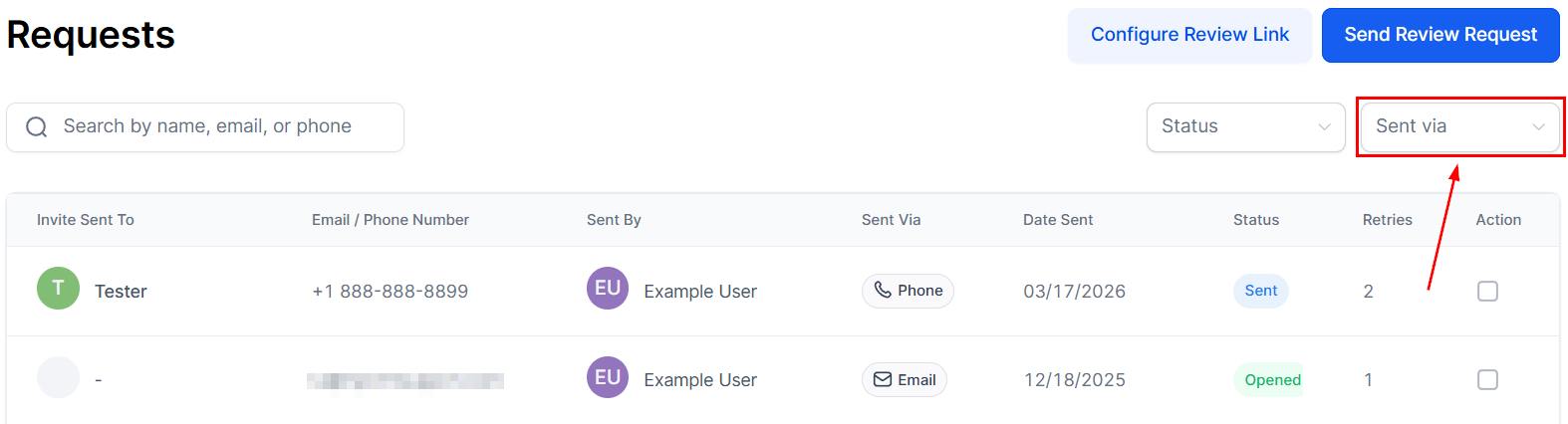
Sent Via
The Sent Via field indicates the channel used for the review request.
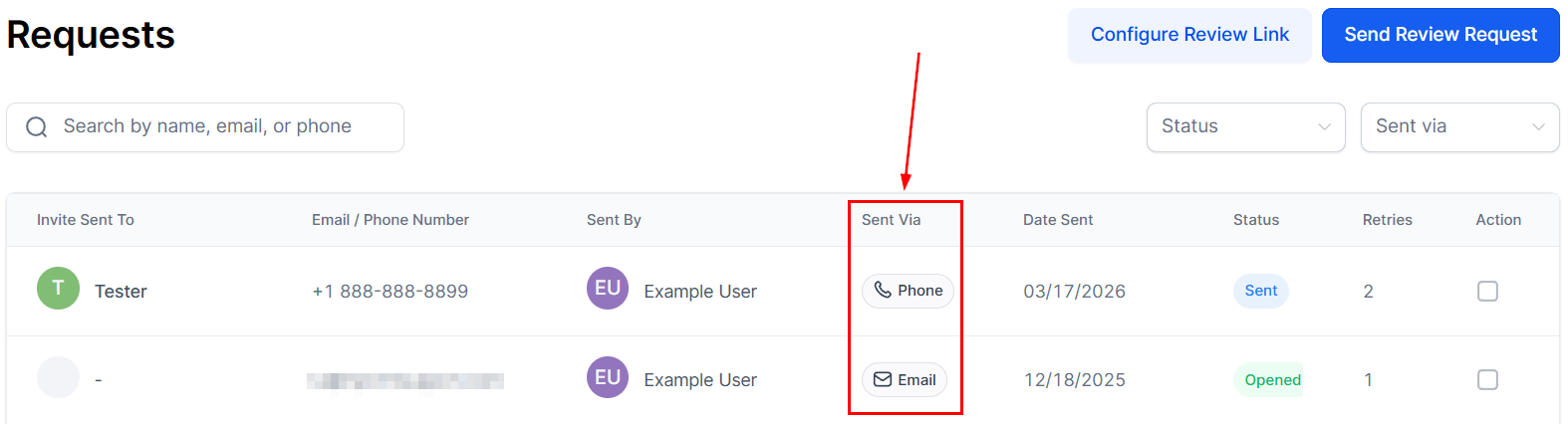
You can also use the “Sent via” dropdown selector to limit reviews to a specific channel.
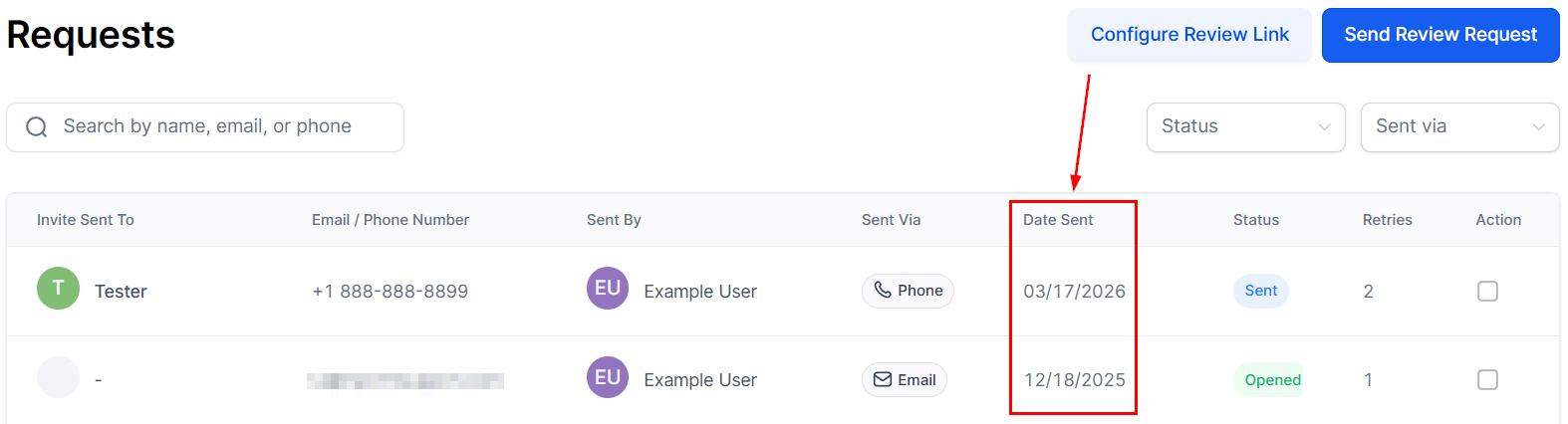
Date Sent
This column records the exact date when the review request was issued, allowing you to keep a timeline of all sent requests.
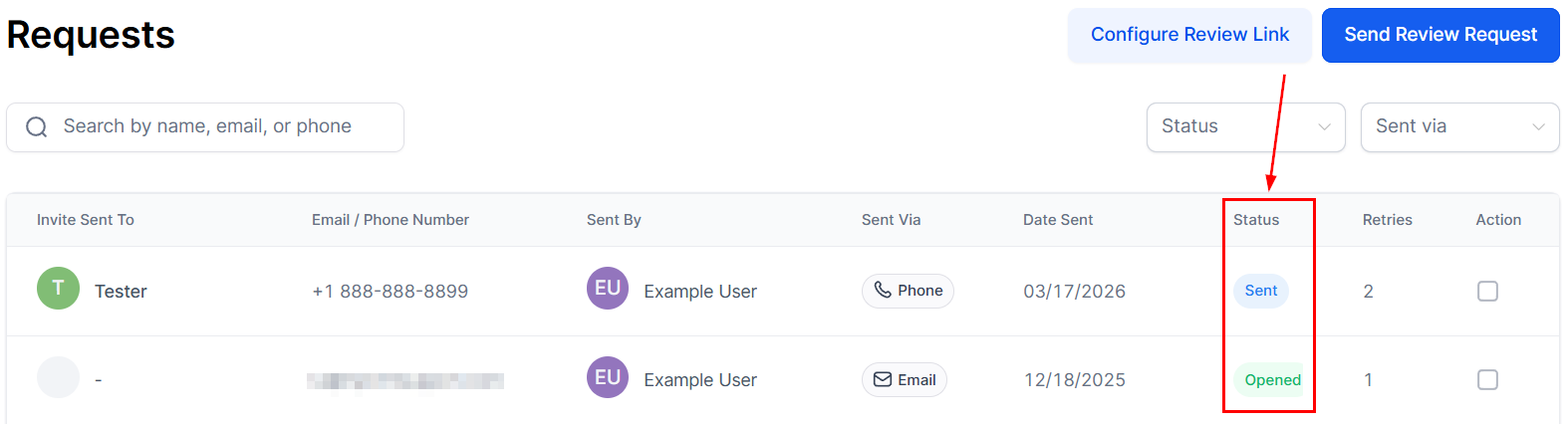
Status
Provides the status of the review request (queued, sent, delivered, and failed). This status allows you to assess the overall progress of your feedback collection efforts at a glance.
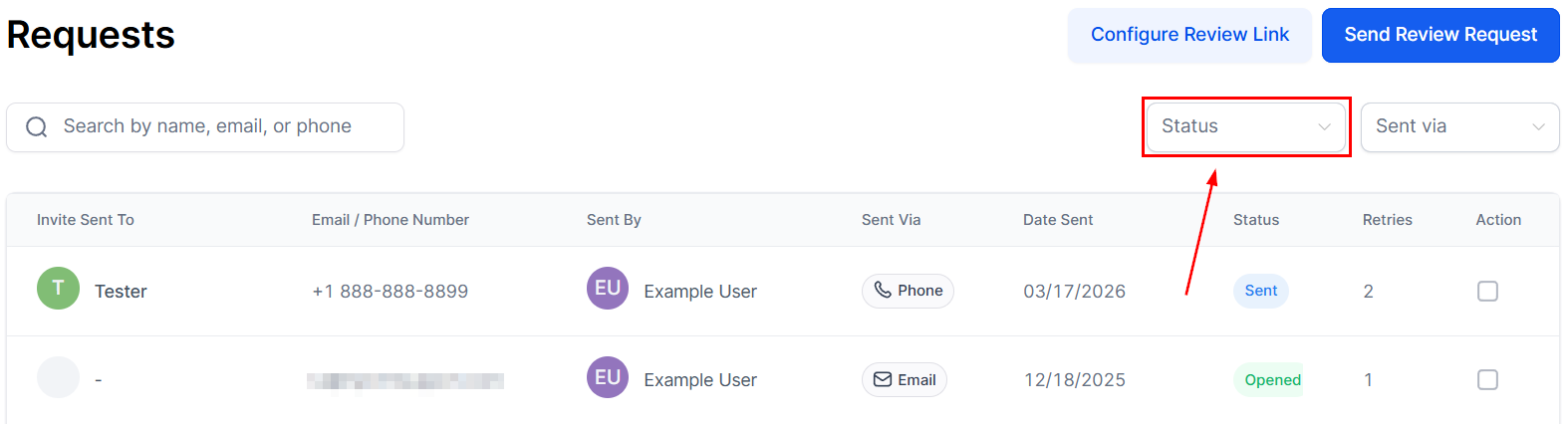
You can use the “Status” selector to limit the shown results.
The status a review request can have are:
- Queued: When a review request is created, the system attempts to send it immediately. However, if there are other review requests ahead in the queue, there may be a brief delay before it is dispatched. Another possible reason for a delay is if the email or SMS is configured to be sent after a designated time, such as one day.
- Undelivered: A review request is marked as undelivered if there are issues, such as an invalid phone number, that prevent reaching the contact.
- Failed: A review request is marked as if the content of the review request prevents it from reaching the recipient.
- Sent: This indicates that the system has successfully sent the review request.
- Delivered: For SMS requests, Twilio confirms delivery once the message is successfully received.
- Opened: Email requests will be marked as opened once the delivery system registers that a contact has interacted with your request.
- Read: For WhatsApp requests, Meta confirms the contact has read your review request.
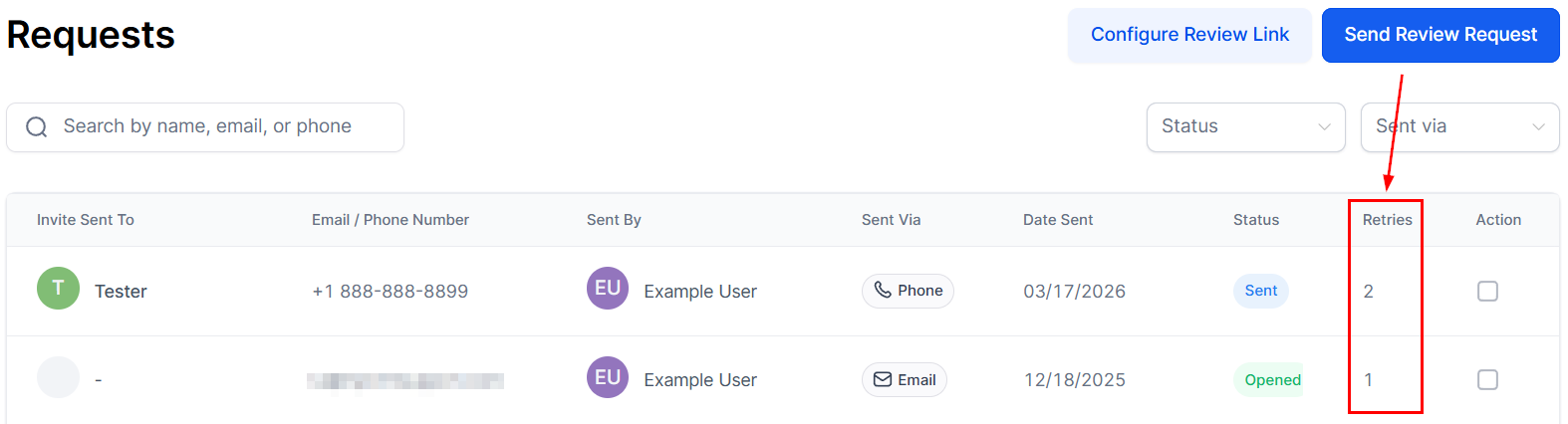
Retries
Displays how many times a follow-up request was sent to the same customer. This is especially helpful when monitoring persistence in soliciting feedback, as it can provide insight into the effectiveness of your follow-up strategy and whether additional outreach efforts are needed.
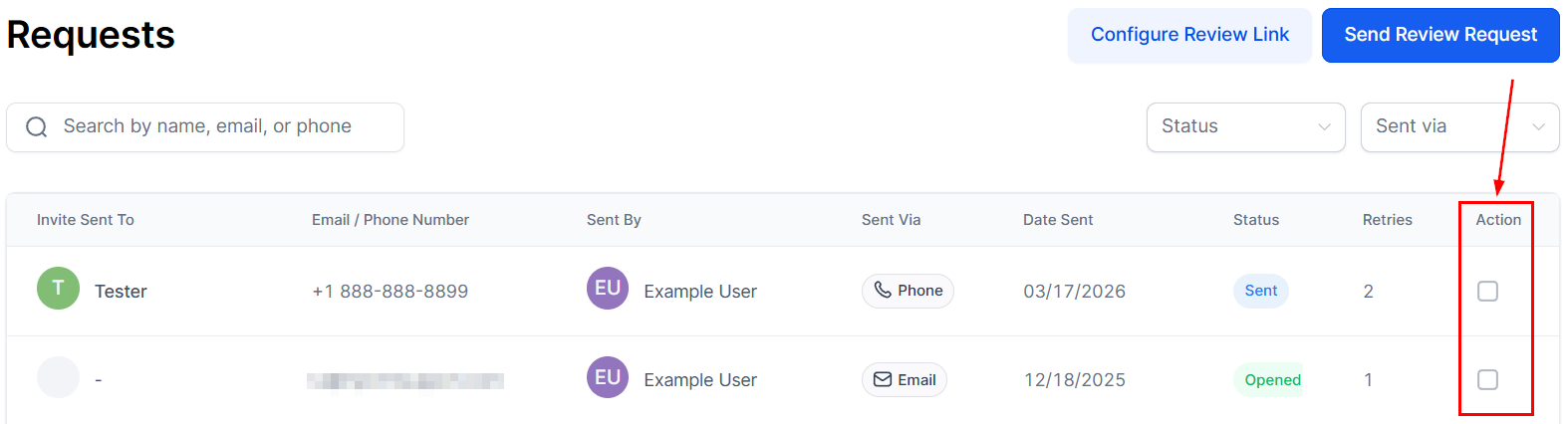
Action
This column provides the option to pause or resume requests that are currently queued. This feature allows you to manage the timing and flow of your review requests more effectively, ensuring they are sent according to your preferred schedule and operational needs.
By regularly monitoring these requests, you can optimize your approach to collecting and utilizing customer feedback to bolster your brand’s online presence.
Not a Funnelbud customer yet?
Try our all-in-one CRM for sales and marketing — free for 7 days, no commitment.