OpenRouter Actions & Triggers
The OpenRouter app allows you to invoke AI models directly inside your workflows, enabling automated content generation, summarization, and personalized messaging. Instead of manually drafting responses or processing information, you can configure workflows to generate AI outputs in real time using structured prompts and dynamic variables.
📌Note: The primary feature available is the Generate Response action. This action sends a prompt to a selected AI model and returns a generated output that can be reused throughout the workflow.
How to Connect and Configure
In your workflow builder, add a new action and search for OpenRouter.
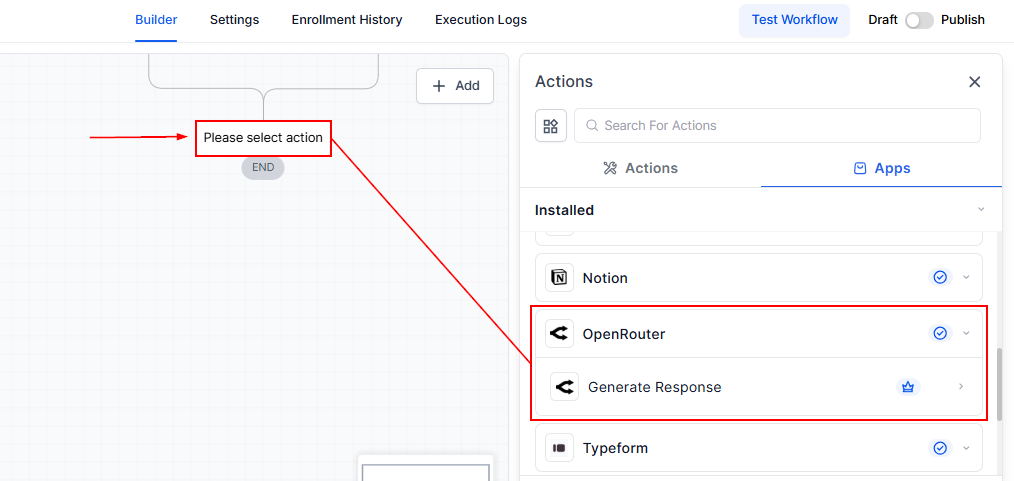
If not already connected, click Connect Now and authenticate using your OpenRouter API key.
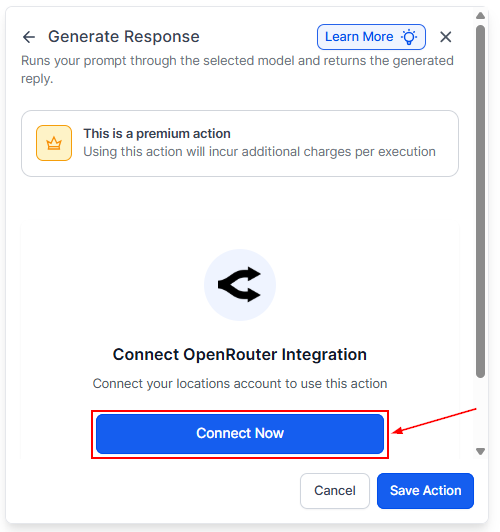
- System Prompt (Optional): Use this field to define the AI’s role, tone, or behavior. For example, you can instruct the model to act as a support agent, a concise responder, or a marketing strategist.
- Prompt (Required): Provide the main instruction, task, or question. This field supports dynamic workflow variables, allowing you to personalize responses automatically.
- Model Selection (Required): Choose the appropriate AI model based on your objective. Lightweight models are suitable for straightforward tasks, while more advanced models are recommended for complex or creative outputs.
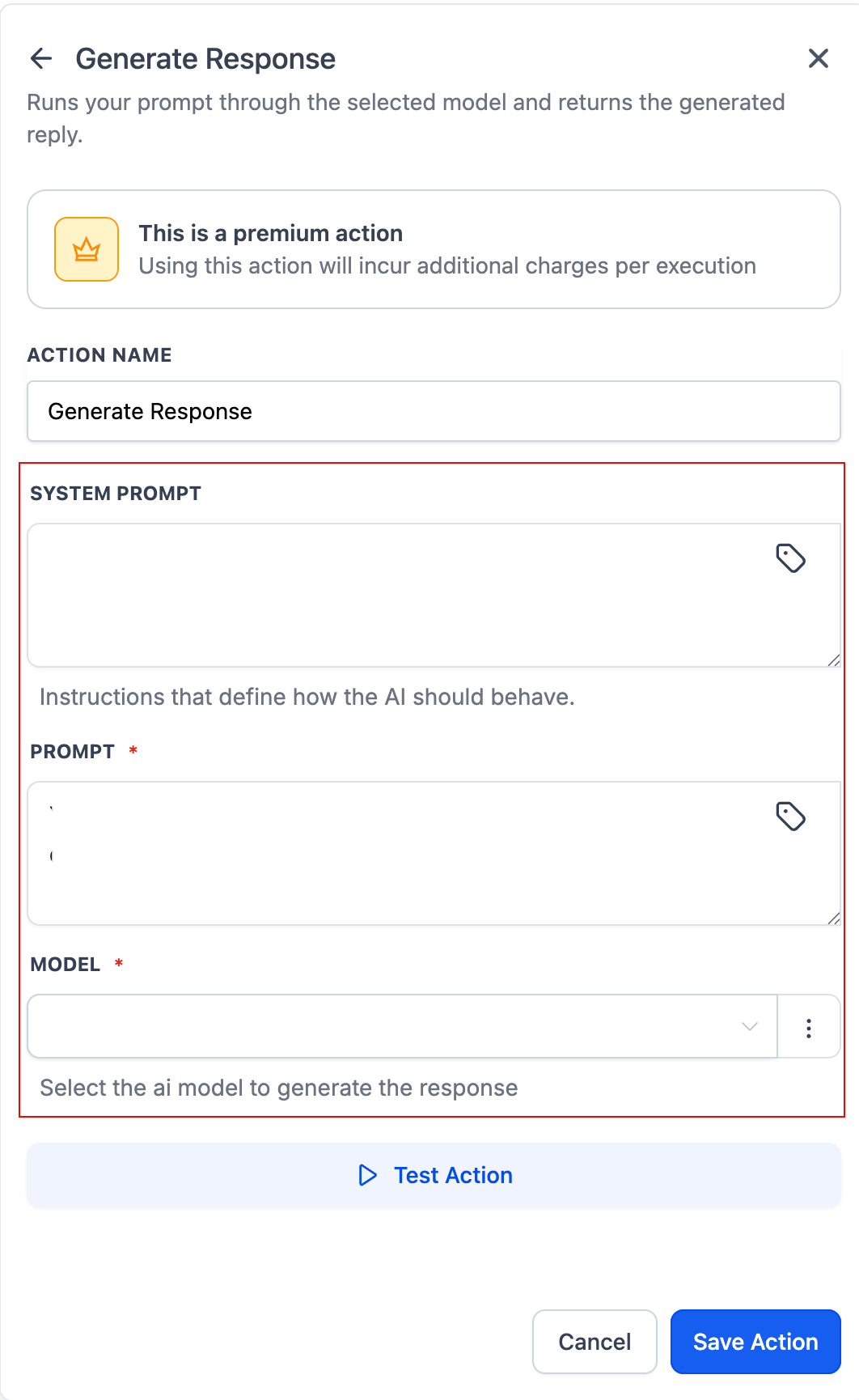
You can use the Test Action feature to validate the output before you activate the workflow. Map the generated response to messages, custom fields, conditions, or downstream actions.
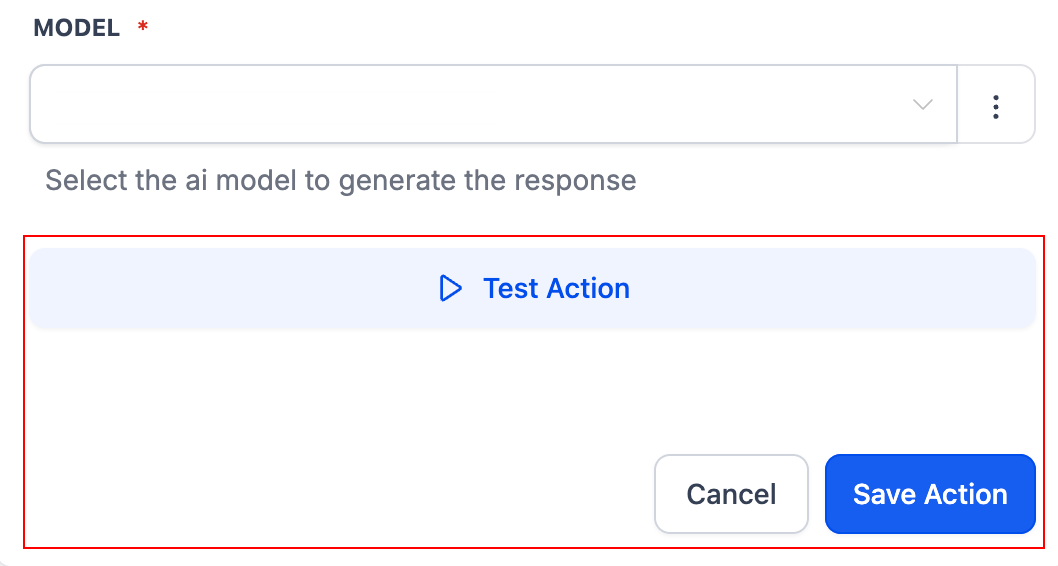
Through OpenRouter, you can access 300+ models—including options from OpenAI, Anthropic (Claude), Google (Gemini), and Perplexity AI—and select the model best suited for your specific use case based on quality, speed, creativity, or cost.
By embedding AI directly into your workflows, you move from manual execution to intelligent automation. Whether you’re generating tailored messages, summarizing complex inputs, or dynamically responding to user data, OpenRouter allows you to operationalize AI as part of your core process—not as a separate tool.
Practical Applications
- AI-Powered Customer Replies: Automatically generate contextual email or SMS responses using contact data and inbound message content.
- Message and Form Summarization: Summarize long form submissions or extended conversations into concise notes that can be stored in CRM fields or used in conditional logic.
- Personalized Follow-Ups: Generate tailored follow-up messages using workflow variables such as name, service type, appointment details, or purchase history.
- Scalable Content Generation: Create structured content for emails, SMS, WhatsApp, or other communication channels without manual drafting.
Best Practices
- Be specific and explicit in your Prompt instructions.
- Use the System Prompt to control tone, structure, and intent.
- Test multiple AI models to determine the best performance-to-cost ratio.
- Keep prompts clear and concise to improve output consistency.
- Leverage workflow variables to dynamically personalize responses.
Frequently Asked Questions
Can workflow variables be used in the prompt?
- Yes. Supported workflow variables can be inserted into both the Prompt and System Prompt fields to generate personalized AI responses.
What is the difference between System Prompt and Prompt?
- The System Prompt defines the AI’s behavioral context and tone, while the Prompt contains the primary task or instruction sent to the model.
Which AI model should I choose?
- Select models based on task complexity. Simple tasks perform well on lighter models, while creative or analytical tasks benefit from more advanced models.
Can the AI-generated response be stored in a custom field?
- Yes. The generated output can be mapped to custom fields, inserted into outbound messages, or passed into additional workflow actions.
Are there additional costs?
- Yes. OpenRouter usage is billed according to the selected model and consumption through OpenRouter, in addition to standard automation action usage.
Not a Funnelbud customer yet?
Try our all-in-one CRM for sales and marketing — free for 7 days, no commitment.