Ask AI for WhatsApp
Creating the perfect WhatsApp template can be a hassle, with getting the message right and meta limitations, it is easy to get lost. But don’t worry, Ask AI is here to help. It will run your entire WhatsApp channel end-to-end, from a single chat window. Templates, sends, bulk campaigns, Flows, analytics, and onboarding. Let’s learn how to use it!
Creating A Template
Open Ask AI from any sub-account where WhatsApp is configured.
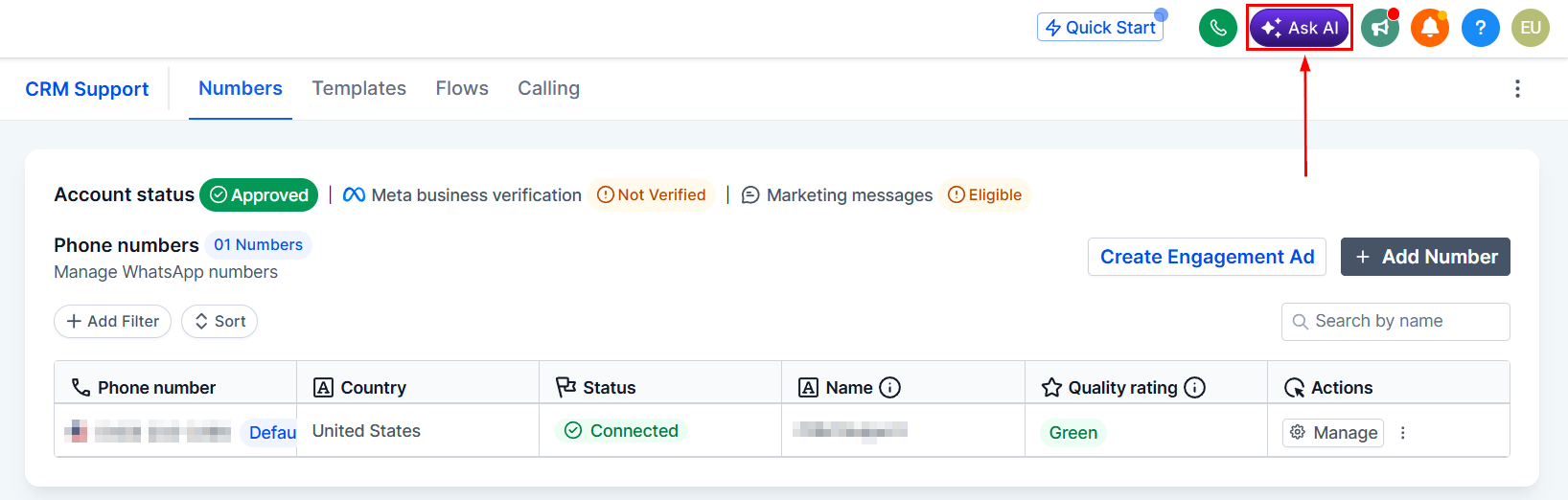
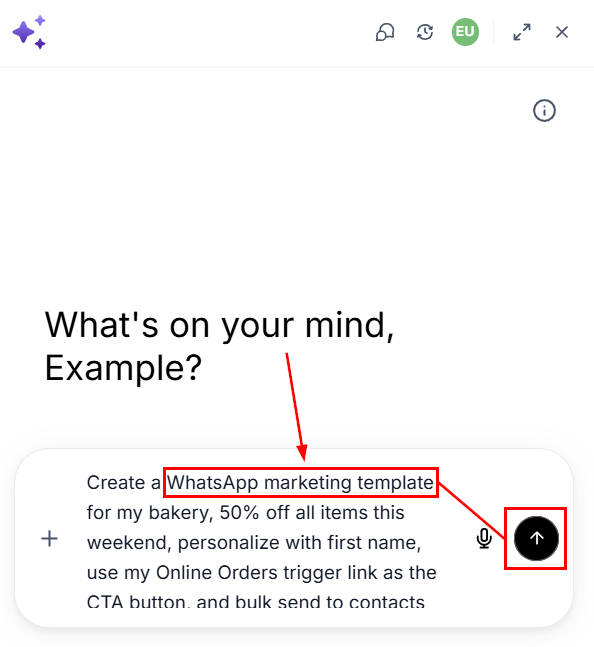
Describe what you want, make sure to include “WhatsApp marketing template” so Ask AI routes your request to the WhatsApp channel.
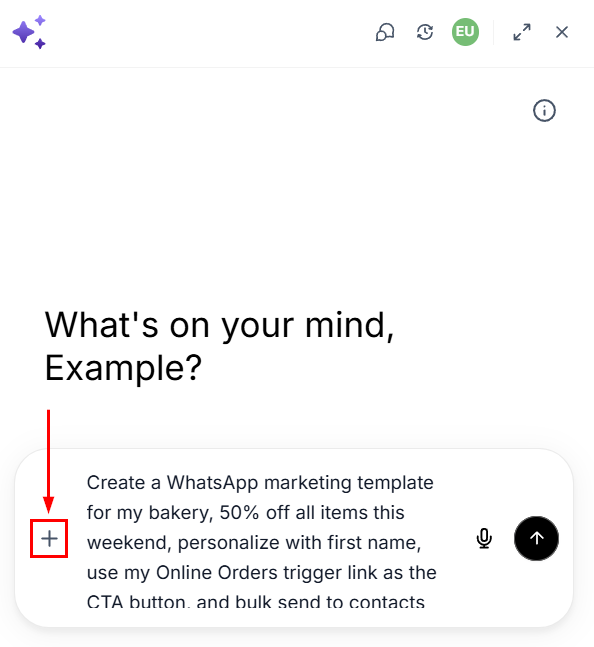
If you want to add images or files, click the plus sign icon to upload them.
Review the draft Ask AI shows you and make any necessary changes.
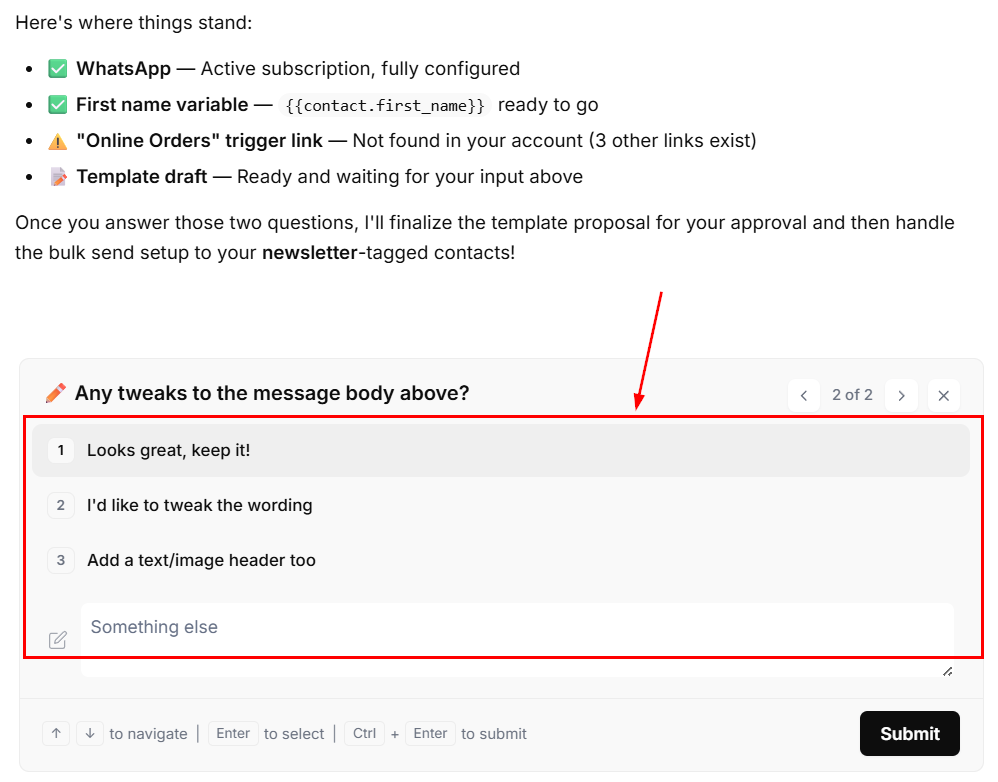
Once you’re satisfied with the template, approve it by clicking.
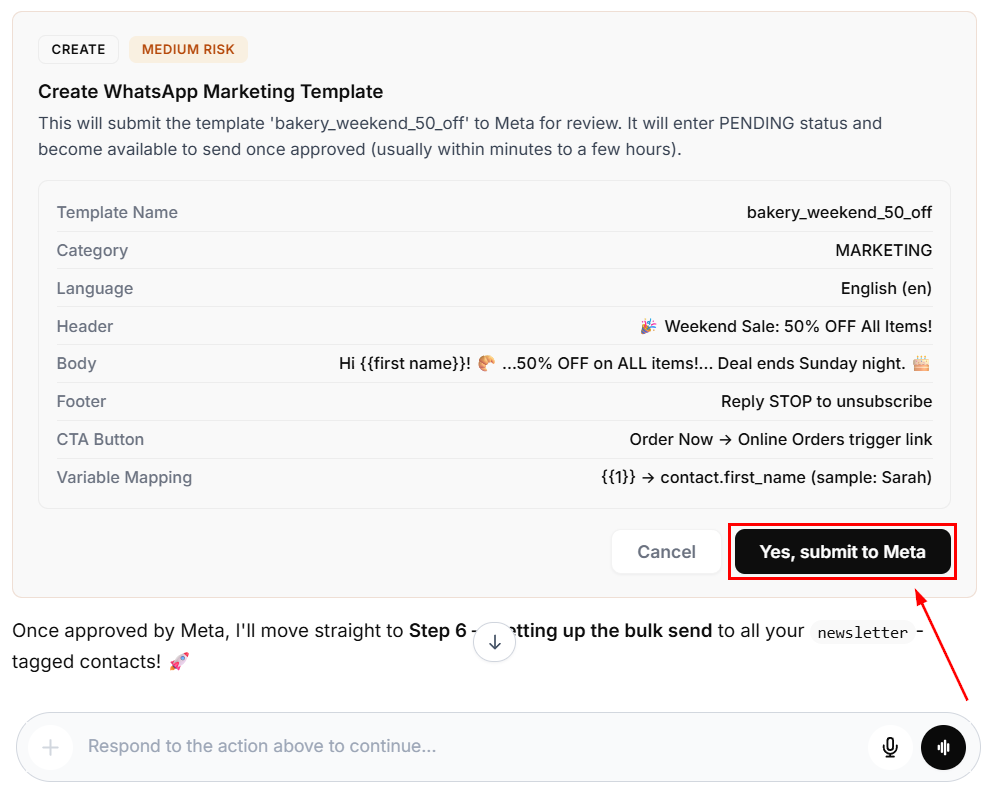
After this step, your template, campaign, or Flow goes live, helping your customers connect with their audience via WhatsApp. Every hour your team spends navigating builders, stitching together bulk sends, and pivoting between dashboards is an hour not spent with customers. This tool gives you that hour back at campaign scale and puts the full power of WhatsApp into the hands of every person on your team.