Group Access Granted Trigger
The “Group Access Granted” trigger is activated when a user is added to a specific community group. This trigger allows you to initiate automated workflows to welcome users, deliver onboarding content, or assign new resources, ensuring a smooth and engaging entry into the group.
How It Works
Begin by accessing the relevant workflow, then add the Group Access Granted trigger.
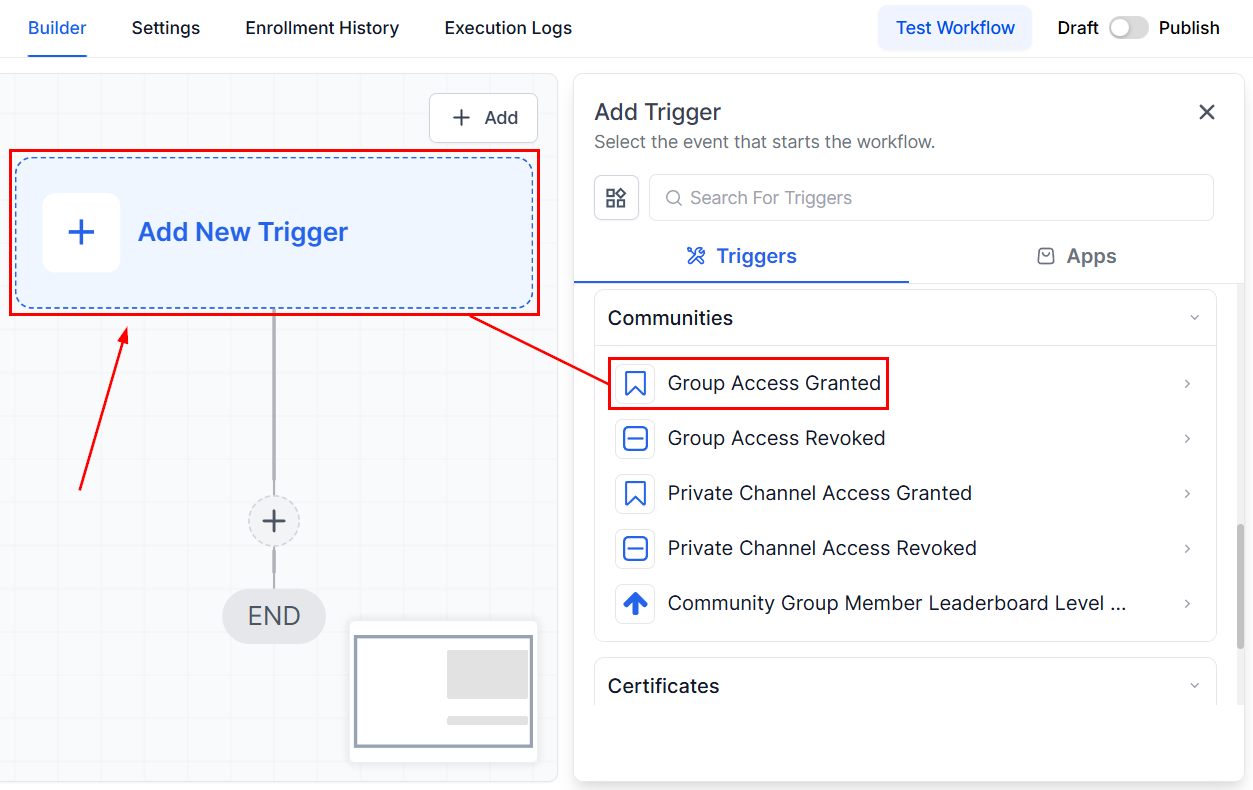
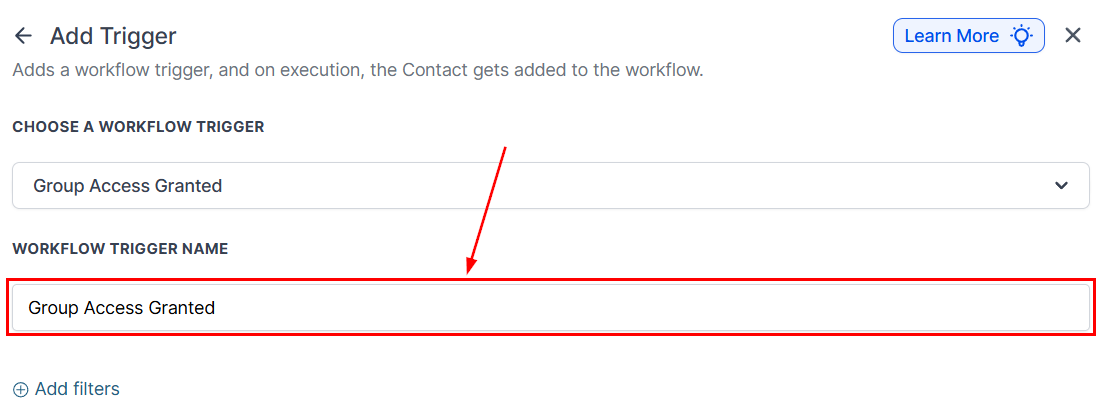
Workflow Trigger Name
In the Workflow Trigger Name field, assign a descriptive name that reflects the trigger’s purpose, such as “Onboarding: Marketing Group Access Granted.”
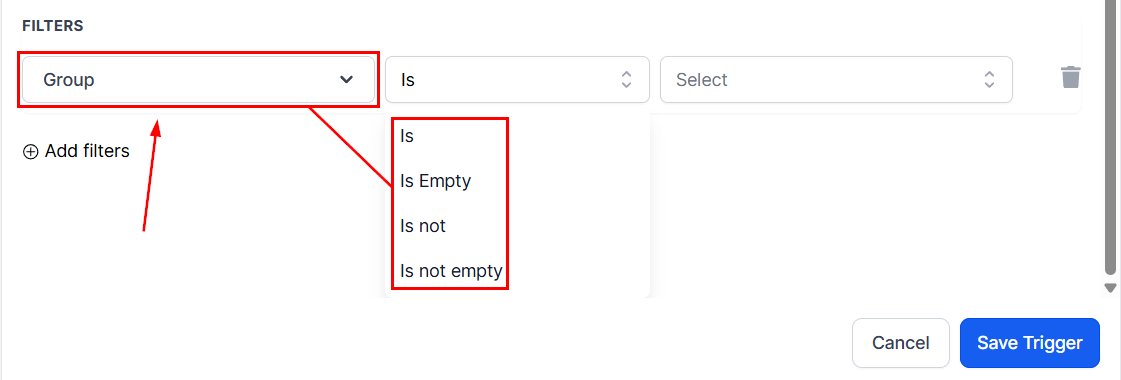
Set Up Filters
Refine the trigger by specifying the groups users are being added to. Use the “is” or “is not” filters to include or exclude specific groups. Additionally, apply the “is empty” or “is not empty” filters to target users based on their existing group memberships.
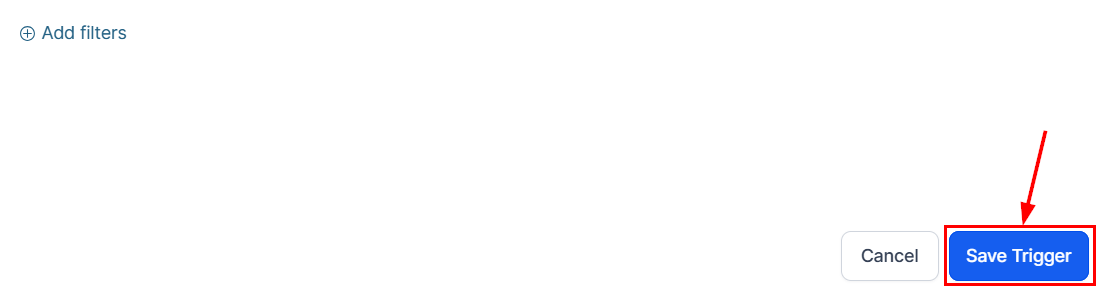
Save the Trigger
Review your configuration, confirm the settings, and save the trigger.
Finally, test the workflow to ensure it performs as expected. Once verified, activate it so the automation begins as soon as users are granted access to the specified group(s).
With flexible filters and intuitive setup, this trigger supports seamless community management while enhancing user satisfaction from the very first interaction.
Not a Funnelbud customer yet?
Try our all-in-one CRM for sales and marketing — free for 7 days, no commitment.