Product Collections
A great way to boost your sales is by keeping your customers inspired and wanting more. Grouping products helps you achieve that by showcasing several at once; this will create a cohesive idea in your client’s mind, making up-selling easier than ever.
Product Collections allows you to group similar products into the same category. This will help you keep your product list organized and improve the search experience for your clients. It will also help you achieve buzz around all your products at once, increasing the chances of your customers coming back for more.
Creating a Product Collection
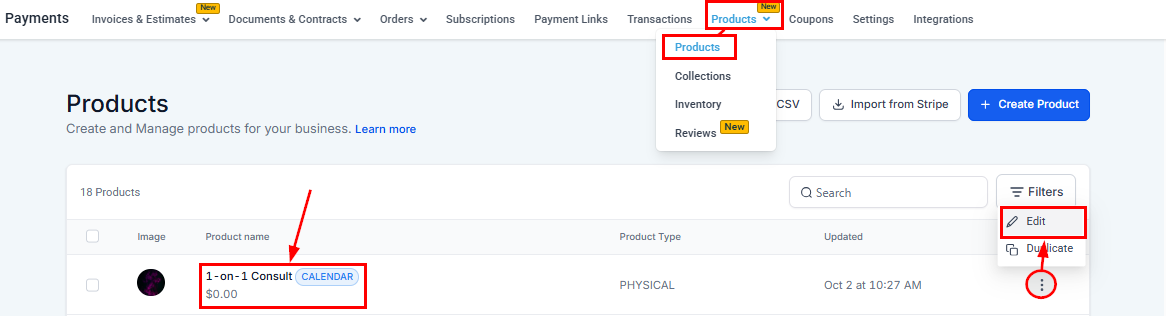
To create them, select the Collections option inside the Products Tab. This will be under the Payments section.
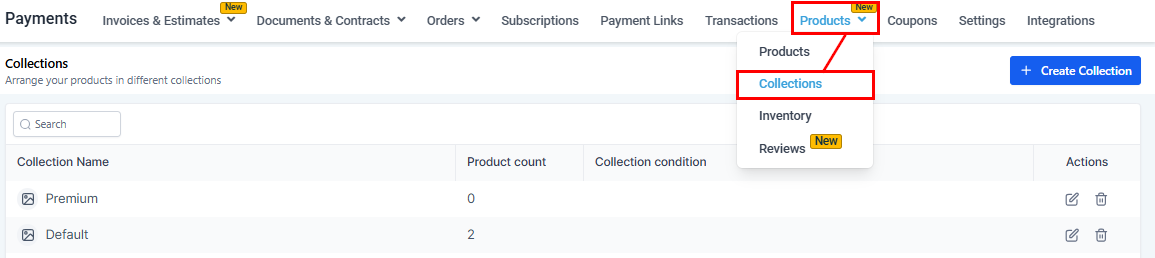
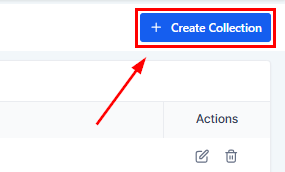
Click Create Collection at the top right corner. This will open a window for you to fill out the information.
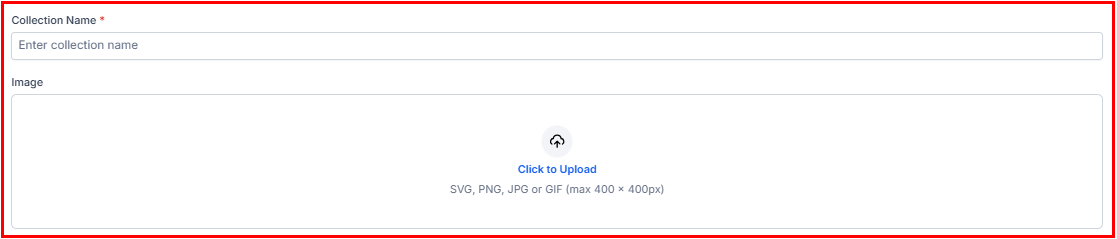
Here you can add the Name and Image for your Collection.
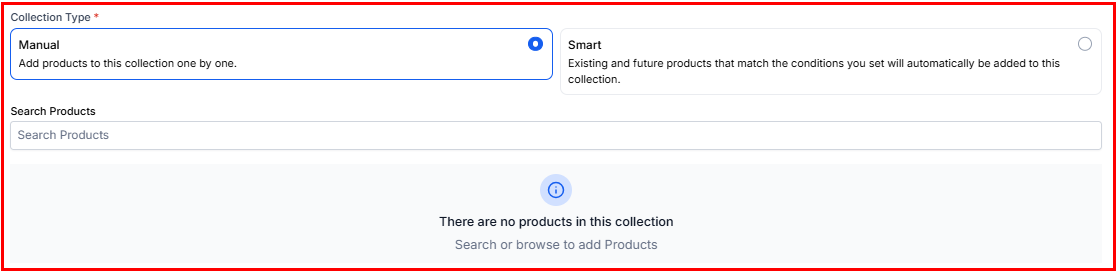
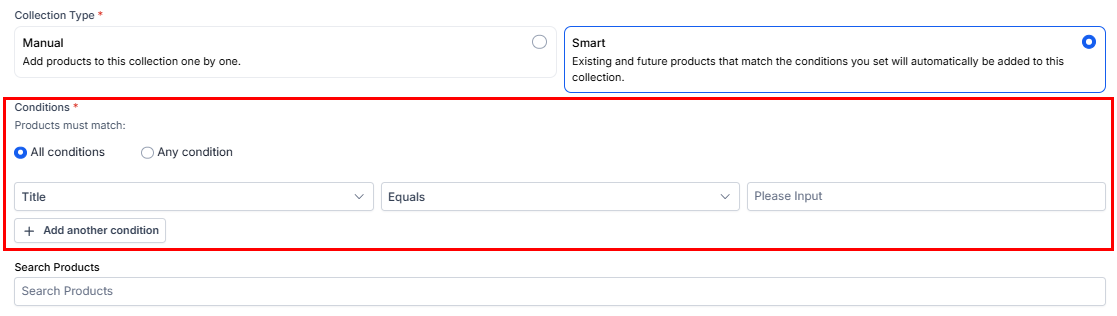
Next, choose whether products should be added manually or automatically using predefined criteria, and choose the products to be added.
For smart collections, define the criteria a product must meet to be included. Choose “All Conditions” to apply the AND operator, ensuring products meet every specified requirement, or select “Any Condition” to include products that satisfy at least one of the defined criteria.
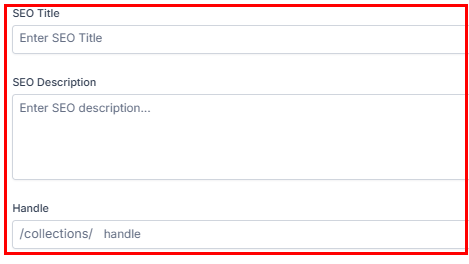
You may also add SEO details, including the title, description, and handle. After completing each field according to your preferred configuration, click Save to finalize and add the collection to your list.
Adding Products to Collections
To add a product to your collection, simply click the three-dot menu to edit the product or select the product name to open its details.
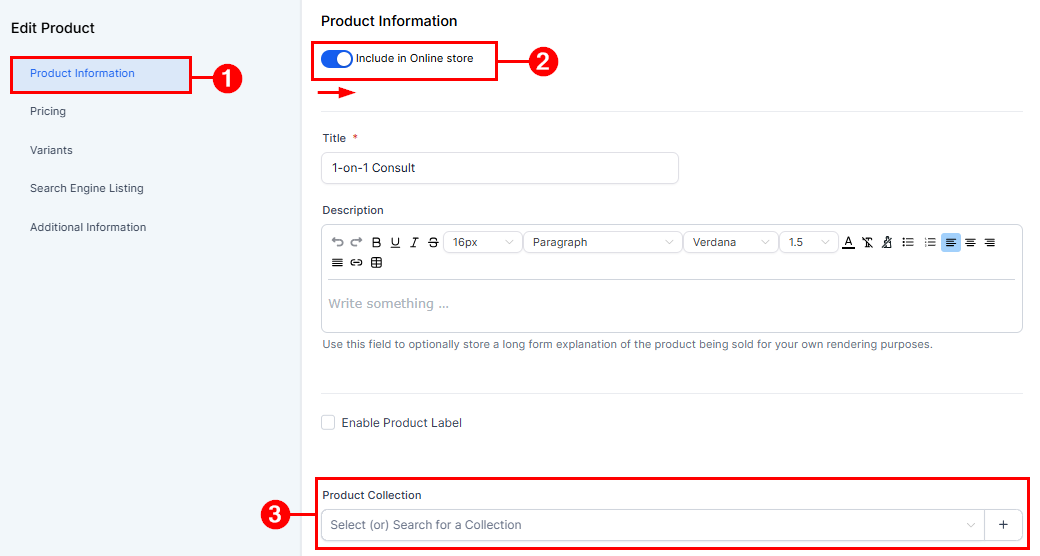
The “edit product” page will open,
- Enable the “Include in Online Store” toggle, then scroll down to “Product information”
- Click on the dropdown to reveal existing product collections that suit your product.
📌Note: You can add a product to as many collections as possible.
Finally, click the Save button to complete adding your product to a collection.

And there you go, now you can leverage Product Collections to increase sales.
Making it easier for your customers to find their perfect product, and a more accessible price point, building your SEO, and keeping your clients wanting more.
Not a Funnelbud customer yet?
Try our all-in-one CRM for sales and marketing — free for 7 days, no commitment.