Workflow AI Assistant
Workflow AI is an assistant designed to support you in building, refining, and managing workflows within the platform. Whether you’re creating new workflows or enhancing existing ones, Workflow AI provides step-by-step guidance, action suggestions, and optimization insights tailored to your objectives. By simply typing your desired outcome, Workflow AI presents a curated list of actions and triggers to help you achieve your goals with ease.
Key Features of Workflow AI
- Assistance for New Users: If you’re new to workflows, Workflow AI provides the guidance you need to get started. Simply type in your objectives, and it will suggest the necessary actions and triggers, while also offering configuration help. The AI assistant can even explain workflows and best practices to you, making the learning curve manageable.
- Step-by-Step Setup: Workflow AI guides you through each workflow-building step, ensuring you feel confident in every part of the process. You’ll have the information you need to proceed smoothly from one step to the next.
- Real-Time Assistance: Need clarification or have questions mid-process? You can ask Workflow AI any workflow-related question to get instant answers and best practice tips to support your workflow development.
- Add and Configure Actions Easily: Workflow AI not only suggests actions like sending reminders or updating statuses but also helps you configure them. Just click on the recommended action, and Workflow AI will guide you through adding and setting it up within your workflow.
How to Use Workflow AI
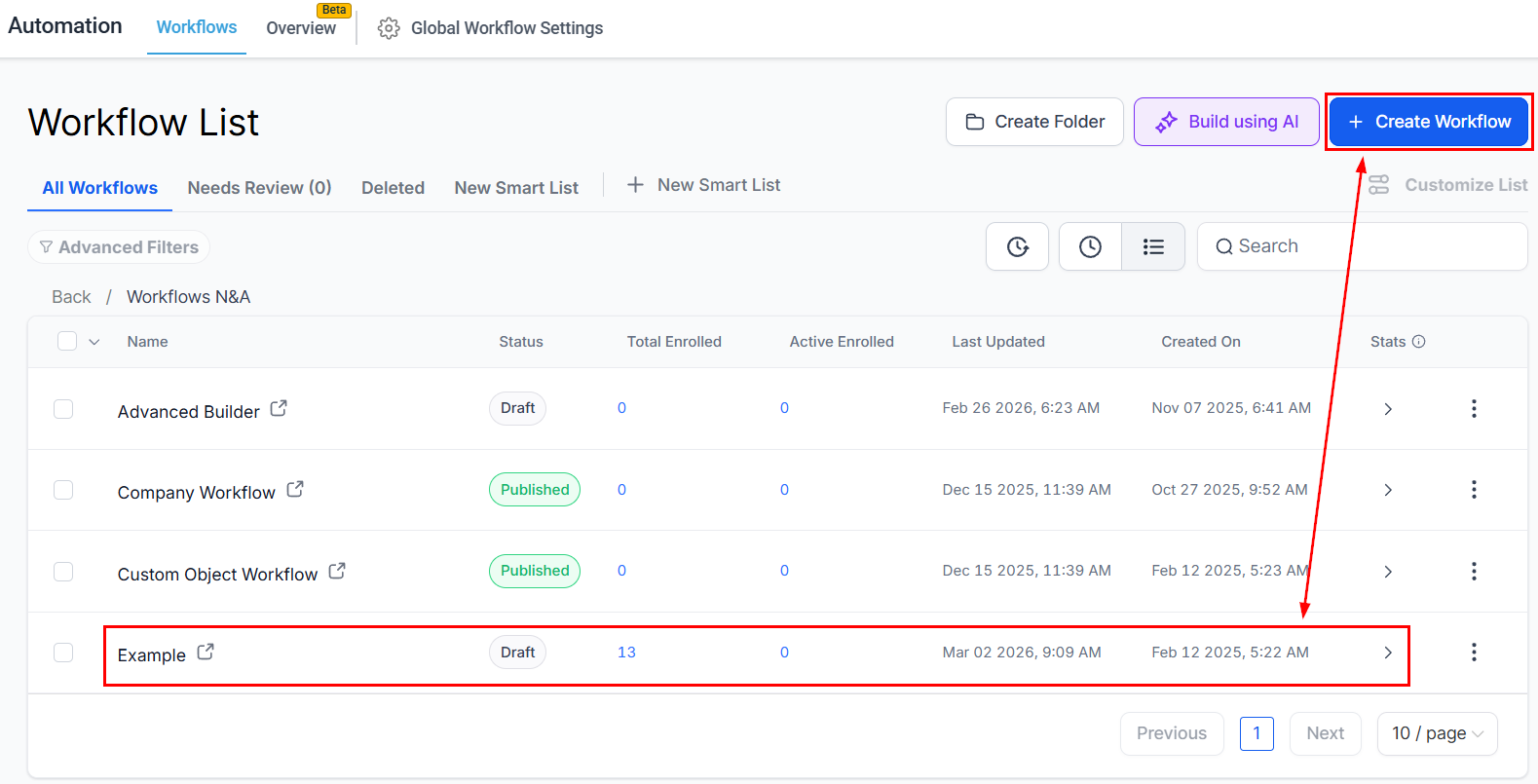
Navigate to Workflows
Go to the Automation > Workflows section in your account, then select an existing workflow from the list or create a new one from scratch.
Locate the AI Chat
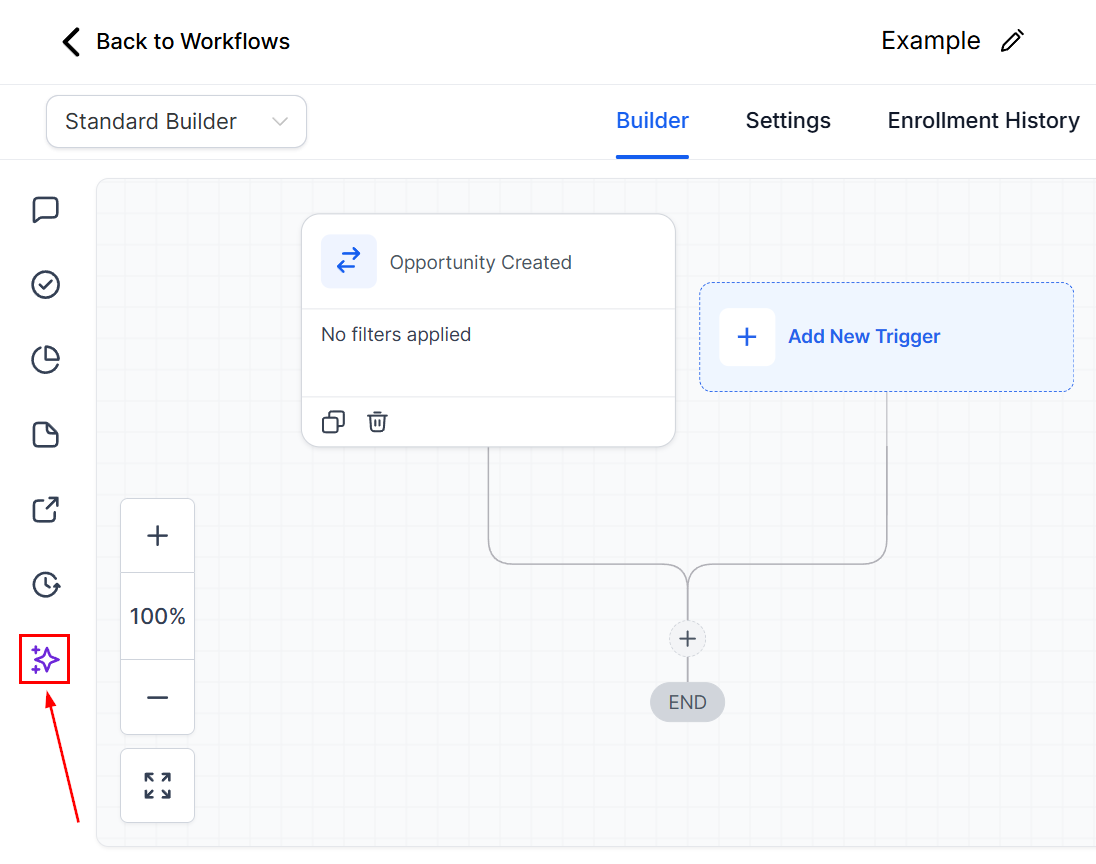
Locate the Workflow AI chat icon in the bottom left corner of the workflow builder. Clicking it will open the chat box, where you’ll see several prompt cards to start the conversation.
Begin the Conversation
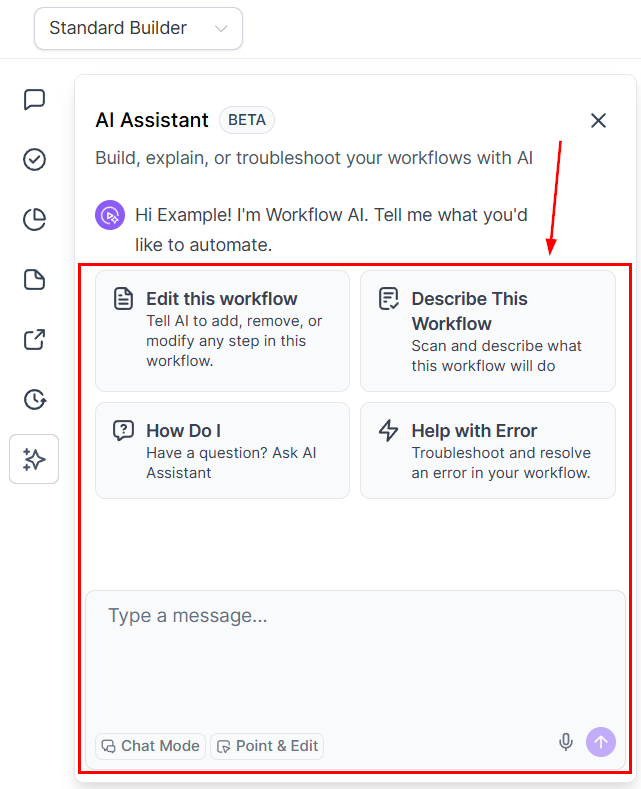
Choose a card or simply start typing your query into the chat box.
Workflow AI Options
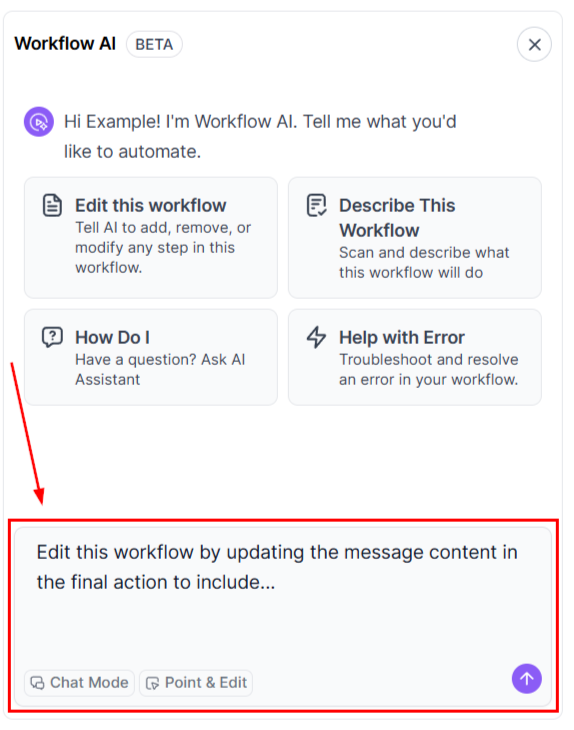
Edit This Workflow
This option will add a prompt so you can instruct the AI helper to modify your workflow.
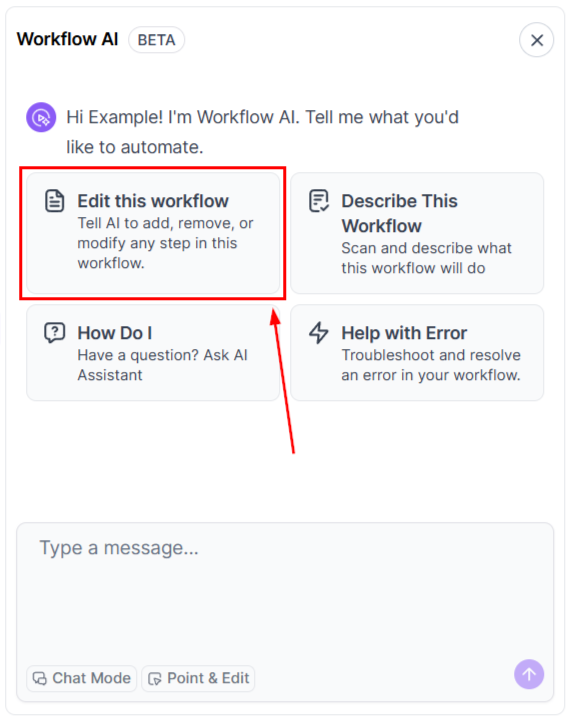
Simply enter your desired change in the box.
Describe this Workflow
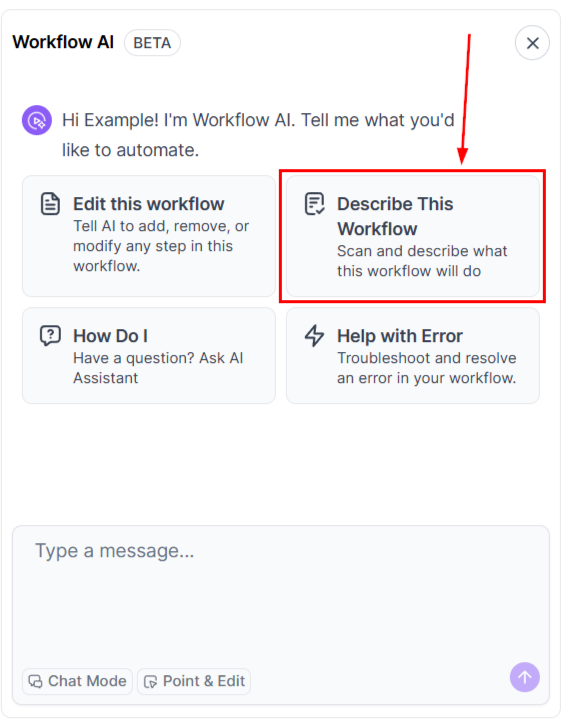
Obtain a breakdown of the workflow name, triggers, actions, and key workflow settings to understand system workflows or workflows other team members have created.
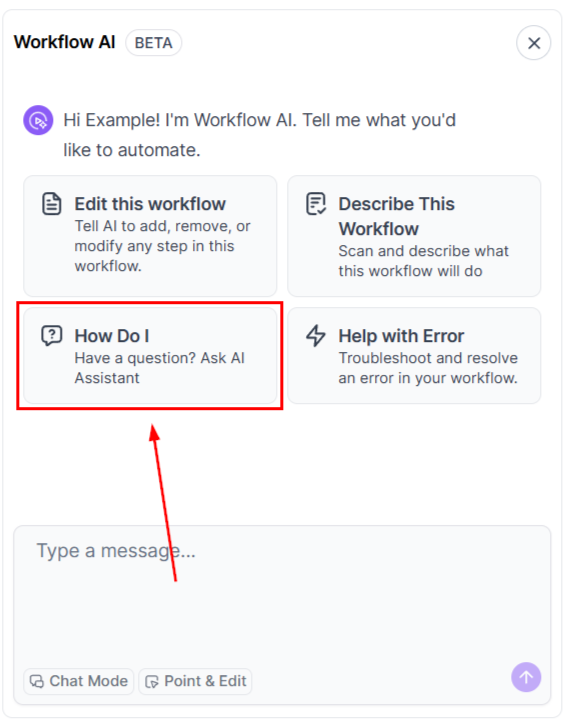
How Do I?
Click the “How Do I” tile to ask a question in the chat box. This allows you to quickly enter the query, resulting in a more efficient interaction.
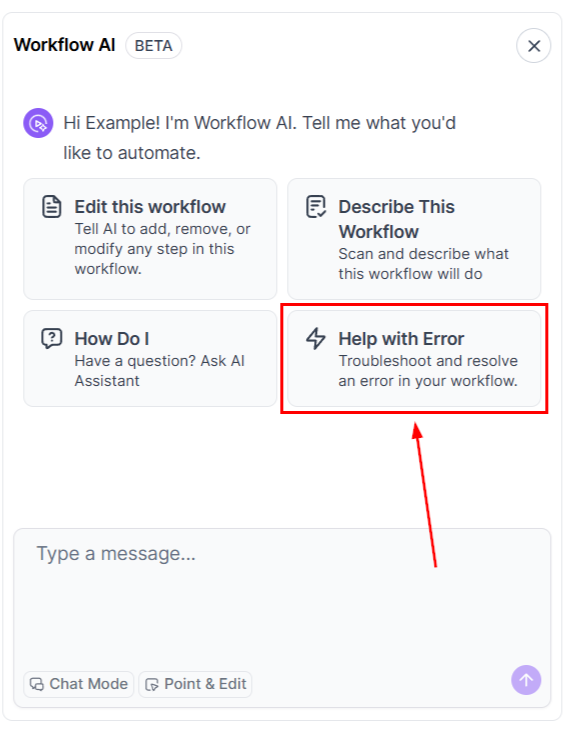
Help with Error
If you’re getting an error message, this option helps you troubleshoot your workflow with the help of AI.
Receive Detailed Explanations and Guidance
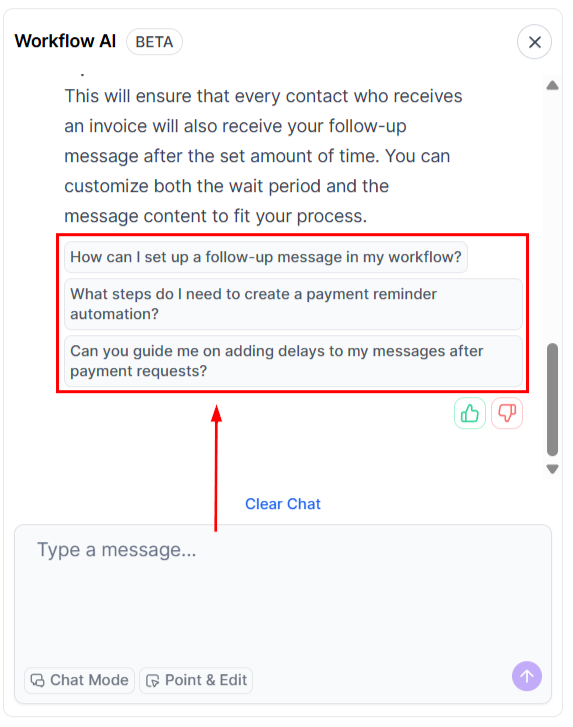
As you interact with Workflow AI, it will suggest follow-up questions to deepen your understanding and ensure you’re building an effective workflow.
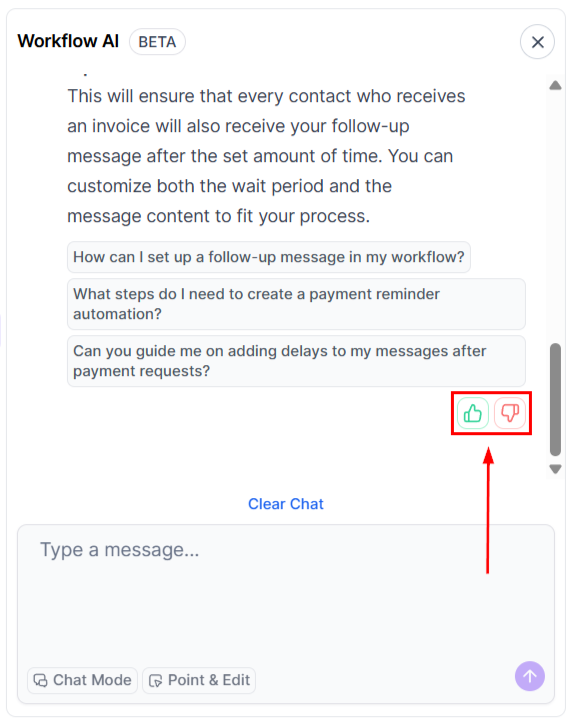
Feedback on Responses
Provide feedback on Workflow AI’s responses to help improve its accuracy and usefulness over time.
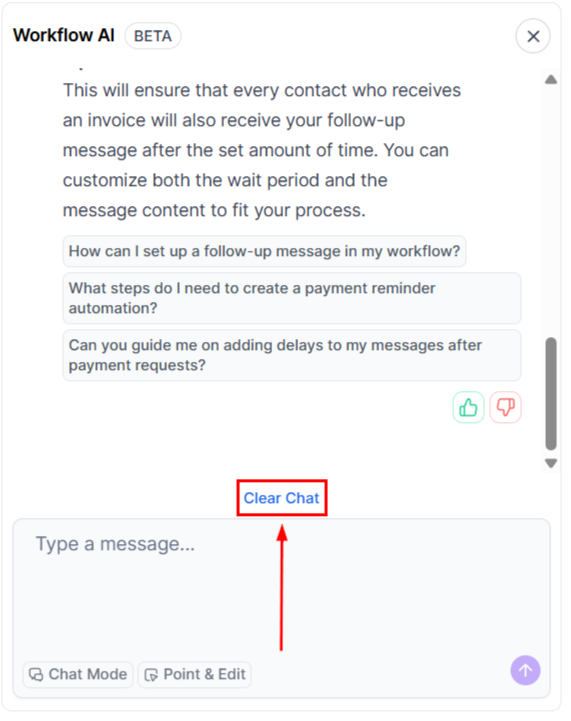
Clear or Export the Chat
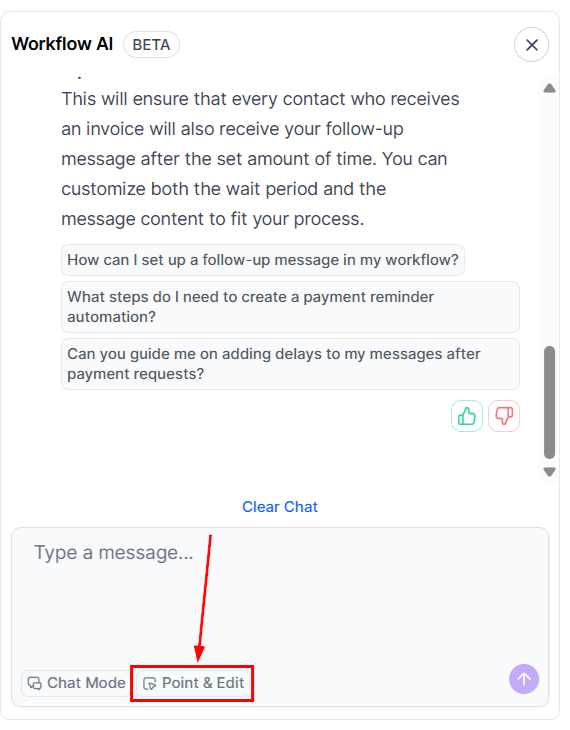
Use the “Clear Chat” button to start a new conversation at any time.
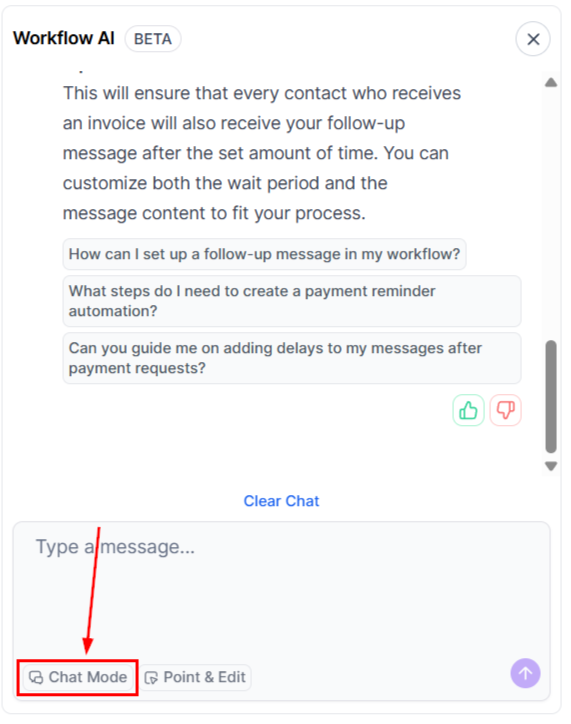
Chat Mode
By selecting the Chat Mode, you can talk and ask questions to the workflow’s AI without making changes to the workflow.
Point & Edit or Ask
This option lets you select multiple triggers and actions for the workflow AI to consider when providing you with insights, suggestions, and information
From helping you configure individual actions to enhancing the overall efficiency of your workflows, Workflow AI is your reliable partner in workflow management.
Frequently Asked Questions
Q. Why should I use Workflow AI?
- Workflow AI simplifies and speeds up the process of building and optimizing workflows by offering real-time suggestions and ensuring workflows are efficient and error-free.
Q. Can Workflow AI handle complex workflows?
- Yes! Workflow AI is designed for both simple and complex workflows, providing guidance tailored to processes of any size or complexity.
Q. Can I keep a record of my chat with Workflow AI?
- Yes, use the Export Chat button to download a copy of the conversation for easy reference whenever needed.
Not a Funnelbud customer yet?
Try our all-in-one CRM for sales and marketing — free for 7 days, no commitment.