Easily add product images or other types of images from your website to your emails
https://www.youtube.com/watch?v=nWqiHkaLOtw
If you are sending out emails with a lot of images, FunnelBud has a shortcut that can come in handy.
2. On your website, right click your product image (or any other image you want to have), and choose “Copy Image Address”. (Note: Depending on your browser, this option might be called something else but similar.)
3. Paste the link you just copied into the “Link to” element of the email:
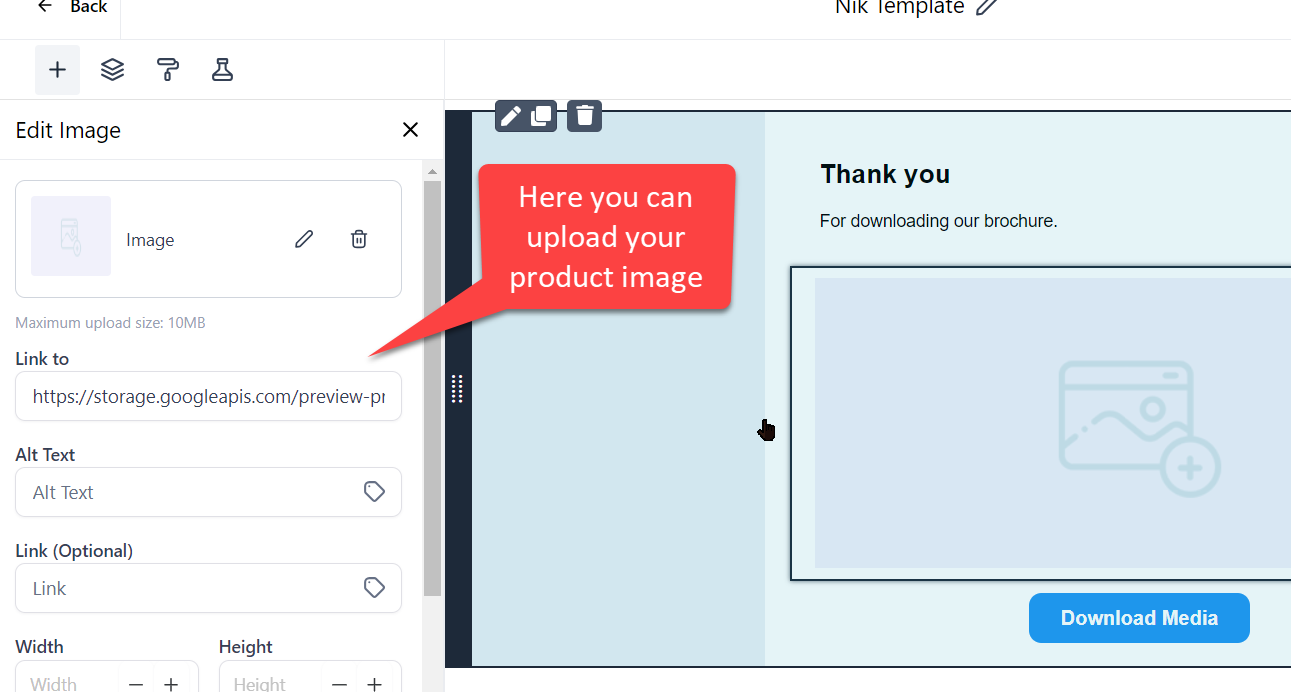
Now your image will be automatically loaded and you just saved a lot of time!
Repeat this for every image you want to add and send away!
Not a Funnelbud customer yet?
Try our all-in-one CRM for sales and marketing — free for 7 days, no commitment.