API Keys
An application programming interface (API) key is a code used to authenticate an application or user. They allow you to connect with external programs by acting as a unique identifier and providing a secret token for authentication. So, if you need to connect your CRM to an external website, tool, or service this article will help you get the API Keys.
Finding Your API Keys
The process of locating your API keys within the CRM is simple. To get started switch to Agency View and access your settings. Within the settings menu, find and select the “API keys” section. Here, you’ll see two types of API keys: agency API keys and location API keys.
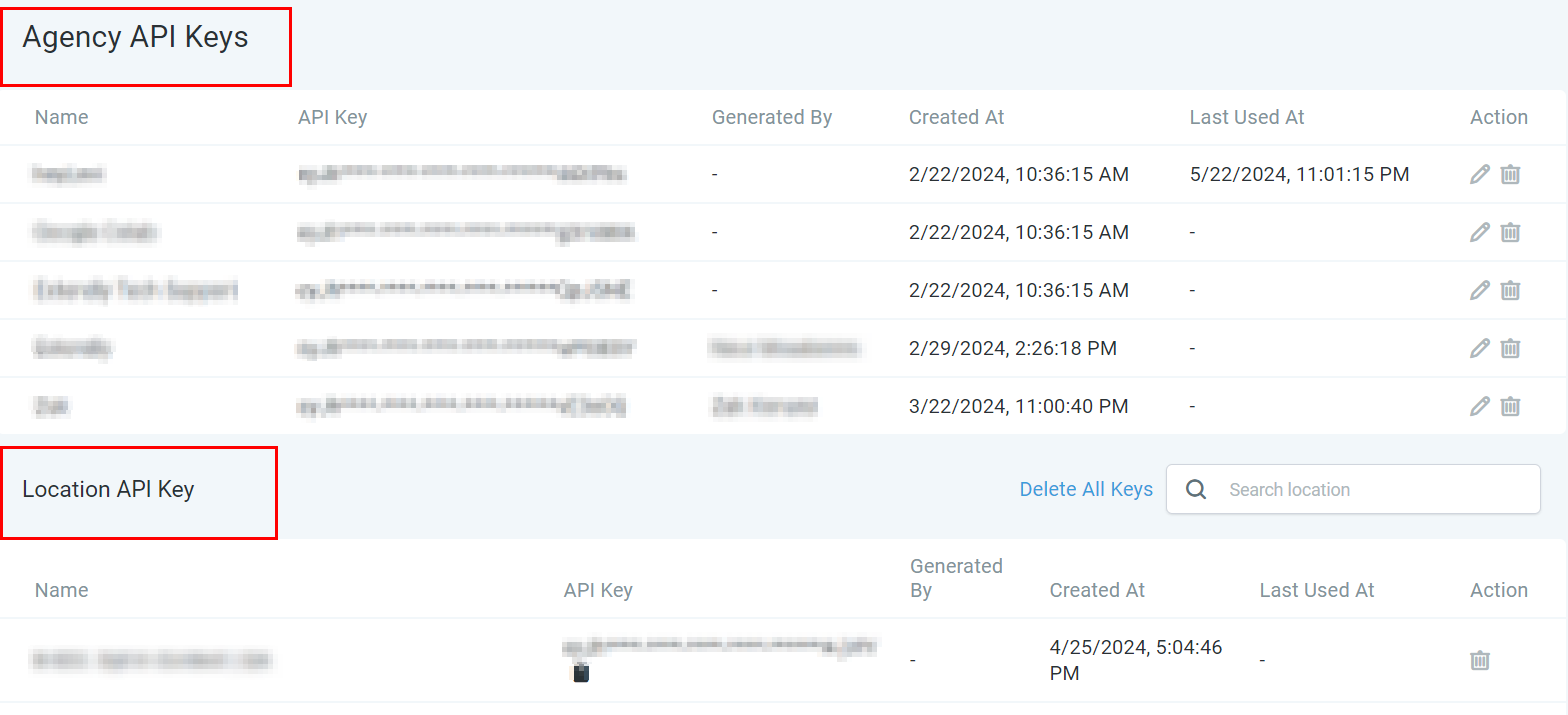
Creating New API Keys
If you need to create a new API key, the process is straightforward:
In the API keys section, look for the option to create a new API key.

When creating a new key, you’ll be prompted to enter a name for it. Choose something descriptive, like “Marketing Automation,” to easily identify its purpose later.
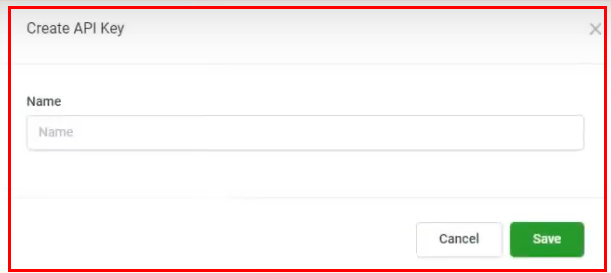
After creation, make sure to copy and securely store your new API key. It’s crucial for integrating and automating various CRM functions.
Using Your API Keys
API keys unlock the potential to integrate and automate numerous CRM functions. Here are some common uses:
- Workflow Automation: Automate tasks and processes within your CRM to improve efficiency.
- Third-party Integrations: Connect your CRM with other applications to streamline operations and enhance functionality.
- Custom Development: Developers can use API keys to create tailored solutions and extensions for your CRM.
API Key Duration
The API keys only expire when unused, meaning if an API is inactive for 90 days it will be auto-deleted. However, you will receive three in-app notifications 15 days, 7 days, and 1 day before the deletion.
Accessing Developer Documentation
For a more in-depth understanding of how to use your API keys, refer to the CRM’s Developer Documentation. This resource provides comprehensive guides on:
- API versions (e.g., API 1.0, API 2.0)
- Implementing workflows, trigger links, and forms
- Best practices for secure and efficient API usage
Troubleshooting and FAQs
- What if I lose my API key? If you lose an API key, it’s recommended to generate a new one for security reasons. Ensure the old key is deactivated to prevent unauthorized access.
- Can I have multiple API keys? Yes, you can create multiple API keys to serve different purposes or integrations, enhancing organization and security.