Custom Values Overview
Creating and managing custom values within your system is a great way to enhance organization and streamline processes. By adding custom values, you can tailor your system to better meet your specific needs. This guide will walk you through the steps of adding, organizing, editing, and deleting custom values, ensuring that you can efficiently manage your data.
Head to the Settings > Custom Values section in your account to begin.
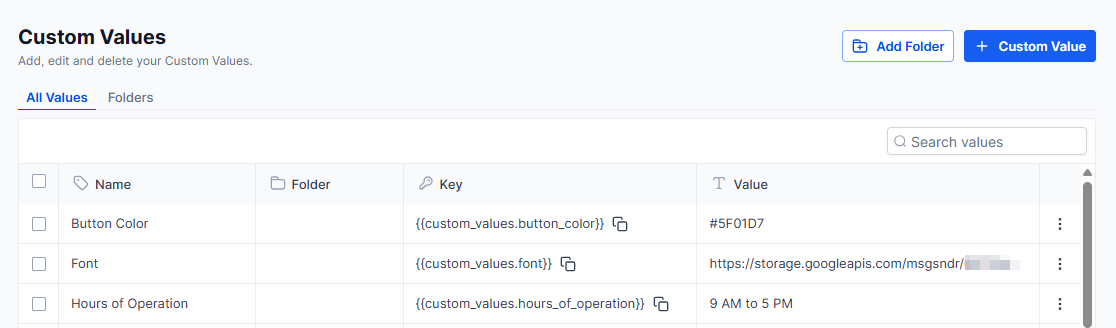
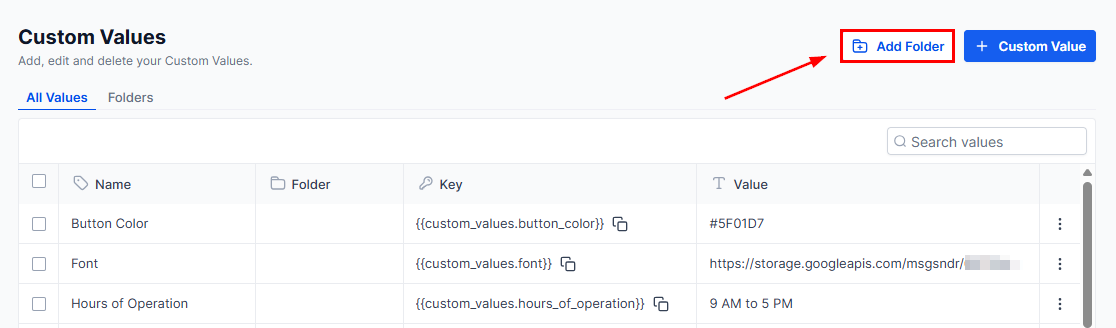
Creating a New Folder
Organize custom values efficiently by creating a new folder within the system. To do so, click the “Add Folder” button located in the top-right corner, enter the desired folder name, and click “Create” to finalize the process.
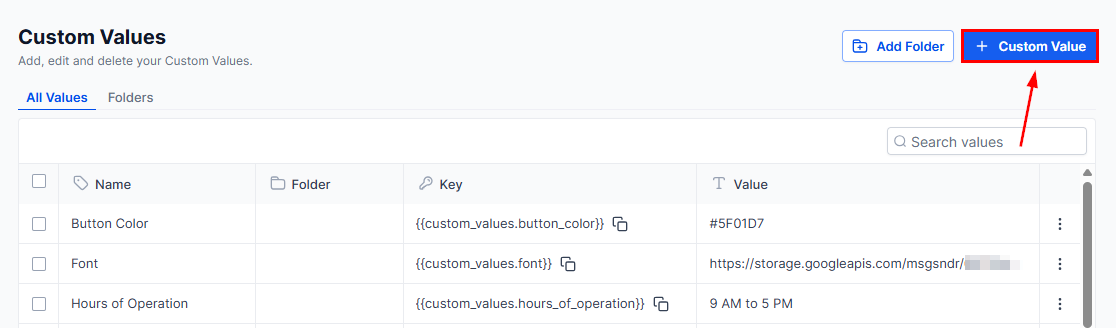
Adding a New Custom Value
You can create custom values per your requirements. To start, click the “New Custom Value” button in the upper right-hand corner.
Once you do this, a text box should appear that will allow you to input both the name, value, and folder of your desired custom creation. Save the settings to successfully store and implement the custom value within your system.
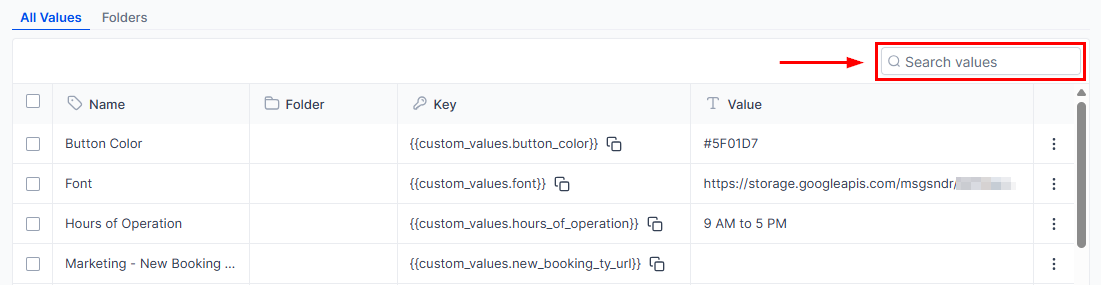
Searching Custom Values
If you need to quickly locate a specific custom value from the list, use the search box.
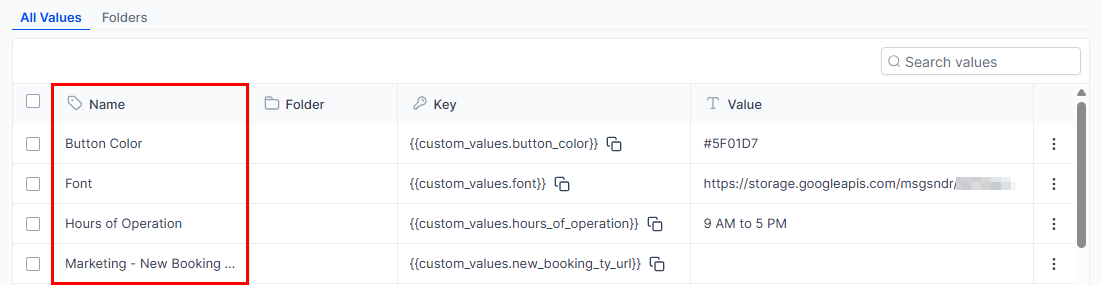
Name
In this section, you will find the designated name assigned to a particular custom value. This name serves as a label for easy identification and reference, ensuring that you can quickly locate and use the custom value as needed within your system or during various operations.
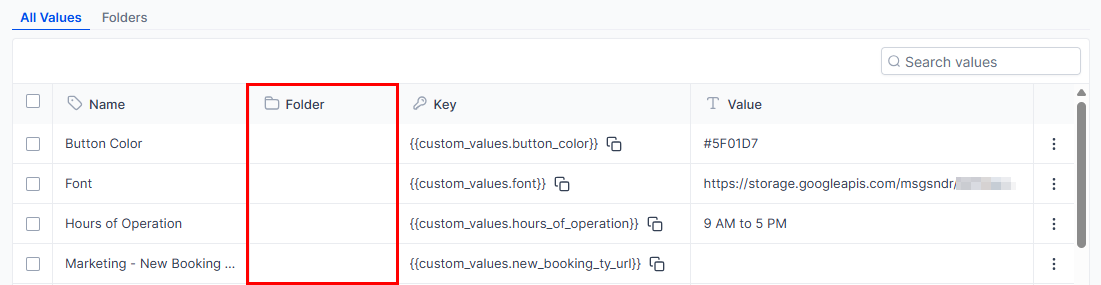
Folder
Related custom values can be grouped for better organization and efficiency. The Folder column allows users to identify each value’s classification.
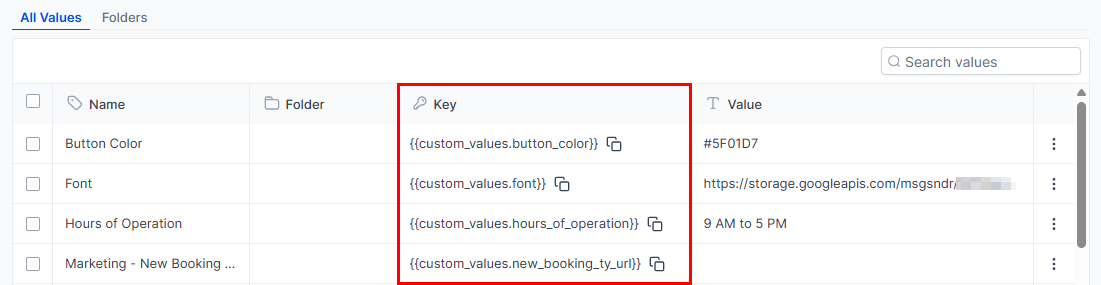
Key
A key represents a distinct, system-generated identifier assigned to each custom value you create. It is essential to reference the specific value displayed in the Key section whenever you need to access or utilize your custom values.
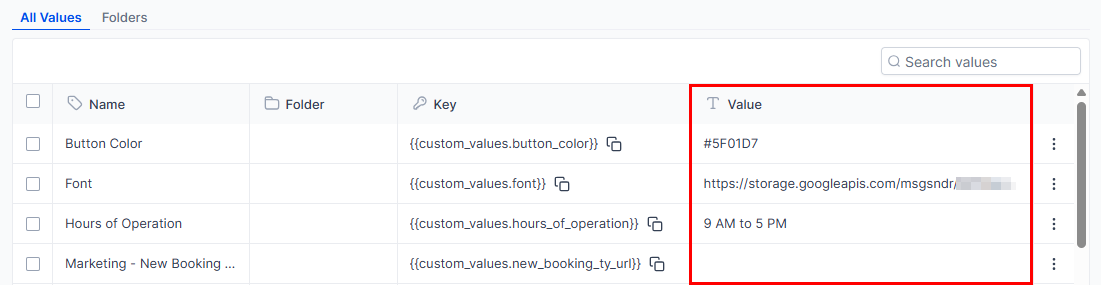
Value
Value refers to the information you would like the system to populate when you select the custom value.
Actions
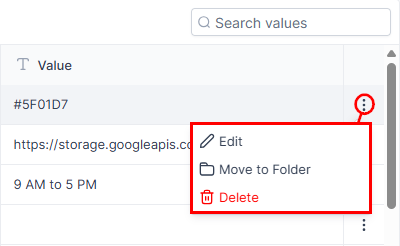
- Edit Custom Value: To edit an existing custom value, click the “Edit” button from the actions dropdown. A pop-up will open for you to edit the name, value, and/or its associated folder. After you have made the necessary adjustments, select “Update” to save.
- Move to Folder: Custom values can be assigned to a new folder by selecting the “Move to Folder” button within the three-dot action drop-down to the right of each custom value. A pop-up will appear, allowing you to select the new folder. After making the required changes, select the “Move” button.
- Delete Custom Value: You can easily delete a custom value by clicking the “Delete” option within the actions dropdown. A pop-up will appear for you to cancel or confirm the action. Note that once deleted, the custom value cannot be restored.
Custom values offer flexibility and control, so take full advantage of them to optimize your system’s performance and efficiency!
Not a Funnelbud customer yet?
Try our all-in-one CRM for sales and marketing — free for 7 days, no commitment.