How to Create a Video Testimonial Collector
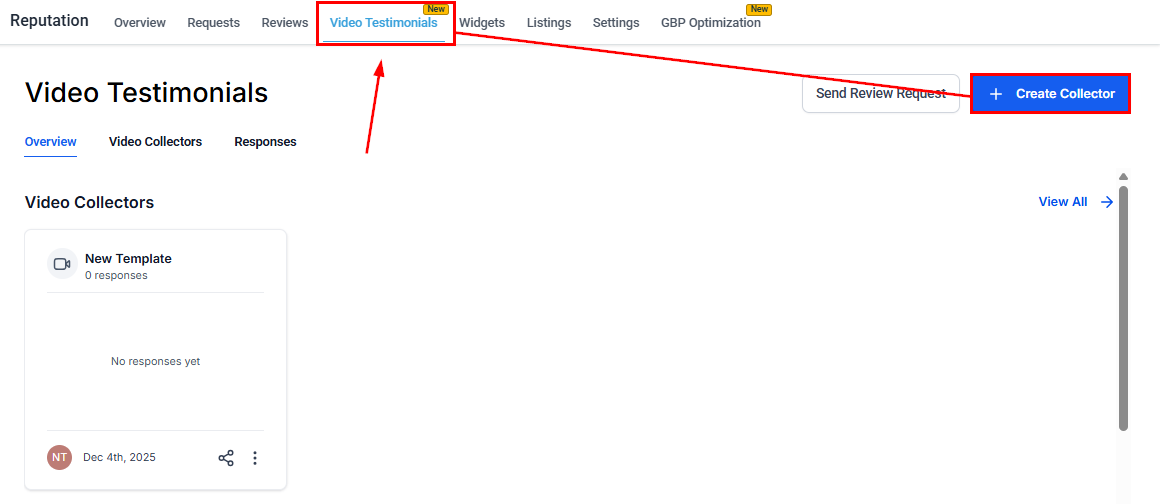
A Video Testimonial Collector is a branded, step-by-step tool that guides customers in recording or uploading video testimonials while maintaining a professional, personalized experience. To create one, start by heading to the Video Testimonials tab in the Reputation section, then clicking the Create Collector button.
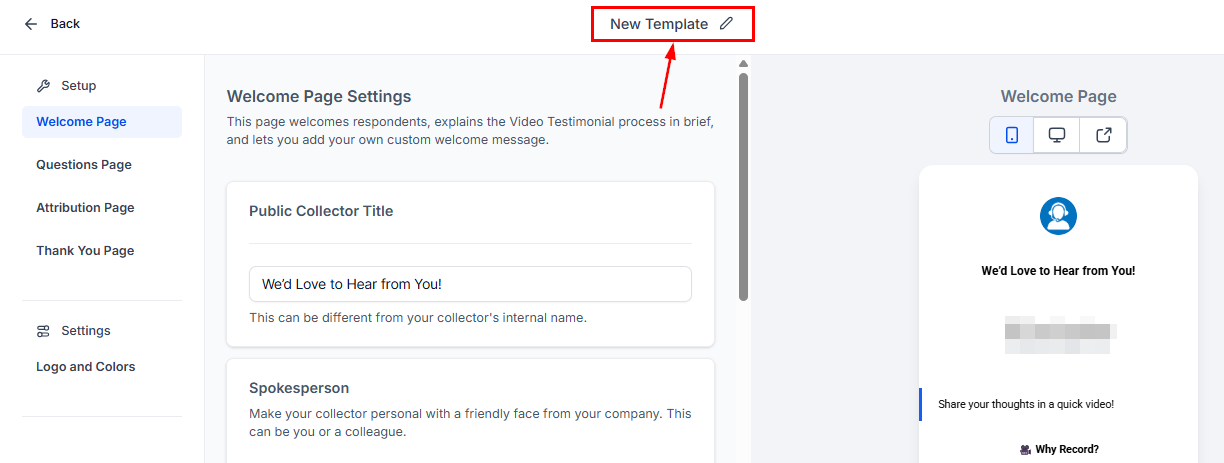
Next, update the template name.
Welcome Page
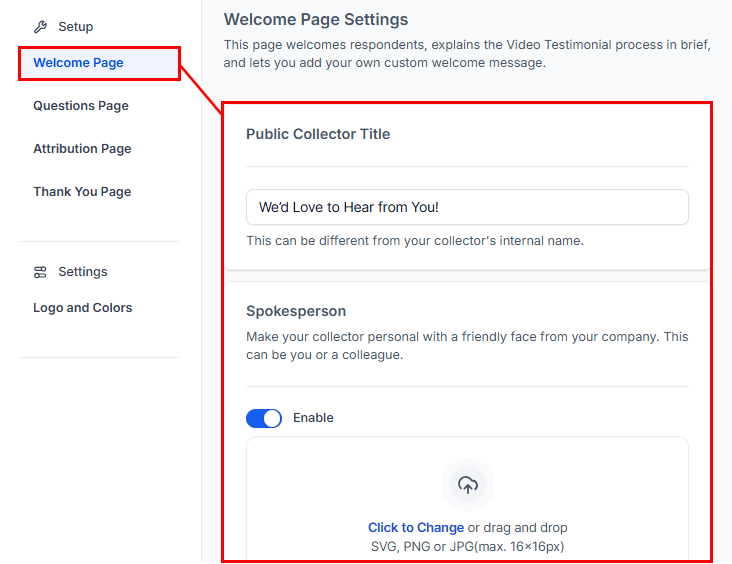
In the Welcome Page area, you can add a public collector title. Optionally, you can also enable a spokesperson image to personalize the experience with a friendly face from your company. This can be you or a team member.
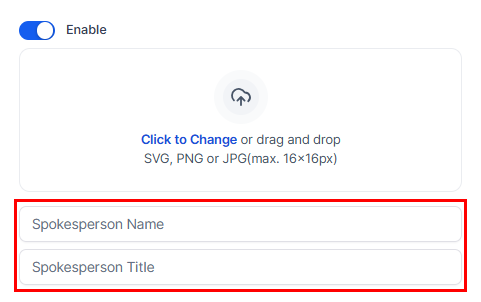
Enter the spokesperson’s details.
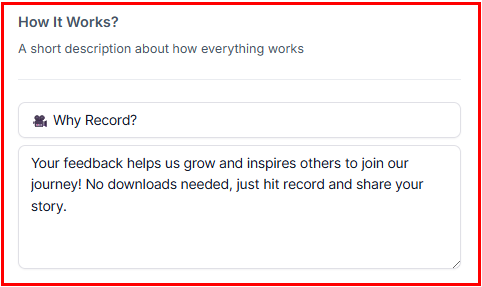
Add a How It Works section with a brief explanation of the process.
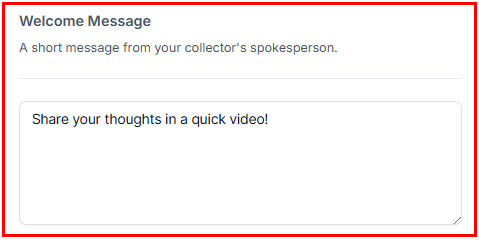
Include a welcome message from the spokesperson to greet respondents.
Questions Page
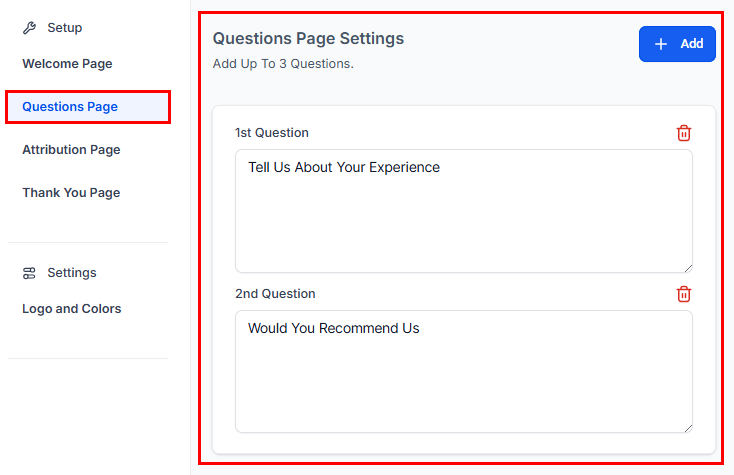
Here, you can add up to three questions for your respondents. Click the “+Add” button to create a new question or delete a question by clicking the bin icon.
Attribution Page
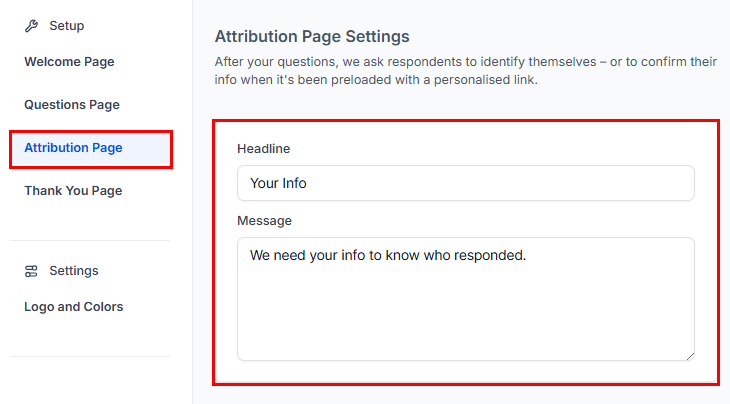
After completing the questions, respondents are asked to identify themselves or confirm their information if it has been prefilled using a personalized link. Add a headline and supporting message in the Attribution Page section.
Thank You Page
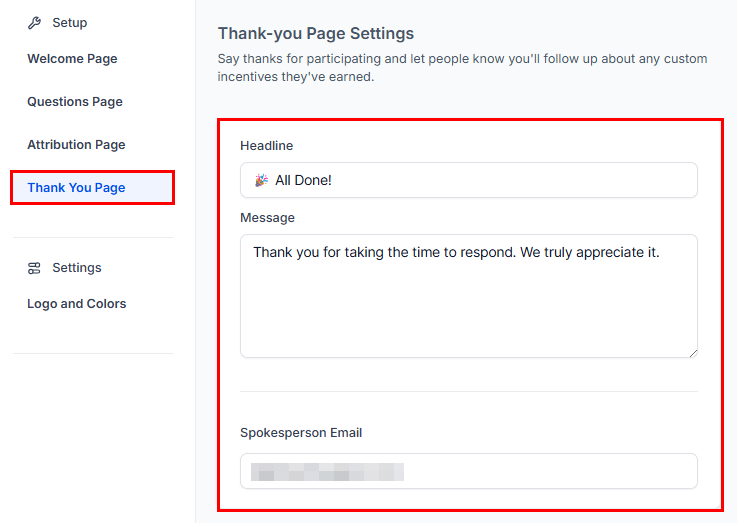
Add a headline and message to acknowledge the submission. Include the spokesperson’s email address for follow-up or support.
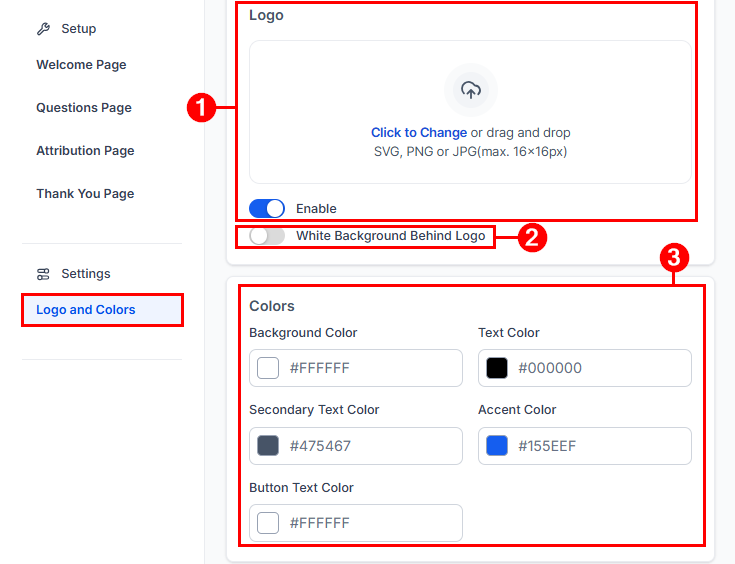
Logos and Colors
- Enable and upload your logo.
- Choose whether to display a white background behind the logo.
- Configure background, text, secondary text, accent, and button colors.
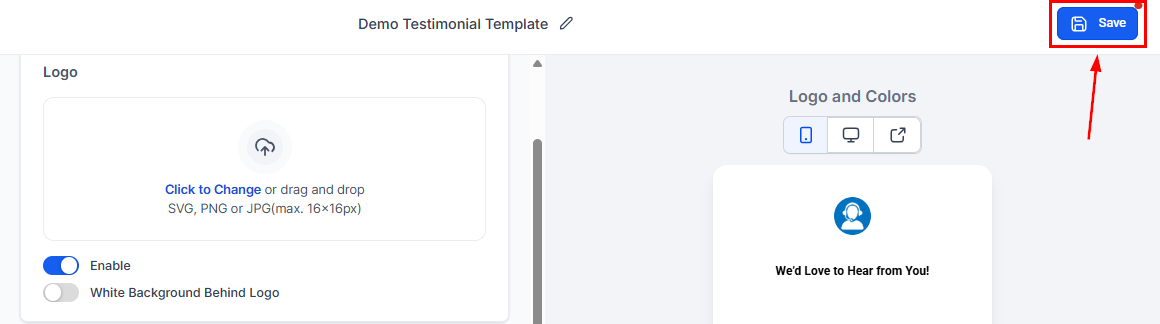
Click Save to apply your changes.
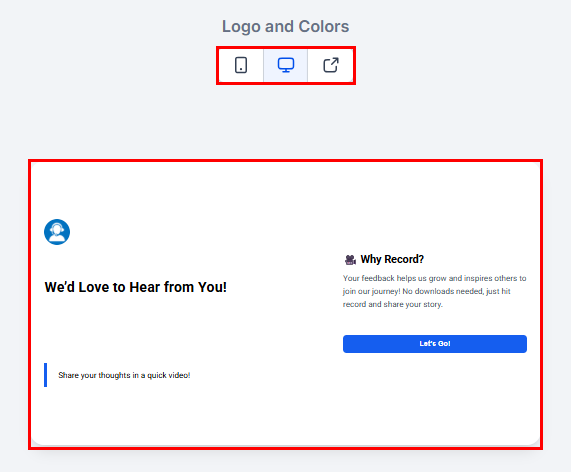
Click Preview at any time to see exactly what your customers will experience when they open the collector to record their video testimonial.
With your Video Collector fully set up, you’re ready to start capturing authentic customer stories that highlight your business in a personal and engaging way—turn real experiences into powerful testimonials that build trust and credibility.
Not a Funnelbud customer yet?
Try our all-in-one CRM for sales and marketing — free for 7 days, no commitment.