How to Customize Marketing Audit Report PDF
PDF Customization applies your brand theme, header, and footer settings from the Prospecting Report Builder directly to your exported audit PDFs. Once configured, every PDF automatically reflects your web report’s branding. This consistency creates a unified prospect experience and eliminates the need for manual redesigns.
Note****:**** This functionality requires a Premium Prospecting subscription; however, preview mode is available at no cost.
Key Benefits of PDF Customization
- Client-ready presentation: Provide professional, trust-building reports that make an immediate impact.
- Set once, sync everywhere: Configure your design one time—changes apply across all reports automatically.
- Clear contact details: Display agency information prominently so prospects can easily reach you.
How to Set Up and Use PDF Customization
Accessing the Report Builder
Click the Marketing tab, select Prospecting, and open the Report Builder tab to start building reports.
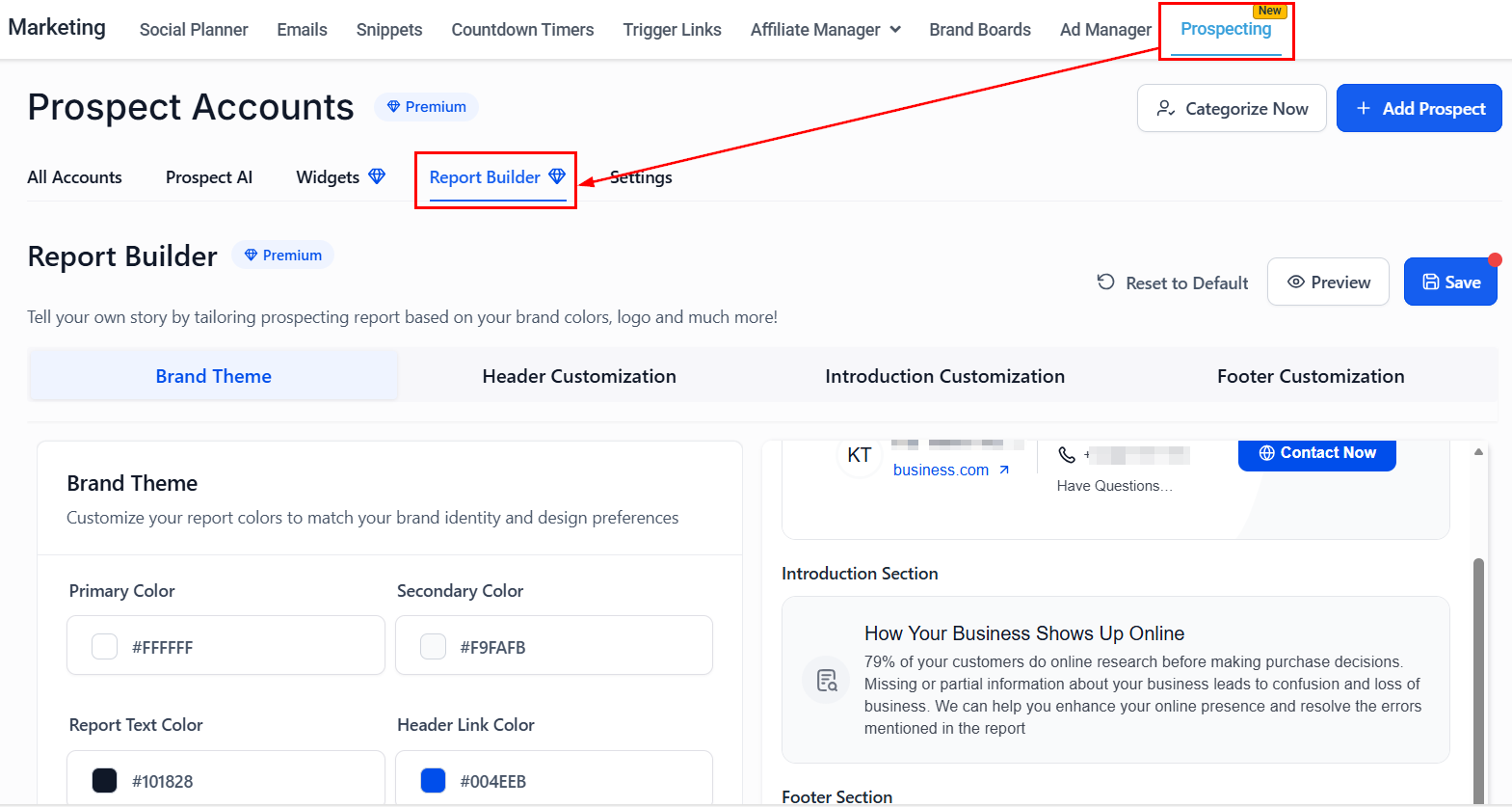
In the Brand Theme section, you can customize border colors to align with your brand.
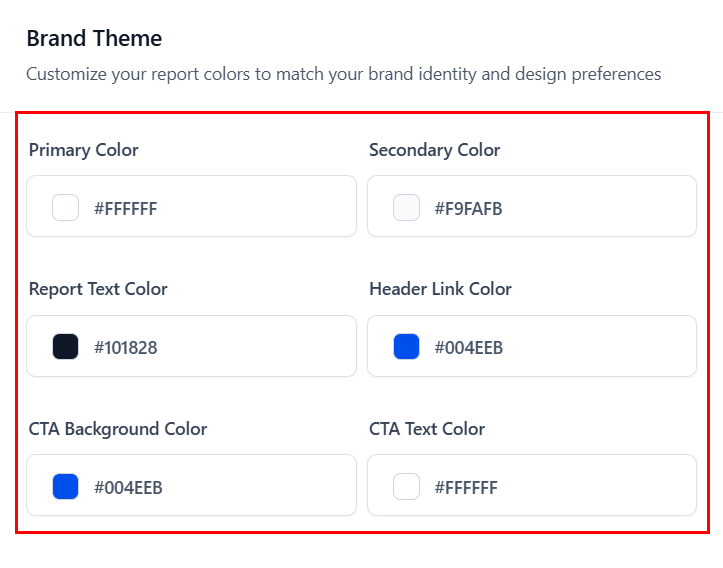
You can also add your agency’s name, phone number, email, and website in the Header Customization area.
For more detailed instructions, refer to the “How to Customize the Prospecting Report with Report Builder” article on fully customizing your prospect reports.
Note****:**** Web-only header/footer blocks will not appear in PDFs.
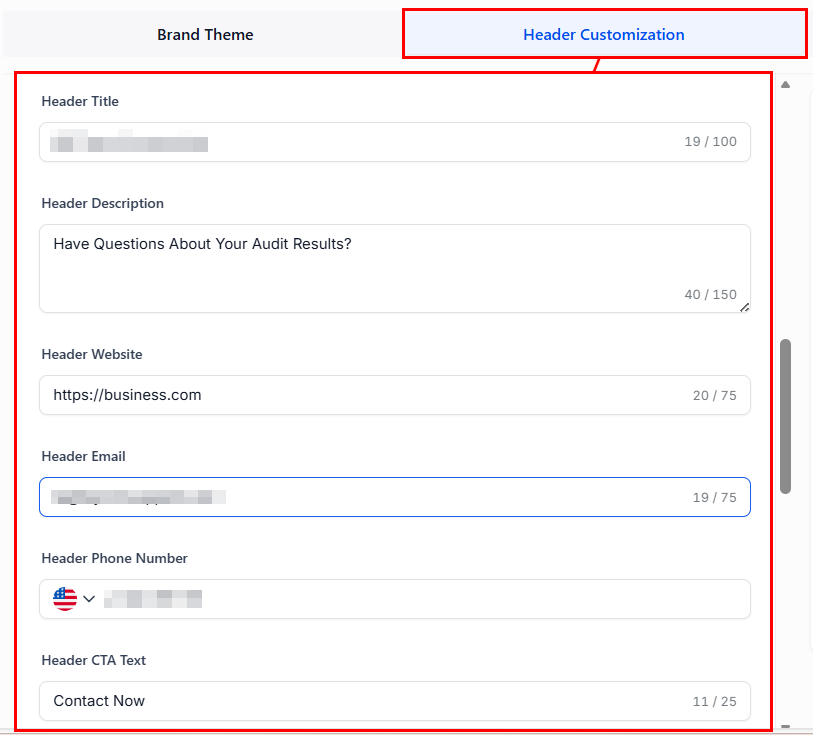
Preview & Save Your Report
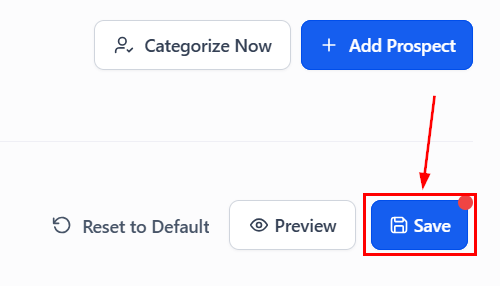
Click Preview to generate a live view of your report design.
Review colors, borders, and header/footer details for accuracy, then click Save to apply your changes across all future PDF and web reports.
Export a PDF Report
Now that your Report template is ready, switch to the All-Accounts menu and choose a prospect.
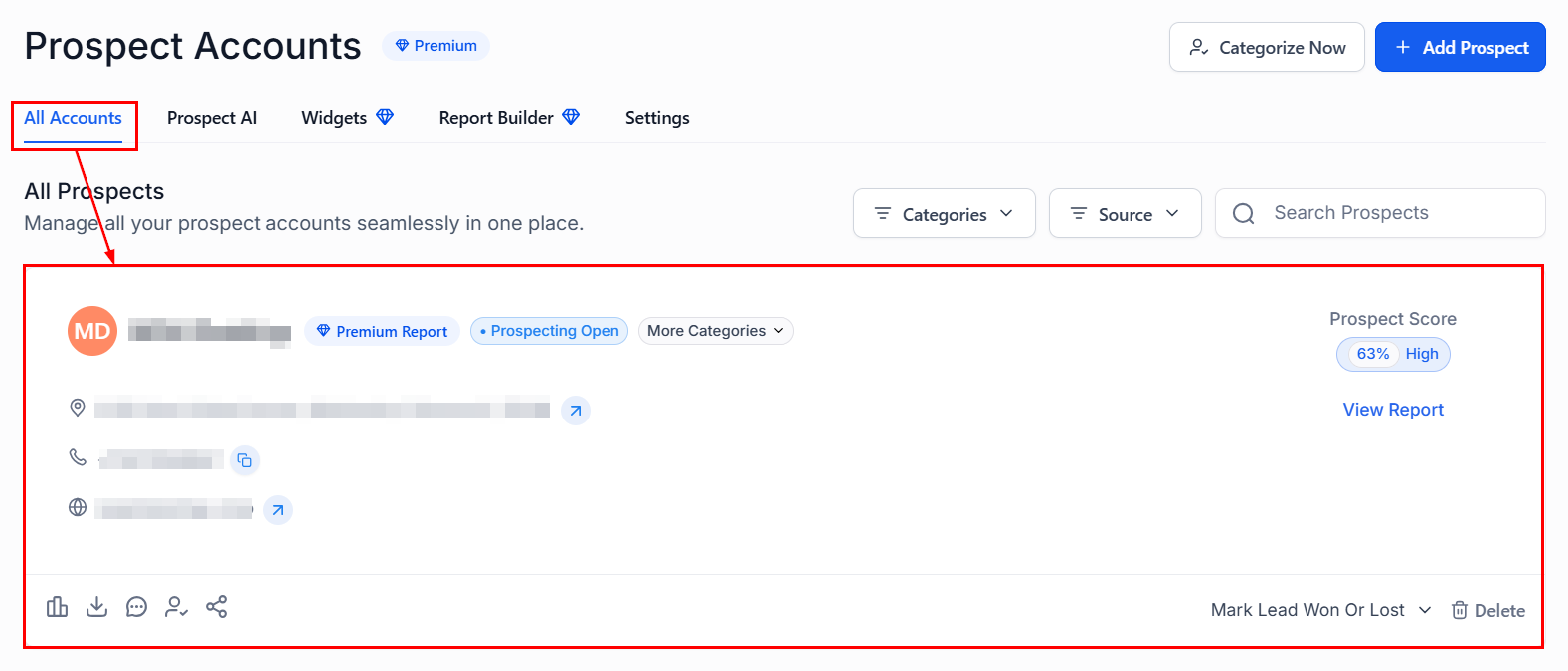
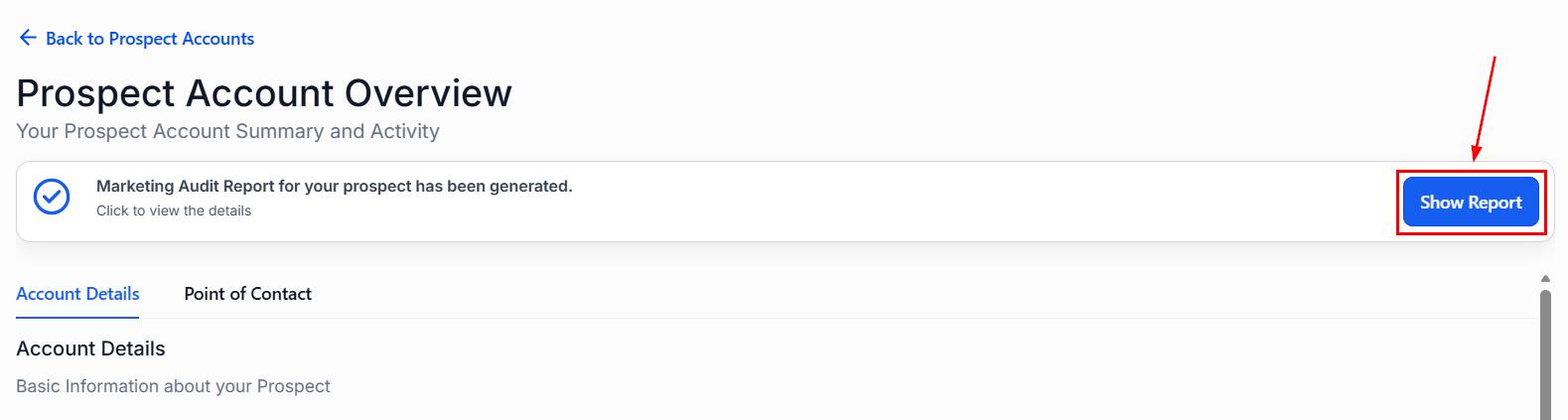
Click Show Report.
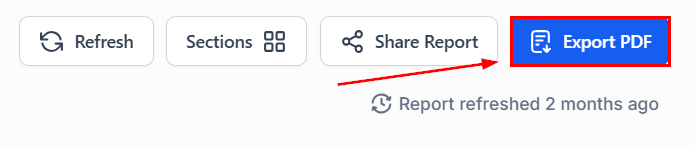
Then, Export PDF
Alternatively, you can select the Download PDF Report button directly from the list and choose your language.
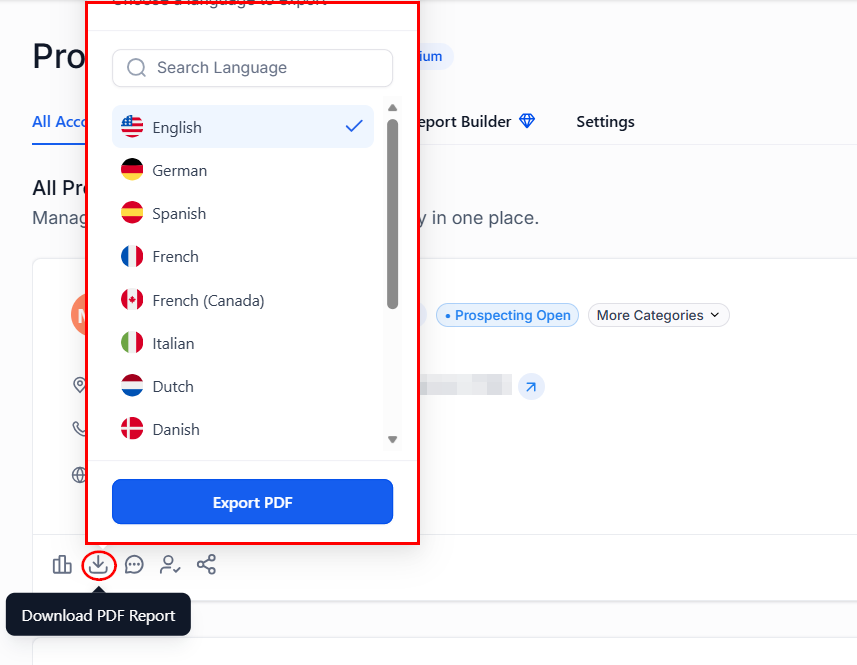
Your PDF will open in a new tab, fully styled with your previously configured brand settings.
By leveraging PDF Customization, you can deliver effortlessly polished reports that look great in any format and leave a strong, lasting impression. Consistency is key, and with these tools, it’s easier than ever to present your business at its best.
Frequently Asked Questions
Q: Is multilingual PDF export supported?
- Yes, you can select your preferred language during export.
Q: Will my agency logo scale correctly in the PDF header?
- Yes. Logo fields automatically scale up to 300 px wide for optimal print quality.
Q: Can I see my changes in real time?
- Yes, the builder provides a live preview so you can confirm updates before publishing.
Not a Funnelbud customer yet?
Try our all-in-one CRM for sales and marketing — free for 7 days, no commitment.