Delete Contact Action
The Delete Contact action enables users to permanently remove a contact and all associated data from the system when specific conditions are met. This is typically used when contacts are no longer relevant or needed within the CRM.
📌Note: Deleting a contact is irreversible. Once deleted, all related data, such as conversations, notes, tasks, and activity history, is permanently lost and cannot be recovered. Use this action carefully and always test before deployment.
How It Works
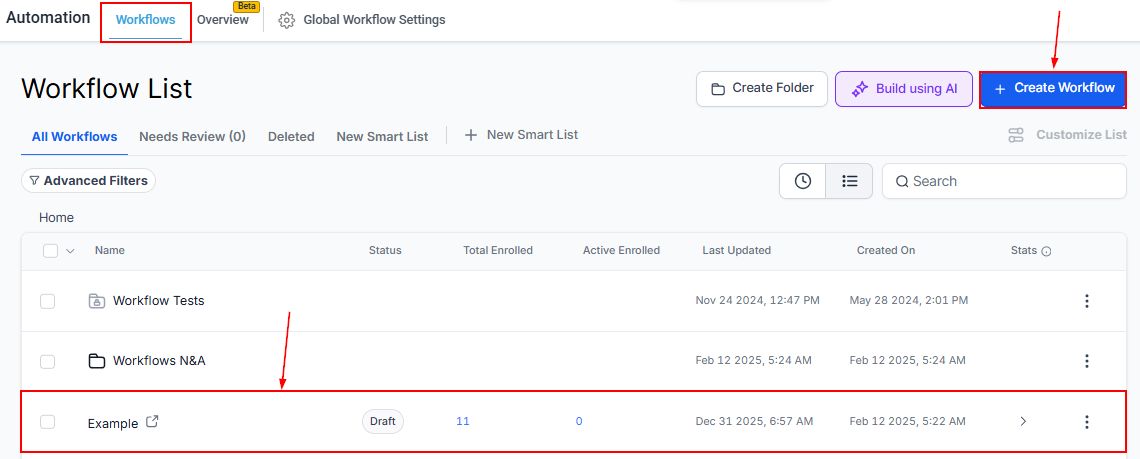
Navigate to Automations and open an existing workflow, or create a new one from scratch or a prebuilt recipe.
Add the Action
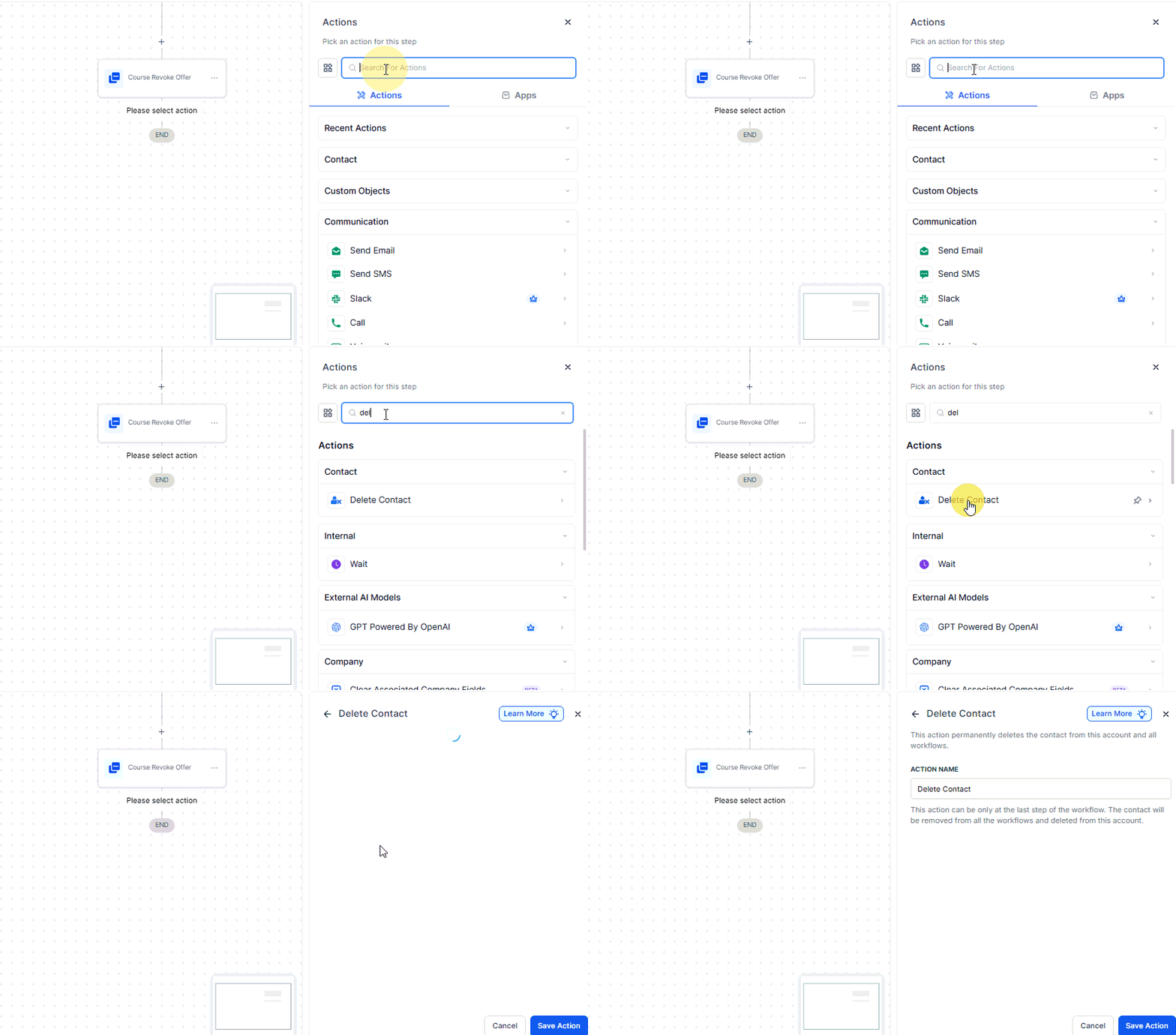
Click the plus (+) icon in the workflow builder to open the Actions menu. Search for and select Delete Contact.
📌Note: Place this action at the end of the workflow. Since deletion is immediate, any steps after this point will not execute.
Action Name
You may optionally assign a custom name to the action, or retain the default name provided by the system.
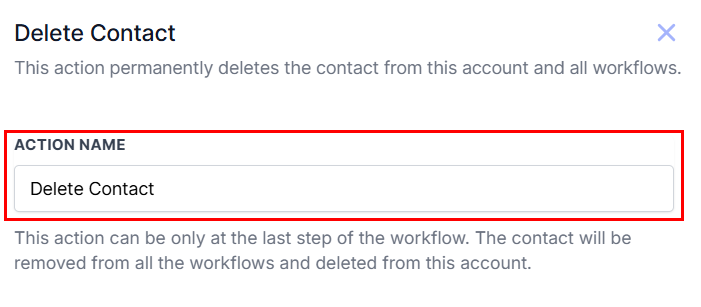
There are no settings to configure for this action. When triggered, it will instantly delete the contact that meets the workflow criteria.
Save and Test
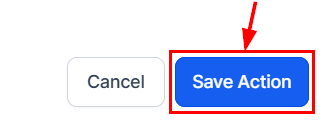
Click “Save Action” to add it to your workflow. Test thoroughly before publishing to ensure only the intended contacts are affected.
Best Practices
- Double-check trigger conditions to avoid unintentional deletions
- Back up contact data externally if needed
- Inform relevant team members before enabling this action in live workflows
For long-term automation success, consider combining this action with smart filtering, conditional logic, and fallback options like “Remove from Workflow” to maintain control and data integrity.
The Delete Contact action is a powerful tool for keeping your CRM clean and compliant but it should be used with thoughtful planning and rigorous safeguards. Always test your workflow, communicate with your team, and back up important data when necessary.
Frequently Asked Questions
Q: Can I restore a deleted contact?
- A: Yes, contacts can be restored within two months of deletion. However, associated data such as conversations and notes cannot be recovered.
Q: What exactly is deleted?
- A: The contact record and all associated data are permanently removed. Even if the contact is restored, this associated data will not return.
Q: Is there an alternative to deletion?
- A: Yes. If you want to remove a contact from a workflow without deleting their data, use the Remove from Workflow action. This stops the contact from progressing through the automation while preserving their record in the system.
Not a Funnelbud customer yet?
Try our all-in-one CRM for sales and marketing — free for 7 days, no commitment.