WhatsApp Action
The WhatsApp Send Message action allows for automatic message delivery via WhatsApp triggered by workflow events. You can send either free-form messages within the 24-hour messaging window or use pre-approved templates to initiate communication outside of that timeframe. This flexibility makes it an excellent tool for timely customer outreach, ensuring that messages are sent according to their needs—whether to confirm appointments or share promotional content.
Key Features
- Send real-time WhatsApp messages directly from workflows.
- Use pre-approved templates for messaging outside the 24-hour window.
- Customize messages using dynamic variables such as contact names or email addresses.
- Support for both business-initiated and customer-initiated conversations.
📌 Note: Ensure that WhatsApp is enabled and properly set up in your system. For business-initiated conversations, pre-approved message templates are required.
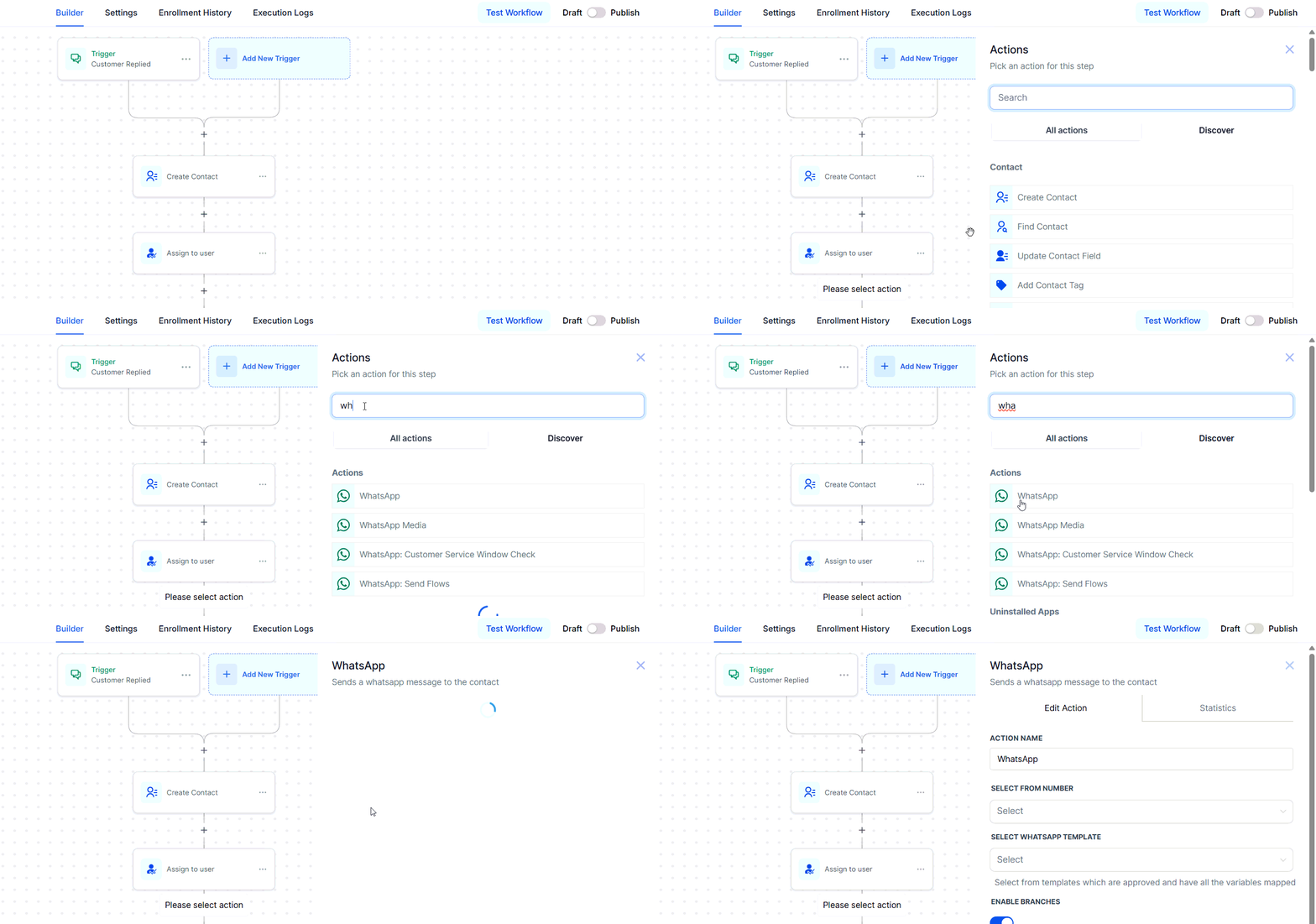
Choose the Action Type
In your workflow builder, add a suitable workflow trigger if required, then select “WhatsApp” from the available actions.
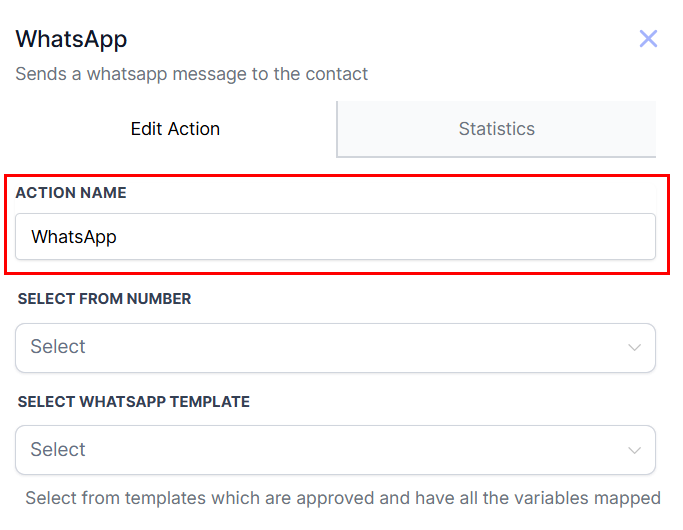
Name Your Action
Assign a descriptive name to your action to identify it easily.
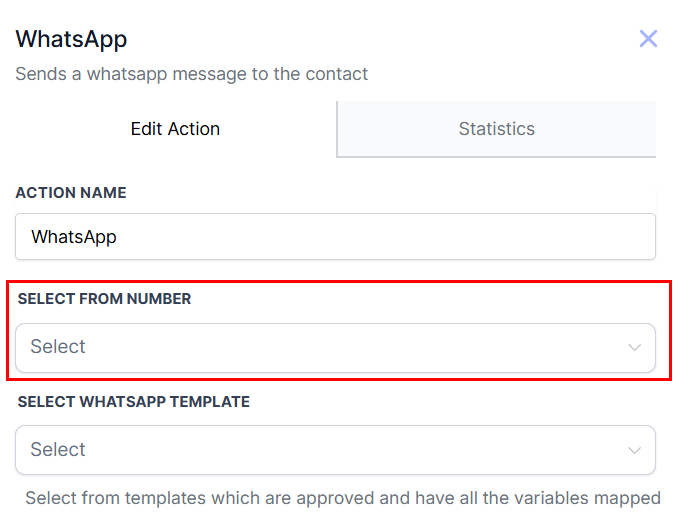
Select From Phone Number
When setting up your WhatsApp message action, you can choose from any connected WhatsApp number from the dropdown.
📌Note: Only numbers with an “ACTIVE” status will appear in the dropdown, ensuring accuracy.
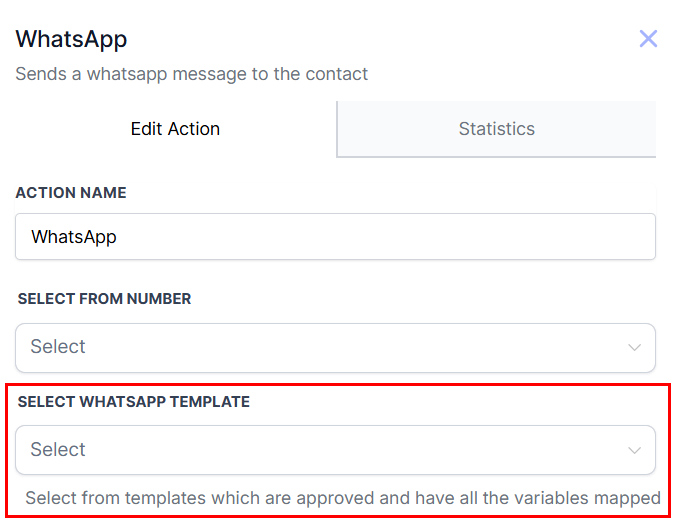
Select WhatsApp Template
Choose between WhatsApp Templates for pre-approved messages outside the 24-hour window or Free-form messages within the window.
If you choose to send a free-form message, you can select a pre-existing snippet from your account. Once selected from the dropdown menu, the snippet will be available for preview and editing in the Message section. Unlike templates, snippets do not require WhatsApp approval and can be customized instantly. This flexibility makes them ideal for responding to frequently asked questions or providing quick, consistent replies during active customer support interactions.
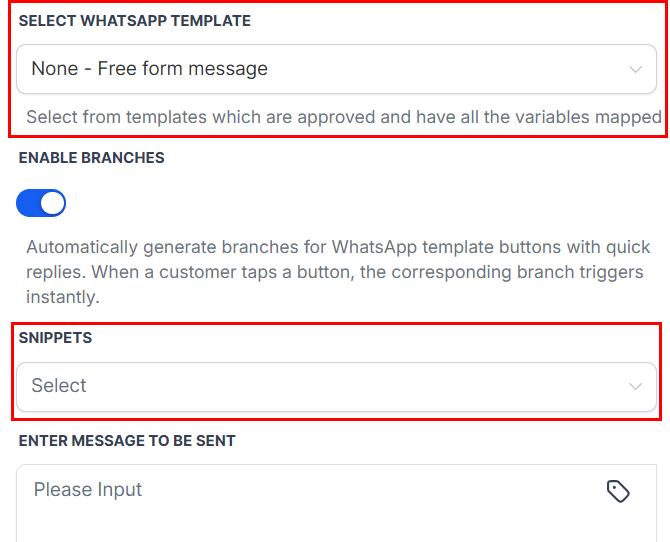
📌 Note: Snippets can only be sent if there is a 24-hour open conversation window with the contact.
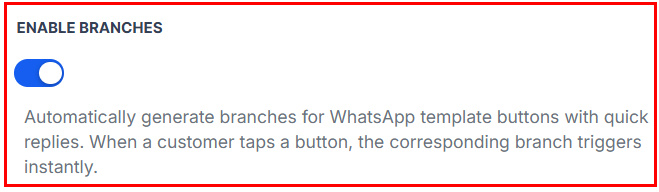
Enable Branches
Enable branches to enjoy smart workflows with auto-branching, reply-based triggers, and an optional simple mode. When enabled, you can easily update media at send-time and use flexible messaging formats in one seamless action. Additionally, this feature ensures reliability with built-in failover, timeout handling, and wait-for-reply controls.
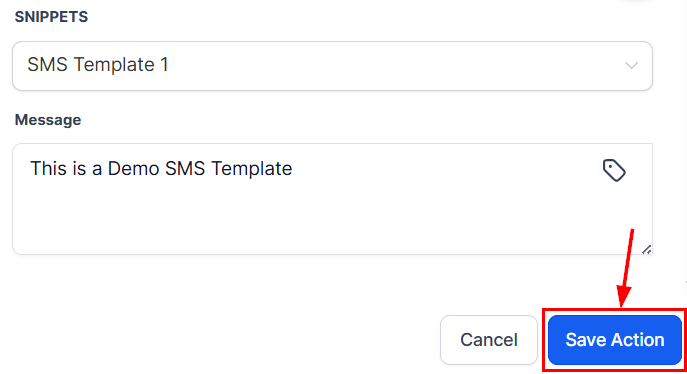
Save and Activate
Save the action and activate the workflow to automate WhatsApp message delivery based on your defined triggers.
Whether you’re sending timely updates or managing ongoing conversations, the ability to automate message delivery from your workflow ensures your business remains responsive and connected with your audience.
Practical Example
Scenario: A business wants to send appointment reminders via WhatsApp 24 hours before a scheduled meeting.
- Trigger: Appointment Reminder
- Action: WhatsApp
- Name: “Send WhatsApp Appointment Reminder”
- Message Type: Template – Appointment Reminder
- Template Content: “Hi {{contact.first_name}}, this is a reminder for your appointment scheduled on {{appointment.date}}.”
- Outcome: Customers will automatically receive a personalized reminder about their upcoming appointment via WhatsApp.
✍️Key Notes
- Free Entry Point Conversations: When customers respond to a WhatsApp message, it opens a conversation window allowing free-form or template messaging for up to 72 hours at no additional cost.
- Do Not Disturb (DND): You can configure DND to manage customer preferences and avoid messaging individuals who have opted out.
Not a Funnelbud customer yet?
Try our all-in-one CRM for sales and marketing — free for 7 days, no commitment.