Facebook Lead Form Submitted Trigger
The Facebook Lead Form Submitted trigger is a feature that starts your workflows when a Facebook lead form is submitted. It ensures all lead data is captured and integrated into your CRM.
Before setting up this trigger, confirm that your Facebook form fields are mapped in your CRM by going to Settings > Integrations > Facebook Form Fields Mapping.
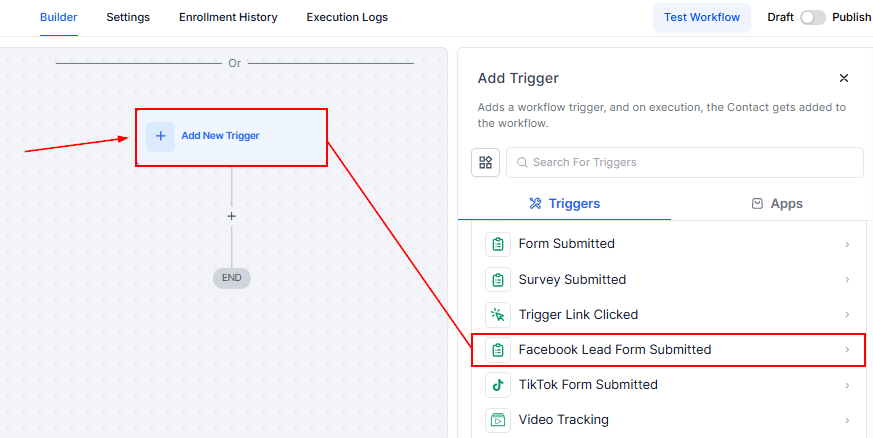
To start setting up your workflow, click Add New Workflow Trigger and select Facebook Lead Form Submitted.
Filters
There are two default fields to configure:
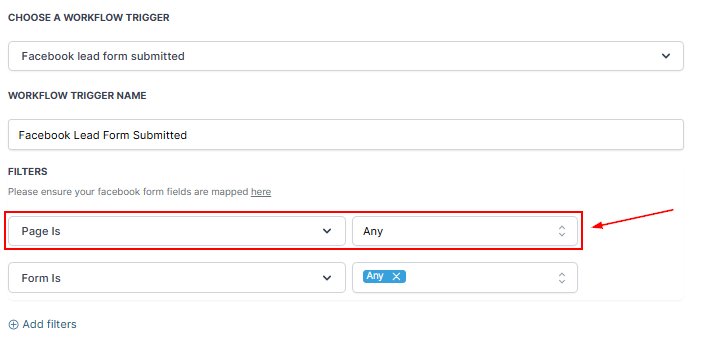
Page Is
Here, you can choose the specific Facebook page you wish to target.
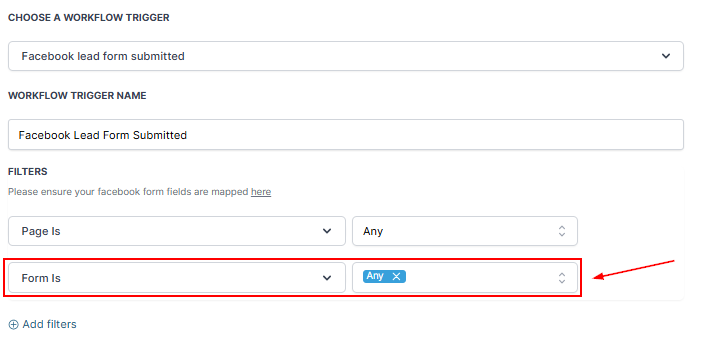
Form Is
After selecting the page, you can select the Facebook lead form that you’d like to trigger the workflow.
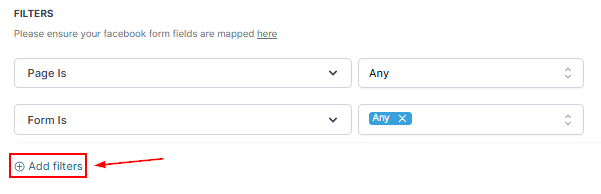
Include custom filters by clicking the “Add Filters” button.
Once the filters have been selected, click the “Save Trigger” button in the bottom right corner.
📌Note: Add workflow actions to automate tasks such as notifications, follow-ups, or account updates.
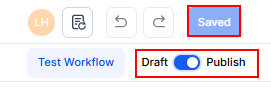
Once all actions are defined, Publish and Save the workflow to activate its functionality.
The Facebook Lead Form Submitted trigger helps connect your Facebook lead generation efforts with your CRM. This integration ensures no lead is missed and allows for automated notifications, follow-ups, and updates. With your workflow activated, you can focus on engaging leads while automation handles repetitive tasks.
Not a Funnelbud customer yet?
Try our all-in-one CRM for sales and marketing — free for 7 days, no commitment.