Smart List Quick Action Buttons
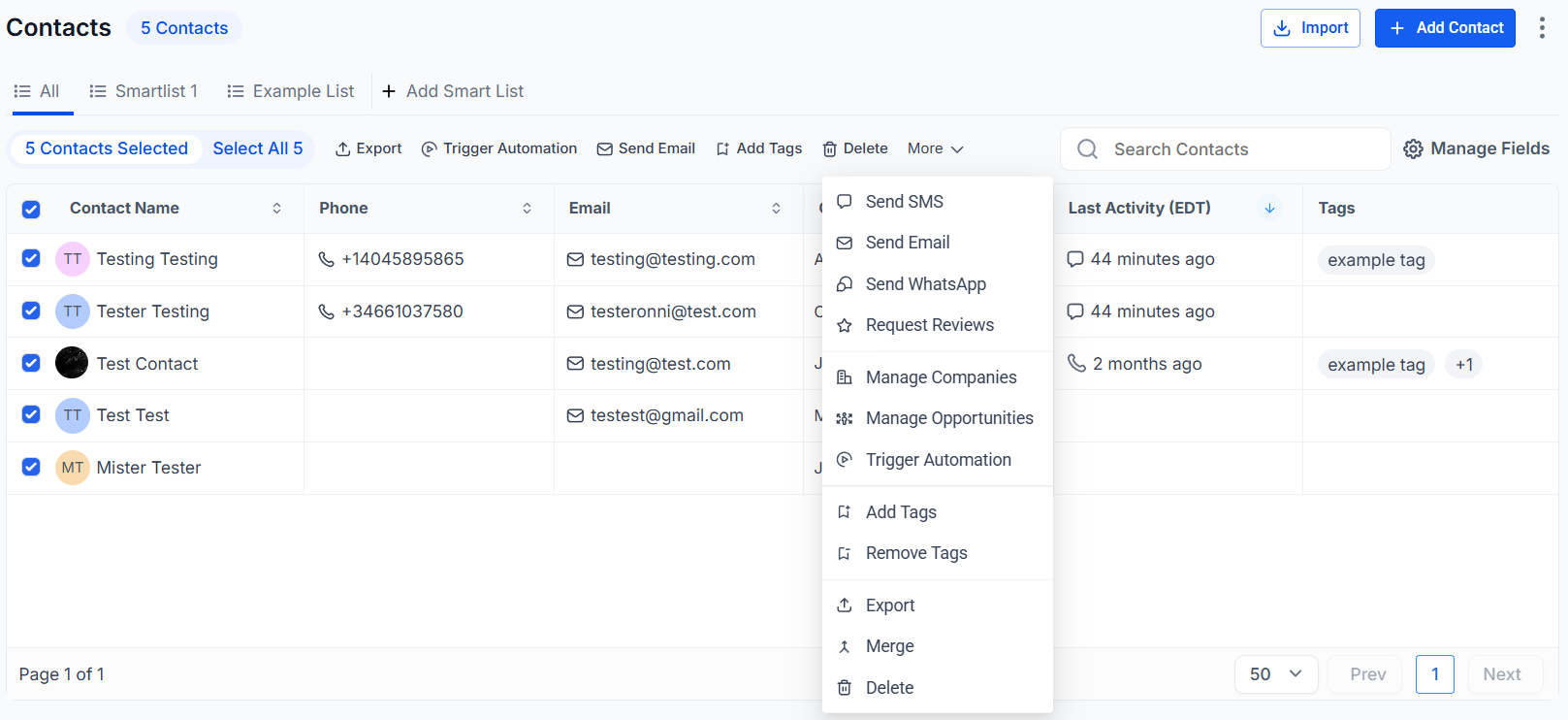
By utilizing quick actions within your contact list, you can efficiently manage and execute tasks for individual or multiple contacts. Below is an overview of the Quick Action buttons located in the Contacts > Smart Lists section. In subsequent guides, you will gain a deeper understanding of each action and its usage.
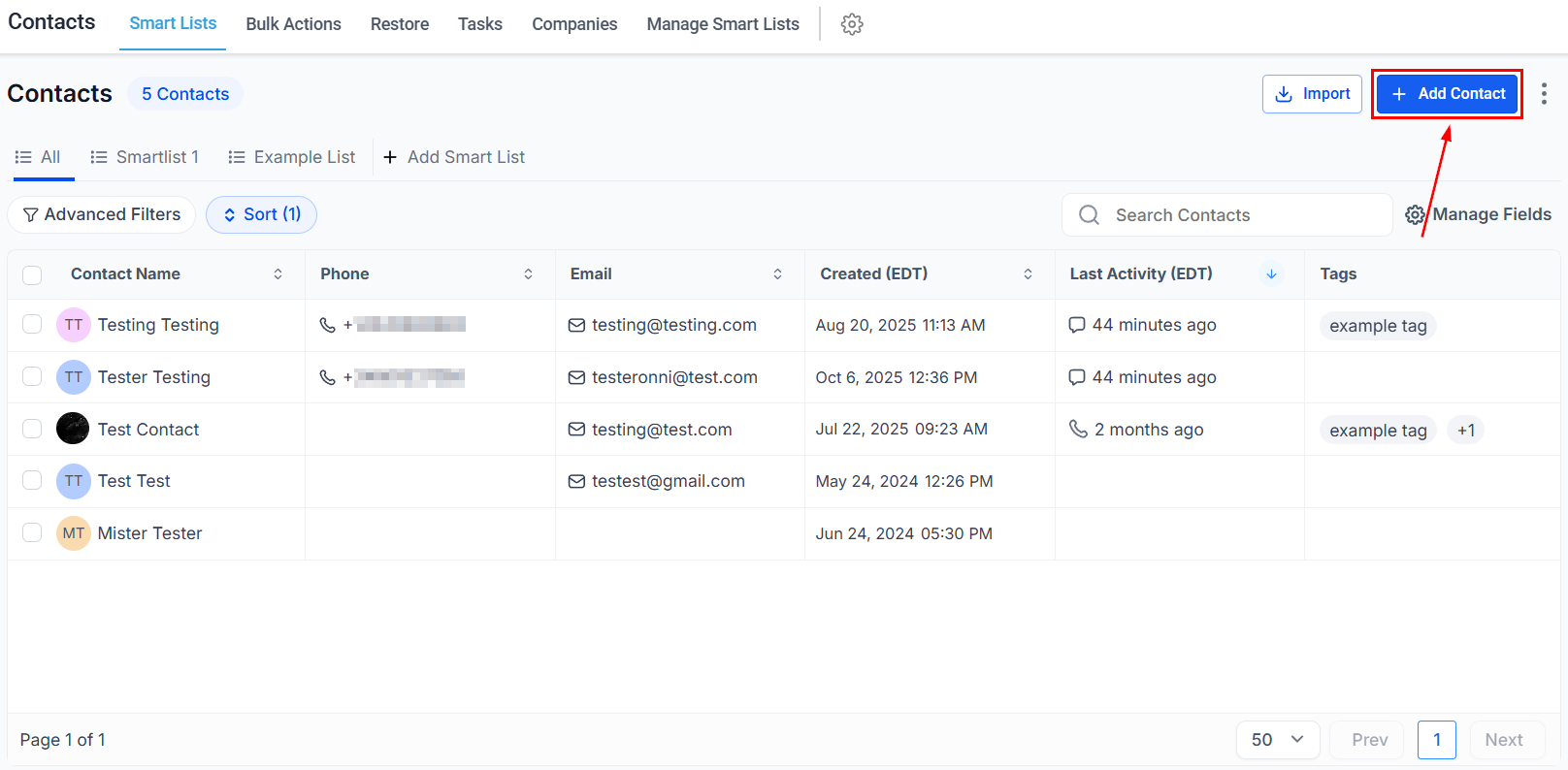
Add Contact
With a single click of the ’+’ button on the top left of the contacts page, you can manually input contact information with ease.
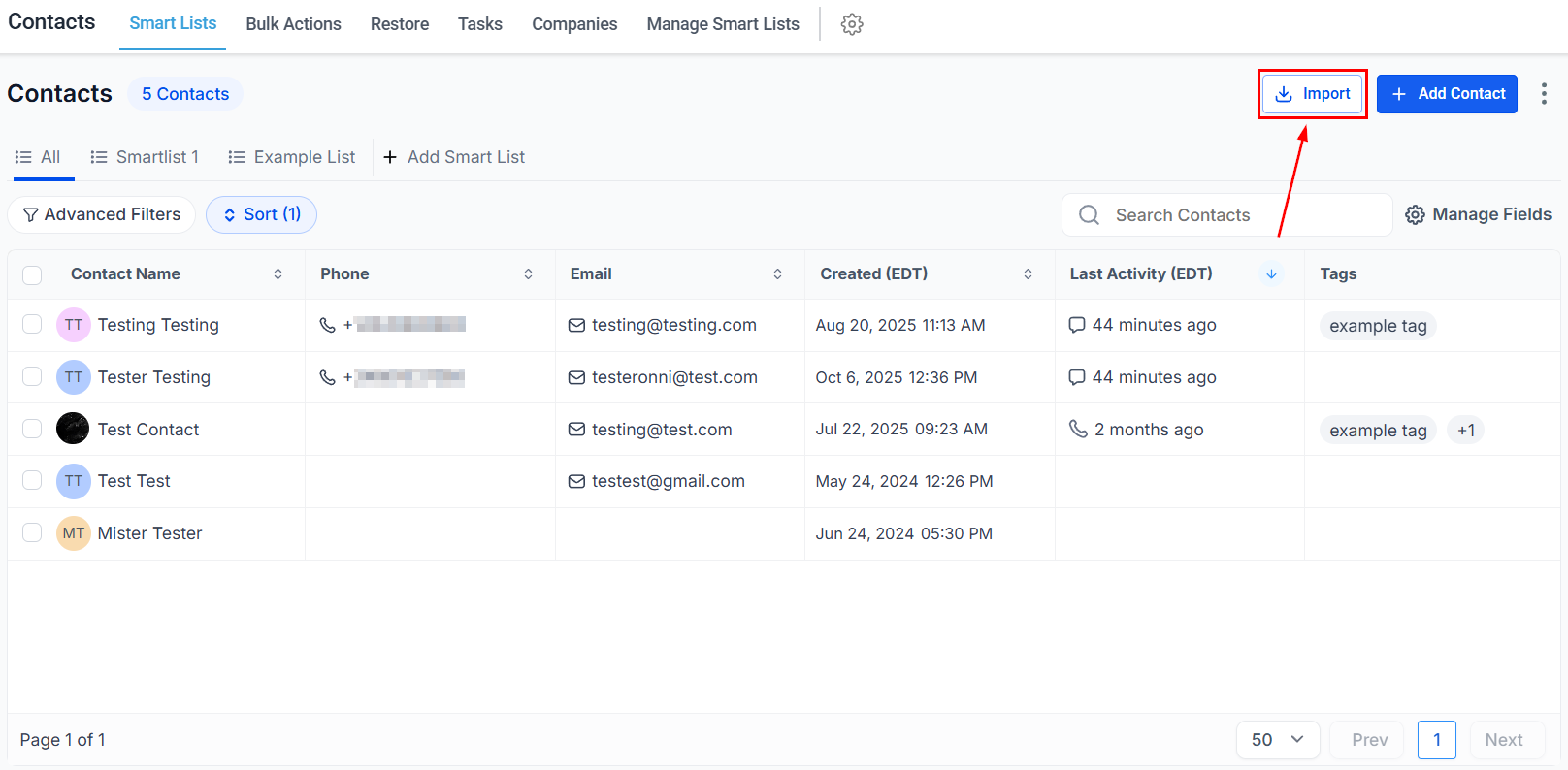
Import Contacts
Upload contacts to the system using the Import Contacts action.
Quick Actions
Once you select your contact(s), you’ll gain access to some additional actions. These will be:
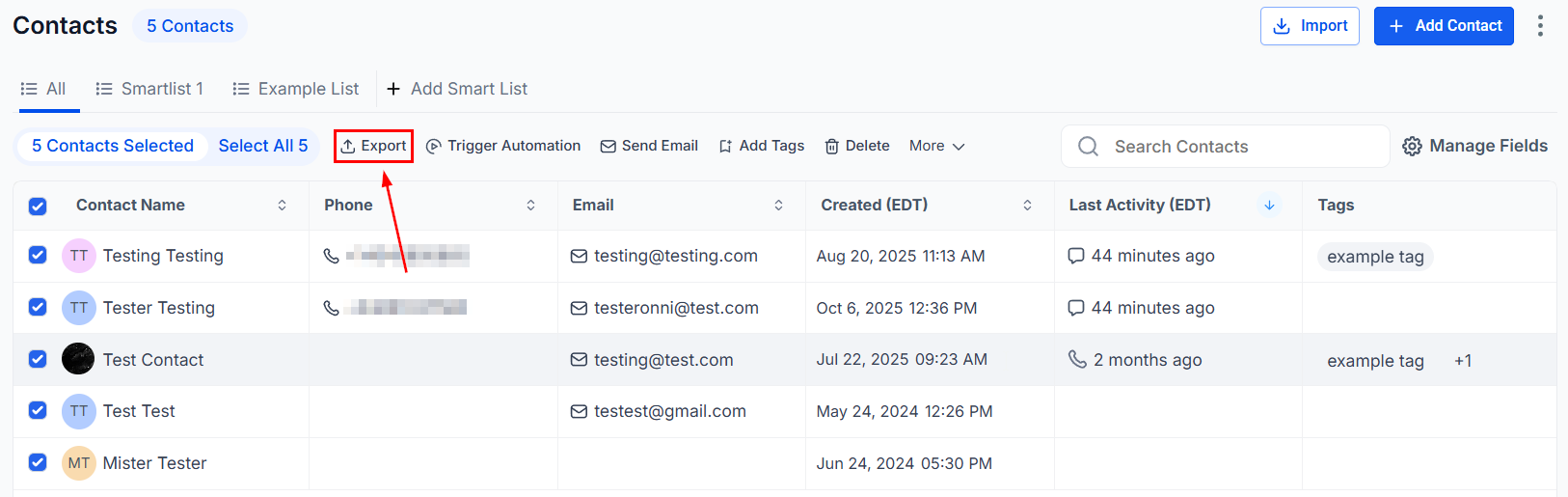
Export Contacts
Download contacts to your device for offline access by utilizing the Export Contacts feature.
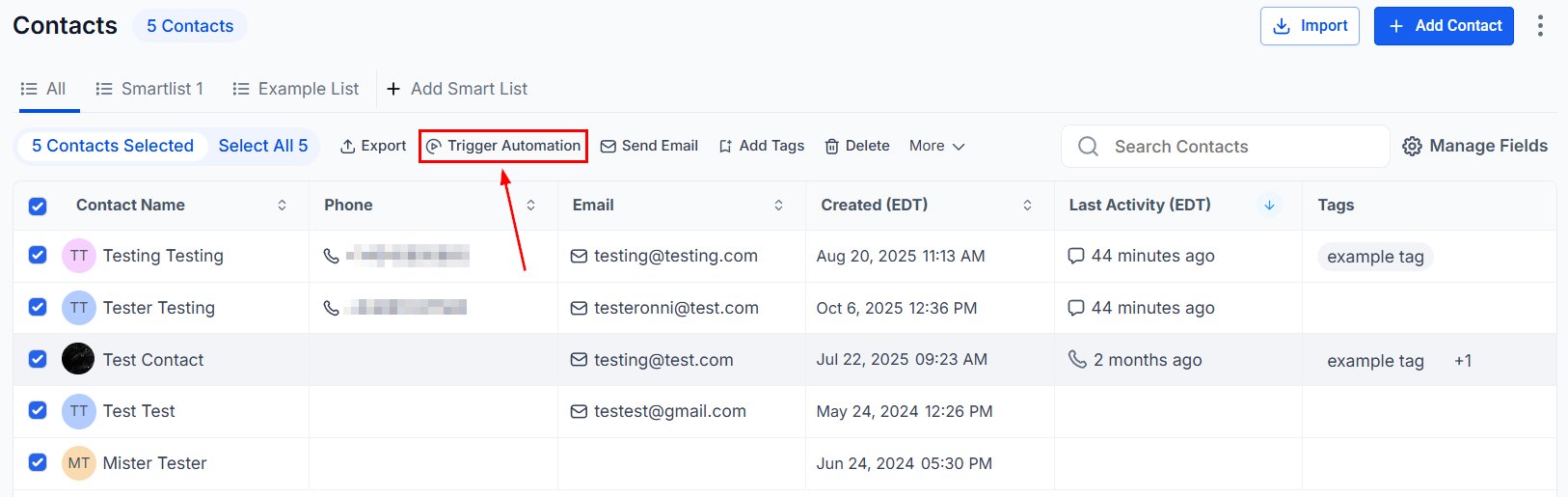
Trigger Automation
Use the trigger automation button to add selected contacts to Workflows efficiently.
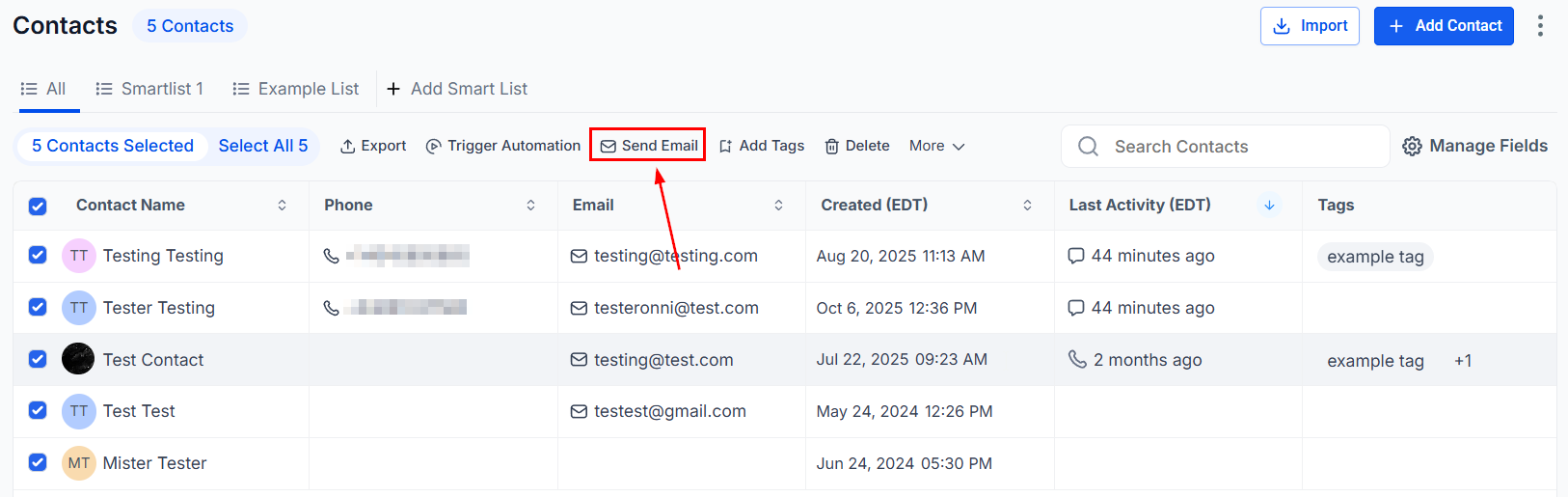
Send Email
The ‘Send Email’ button enables you to swiftly send an email to a single contact or multiple contacts simultaneously.
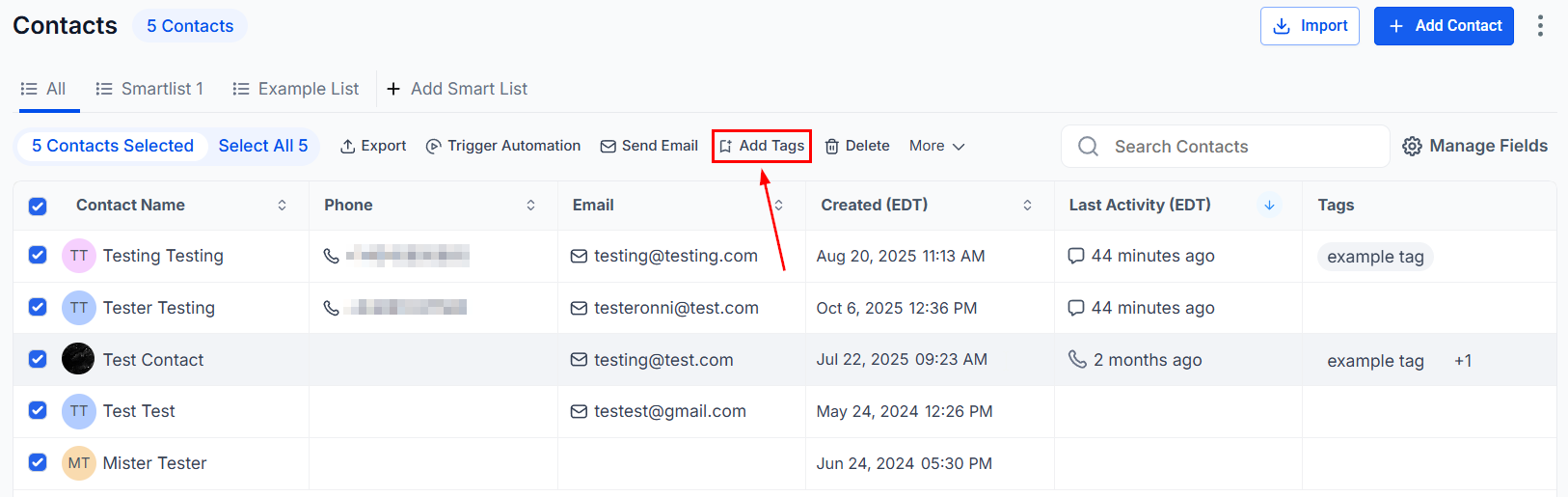
Add Tag
Easily add tags to your contacts with just one click, streamlining your tagging process.
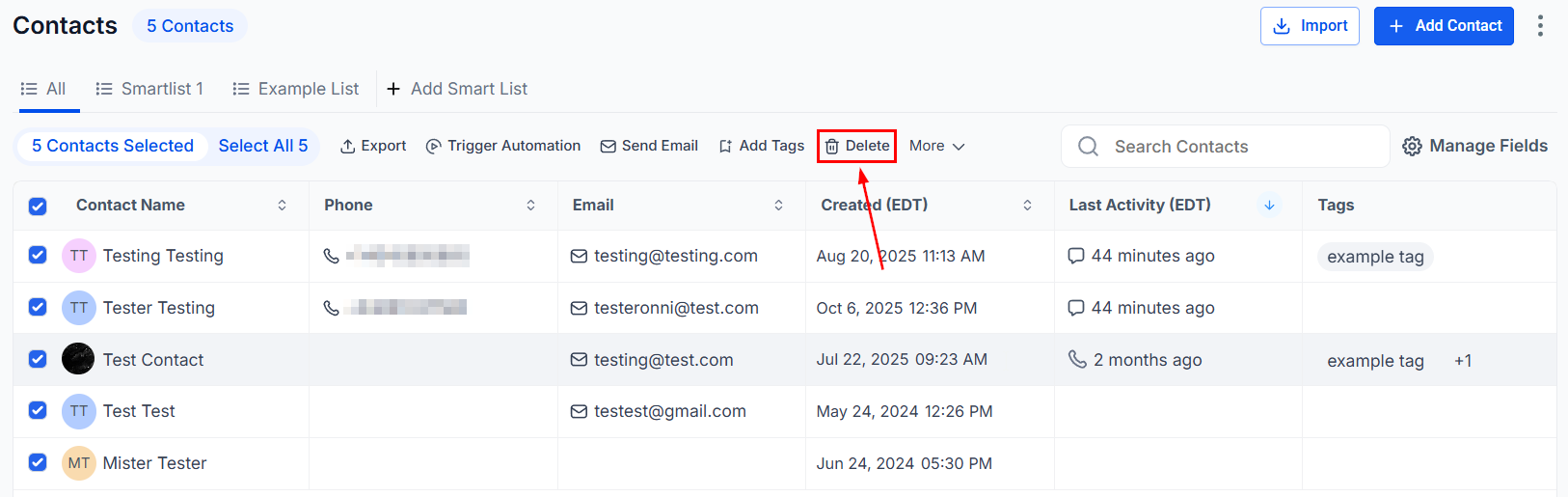
Delete Contact
Select the relevant contacts and use the ‘Delete Contact’ button to maintain a clean and accurate contact list.
More
This option will give you access to the full list of actions you can apply to contacts from the Smart Lists tab.
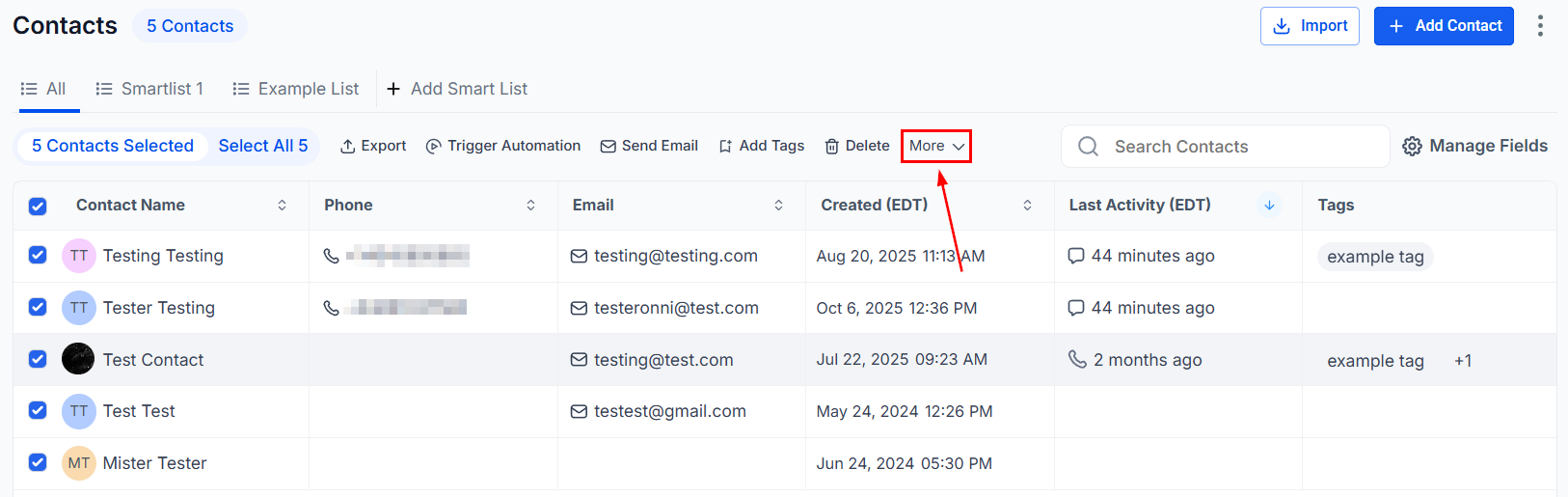
These additional options include common actions along with the aforementioned ones.
By mastering these Quick Action buttons, you will improve your contact management process, saving valuable time and enhancing your productivity. As you explore the guides that follow, you will gain deeper insights into how to use each feature to its fullest potential, ensuring your contact database remains well-organized and efficient.
Not a Funnelbud customer yet?
Try our all-in-one CRM for sales and marketing — free for 7 days, no commitment.