URL Redirects Overview
If you’re looking to reroute your web traffic from one URL to another within a hosted domain, our URL redirects tool is the perfect solution! This user-friendly and efficient tool simplifies the process of redirecting visitors, ensuring a seamless experience when navigating through your website.
Benefits of URL Redirects
- Improved User Experience: Redirects can guide users to updated or more relevant pages, reducing the likelihood of encountering broken links or outdated content.
- SEO Benefits: Properly configured redirects, such as 301 redirects, help preserve SEO rankings by transferring link equity from old URLs to new ones, ensuring that search engine rankings are maintained when content is moved or updated.
- Consolidation of Multiple Domains: Redirects can consolidate traffic from multiple domains or subdomains to a single, primary domain, improving brand consistency and user navigation.
Adding a Redirect
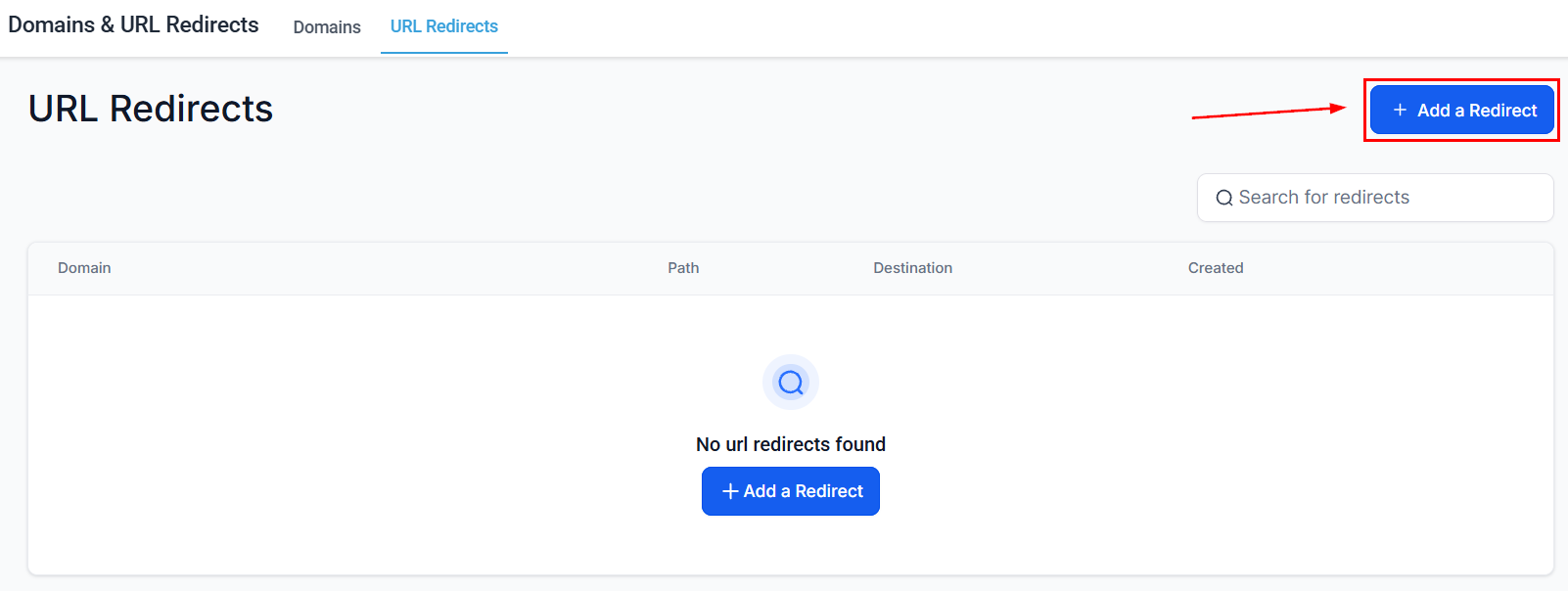
Navigate to the Domains & URL Redirects section inside your Settings and switch to the URL Redirects tab. There, click Add Redirect.
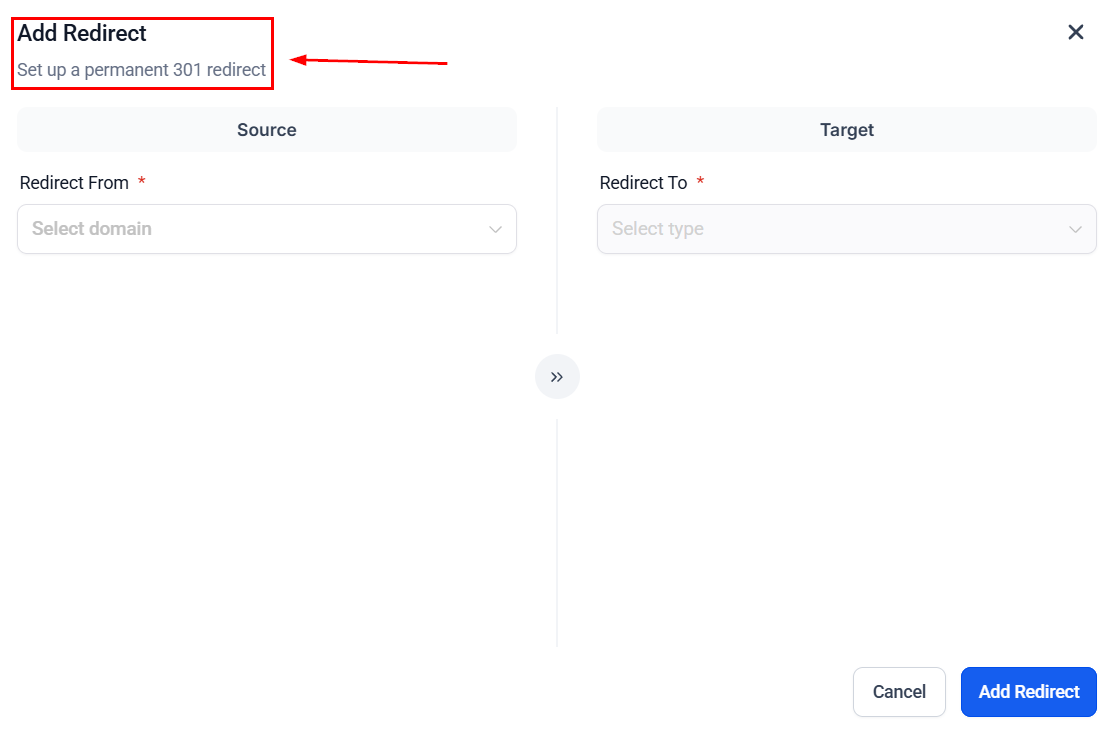
Here you will be able to set up your redirect settings.
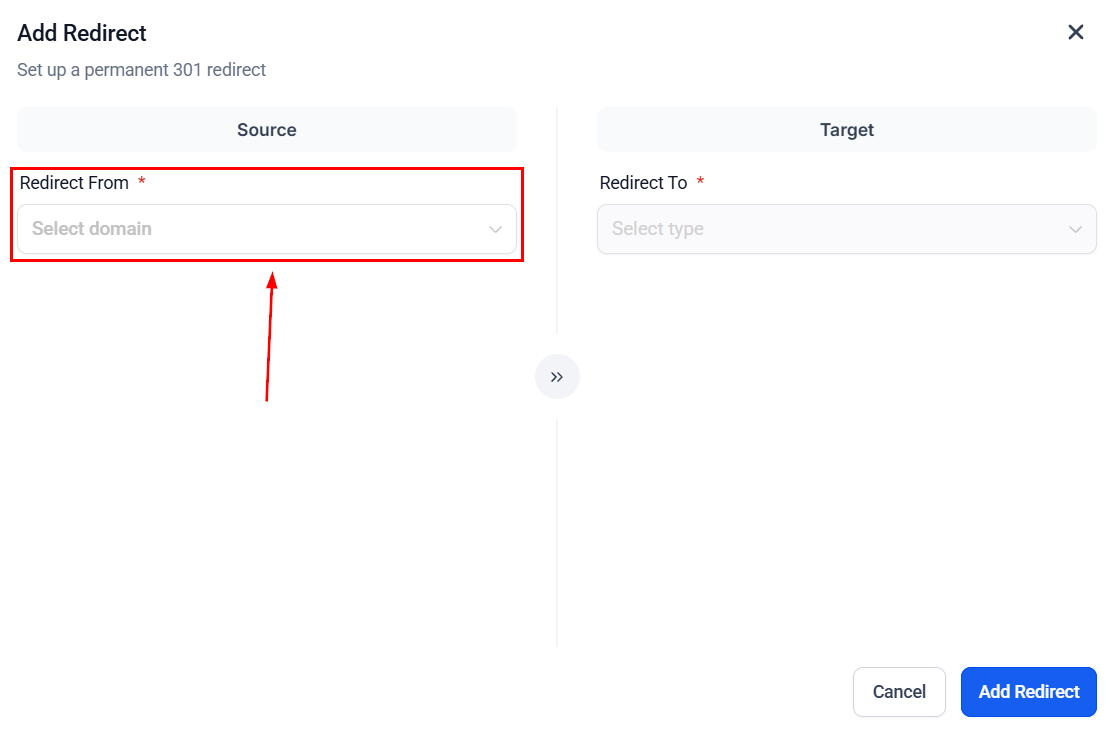
Redirect From
Here you will see the list of domains connected to your CRM location. Select the domain that you want to redirect from the dropdown.
Select whether you’d like to redirect a specific path (1) or the entire domain (2).
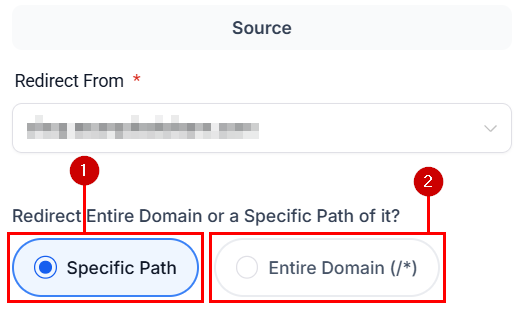
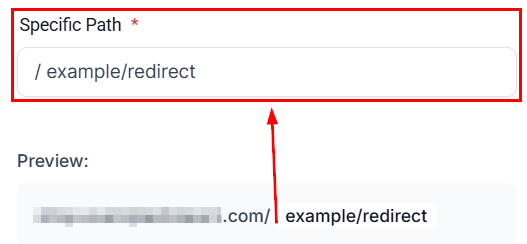
Specific Path
Enter the URL path that you are looking to redirect.
Redirect To
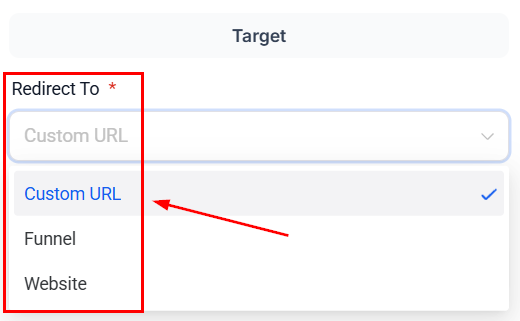
Here you can select the type of redirect, such as Funnel, Website & URL.
URL
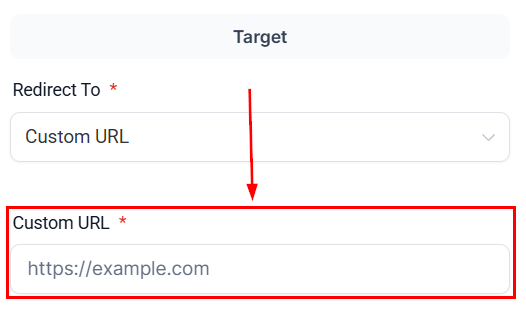
If you’ve selected Custom URL, enter the URL where you would like the existing domain’s URL redirected.
Funnel
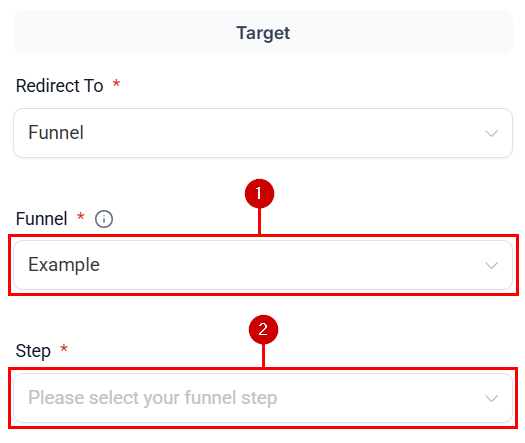
If you’ve selected Funnel, use the dropdown menu (1) to pick any of your funnels, then select the step (2) you want customers to be directed to.
Website
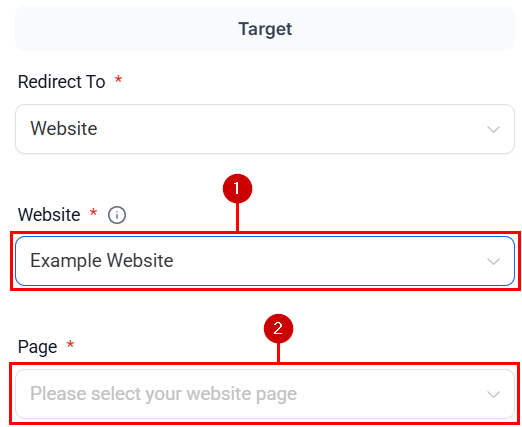
If you’ve selected Websites, use the dropdown menu (1) to pick any of your websites or e-commerce stores, then select the page (2) you want customers to be directed to.
Once you’ve filled in the fields, you click on Add redirect to save.
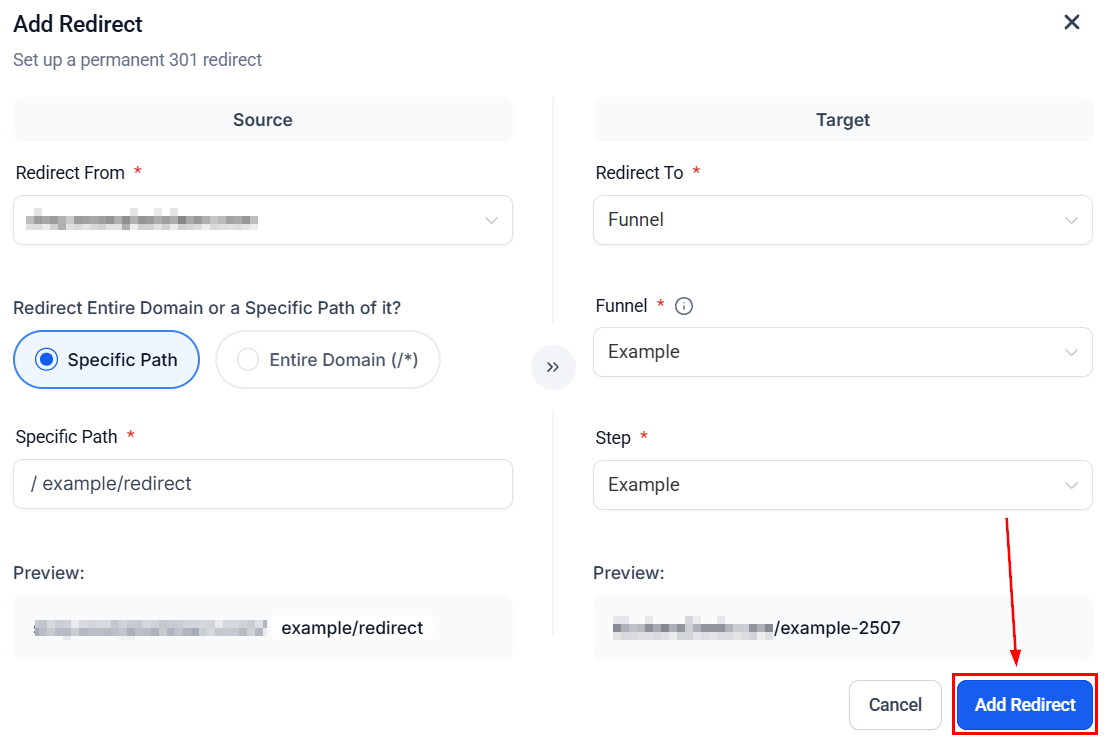
That’s all there is to it! You are now ready to create Redirect URLs.
Not a Funnelbud customer yet?
Try our all-in-one CRM for sales and marketing — free for 7 days, no commitment.