How to Create a Brand Voice from Text or URL
Building a consistent Brand Voice is easier now than ever. Generate a complete Brand Voice profile simply by entering your website URL or pasting brand-related text, eliminating the need for manual setup. After providing the relevant details, your Brand Voice will be created in a matter of seconds, allowing you to optimize your marketing and communication efforts with ease. Let’s dive in.
Key Benefits
- Faster Setup: Skip the time-consuming process of creating a voice from scratch.
- Flexible & Editable: The generated Brand Voice is fully customizable to align with your unique tone and style.
- User-Friendly: Get started with just a single link or block of text, no special formatting required.
How It Works
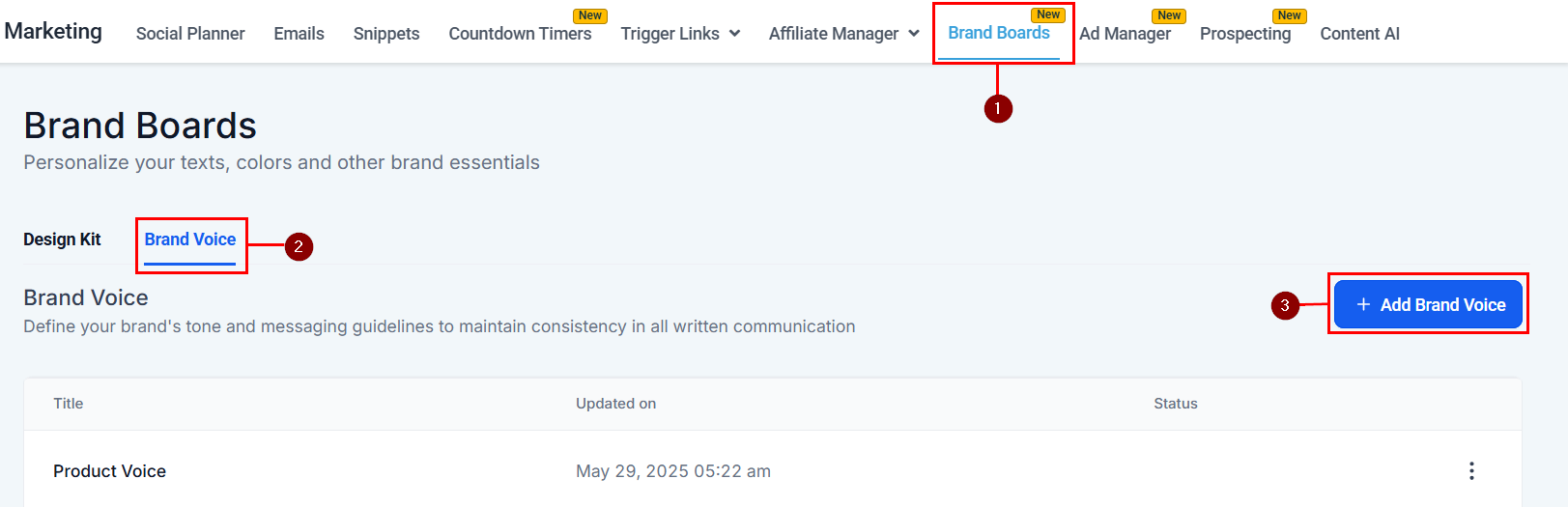
Start by accessing the Brand Boards section within your account. This is where all your brand assets, including voice profiles, are managed. Click “Add Brand Voice” in the Brand Voice tool to create a new voice profile.
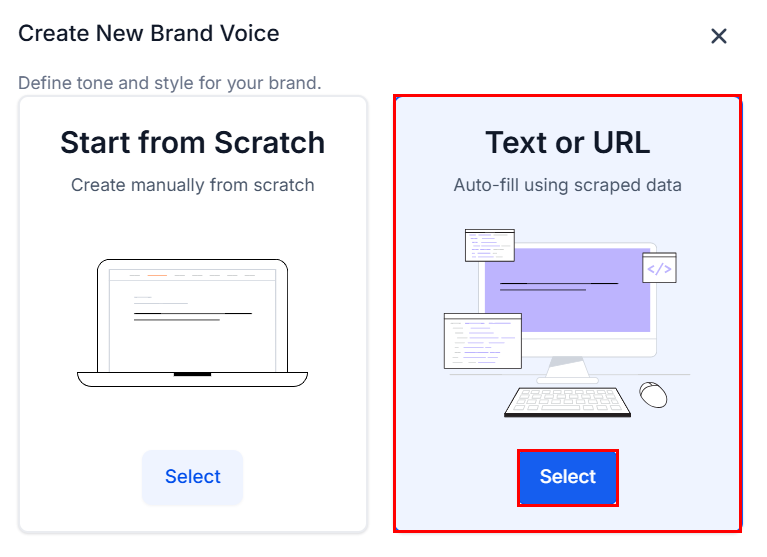
Instead of starting from scratch, select the create with Text or URL option. This leverages AI to analyze your brand content and automatically generate a tailored voice profile.
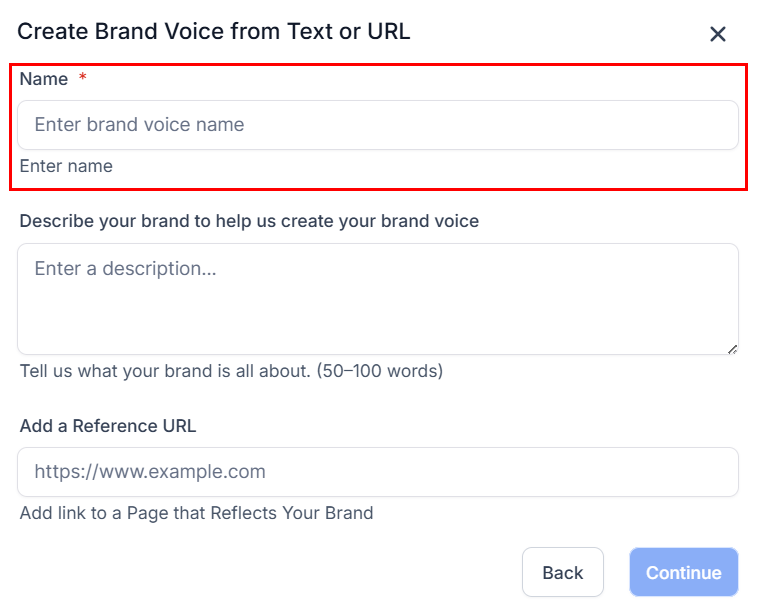
Next, assign a name to the Brand Voice. This aids in identifying the Brand Voice.
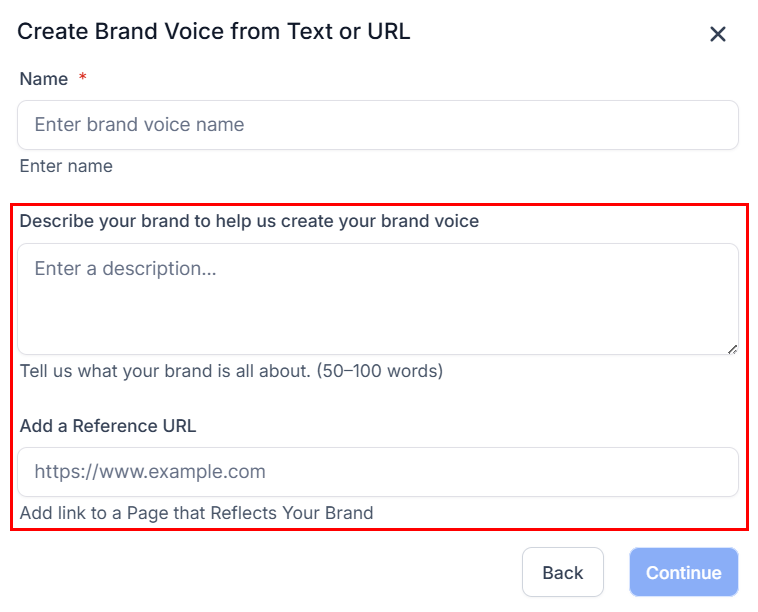
You have two input options:
- Brand Text: Paste any text that reflects your brand, such as an “About Us” section, mission statement, product descriptions, or marketing content.
- Website URL: Enter your homepage or any representative page. The system will extract relevant messaging to understand your tone.
Finally, click Continue.
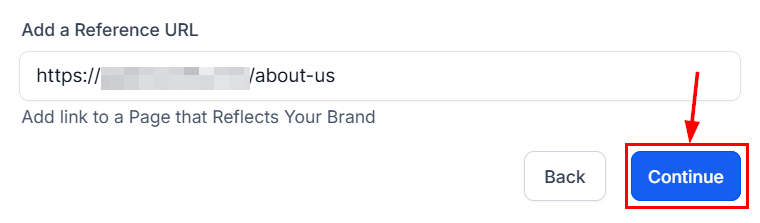
Your Brand Voice will be automatically generated and ready for editing.
Whether you’re launching a new brand or streamlining voice development for multiple clients, this feature helps you establish a professional, consistent tone, quickly and effortlessly.
Not a Funnelbud customer yet?
Try our all-in-one CRM for sales and marketing — free for 7 days, no commitment.