Quick Filter
Handling a high volume of messages across multiple communication channels can be overwhelming. The Quick Filters feature simplifies message management by allowing you to organize conversations based on specific criteria, such as assigned users, engagement scores, message types, and channels. With just a few clicks, you can quickly find important conversations, prioritize responses, and improve overall communication efficiency.
Using Quick Filters
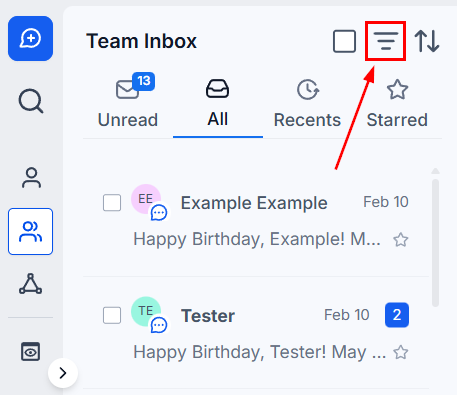
This button is located to the right of the search bar and looks like three lines. When you click on it, a right-side panel will open where you can start applying your filters.
Filter Type
You can easily filter through your messages using any of these filters or one filter from each filter type.
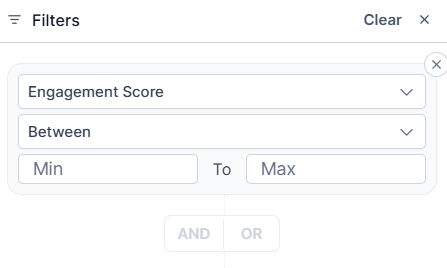
Engagement Score
The engagement score reflects a contact’s level of interaction with your messages, helping you prioritize conversations based on activity.
Assigned
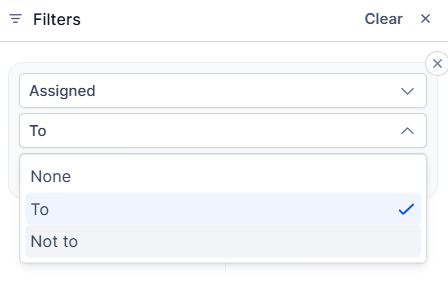
- None: To view conversations that have not been assigned to a team member, select the None option. Here you will be able to view all conversations that have not been assigned to any team member.
- Assigned To: You can view messages assigned to specific team members by clicking the Assigned To button. Once you do, you will see a drop-down list of your team members. Click on one or more team members to view the conversations assigned to them.
- Not to: This will exclude all conversations assigned to the selected team member(s), showing you only conversations that are unassigned or assigned to unselected contacts.
Follower
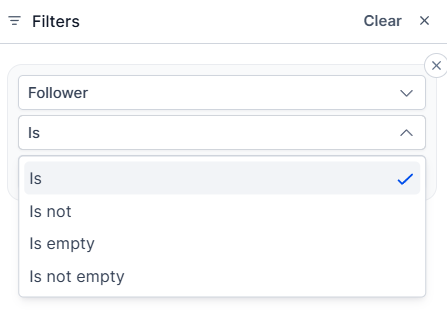
- Is: You can view conversations a team member follows. Once you select this option, you will see a drop-down list of your team members.
- Is not: This will exclude all conversations followed by the selected team member(s).
- Is empty: To view conversations that aren’t followed, select the Is empty option. Here you will be able to view all conversations that have not been assigned to any team member for monitoring.
- Is not empty: This will only show you conversations that are being followed by a team member.
Mentions
- Is: You can view messages that mention a specific team member by selecting this option.
- Is not: This will exclude all conversations that mention a specific team member.
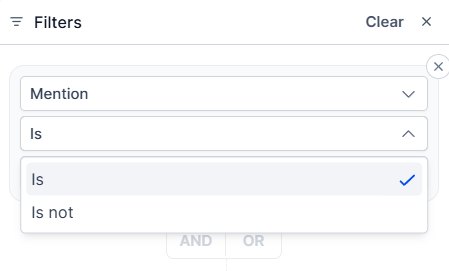
Last Message Direction
- Inbound: The Inbound filter will show all of the latest messages that have come into your CRM on any messaging channel.
- Outbound: The Outbound filter will show all of the latest messages that have gone out of your CRM on any messaging channel.
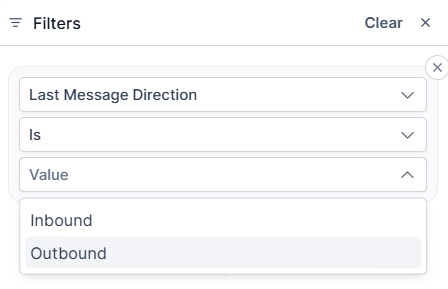
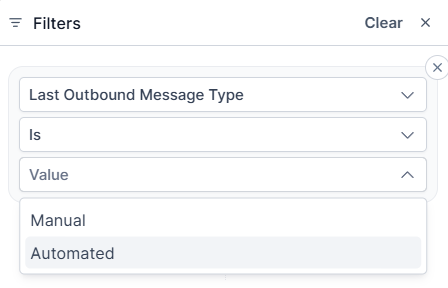
Last Outbound Message Type
- Manual: This allows you to filter the messages that were sent manually.
- Automated: If you want to access just your automated messages, click on the “Automated” filter.
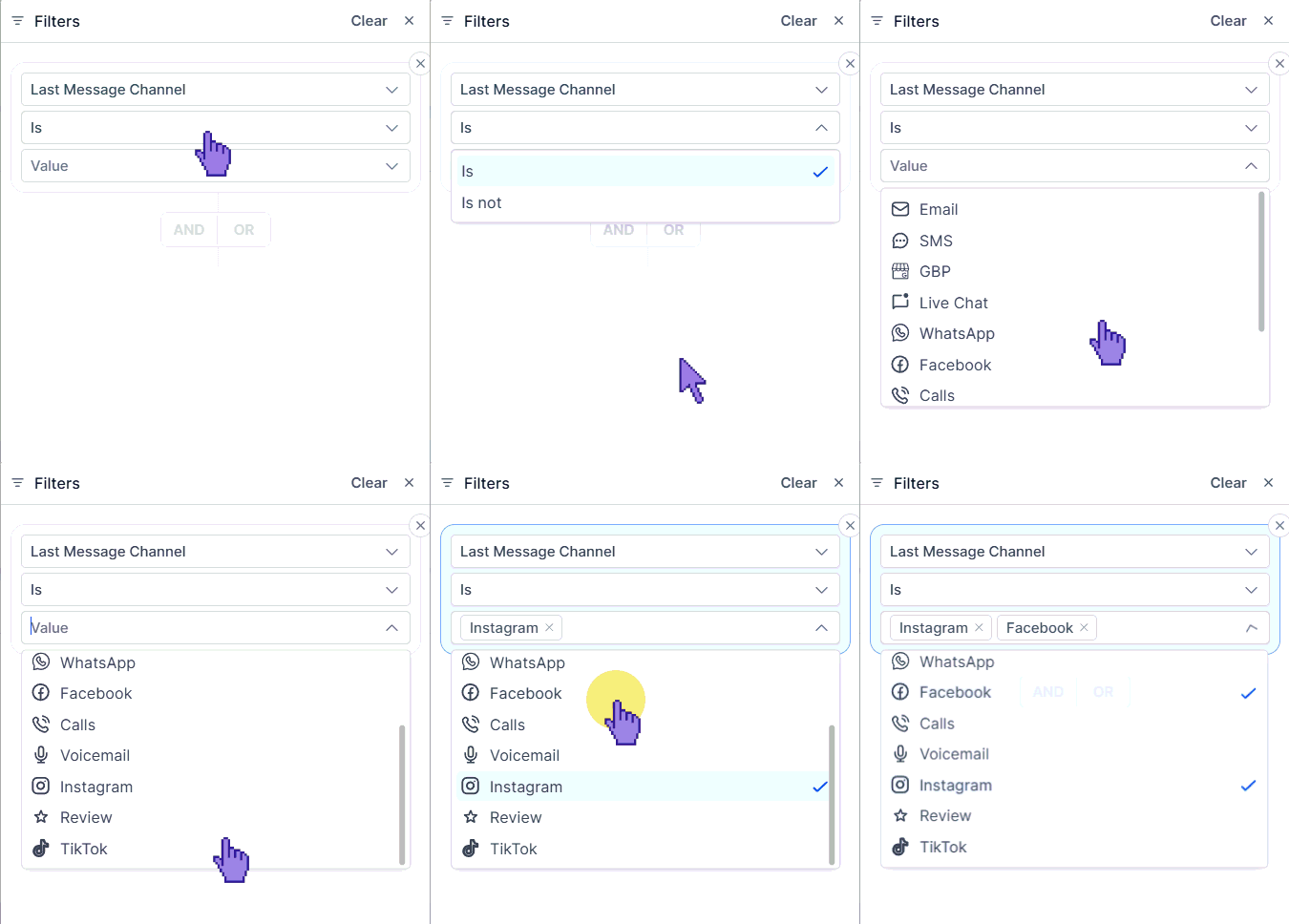
Last Message Channel
In the “Last Message Channel”, you can select any of the communication platforms you would like to limit your results to or exclude from the results. You can select multiple channels at once from the drop-down menu.
Tags
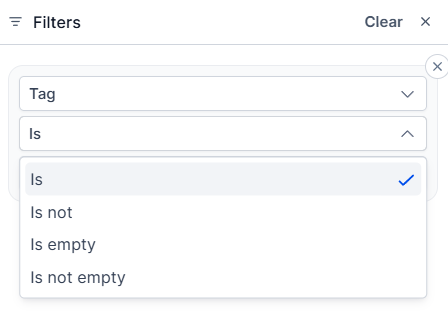
- Is: You can view conversations that include your desired tag(s).
- Is not: This will exclude all conversations that include your selected tag(s).
- Is empty: To view conversations that aren’t tagged, select the Is empty option.
- Is not empty: This will only show you conversations that are tagged.
SLA
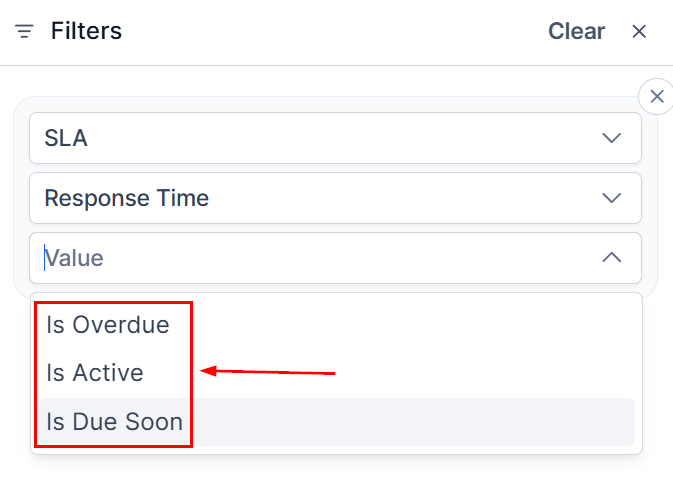
- Is Overdue: You can view conversations that are overdue for a response by selecting this option.
- Is Active: This will show you all conversations that are still inside the response window.
- Is Due Soon: To view conversations that are about to become overdue for a response.
You can mix and match the filters for more specific results by using the “And/Or” buttons.
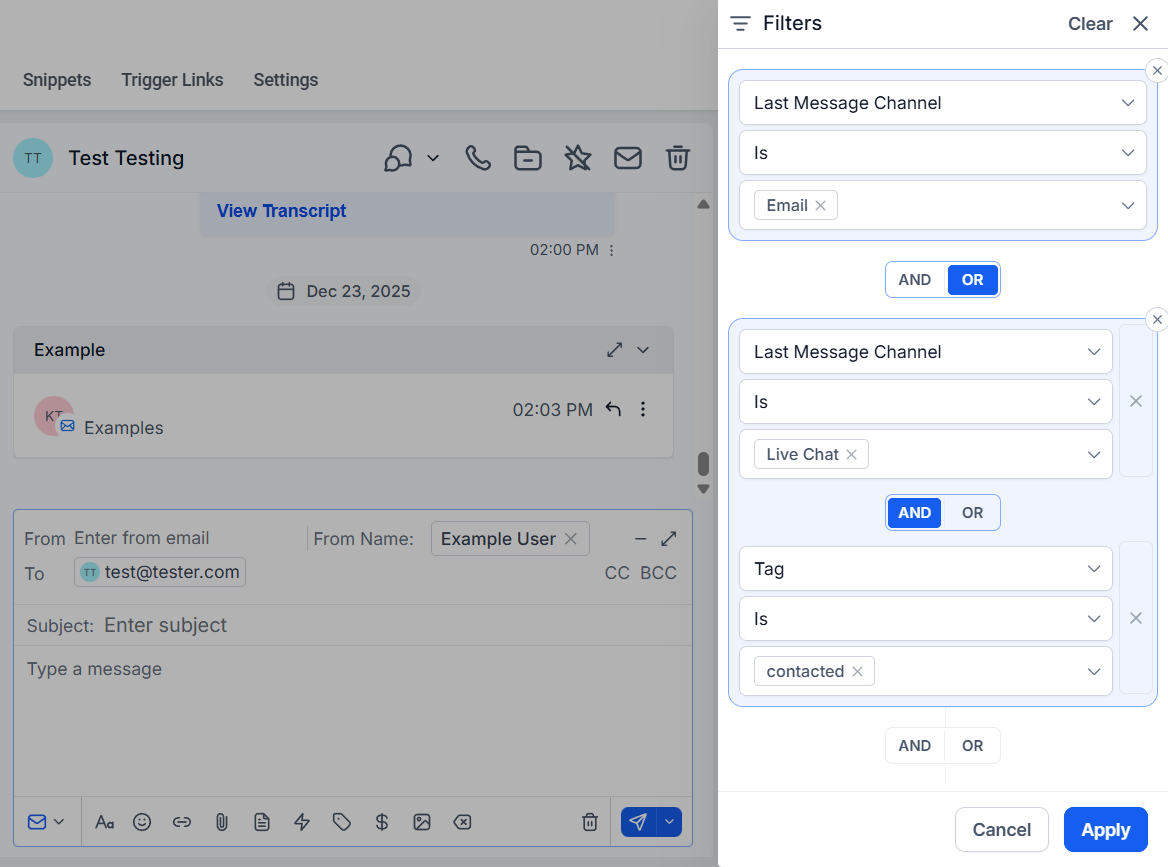
These filters allow you to easily and quickly separate conversations, helping you cut through the noise and get straight to the ones you need to interact with, helping you streamline your process.
Not a Funnelbud customer yet?
Try our all-in-one CRM for sales and marketing — free for 7 days, no commitment.