How to add a Captcha on a Form
CAPTCHAs are designed to prevent automated bots from performing certain actions such as submitting forms presenting the user with a challenge that is easy for a human to solve but difficult for a computer program. FunnelBud has an in-built checkbox captcha or the “I am not a robot” captch to protect against form spamming.
How to add CAPTCHA on a form:
1. Create a new form or edit an existing one.
2. On the left-hand Form Element selection menu, scroll down to the Customized section.
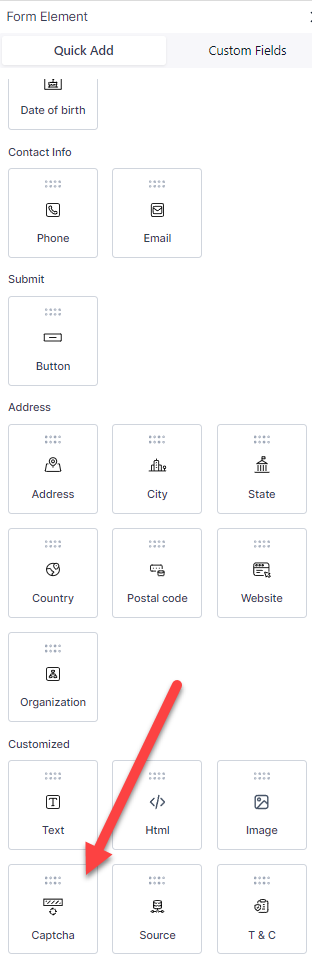
3. Click and drag the Captcha field to add to your form fields.
Not a Funnelbud customer yet?
Try our all-in-one CRM for sales and marketing — free for 7 days, no commitment.