Number Counter Widget
The Number Counter Widget is a customizable page element that animates numerical data, turning static figures into attention-grabbing visuals. Whether you’re showcasing business growth, customer satisfaction, or social media metrics, this widget helps you present your most impressive statistics in a professional, engaging format.
Key Benefits of the Number Counter Widget
The Number Counter Widget offers more than just visual appeal — it strategically enhances user engagement and builds credibility. Key benefits include:
- Dynamic Highlighting: Showcase critical milestones and achievements with animated counters.
- Enhanced Trust: Boost social proof by displaying real-time metrics in a visually appealing way.
- Customizable Design: Supports both minimalist and bold branding styles to align with your brand identity.
- Smooth Performance: Animation triggers only when the widget scrolls into view, ensuring a seamless user experience.
How to Use the Number Counter Widget
You can set up the widget in a few simple steps:
Add the Element
Drag the Number Counter onto your page from the elements list.
General
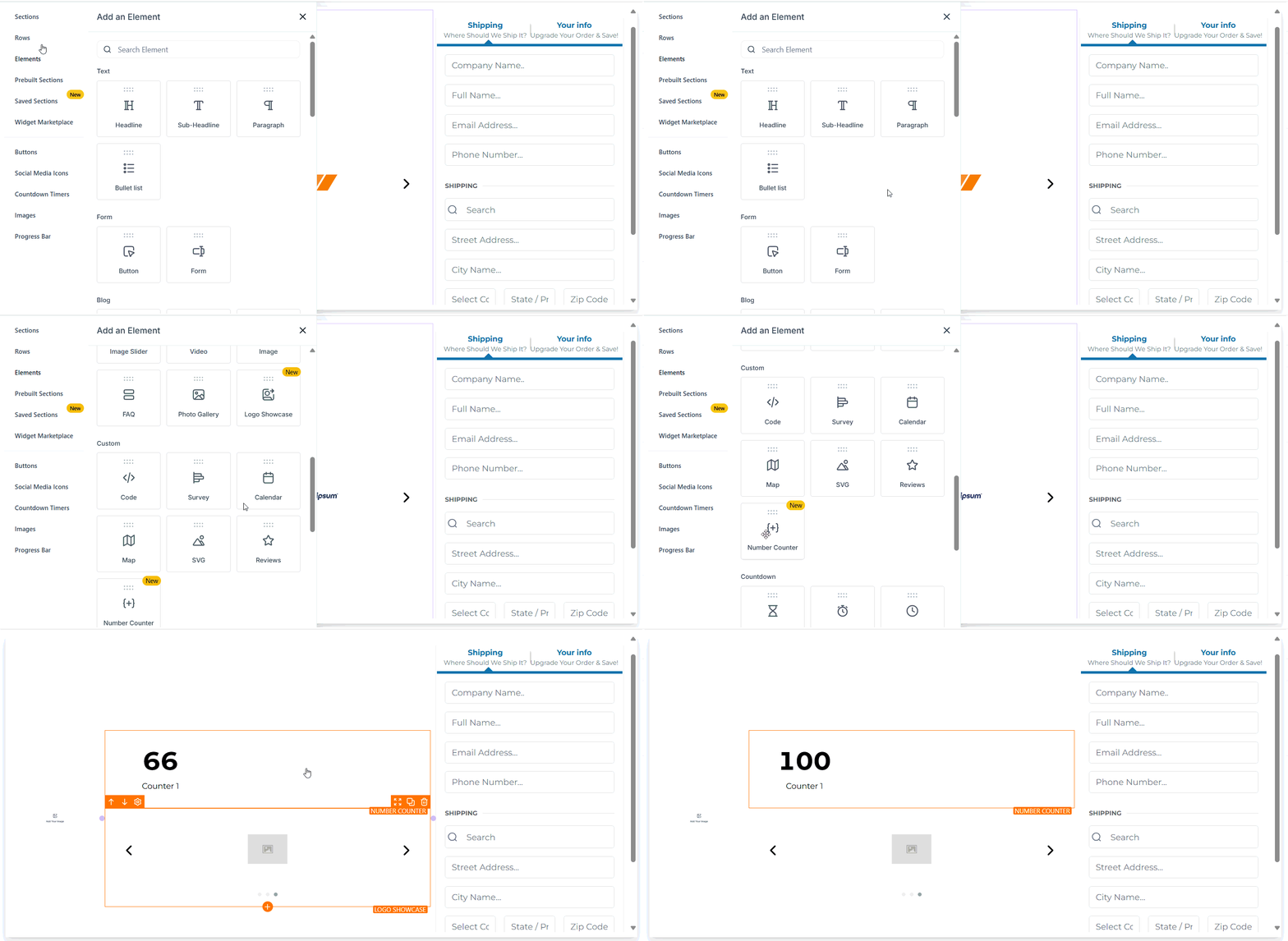
Adding the element will automatically open its settings. In the general section, you can first begin by assigning a name to the element.
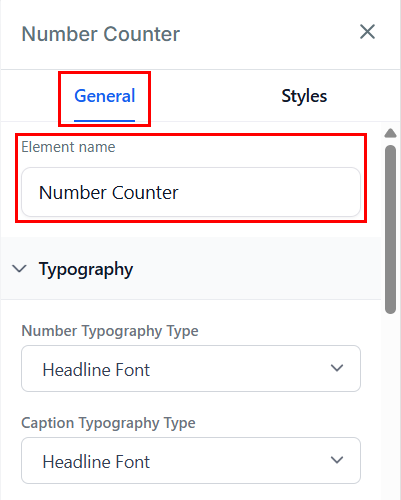
Next, adjust the typography type for the number and caption, then set the font size for both mobile and desktop views.
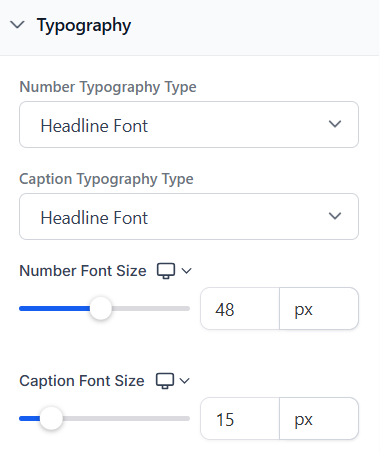
Click “Add Counter” for each statistic you want to feature. Optionally, you can adjust the caption and add icons, logos, or badges to visually support each counter.
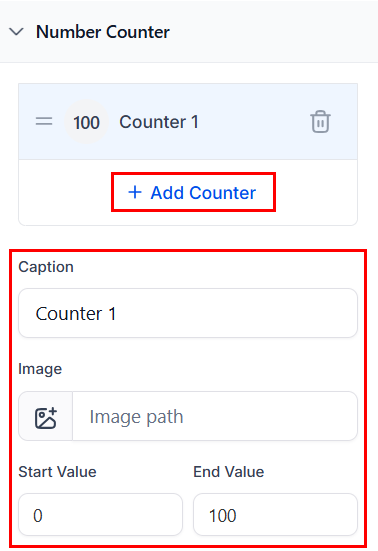
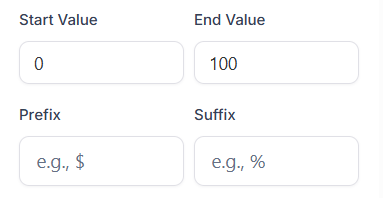
Next, set starting and ending values, and add a prefix (e.g., $, +) or suffix (e.g., %, M) to format your metrics.
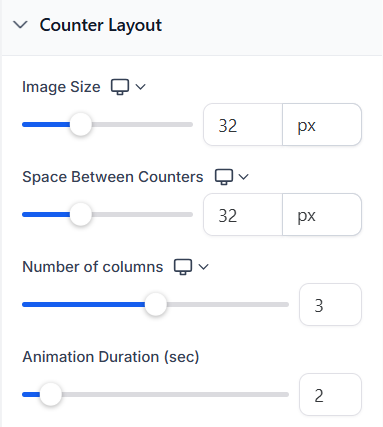
Next, you can customize the counter layout by selecting the number of counters per row (1–5) and fine-tuning spacing using the gap control settings.
Once you have done so, control the animation speed using the slider (1 to 15 seconds).
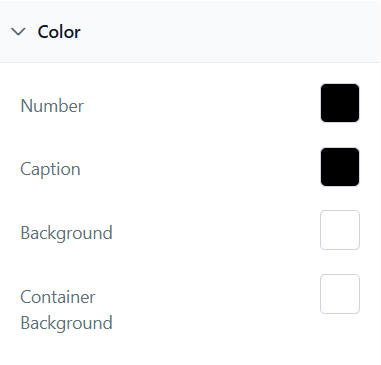
After completing all other sections, you can customize the colors for numbers, captions, counter backgrounds, and container backgrounds.
You can also switch to the Styles tab for advanced customization options such as margin and padding adjustments, and control over your border styles.
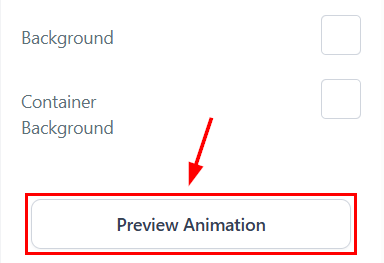
Finally, review animations and layout in preview mode before publishing to ensure everything is optimized.
✍️Important Notes
- Large numbers are automatically formatted for readability (e.g., “2500000” becomes “2.5 M”).
- Adding images is optional and can be enabled per counter.
- Animations trigger only once per page load to ensure smooth performance.
- The animation is triggered only when the counter enters the viewport, ensuring focused, on-screen engagement without unnecessary off-screen activity.
Frequently Asked Questions
Q: Can I customize colors for individual counters?
- A: At this time, global color settings apply to all counters for a consistent look.
Q: Can counters display decimal values?
- A: Yes, decimal points can be used in both starting and ending values.
Q: Will the animation restart if I scroll back up?
- A: No, the counters animate only once upon initial scroll into view.
Q: Are images required for each counter?
- A: No, images are optional and can be added selectively.
Not a Funnelbud customer yet?
Try our all-in-one CRM for sales and marketing — free for 7 days, no commitment.