Social Planner Statistics
The Social Planner Statistics feature offers valuable insights into the performance of your social media posts, enabling you to analyze and optimize your social media strategies. This tool allows you to track key metrics across various social media platforms. By leveraging these insights, you can better understand what content resonates with your audience and refine your social media approach for greater engagement and reach.
Accessing the Social Planner
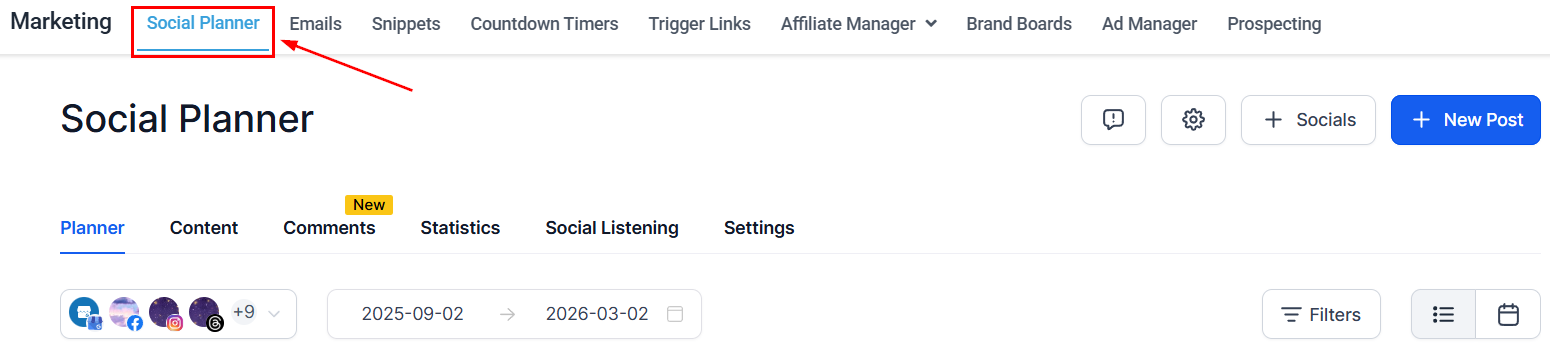
Begin by accessing the Social Planner section within the Marketing tab of your dashboard.
Locate the Statistics Option
Near the Social Calendar, you will find an option labeled “Statistics.” Click on this option to view your post-performance data.
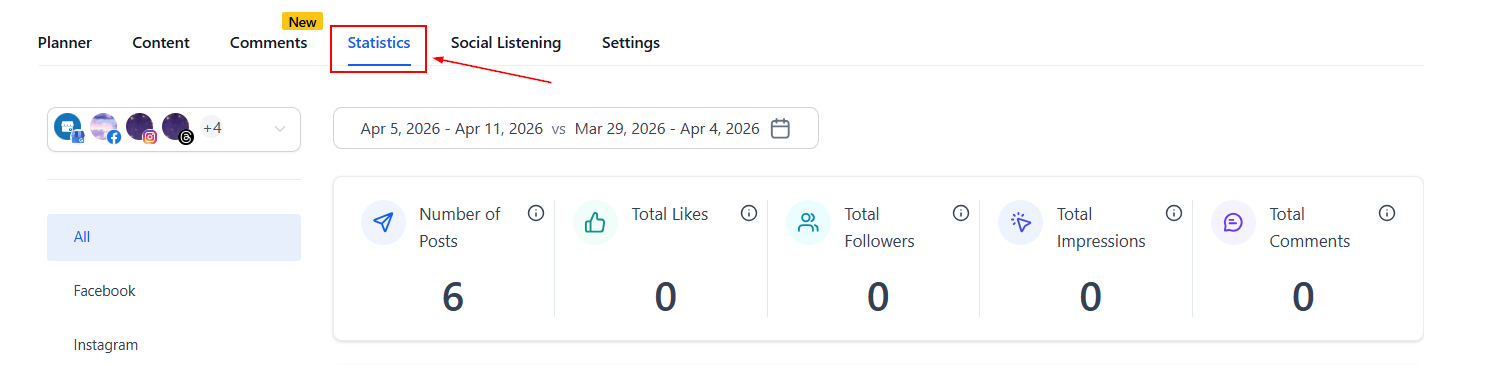
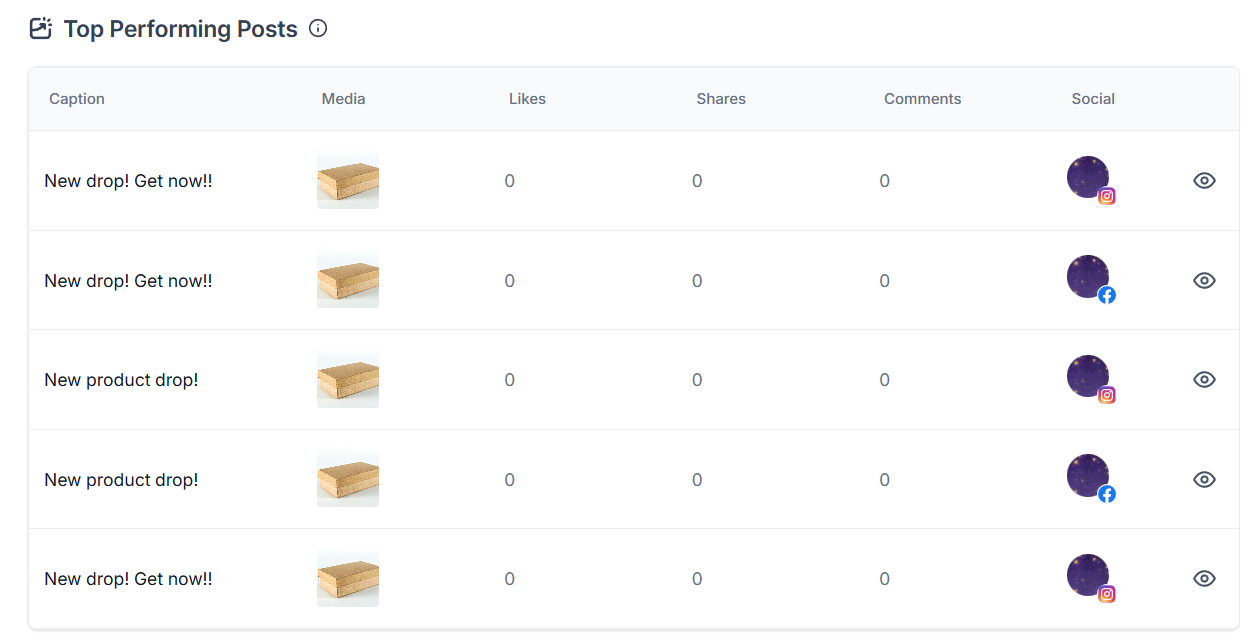
It includes metrics such as likes, comments, and shares, along with the social account to which the post was published.
Date Selector
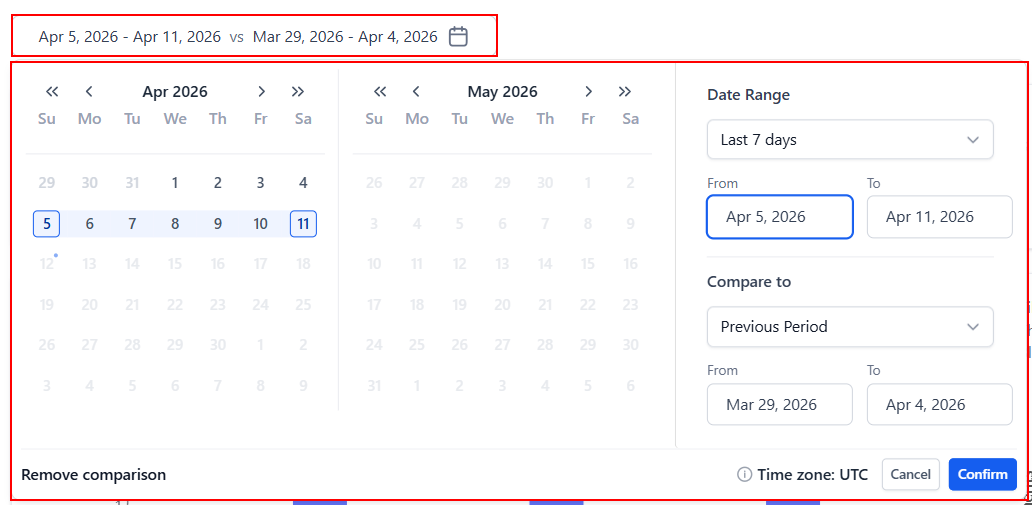
Use the date selector to choose the period that should be analyzed. By default, statistics will be shown for the last 7 days vs. the previous 7 days. If you want to compare other timelines, adjust the date range and/or the period in the “Compare To” dropdown.
Statistics Views
The Social Planner Statistics provides the following views:
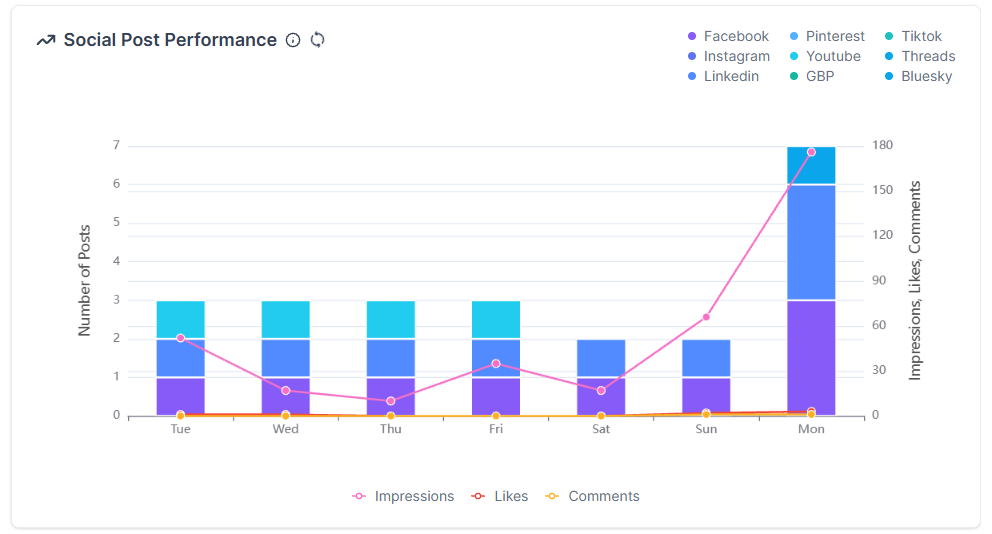
- Social Post Performance: This graph displays the interactions your posts receive across the number of posts published that day.
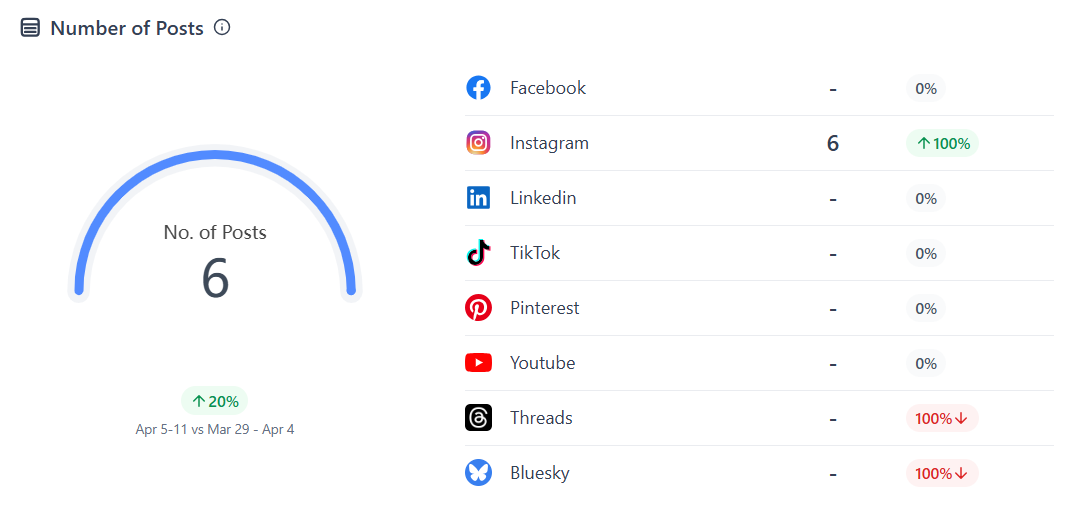
- Number of Posts: This view allows you to monitor the total published posts across your connected social media accounts.
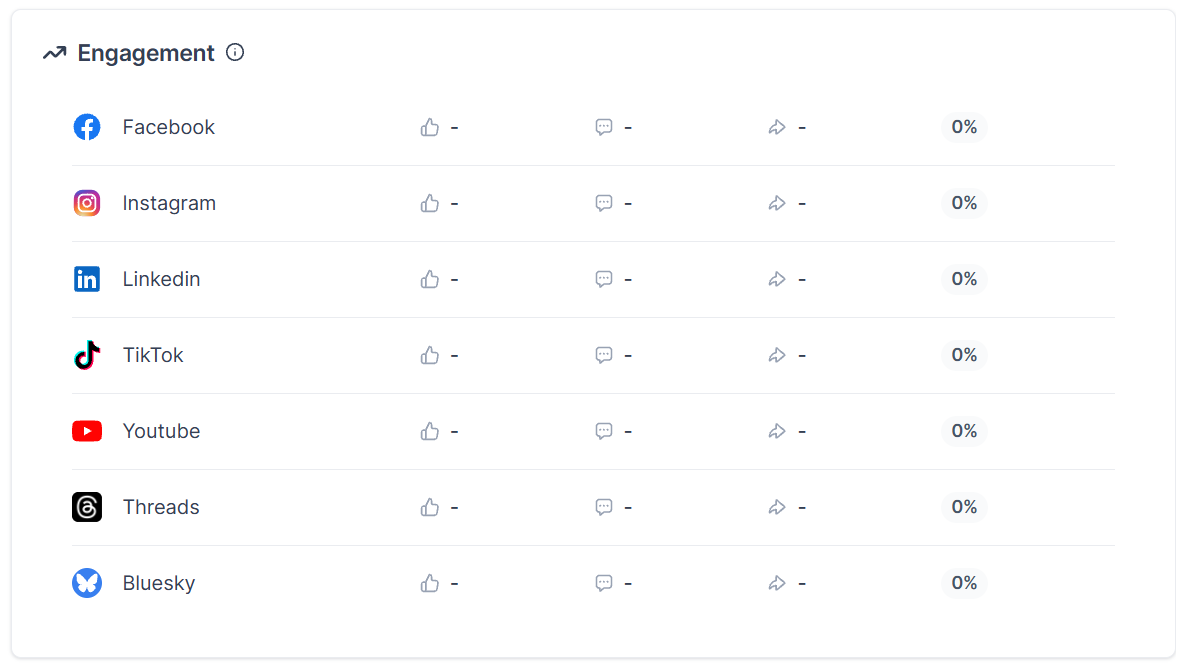
- Engagement: This view displays the total likes, comments, and reblogs/reposts your posts have received in the selected period.
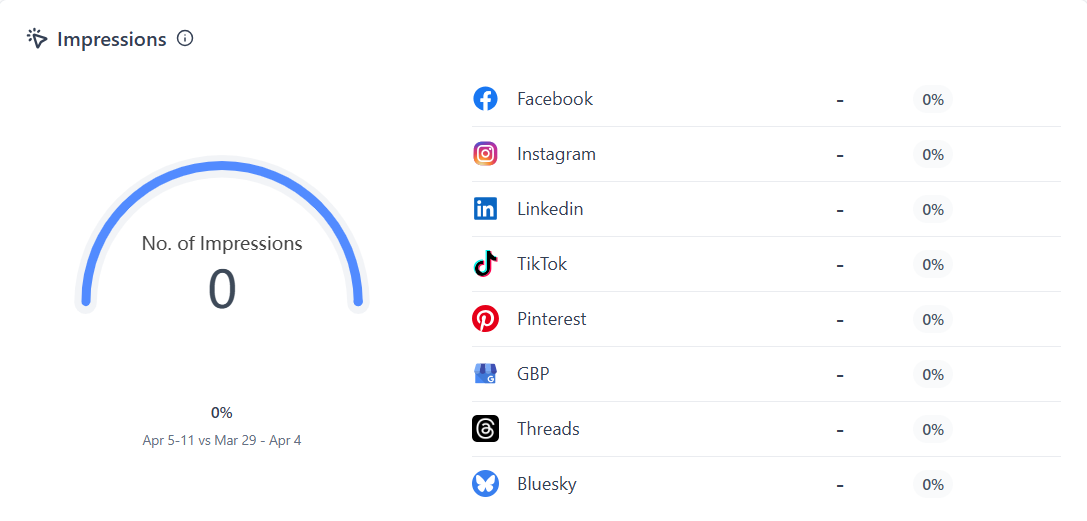
- Impressions: This view displays the total clicks and times your post has been opened.
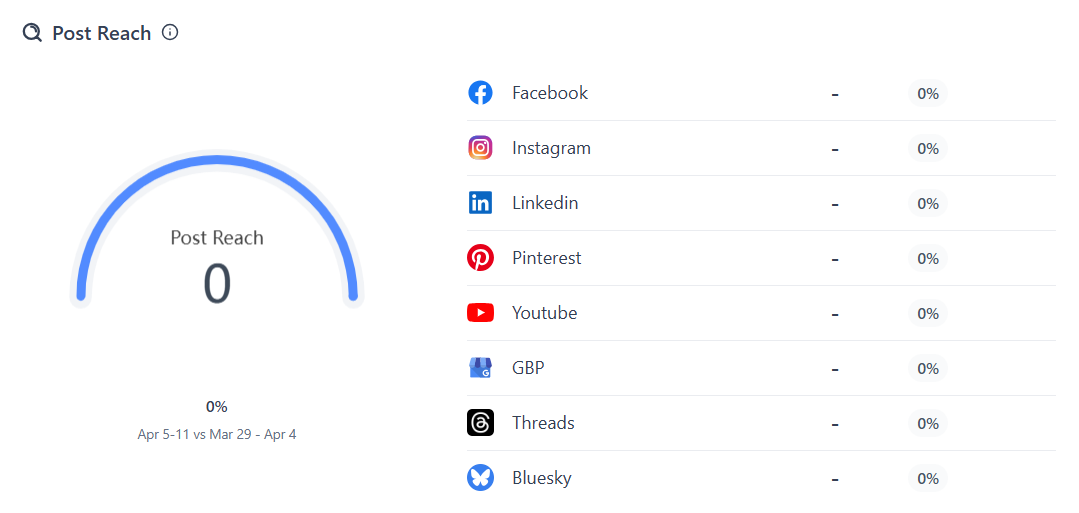
- Post Reach: The number of people who have seen any content from your page, account, or about your page on their screen.
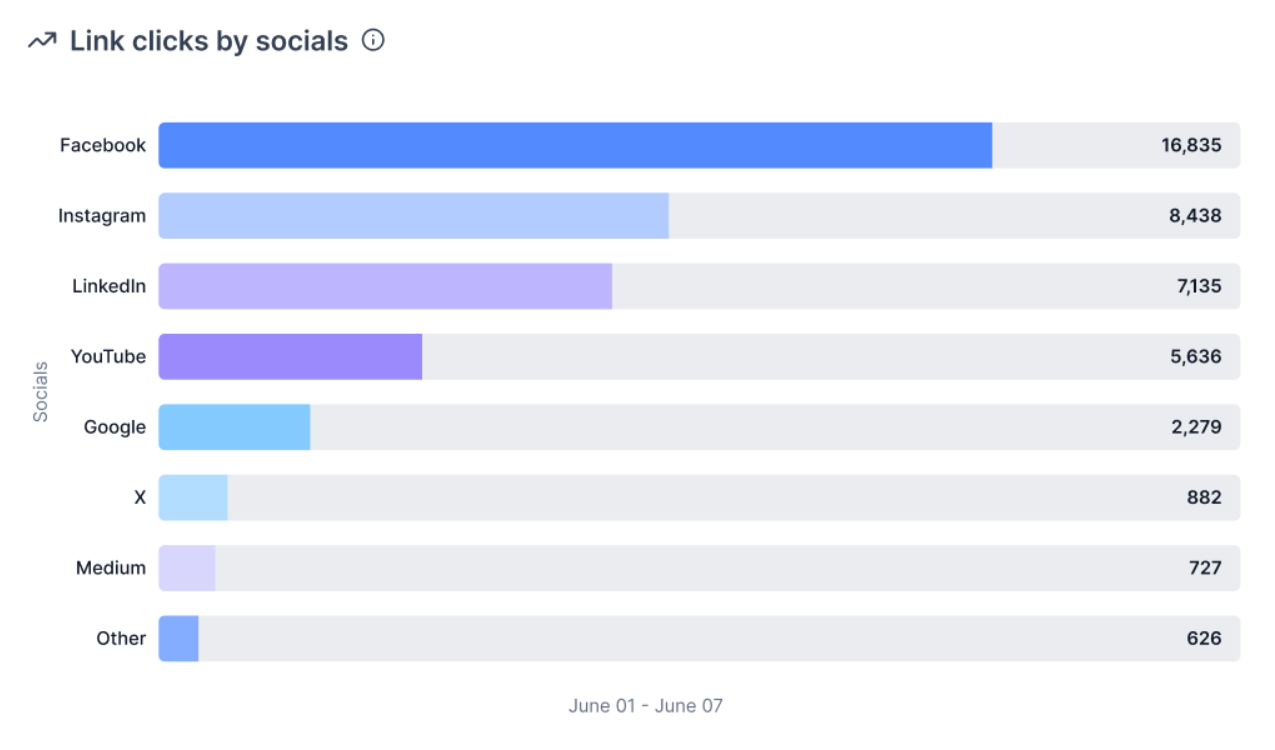
- Link Clicks by Socials: The total number of link clicks from posts published across all selected social accounts by social platform.
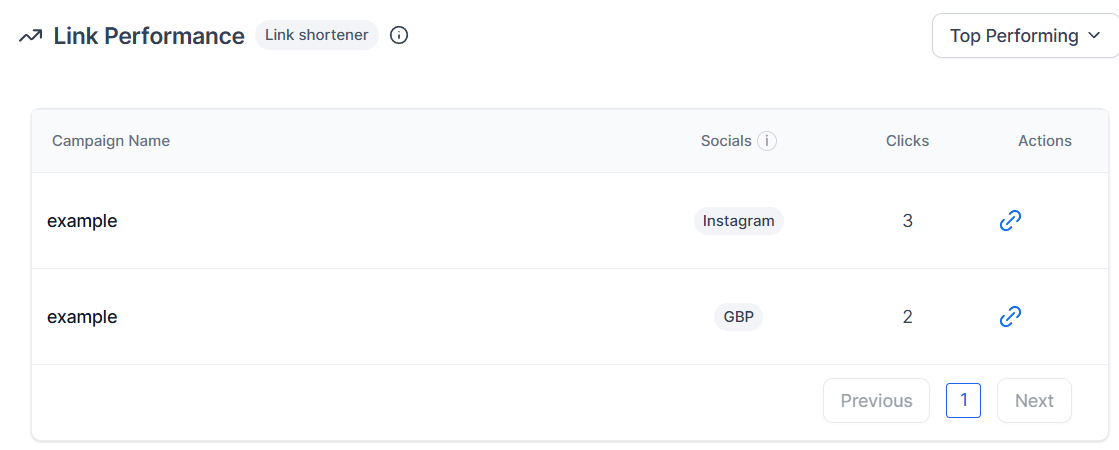
- Link Performance: When composing a post, you can assign a Campaign Name to your link. All posts using that same link are grouped in analytics, helping you compare and understand performance across posts and channels.
- Top Performing Posts: This view displays your best-performing posts based on the number of likes.
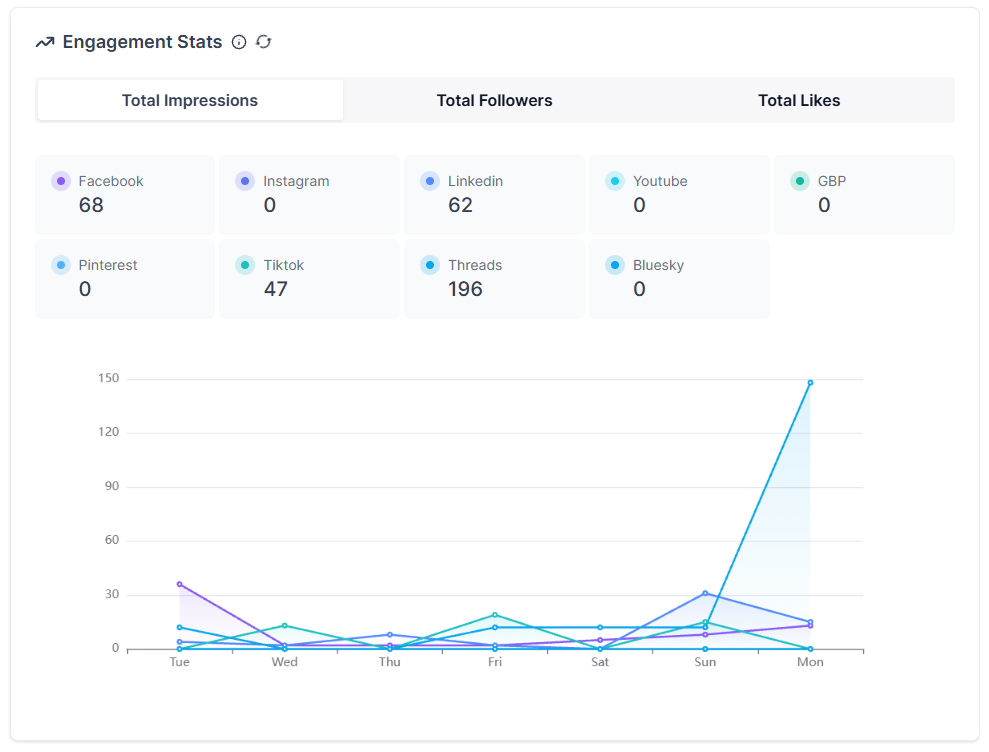
- Engagement stats: This view is a line chart that depicts daily impressions, followers, and likes.
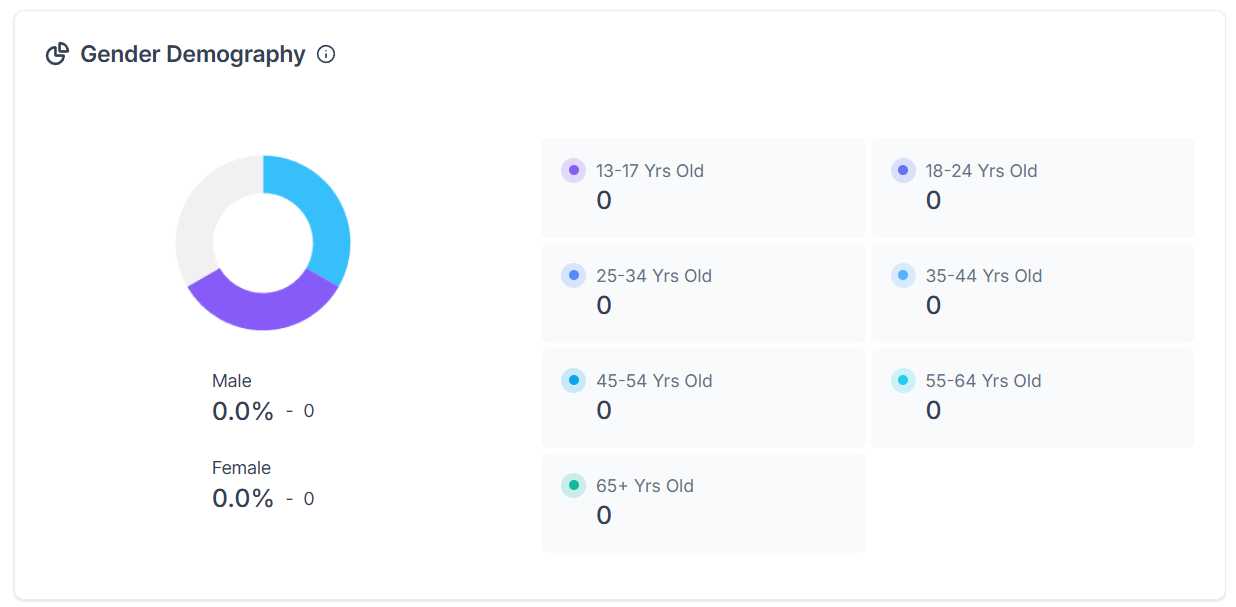
- Gender Demography: This view will give you a breakdown of the age and gender of your followers, this will update weekly to accurately reflect your account data.
By understanding which posts perform best and keeping track of your most recent content, you can make data-driven decisions to enhance your social media presence. As the feature continues to evolve with added platform support and functionality, it will become an even more integral part of your social media management toolkit.
Frequently Asked Questions
Q: Which social media platforms are supported by the Social Planner Statistics feature?
- The features support platforms like Facebook Pages, Instagram pages, LinkedIn Pages, TikTok, Pinterest, YouTube, GBP, Threads, and Bluesky.
Q: What kind of data does the statistics table provide?
- The statistics table provides information on likes, comments, shares, the content and media of the post, and includes direct links to the original post.
Q: Can I view insights for TikTok Business accounts?
- Yes, you can. TikTok Business accounts are supported.
Troubleshooting Tips
Inconsistent Data Across Platforms
- Ensure that all your social media accounts are properly connected and have the necessary permissions enabled to allow for accurate data collection.
Not a Funnelbud customer yet?
Try our all-in-one CRM for sales and marketing — free for 7 days, no commitment.