Add to Affiliate Manager Action
The Add to Affiliate Manager action enrolls a contact into the Affiliates list within the Affiliate Manager, assigning them an ‘Active’ status by default. This is particularly useful for converting existing contacts or customers into affiliates.
How It Works
Begin by configuring the trigger that should activate the workflow, then add the preceding actions. Next, click the “+” icon and select the Add to Affiliate Manager option from the list.
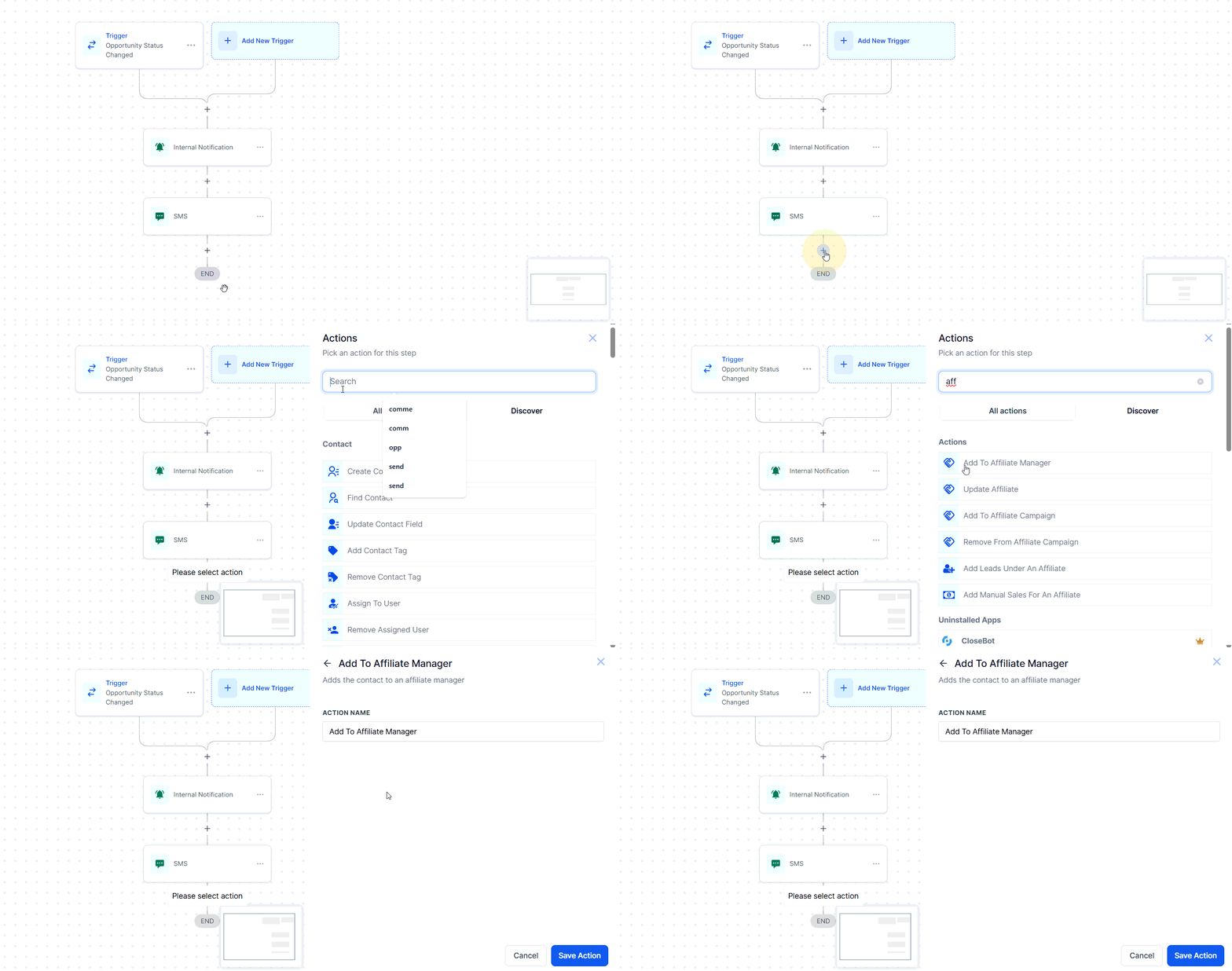
Action Name
Optionally, update the name of the action to reflect its intended purpose.
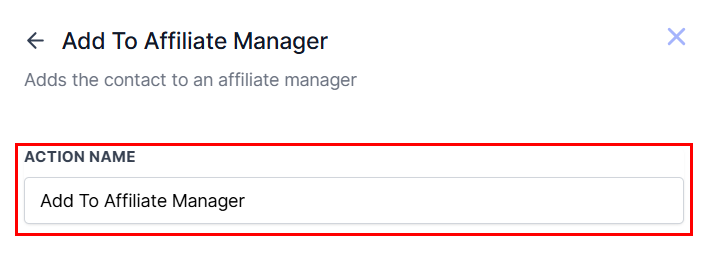
Save the action, then publish the workflow to ensure that all contacts that meet the defined criteria will be added to your affiliates list.
This action streamlines affiliate onboarding by seamlessly integrating eligible contacts into your affiliate program, helping you expand your network and drive more referrals with minimal effort.
Not a Funnelbud customer yet?
Try our all-in-one CRM for sales and marketing — free for 7 days, no commitment.