Update Custom Value Action
The Update Custom Value Action is a great way to update custom values, enabling businesses to manage data more effectively and drive actionable insights. Below are some practical use cases that demonstrate the utility of this action:
- Lead Source Tracking: Automatically update custom values to track the performance of different lead sources such as Facebook Ads, Google Ads, or email campaigns, allowing businesses to identify the most effective channels for lead generation.
- Sales Performance Tracking: Track and update custom values related to individual sales representatives, offering insights into their performance and helping to identify areas for improvement or recognition.
- Subscription Management: Automate subscription updates for recurring services by modifying custom values based on customer subscription status, such as renewals, cancellations, or upgrades.
How to Use the Update Custom Value Action
Create or Edit a Workflow
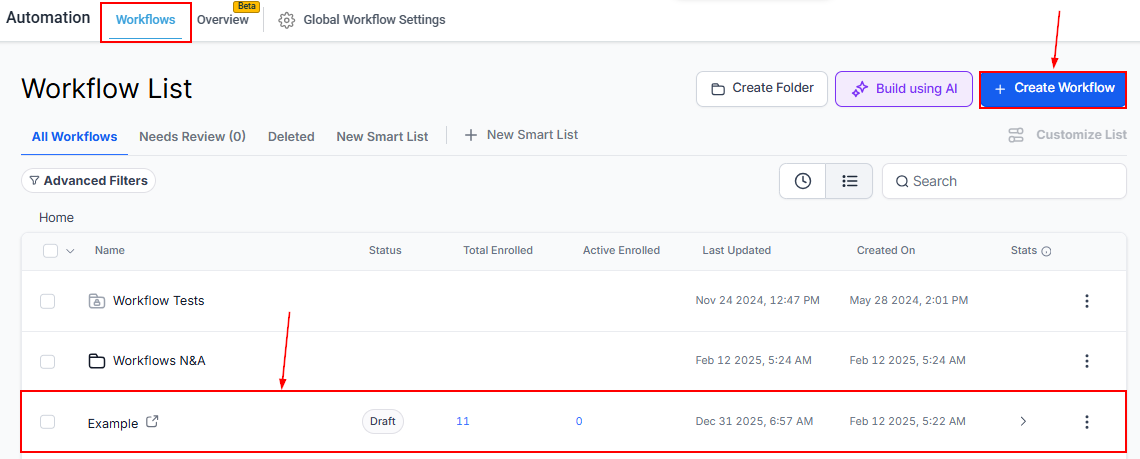
Head to the Automation > Workflows section in your account. Start a new workflow or edit an existing one to incorporate the Update Custom Value action.
Add the Update Custom Value Action
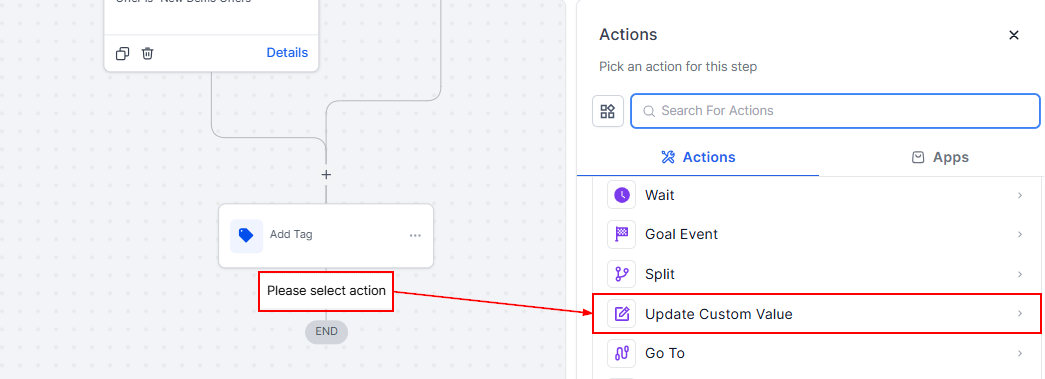
Select the Update Custom Value action from the list of available actions in your workflow.
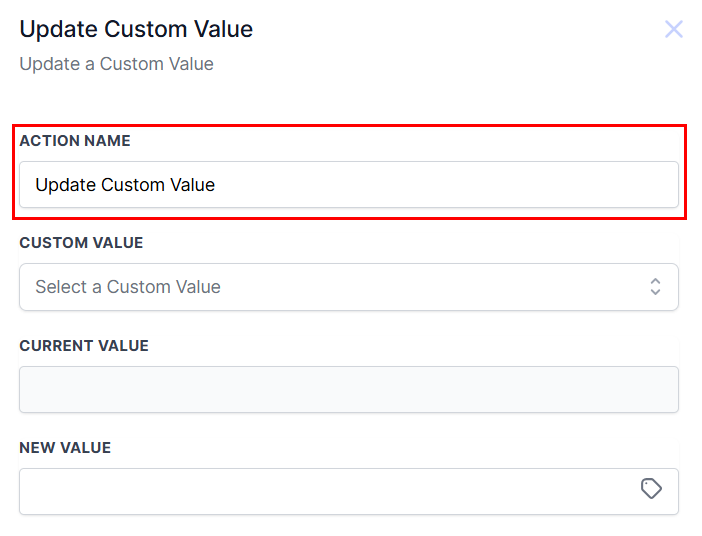
Action Name
Enter the name you wish to associate with the action.
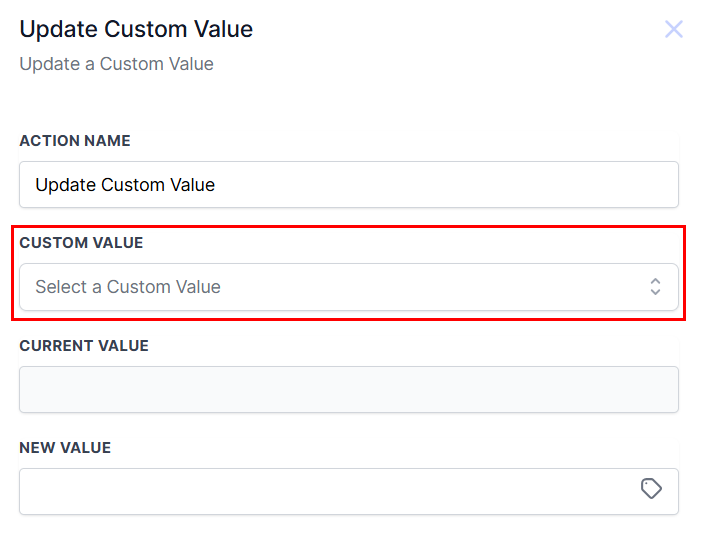
Custom Value
Identify the specific custom value that needs to be updated from the available options.
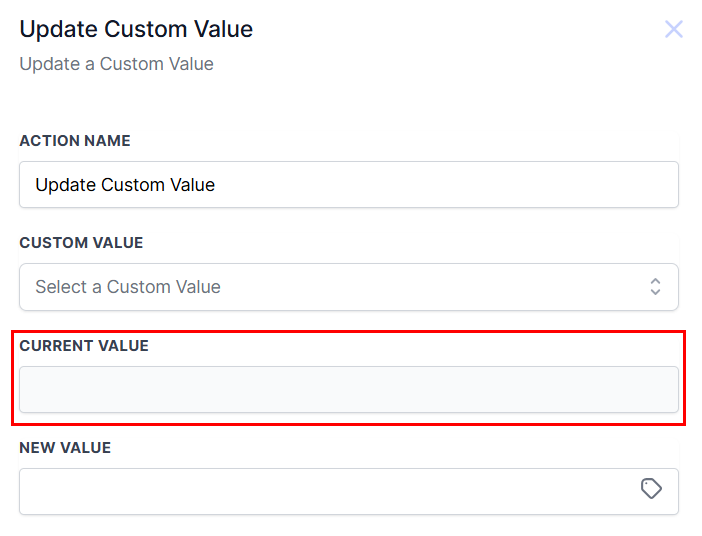
Current Value
Enter the value that is currently associated with the custom value.
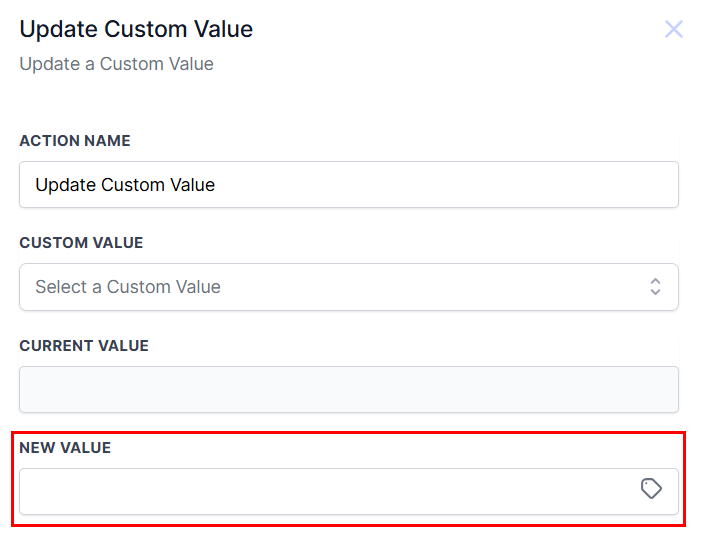
New Value
Define the new value for the custom value, selecting between static values or dynamically generated values based on your needs.
Save the action, then proceed to save your workflow and test it with a sample contact to ensure that the custom value updates correctly and that the workflow functions as intended.
By leveraging this action, you can enhance your ability to track key metrics, improve decision-making, and optimize business processes.
Not a Funnelbud customer yet?
Try our all-in-one CRM for sales and marketing — free for 7 days, no commitment.