Say or Play Message Action
The Say or Play Message action enables you to configure voice messages that are delivered to callers during a phone interaction. You can either input a message that is converted to speech using text-to-speech technology or upload a pre-recorded audio file. This feature is ideal for greetings, menu prompts, or any type of informational message within an IVR flow.
How It Works
Begin by adding the Say or Play Message action to a workflow containing the Start IVR Trigger.
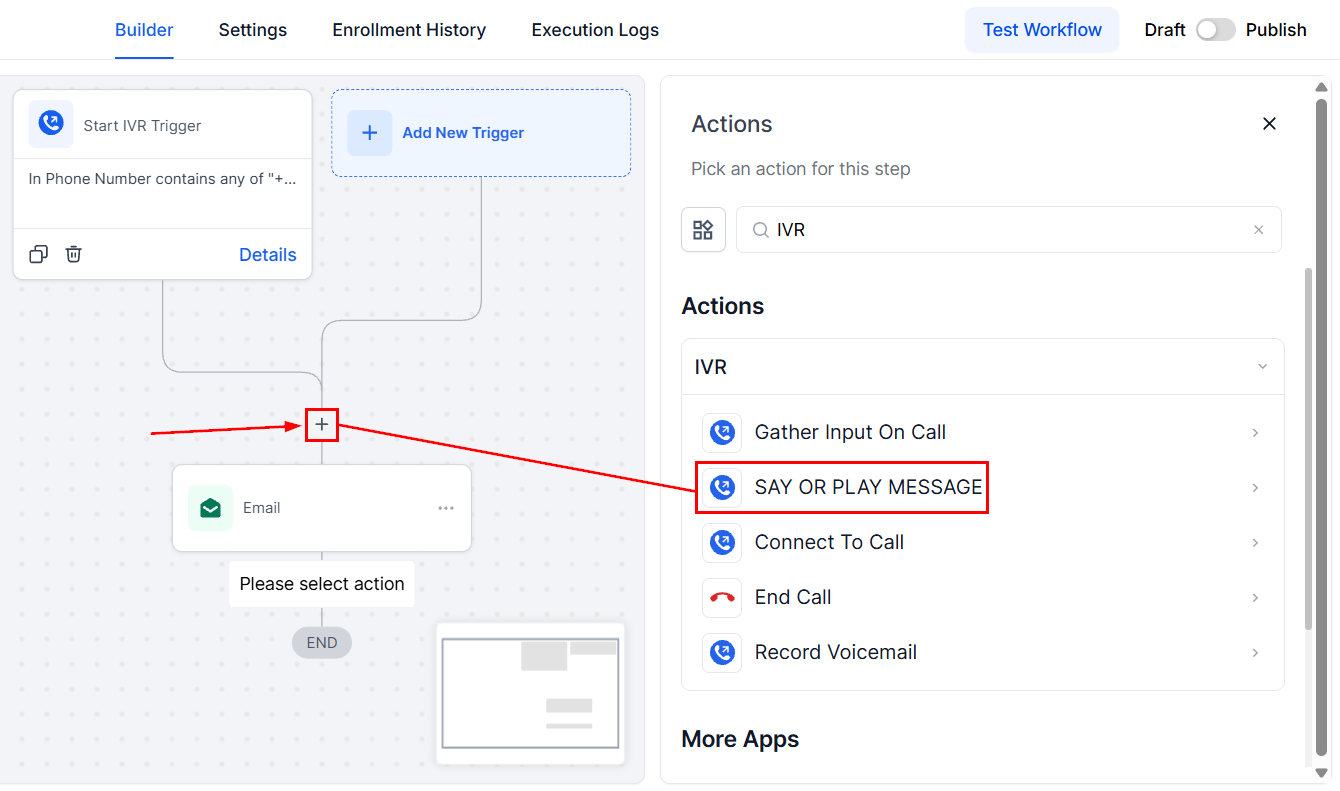
Action Name
Enter a descriptive name for the IVR action.
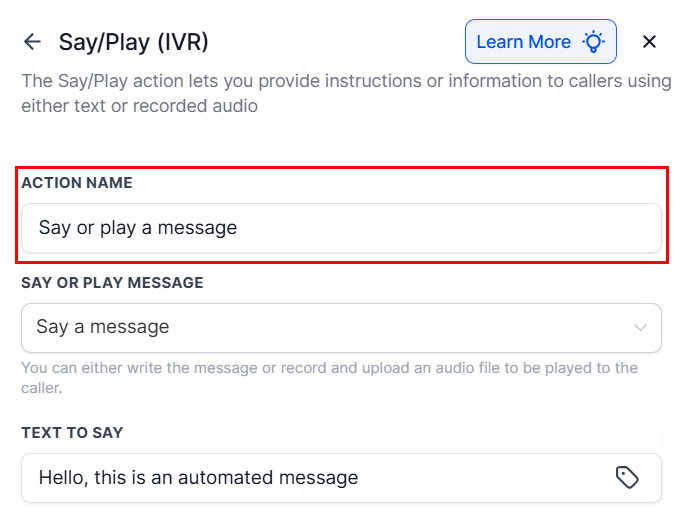
Say or Play Message
Choose between text-to-speech or a pre-recorded audio file.
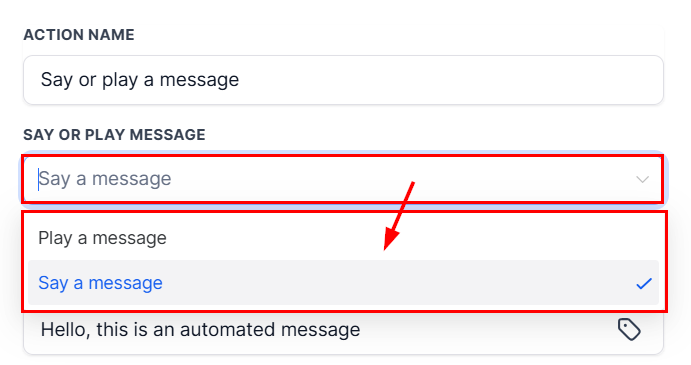
Text to Say
If text-to-speech is selected, input the message you want the caller to hear. Enhance the interaction by using custom values from the tag icon.
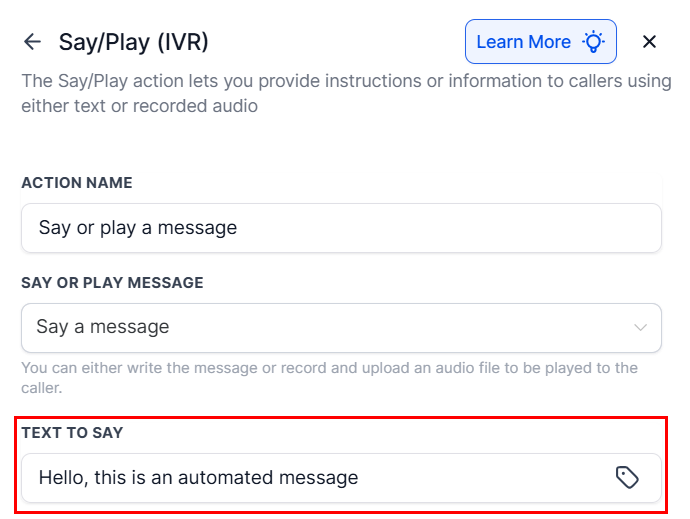
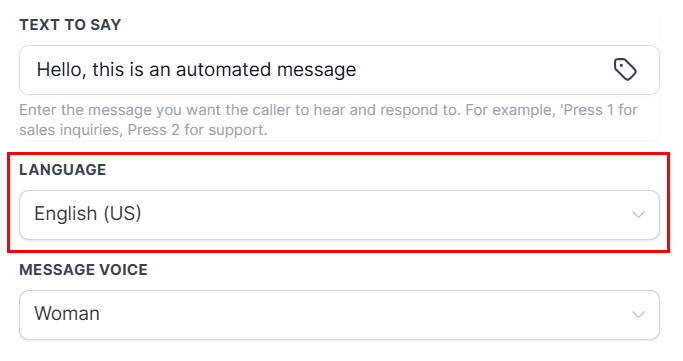
Language
Select the language for the message. Currently, only English is supported.
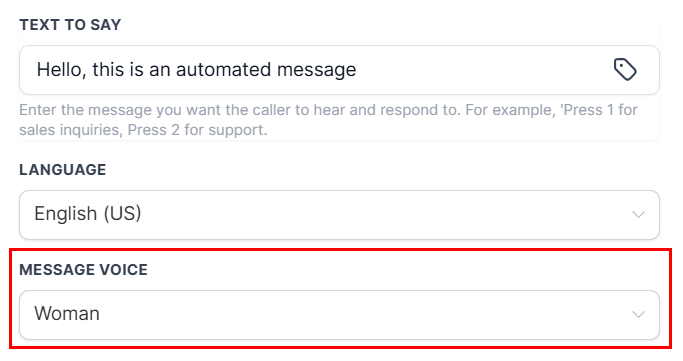
Message Voice
Choose between a male or female voice for the text-to-speech output.
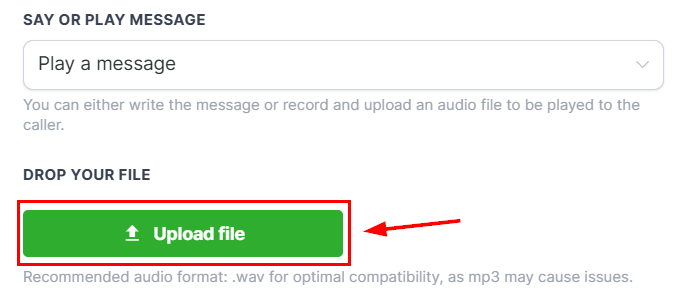
Upload
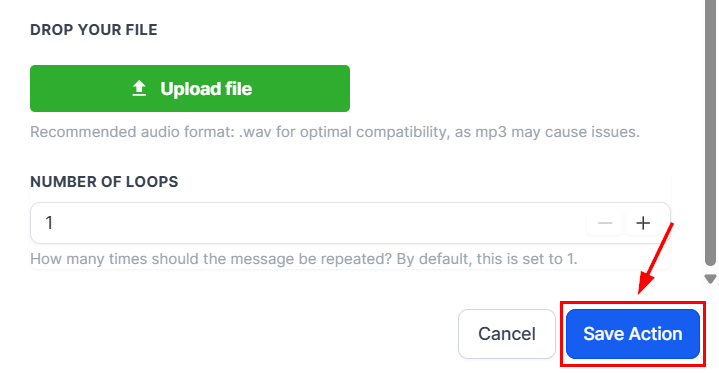
If the “Play a Message” option was chosen, use the “Upload File” button to insert the audio to be played.
📌Note: The recommended audio format is .wav for optimal compatibility.
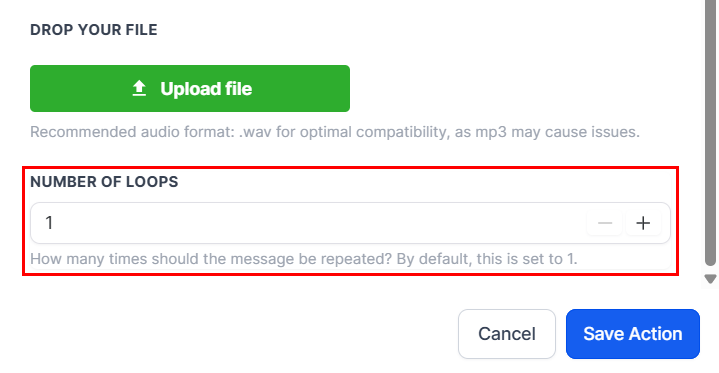
Number of Loops
Specify the number of times the message should repeat before proceeding.
Save
After verifying your selections, click the Save Action button to load the action to your builder.
The Say/Play action is an essential tool for delivering professional, automated messages within your IVR system. Whether you’re guiding callers through options or sharing important updates, this feature ensures a smooth and informative caller experience.
Example Configuration
Greeting callers in a customer service IVR flow.
- Action Name: Welcome Message to the Caller
- Say or Play Message: Say a message
- Text to Say: “Hello, welcome to ABC Services. Please press 1 for Sales, 2 for Support.”
- Language: English (US)
- Message Voice: Woman
- Number of Loops: 1
✍️Additional Notes
- When using pre-recorded audio, ensure the file is in a supported format and is of high audio quality.
- Use the Number of Loops setting to repeat critical information or accommodate longer wait times.
- For consistent branding, consider using the same voice type and tone across all IVR messages.
Not a Funnelbud customer yet?
Try our all-in-one CRM for sales and marketing — free for 7 days, no commitment.