How to Create a Page for Your Lead Magnet
A lead magnet page is a dedicated webpage that offers valuable content or resources in exchange for visitors’ contact information. Unlike traditional methods of distributing content like PDFs or documents, a lead magnet page provides greater control over content presentation and interaction.
Benefits
- Higher Conversion Rates: Experience better conversion rates compared to traditional asset types like PDFs or Word documents.
- Content Focus: Highlight the 3-5 most important points related to the problem your lead magnet addresses.
Step 1: Access the Funnel/ Website Builder
- Start by logging into your account.
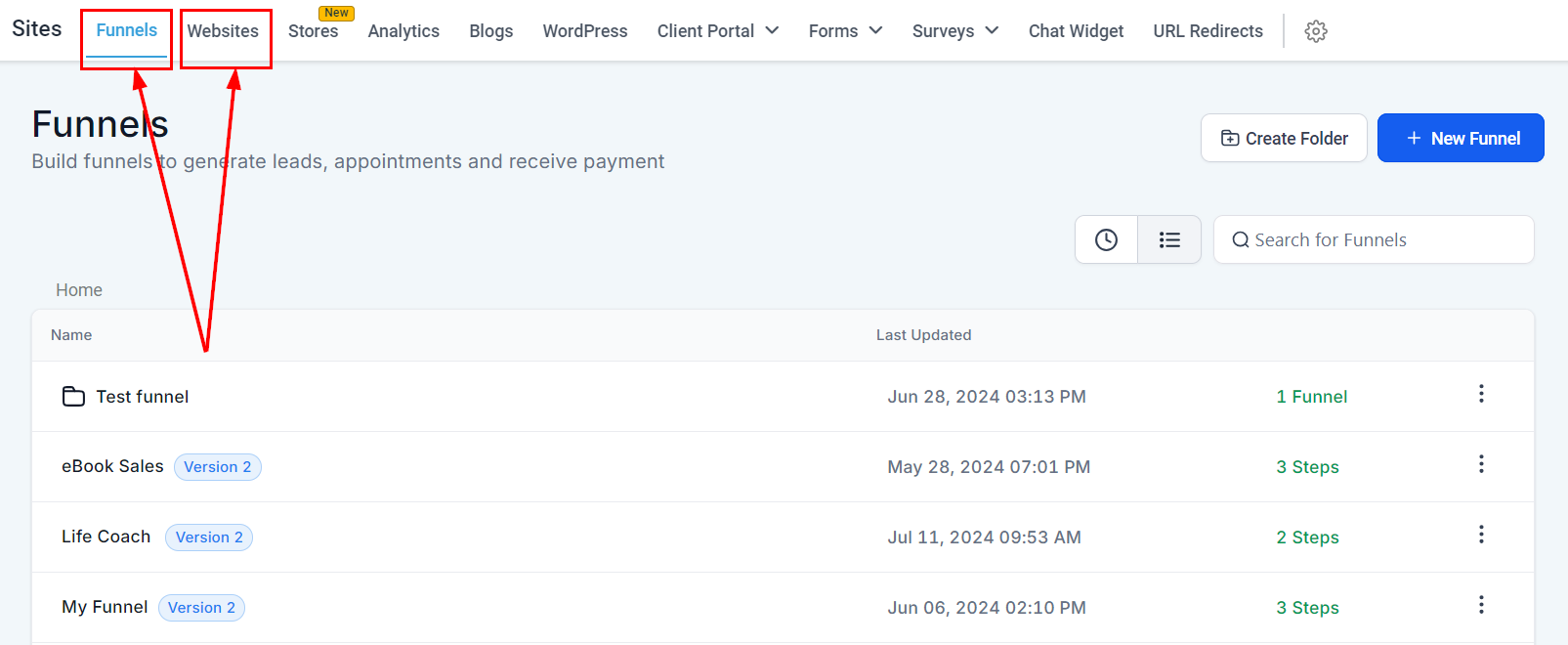
- Navigate to Funnels: From the left-hand menu, click on Sites and select the Funnels or Websites tab. In this guide, we will create a funnel.
Step 2: Create a New Funnel
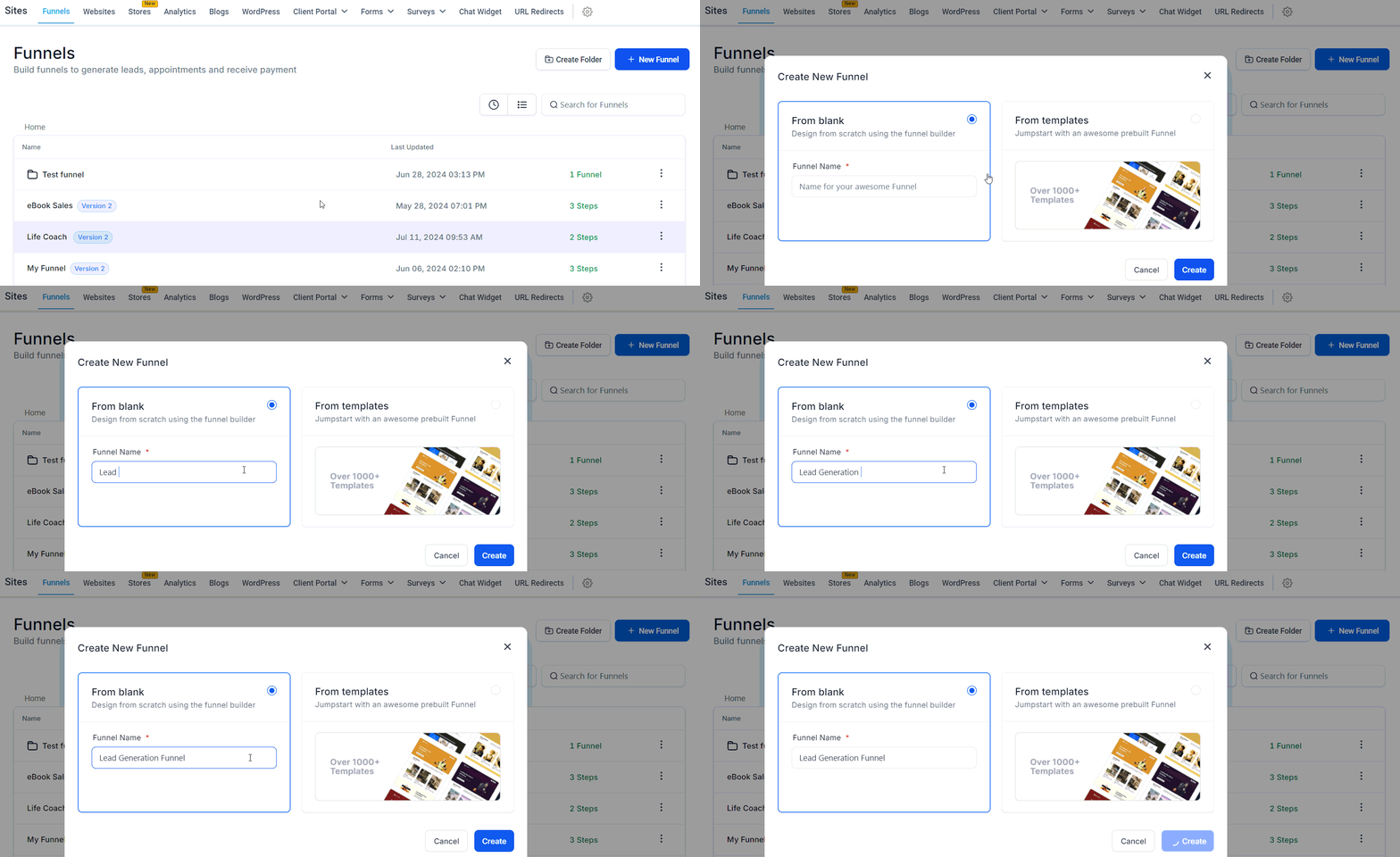
- Add New Funnel: Click the + New Funnel button.
- Name Your Funnel: Enter a name for your funnel that reflects its purpose (e.g., Lead Generation Funnel, Sales Funnel).
- Create Funnel: Click Create Funnel to proceed.
Step 3: Add Funnel Steps
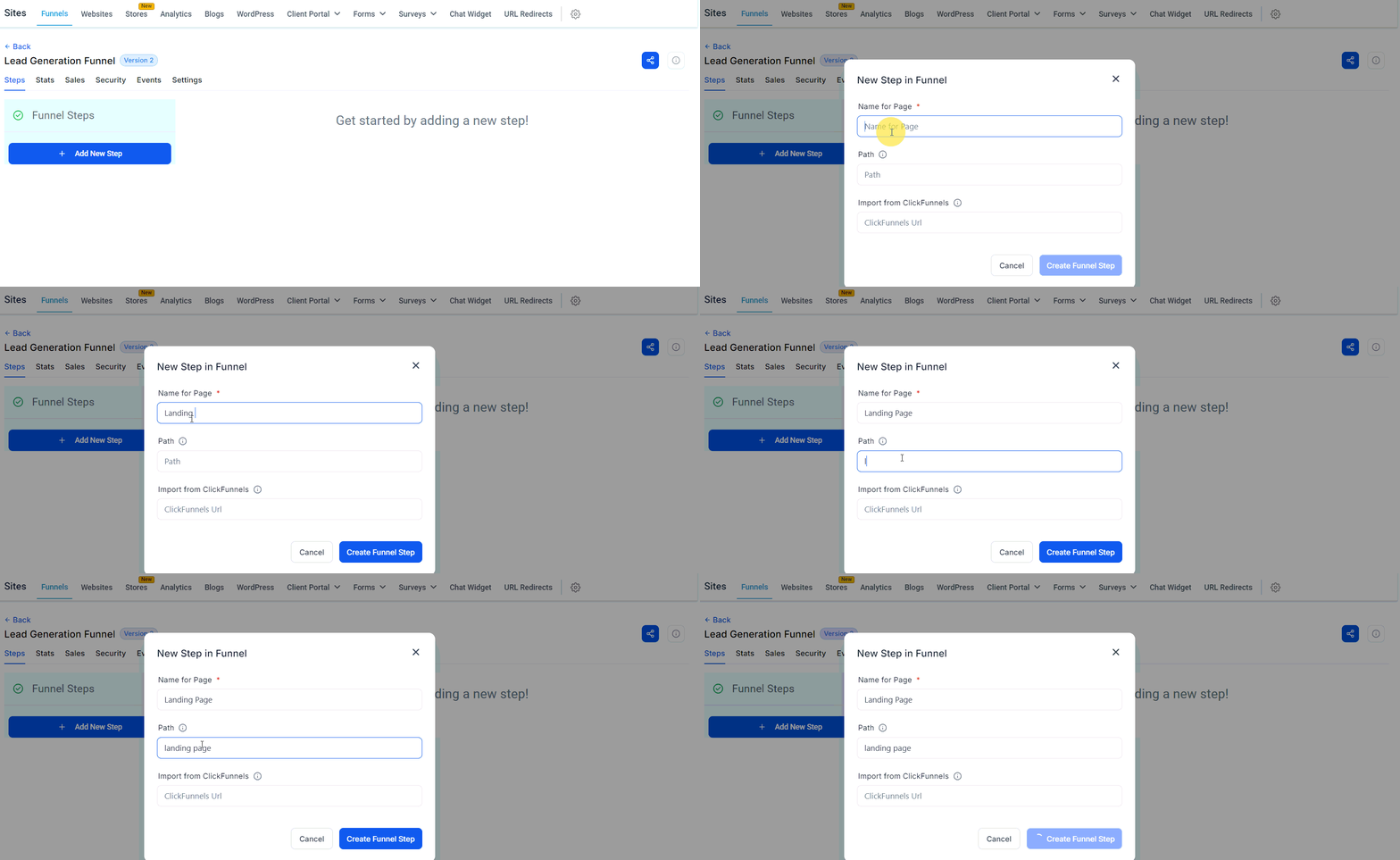
- Add Step: Click + Add New Step to start adding pages to your funnel.
- Name the Step: Enter a name for this step (e.g., Landing Page, Thank You Page).
- Set URL: Specify the URL path for this step, ensuring it is clear and easy to remember.
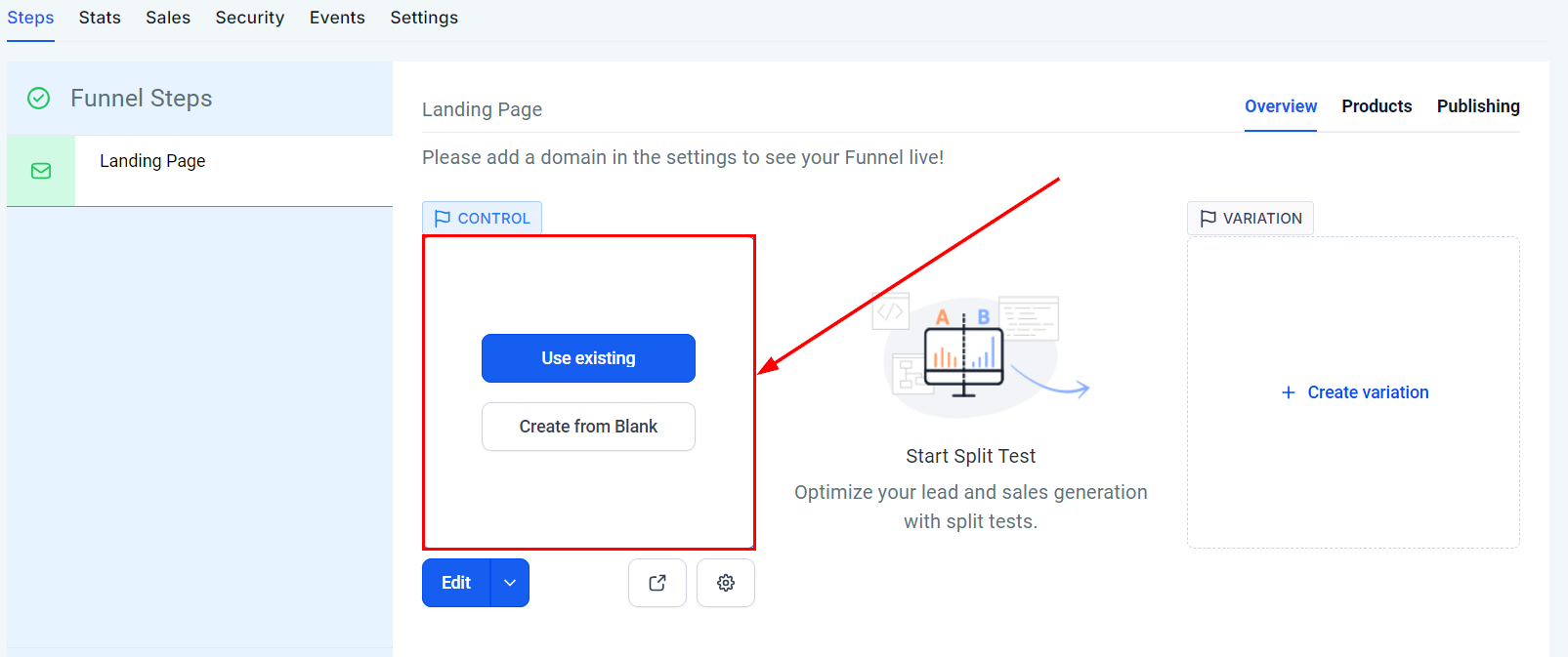
4. Choose Template or Start from Scratch: You can select a pre-built template from the library or start from a blank page to customize your funnel.
Repeat the steps above to add multiple steps to your funnel.
Step 4: Design the Funnel Pages
Begin with a clear strategy by integrating buttons, calls to action (CTAs), and clickable images throughout the page. These elements should be used thoughtfully to guide visitors toward taking the next step in your funnel.
- Edit Funnel Step: Click on the funnel step you want to edit. This will open the page editor.
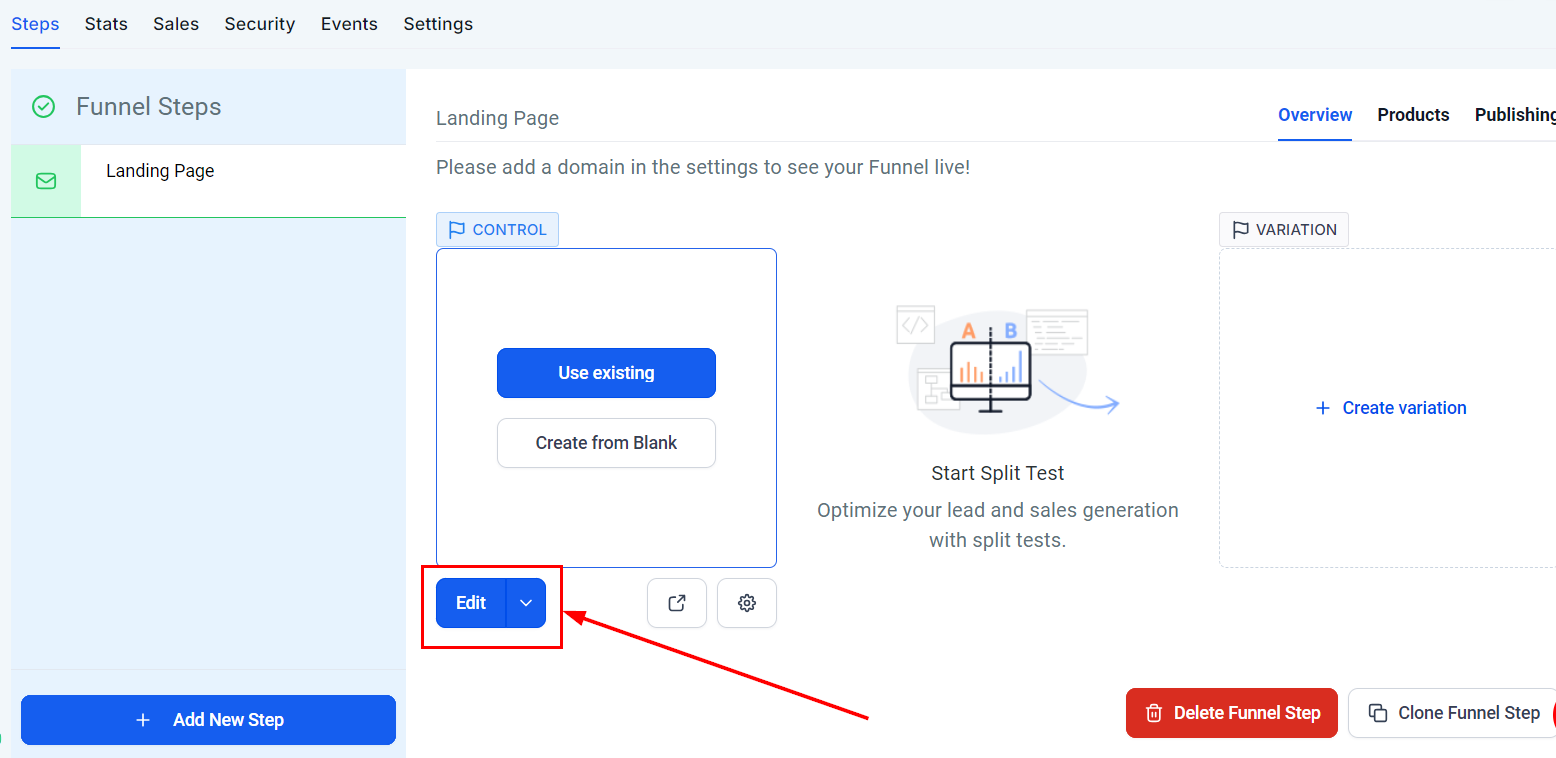
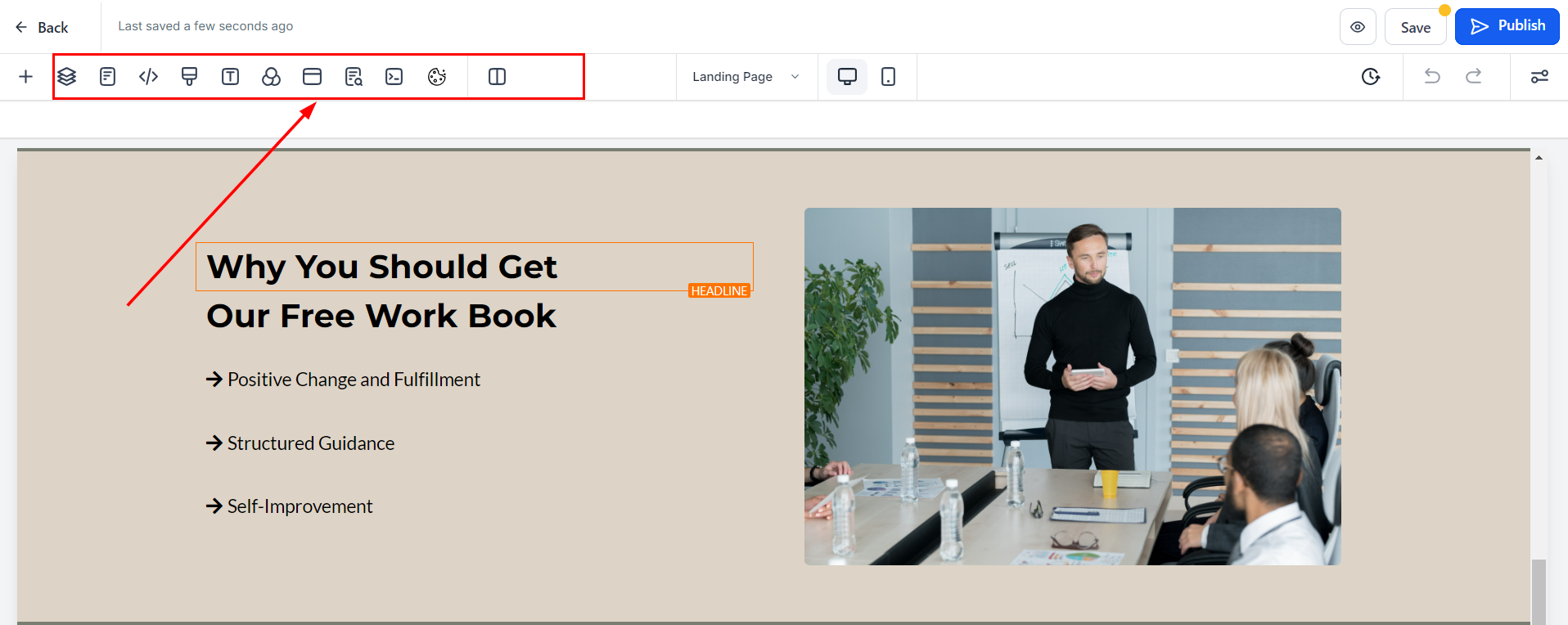
2. Customize Content: Add a section, followed by a row, and then a column that aligns with your design requirements. Begin adding elements to increase the visual appeal of your webpage. These can include:
- Header: Feature your logo and, if appropriate, a professional headshot to foster familiarity and trust.
- Content Overview: Provide a brief table of contents or bullet points outlining what visitors will gain from the page.
- Primary Call to Action: Position a prominent CTA near the top of the page, directing visitors toward the desired action, such as filling out a form or scheduling an appointment.
- Content Sections: Organize the content with subheadings, bullet points, and images. Distribute additional CTAs throughout to consistently encourage conversions.
- Footer: Conclude with a footer that includes your logo, a concise mission statement, and links to your privacy policy and terms of service.
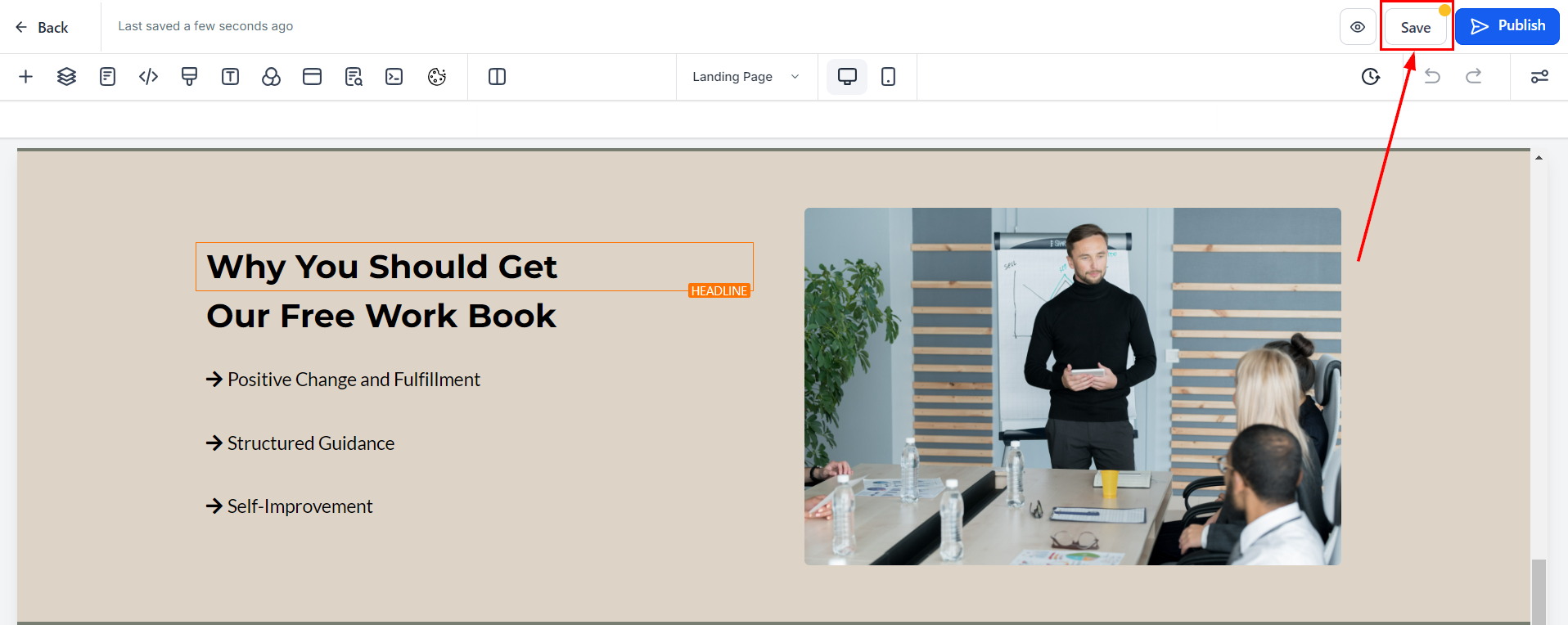
3. Save Changes: After customizing the page, click Save.
Step 5: Configure Funnel Settings
Click on the settings tab for each funnel step to configure SEO settings, tracking codes (e.g., Google Analytics, Facebook Pixel), and meta descriptions.
Step 6: Preview and Test the Funnel
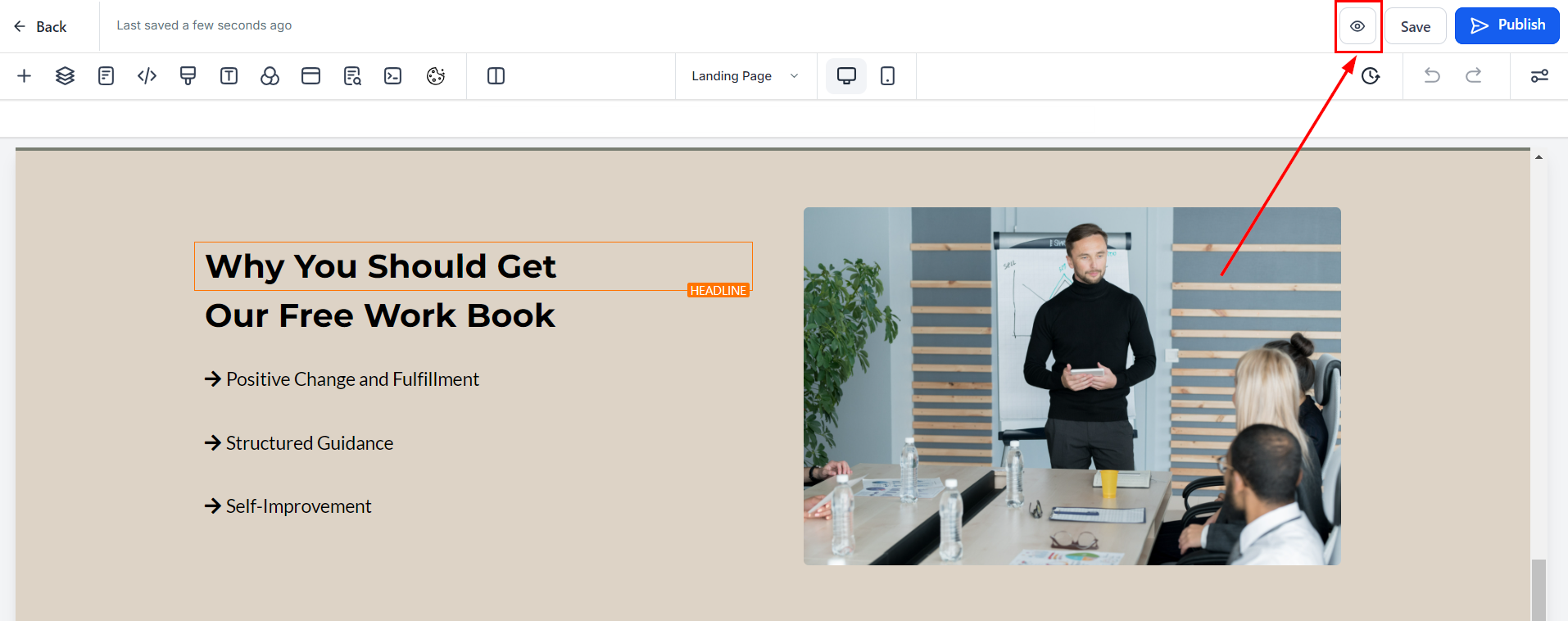
Use the Preview button to see how the funnel will appear to visitors and test all forms, links, and automation to ensure everything works as expected.
Step 7: Publish the Funnel
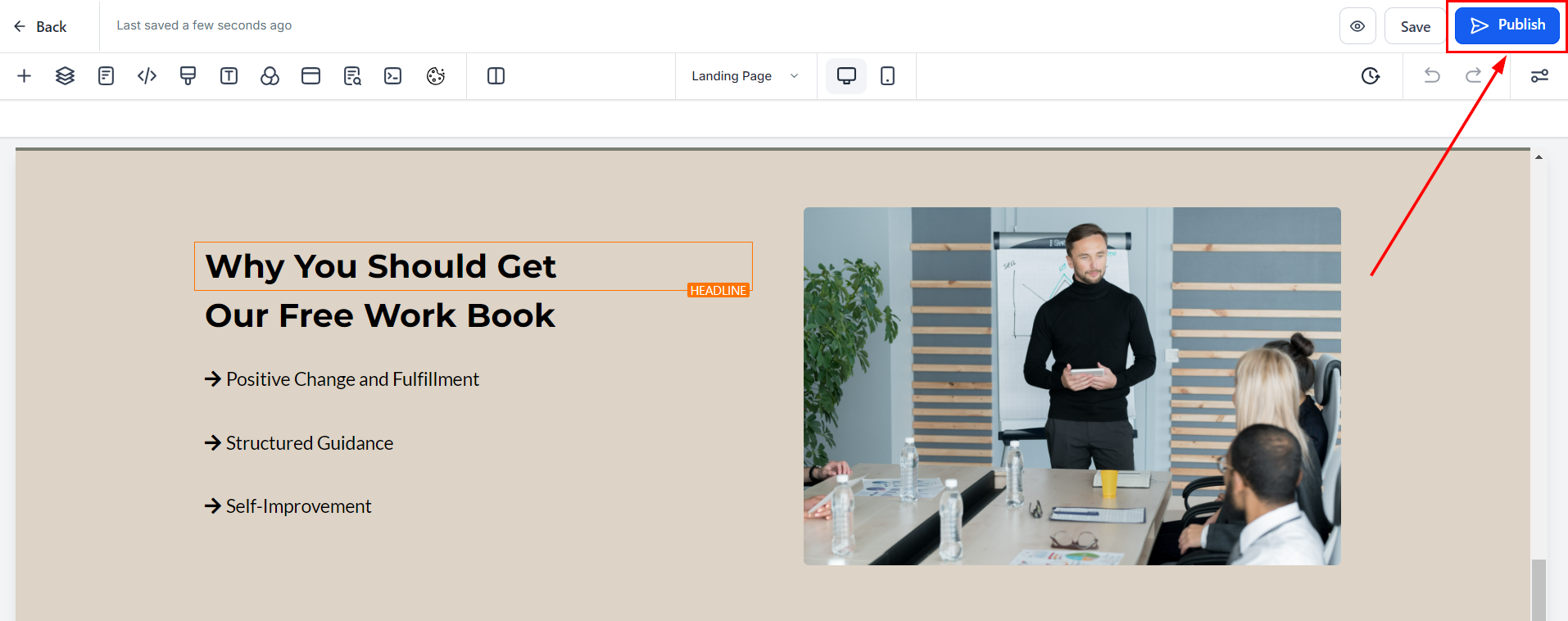
Once you are satisfied with the setup, click Publish to connect a domain and make the funnel live.
Creating an effective lead magnet page is essential for capturing valuable contact information and guiding prospects through your marketing funnel. By following these steps and best practices, you can design a high-converting page that drives results and supports your overall marketing strategy.
Practical Tips
- Utilize custom values to simplify content updates.
- Choose a clean, professional design that reflects your brand identity.
Troubleshooting and FAQs
Q: Can I A/B test different elements of my lead magnet page?
- Yes, leverage the CRM’s A/B testing capabilities to experiment with various versions of your page and refine them based on performance insights.
Q: How can I track the performance of my lead magnet page?
- Utilize the CRM’s analytics tools to monitor key metrics such as page views, conversion rates, and overall effectiveness.
Not a Funnelbud customer yet?
Try our all-in-one CRM for sales and marketing — free for 7 days, no commitment.