How to Sync Products to your Facebook Shop
Within the platform, you can seamlessly publish and synchronize products from your e-commerce stores to Meta Commerce to achieve efficient sales through Facebook and Instagram Shops. With advanced sales and marketing tools at your disposal, you can effectively promote products and engage your target audiences. Furthermore, the automatic inventory synchronization ensures centralized management, allowing you to maintain a single inventory while running ads across both platforms.
How to Set Up and Use the Integration
Creating a Facebook Shop
If you don’t already have a shop in Meta Commerce Manager, set up your shop by navigating to the Business Portfolio within Meta Commerce Manager, and clicking Add Account in the Commerce Accounts section.
Setting Up the Integration
Once completed, go to your Account Settings within our platform > Integrations > Facebook & Instagram to start the setup.
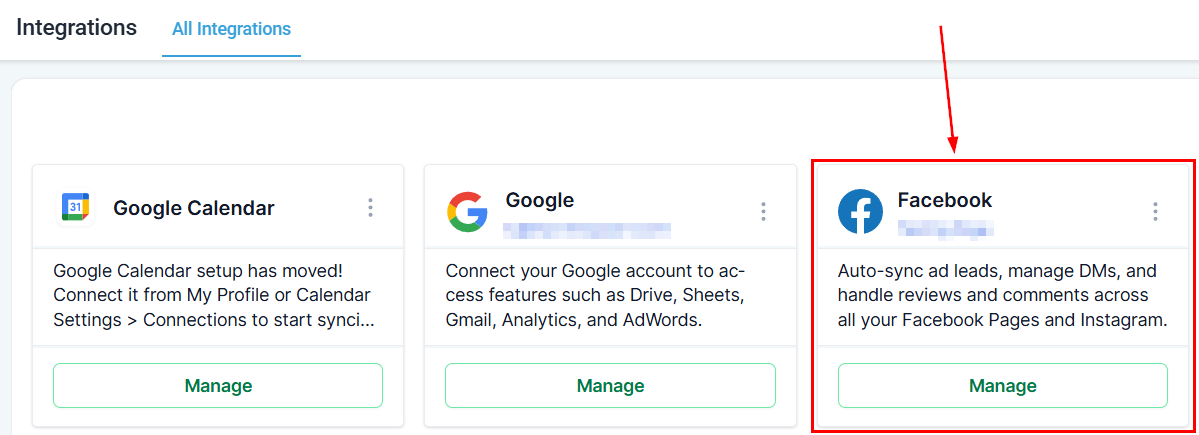
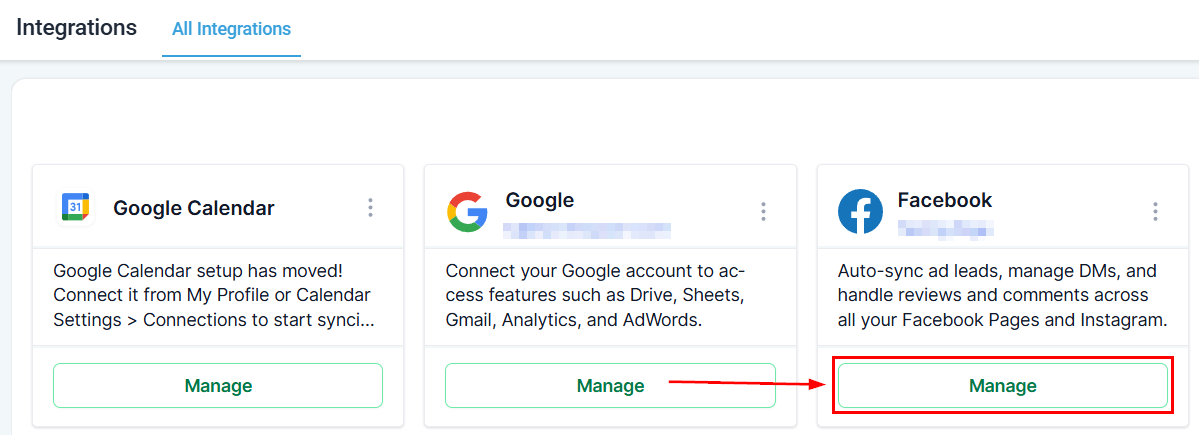
Ensure that your Facebook account is properly integrated and that the necessary permissions were granted, then choose the pages you wish to connect to your store in the “Manage” section.
Linking Pages to Stores
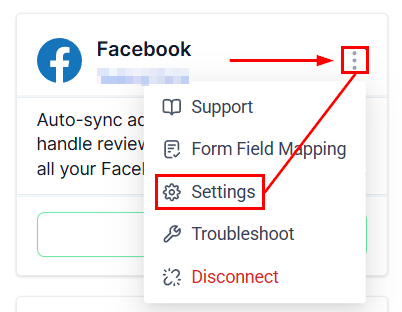
Use the Settings option in the Facebook and Instagram Integration card to link shop pages to their respective e-commerce stores.
Your selected pages will appear in the Shops tab, where you can connect them to stores for product syncing.
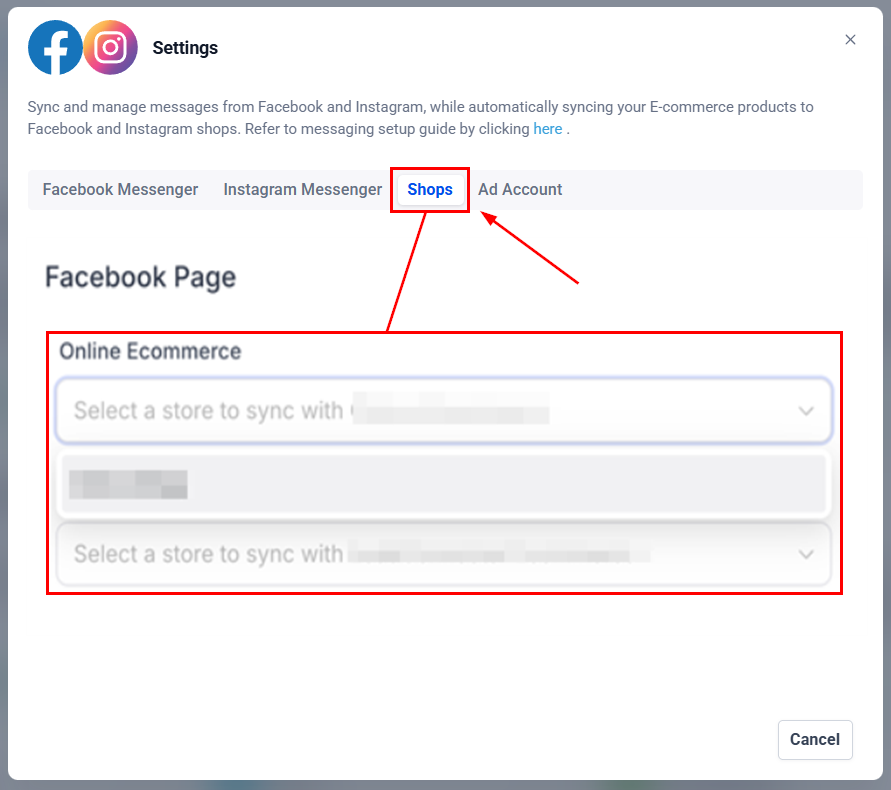
Opt to enable or disable product sync for each page based on your needs.
By taking advantage of this integration, you’ll save time, enhance your marketing efforts, and simplify your sales process. Start connecting your store today to maximize your business’s potential!
✍️Important Notes
- Your Facebook Page must have a Product Catalog linked and be categorized as “E-commerce Website” to appear in the Shops section.
- You can manage categories in the About section of your Facebook Page.
- Only one-time products are supported; recurring products aren’t compatible with Meta Marketplace.
- If inventory tracking is disabled, a default quantity of 999 will be assigned since inventory is mandatory in Meta Commerce Manager.
- To enable product synchronization, your Facebook Page must be linked to a store created within the platform’s Shops section.
Not a Funnelbud customer yet?
Try our all-in-one CRM for sales and marketing — free for 7 days, no commitment.