Pages Tab - Websites
Managing your website’s pages doesn’t have to be overwhelming! Whether you’re adding new pages, editing existing ones, or even cloning them, the Pages Tab is very essential. This guide walks you through everything you need to know to make your website functional.
To access the Settings tab, navigate to Sites > Websites, then select the website with the pages you want to manage.
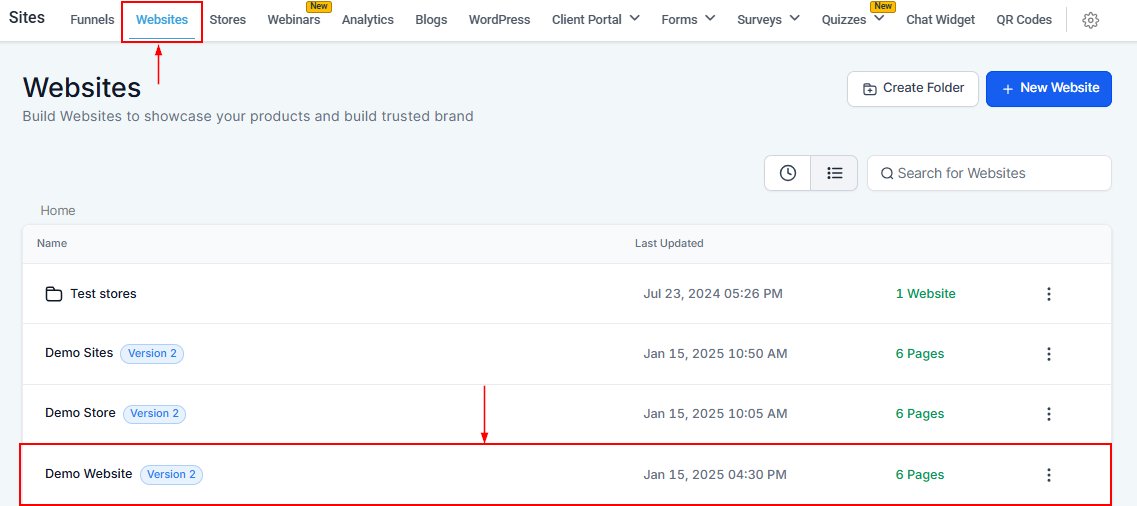
Website Header
At the top of your screen, you’ll find the Website Header, which displays essential options to help you navigate and manage your website effectively. Each option serves a specific purpose, making website management straightforward and accessible.
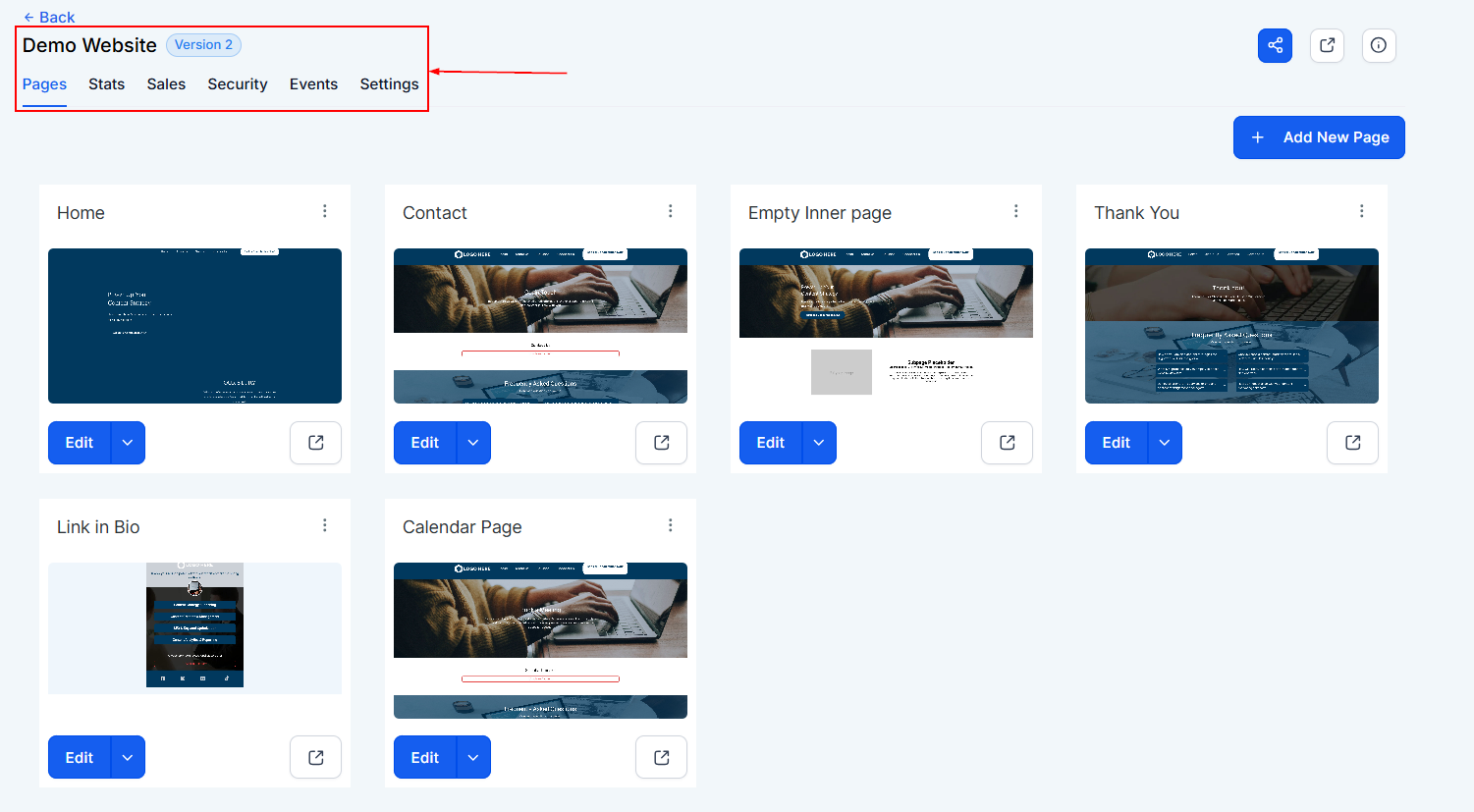
Funnel URL
The Funnel URL icon allows you to share and access the funnel directly. You can use this URL for promotional purposes, track performance, or share it with your audience.
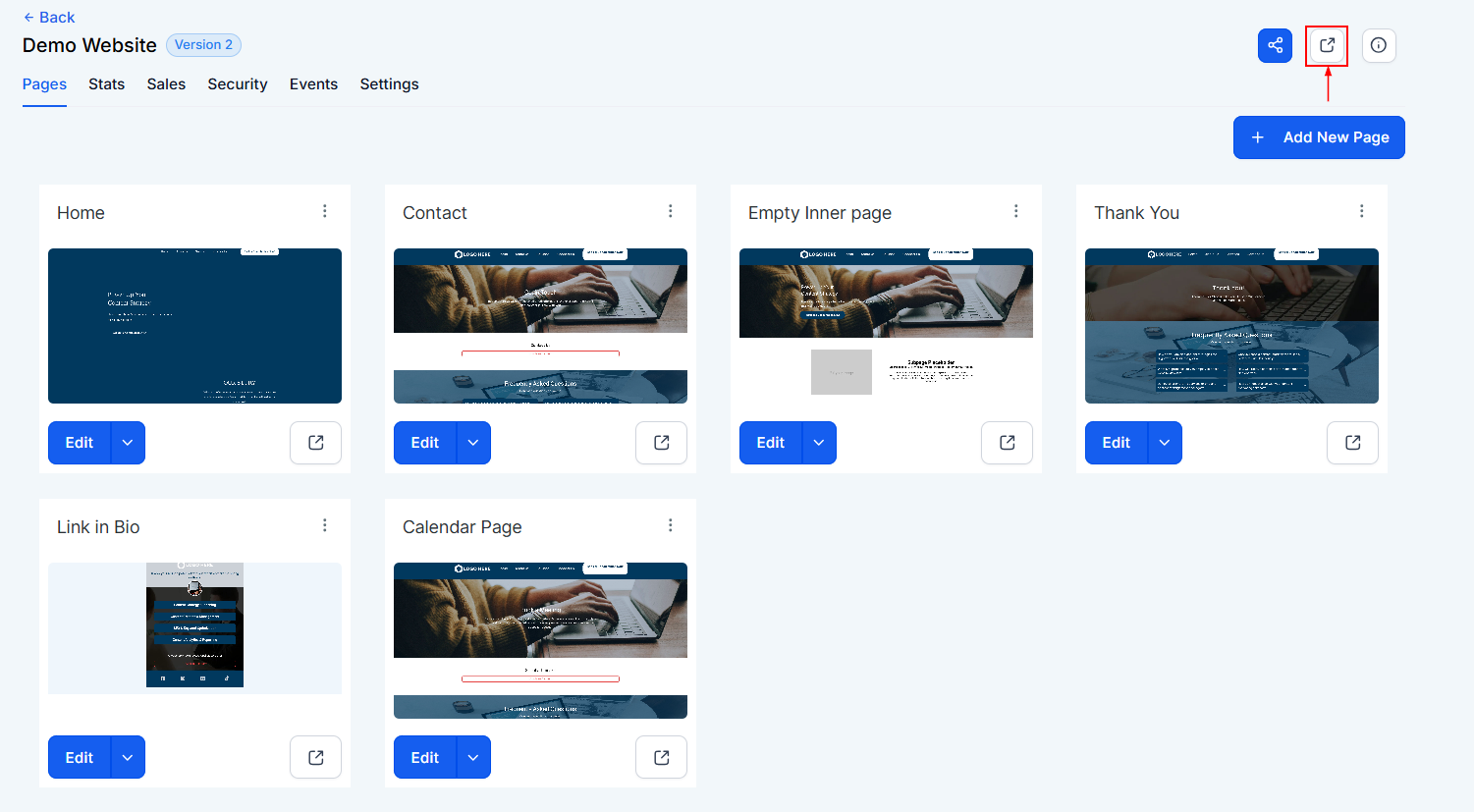
Settings Info
Click on this icon to get more information about your website URL.
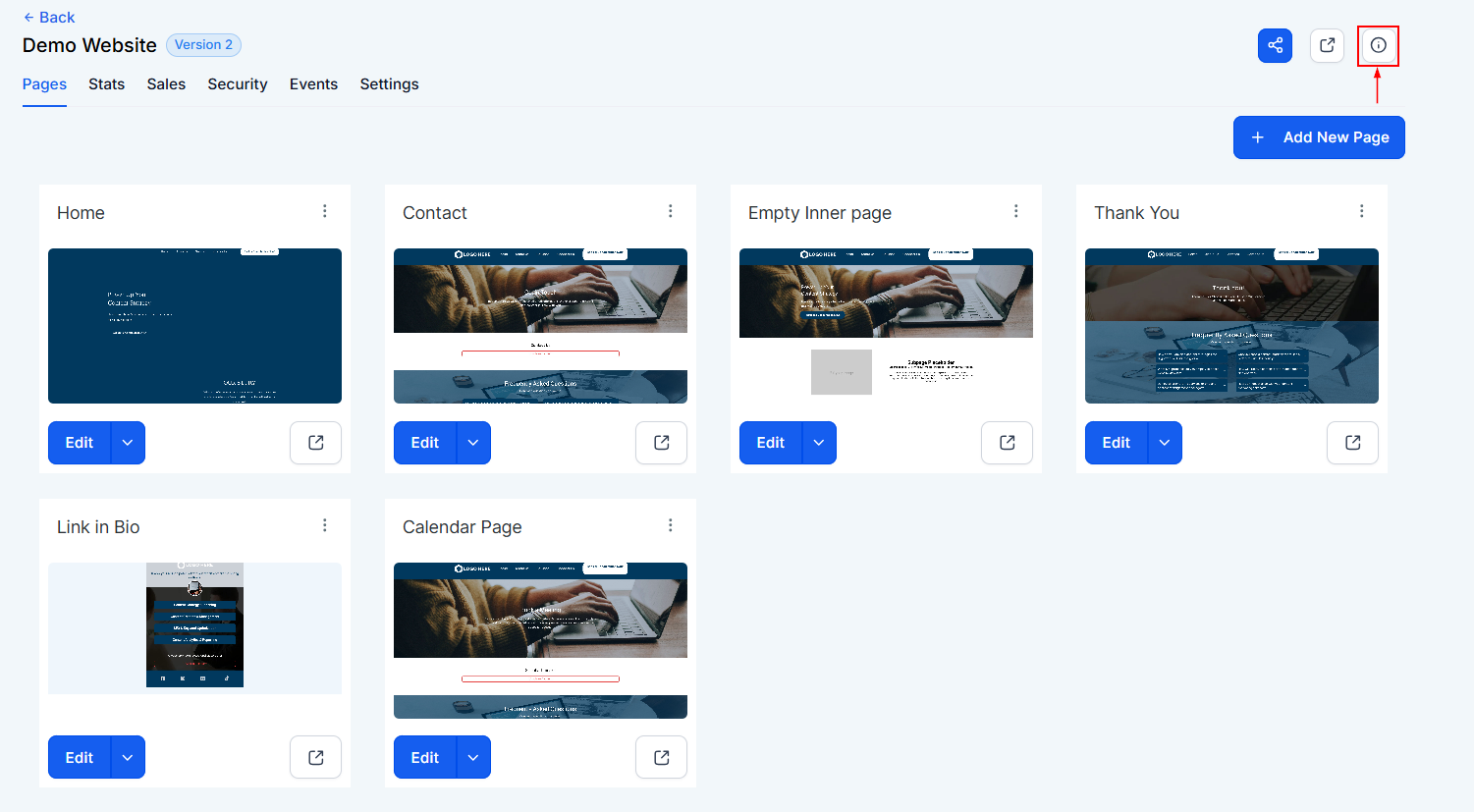
Pages Tab
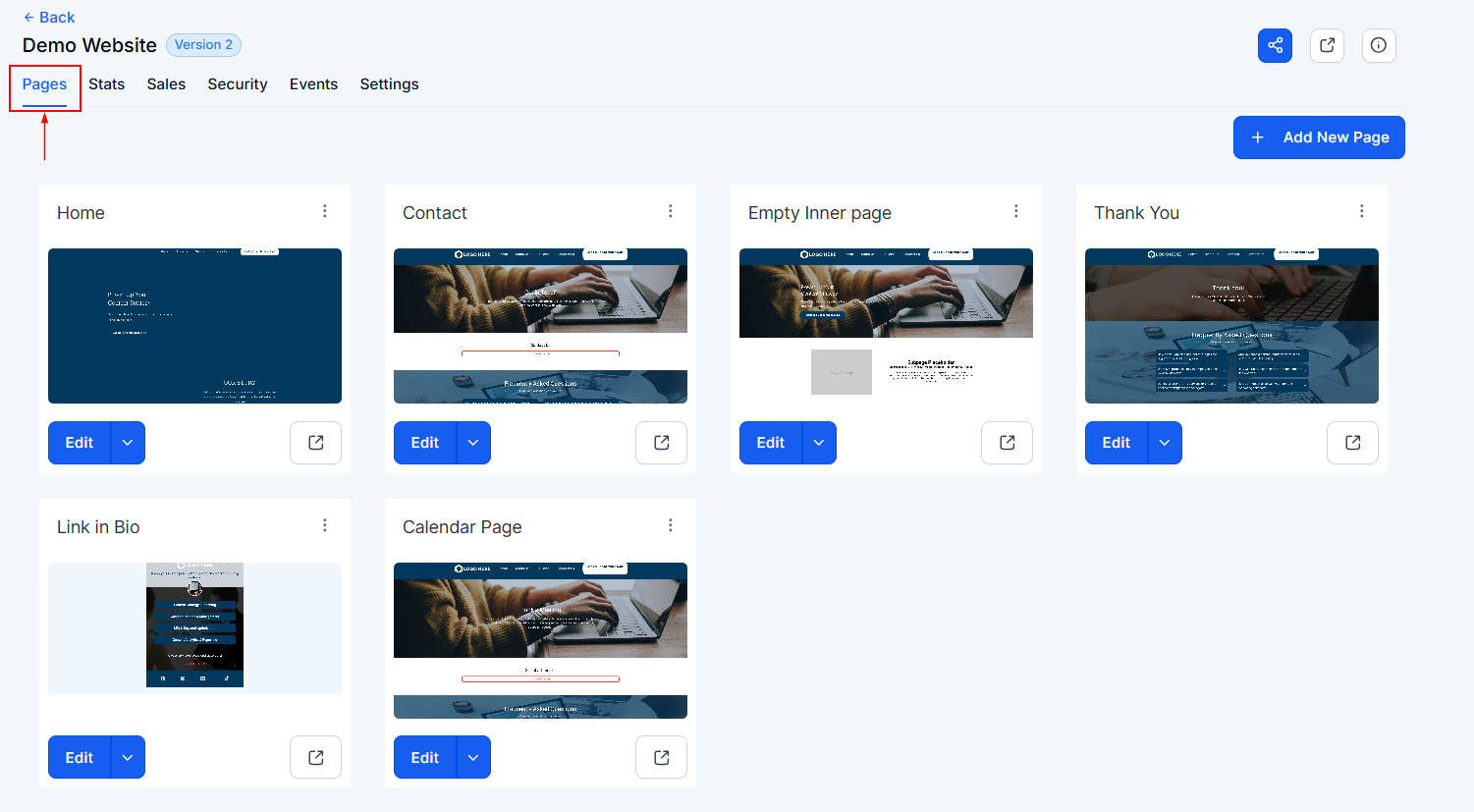
Here you can find and configure all the components of your website pages.
Website Pages
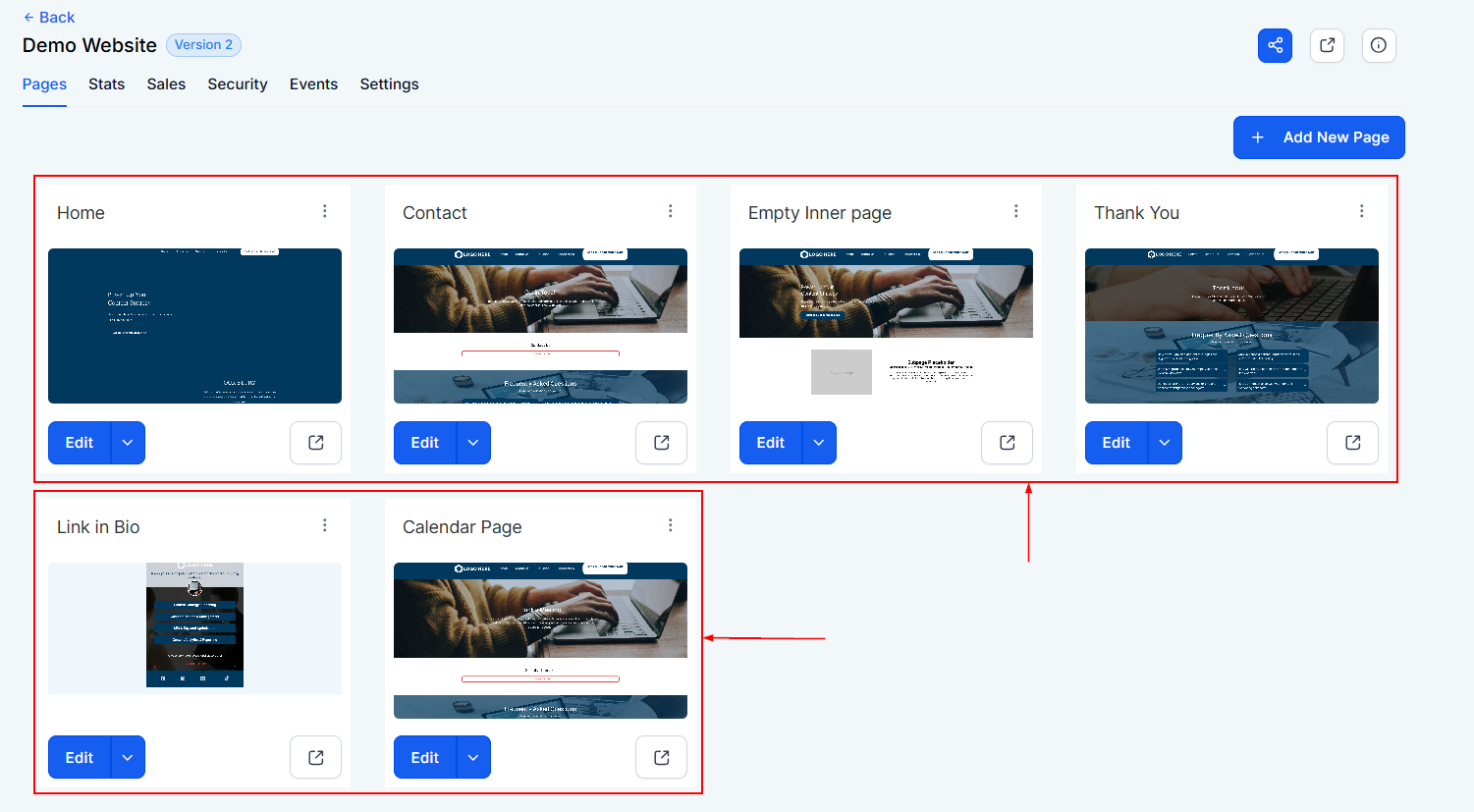
This section lists all the pages you’ve created for your website. From here, you can add new pages, edit existing ones, or delete any page you no longer need.
Add New Page
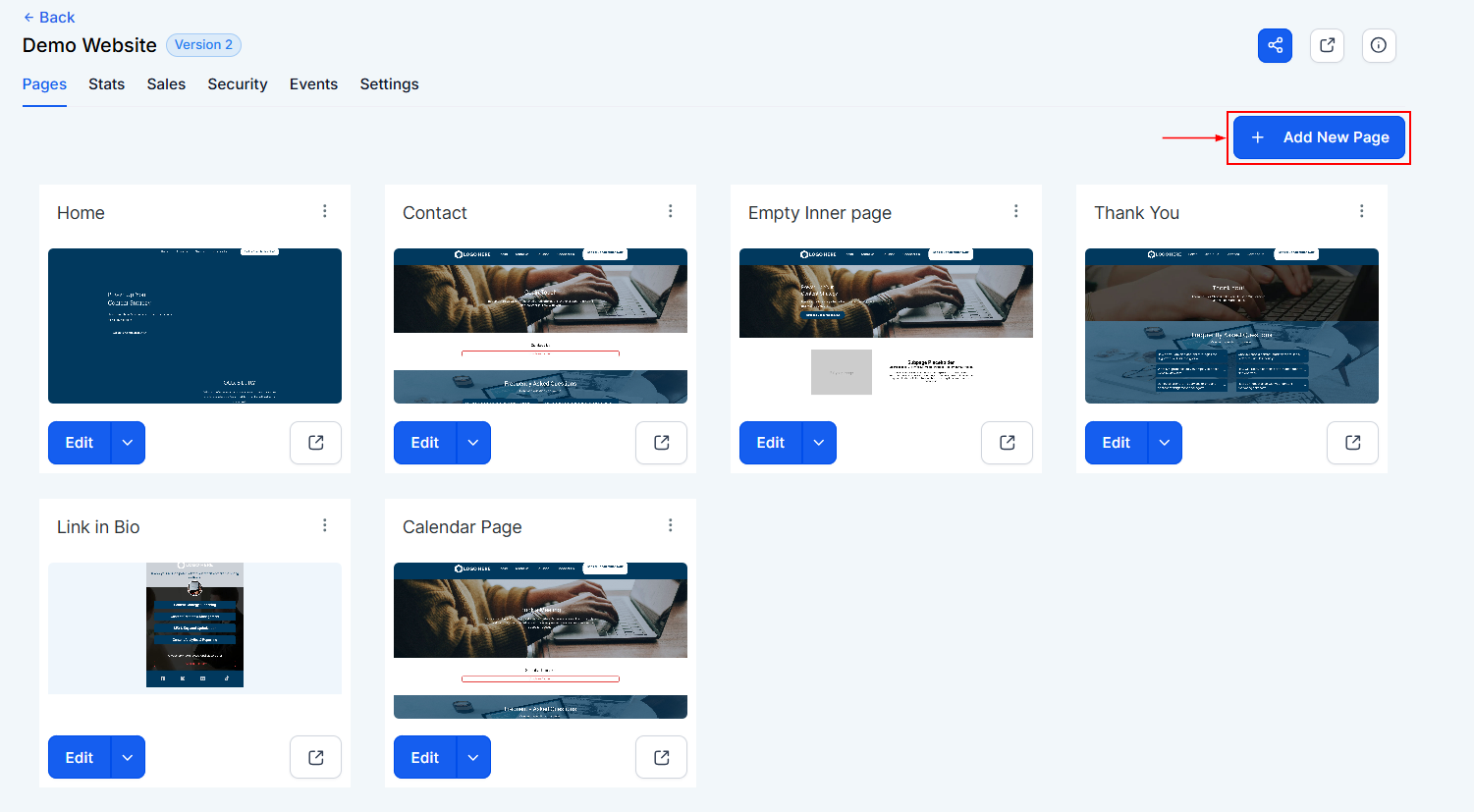
By selecting the ”+ Add new page” option, you can build out an additional page for your existing website or just start building a new website from scratch.
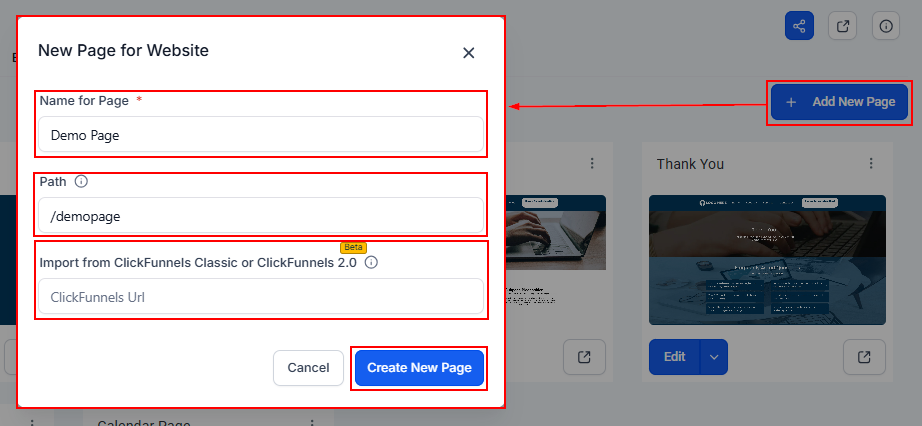
In the popup you could do the following;
- Name for Page: Assign a clear, descriptive name to help organize your website (e.g., “About Us” or “Services”).
- Website Path: Set a unique URL path for the page for easy access.
- Import From Clickfunnels: If you’ve already built content in Clickfunnels, you can paste the URL to import it directly.
Website Page Actions
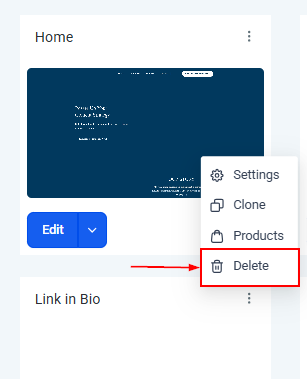
Here you can click the three-dotted icon to perform actions related to a specific page.
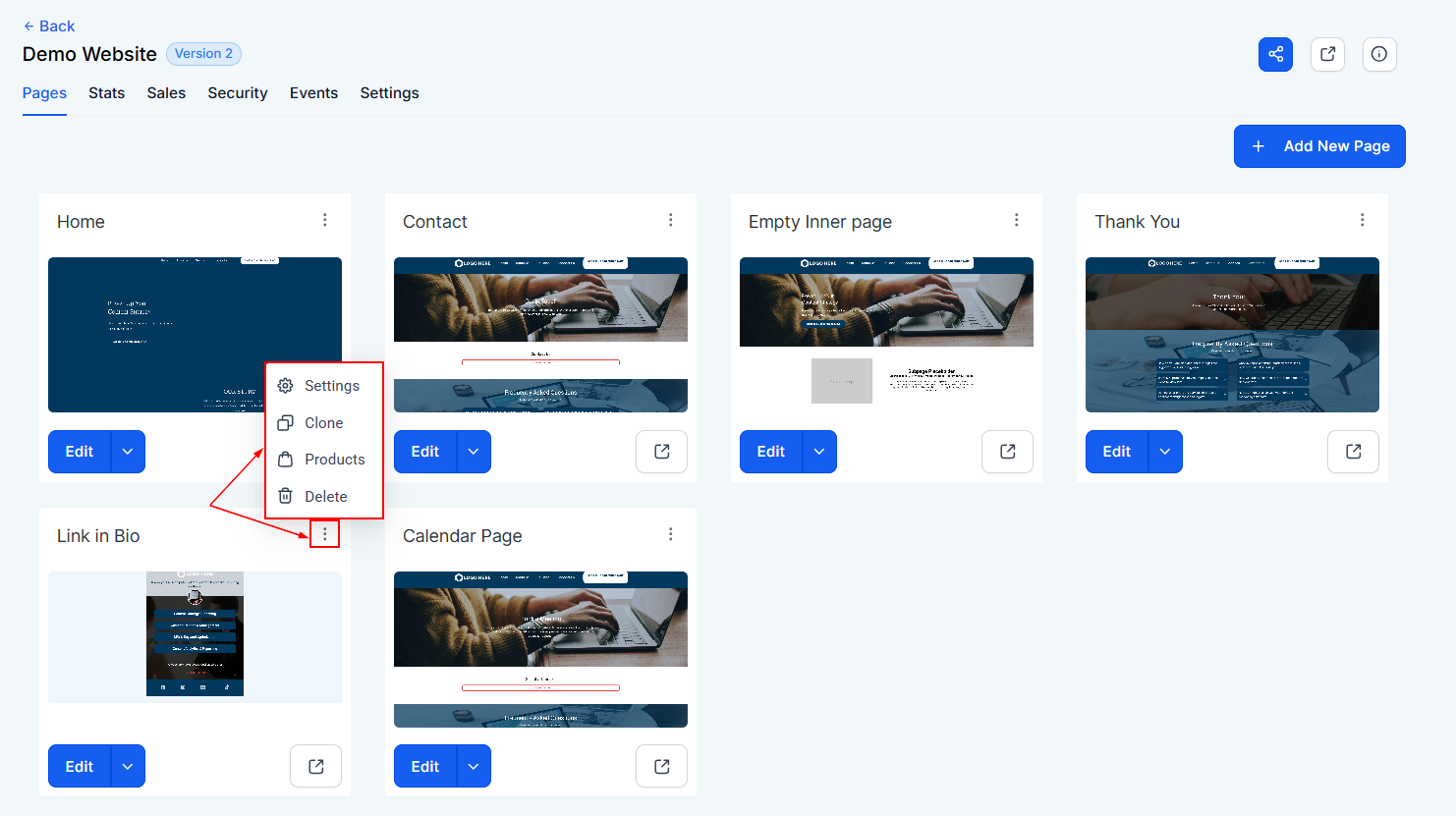
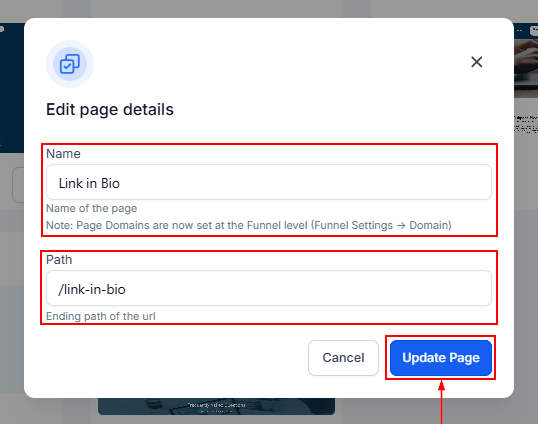
Settings
Use this tab to edit the name and path of any page. When you’re done, click Update Page to save your changes.
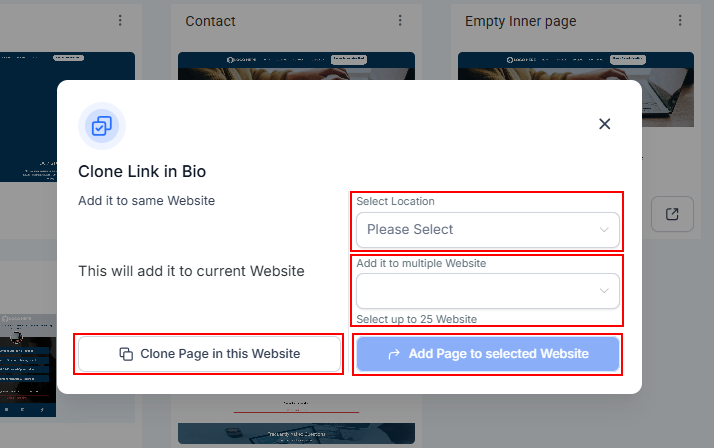
Clone
The cloning feature allows you to duplicate a page for various purposes:
- Clone Website Page: You can use this function when you have to clone a page for the same website.
- Select Clone Location: Choose a CRM location where the cloned page will be used.
- Select Website: Pick one or more websites (up to 25) where you want the cloned page to appear. Once selected, click Add Page to Selected Website to complete the process.
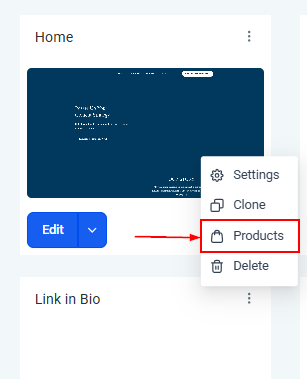
Products
This section allows you to view the product page, and manage products associated with your website. You can also add, edit, or remove products.
Delete
If a page is no longer relevant, the Delete option lets you remove it easily. Just make sure you’re certain before taking this step, as it cannot be undone.
With the tools available in the Pages Tab, managing your website’s structure has never been simpler. From creating and customizing pages to cloning and organizing them across multiple sites, this tab empowers you to build a website that works for your goals.
Not a Funnelbud customer yet?
Try our all-in-one CRM for sales and marketing — free for 7 days, no commitment.