How to Add GIFs to Your Emails
GIFs can add a dynamic and entertaining element to your email campaigns. This article provides step-by-step instructions on how to incorporate GIFs into your emails, ensuring your communications are more engaging and visually appealing.
Navigate to the Email Builder
- Go to Marketing -> Emails, then access the Campaigns or Templates section.
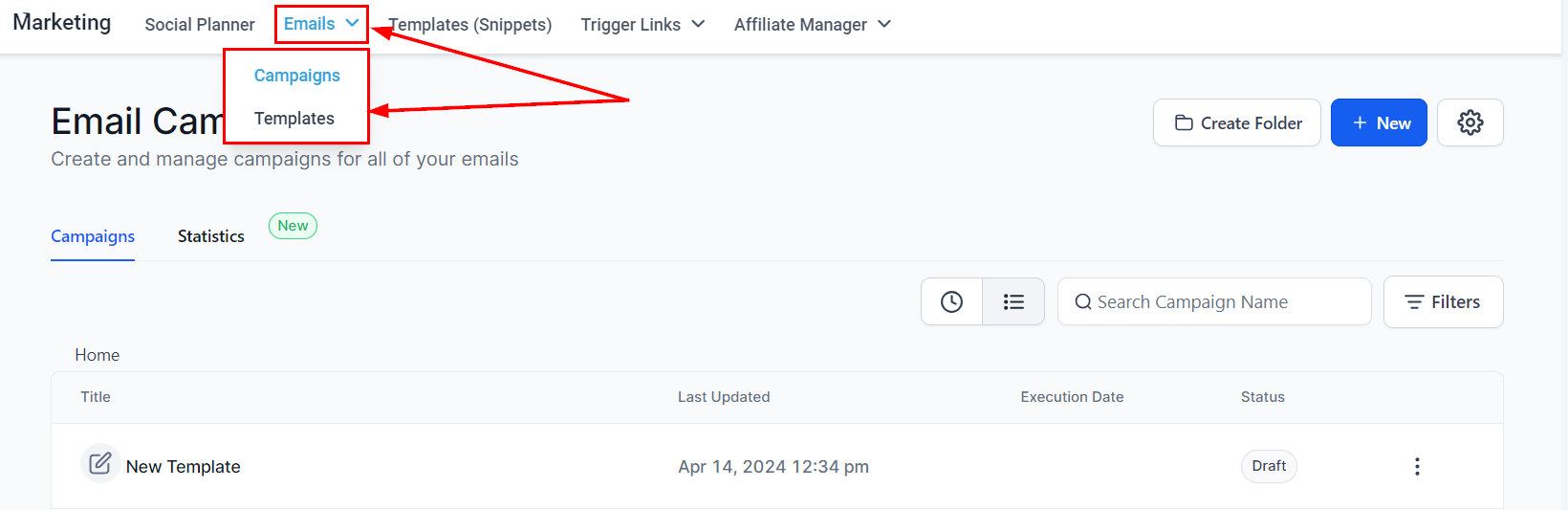
- Open any existing campaign or template or start a new one from scratch.
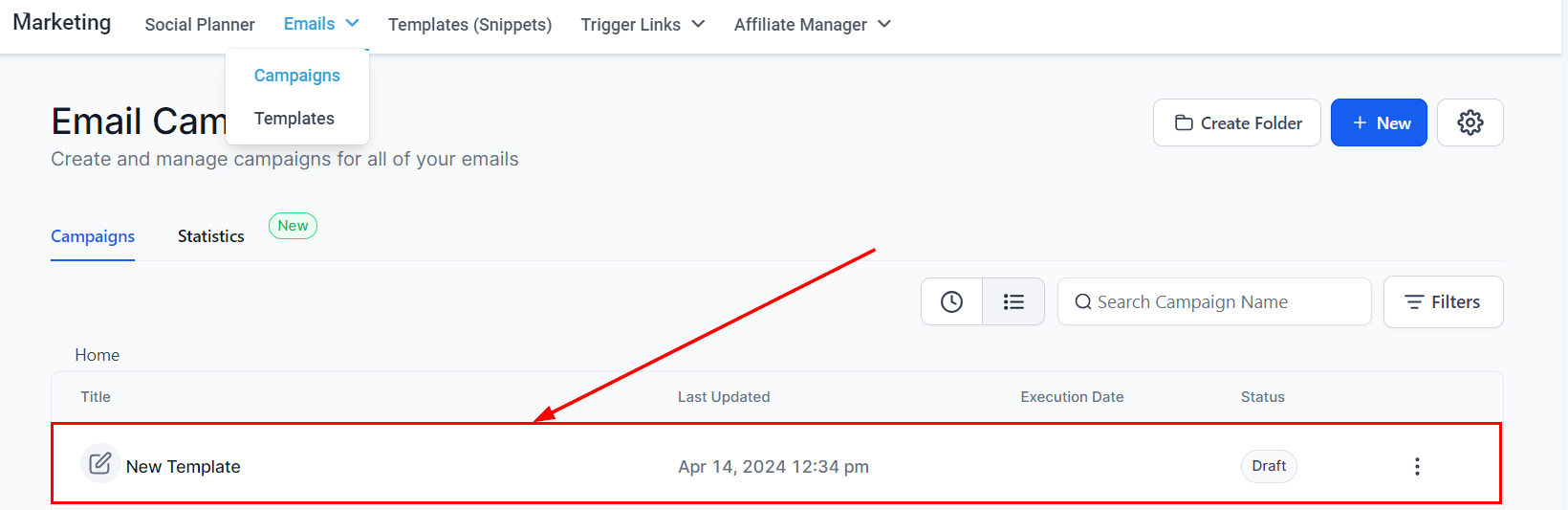
Insert a GIF via Image Element
- Drag and drop the Image element into your email.
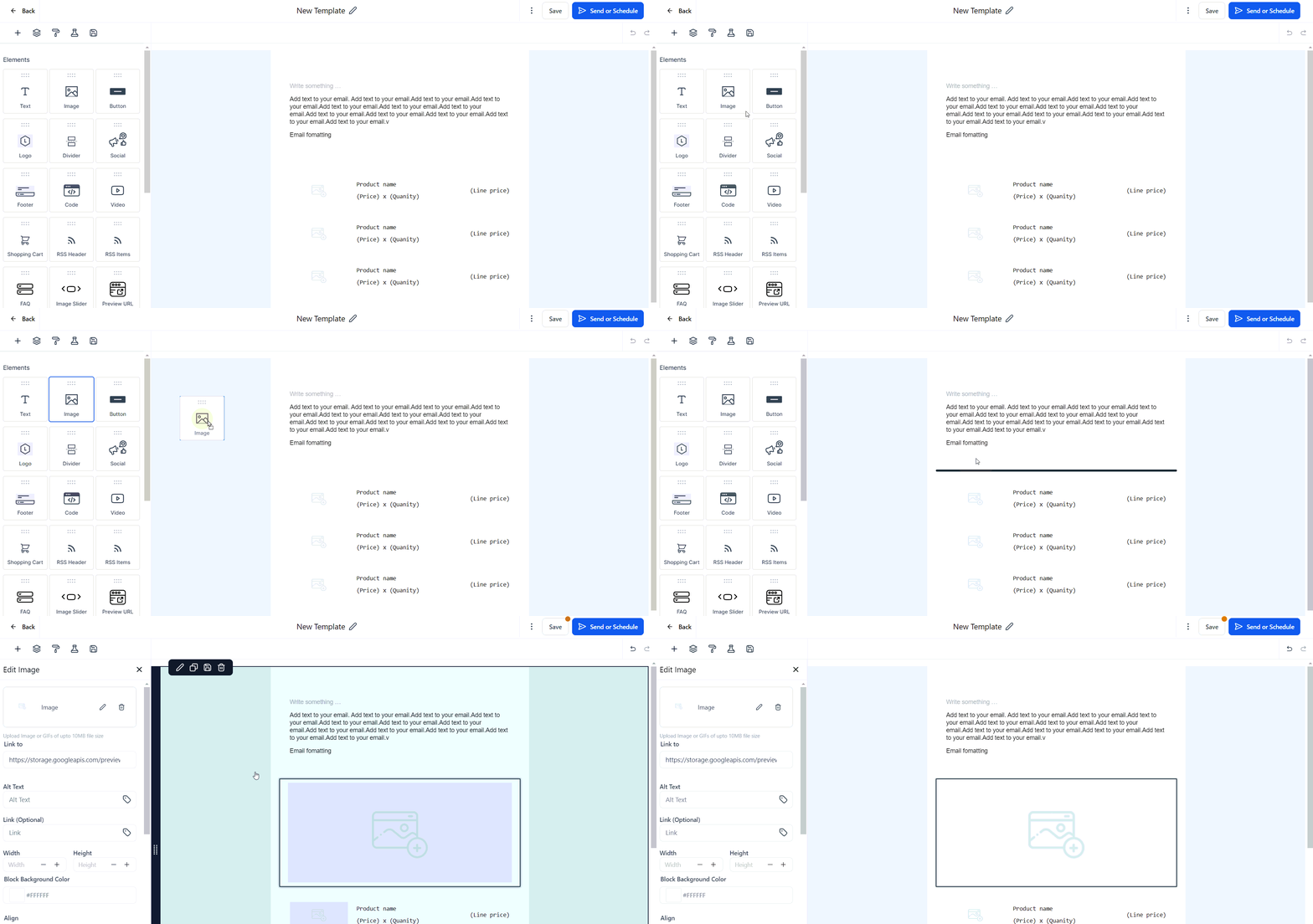
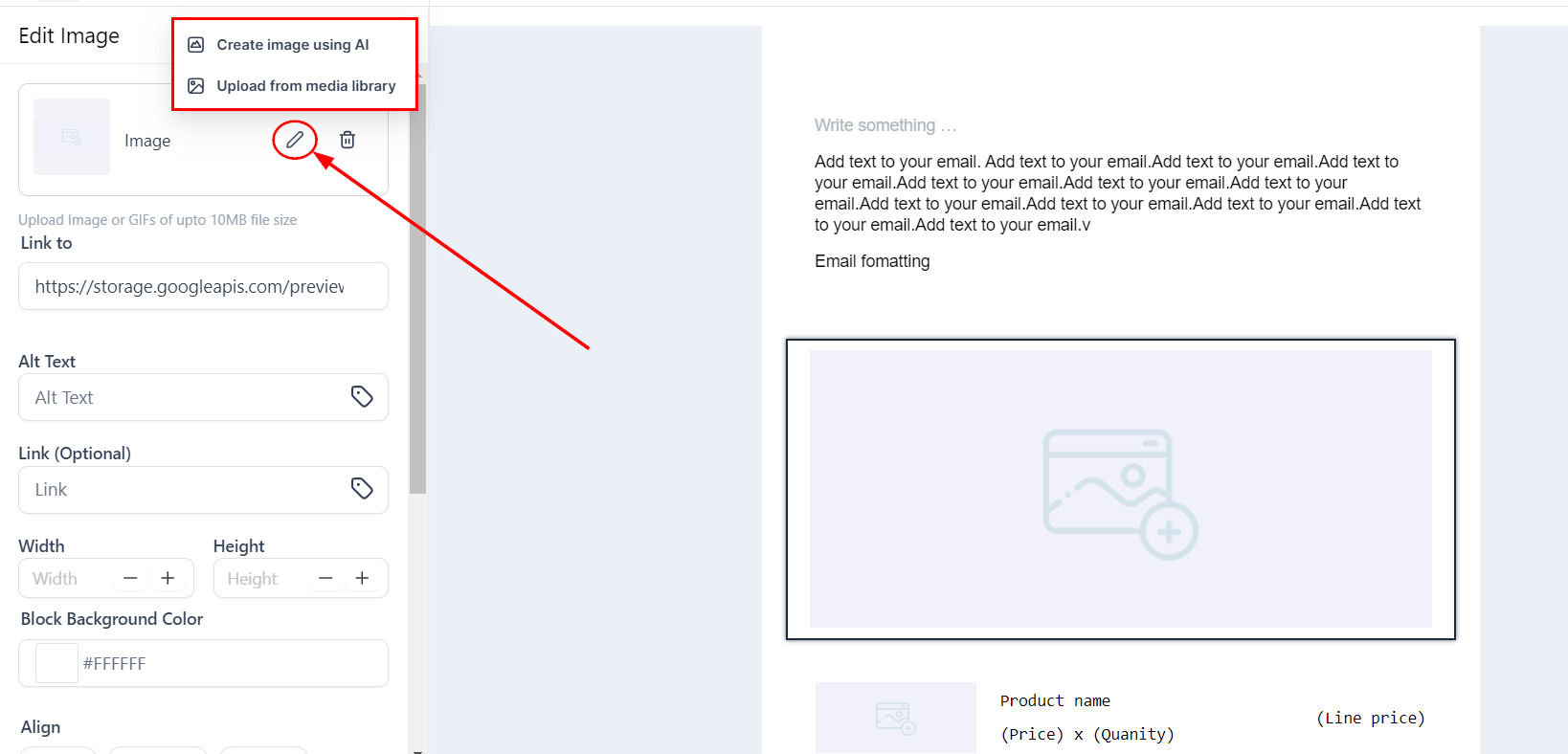
- Click on the image area to edit and upload a GIF file (up to 10MB).
Insert a GIF via Video Thumbnail
- Drag and drop the Video element into your email.
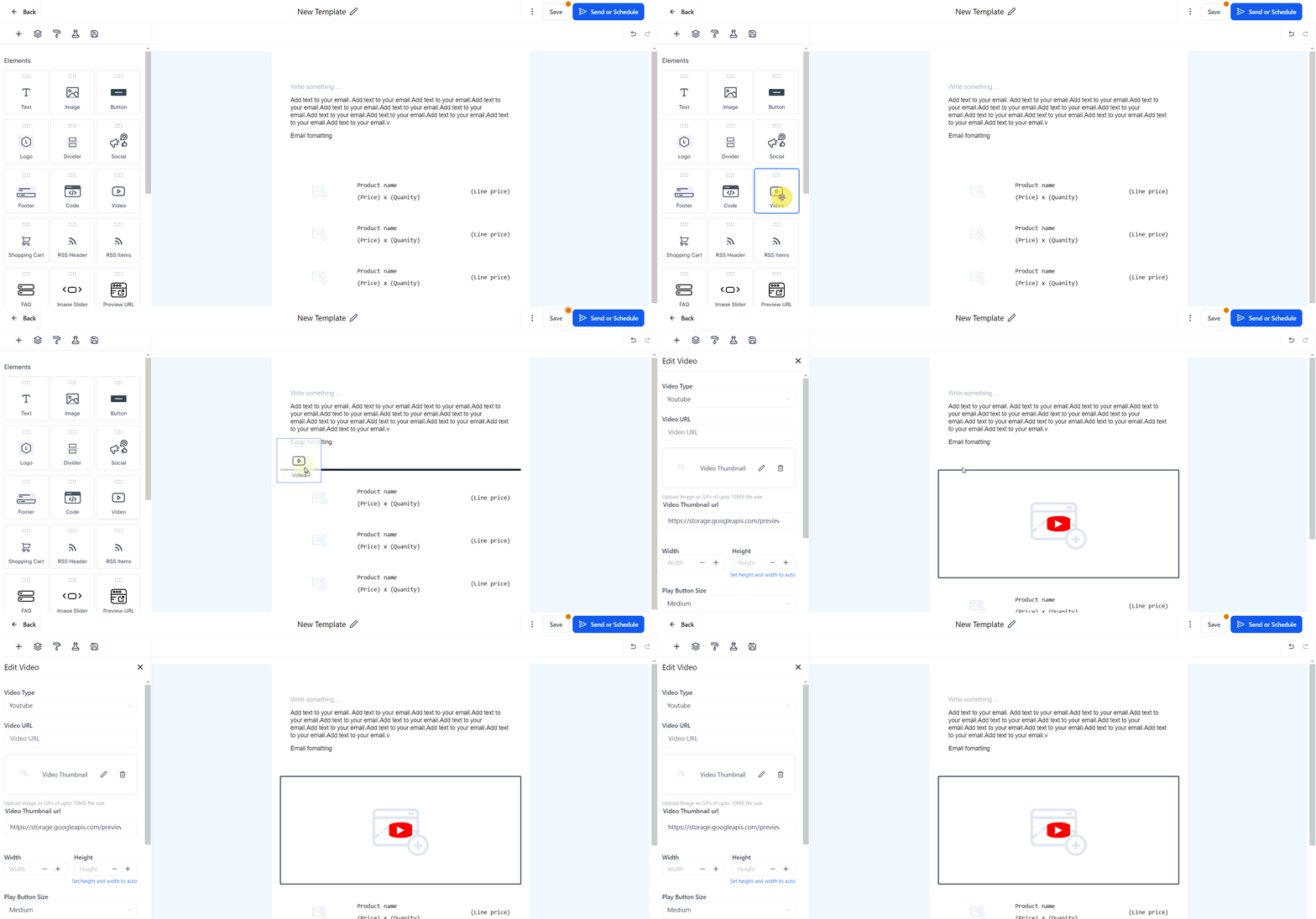
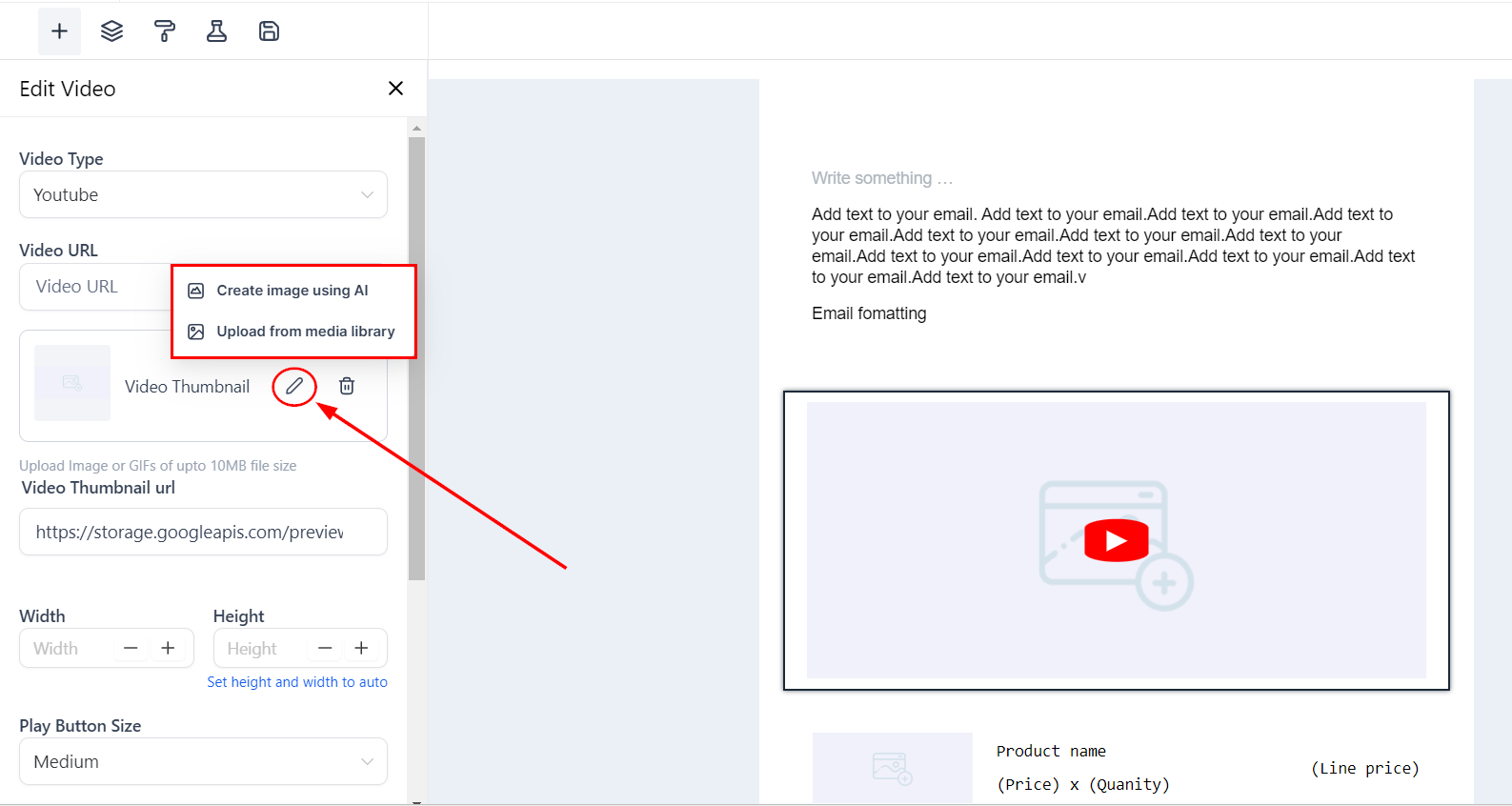
- Edit the video thumbnail and upload a GIF file (up to 10MB).
By following these steps, you can easily embed GIFs into your emails, making them stand out and capture your audience’s attention.
Frequently Asked Questions
Q: Where can I add GIFs in my email?
- You can add GIFs to both image elements and video thumbnails in your email templates.
Q: Is there a size limit for the GIFs?
- Yes, the GIF files should not exceed 10MB.
Q: Why should I use GIFs in my emails?
- GIFs can make your emails more engaging and can effectively convey information in a more dynamic way compared to static images.
Troubleshooting Steps
GIF Not Displaying Properly
- Ensure the GIF file size is within the 10MB limit.
- Check if the email client supports GIFs.
- Test the email across different email clients to verify compatibility.
Slow Loading Time
- Optimize the GIF size before uploading.
- Use compressed GIFs to reduce load times.
Not a Funnelbud customer yet?
Try our all-in-one CRM for sales and marketing — free for 7 days, no commitment.