Attribution Report - Overview
Attribution is essential for tracking the effectiveness of your marketing efforts by identifying the sources through which contacts engage with your platform. To utilize this tool, navigate to the Reporting section from your account dashboard and click on the Attribution Report tab.
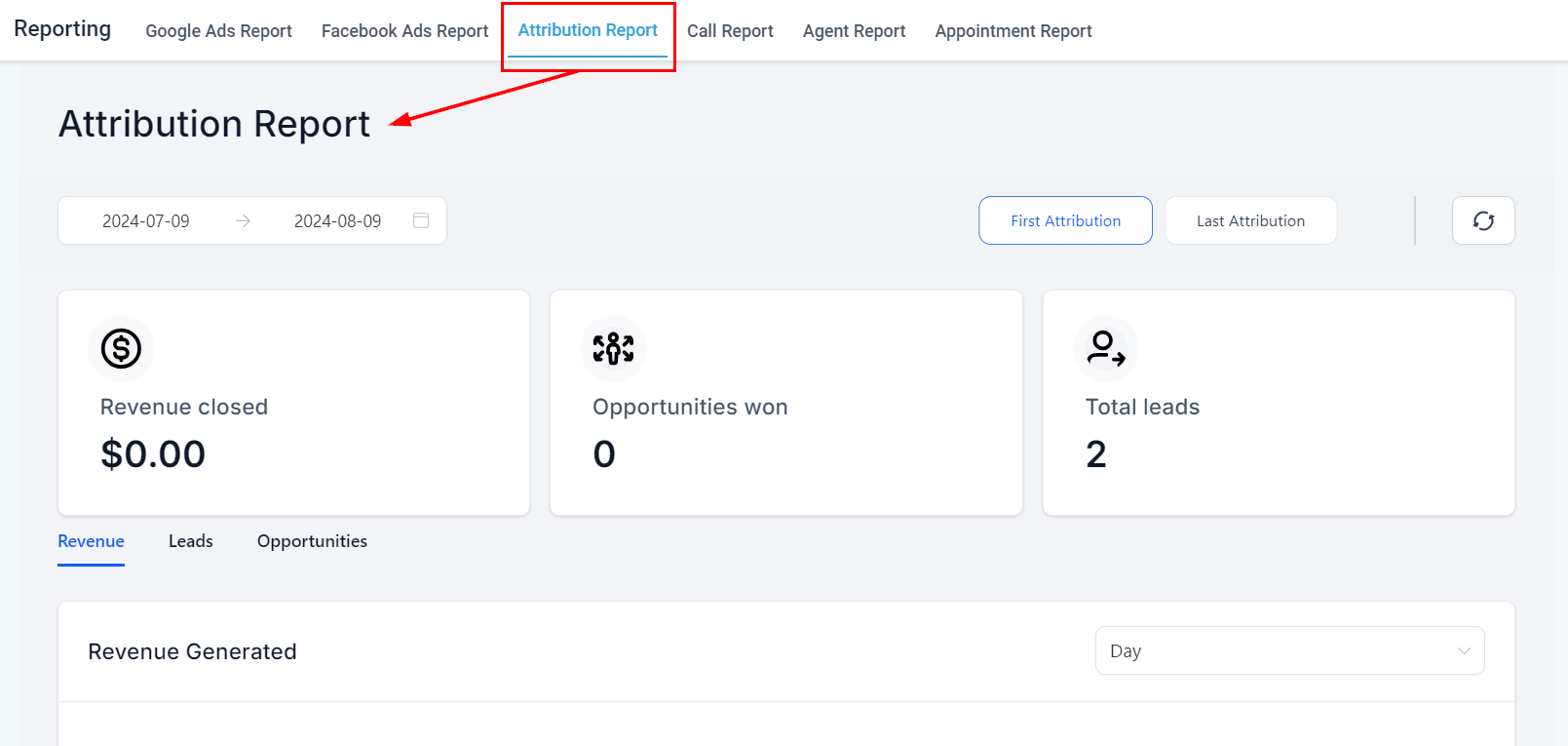
Events That Record Attribution
Attribution is recorded during specific events within the same session, including:
- Form/Survey Submission
- Calendar Booking Submission
- Chat Widget (After Submitting Contact Info)
- Order Form Submissions
These events must occur within forms, surveys, calendars, chat widgets, or order forms you have created in your account to ensure attribution data is captured accurately.
Select Date Range
To accurately analyze attribution data, users must filter and set specific date ranges, which can be done using the Select Date Range option.
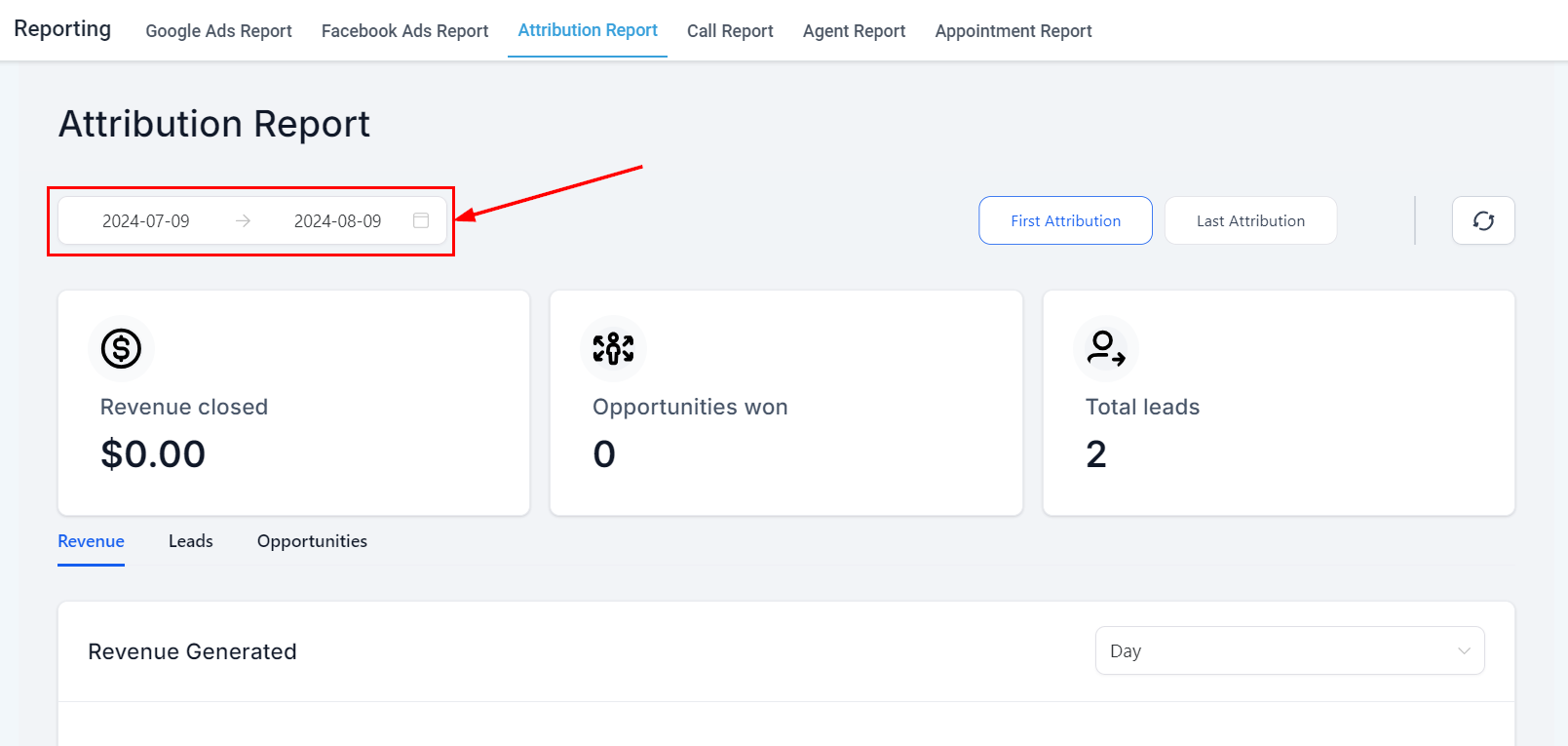
Simply click on the desired dates within the calendar dropdown to select the date range you would like to view, then click the confirm button to save your selection and view your new data.
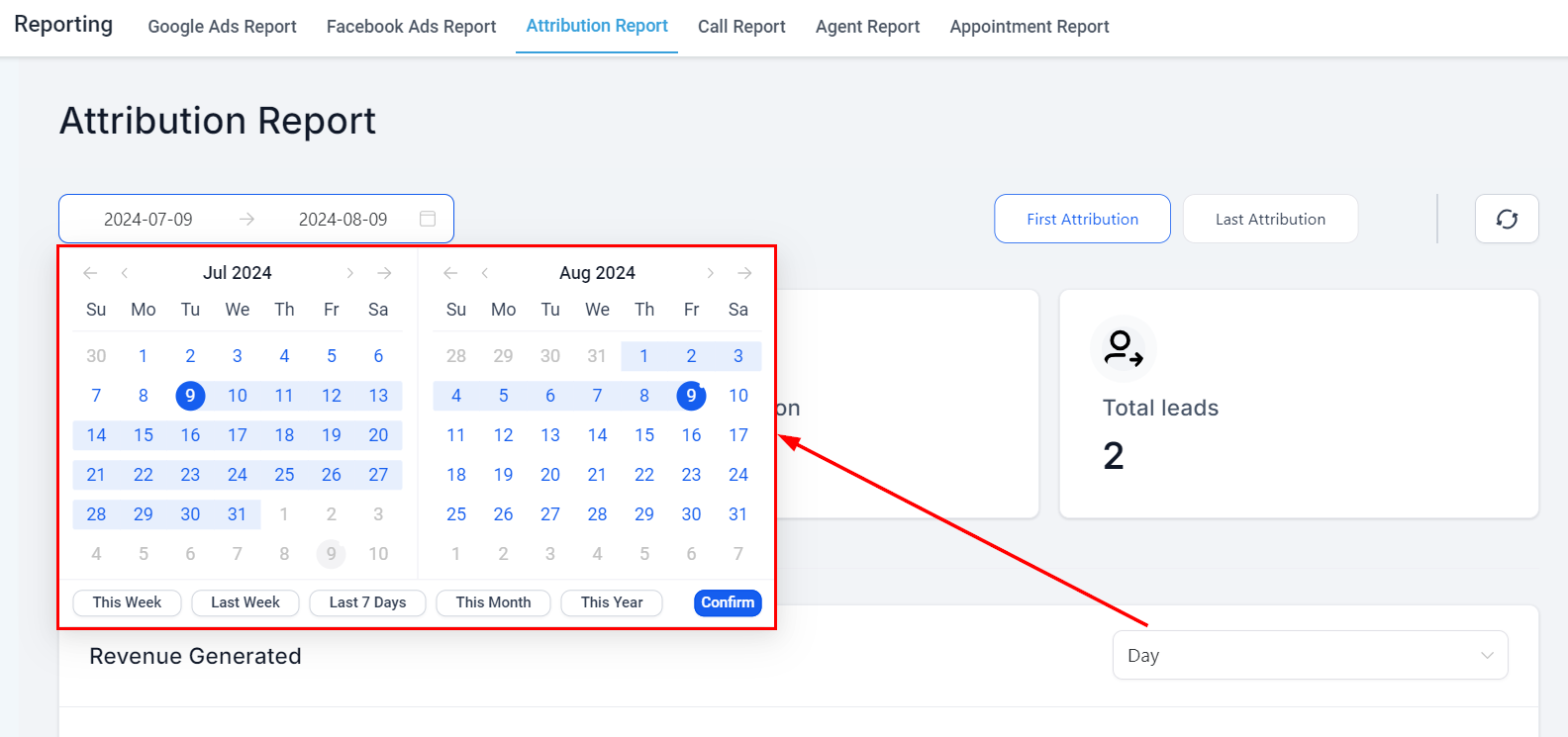
Attribution Type
The “First” and “Last” attributions provide insights into the journey of each contact from their initial engagement to their most recent interaction. Select the button to view the data corresponding to your preferred attribution type.
- First Attribution: This refers to the initial interaction a contact has with your system. For instance, if a user fills out a “Contact Us” form, this event is recorded as their first attribution. This data remains unchanged, offering a consistent reference point for when the contact first engaged with your platform.
- Latest Attribution: This records the most recent interaction a contact has had with your system. For example, after initially filling out a form, if the contact later purchases your product from a Two-Step Order Form, the latest attribution is updated to reflect this most recent activity. Unlike first attribution, latest attribution continually updates to reflect the most recent interaction.
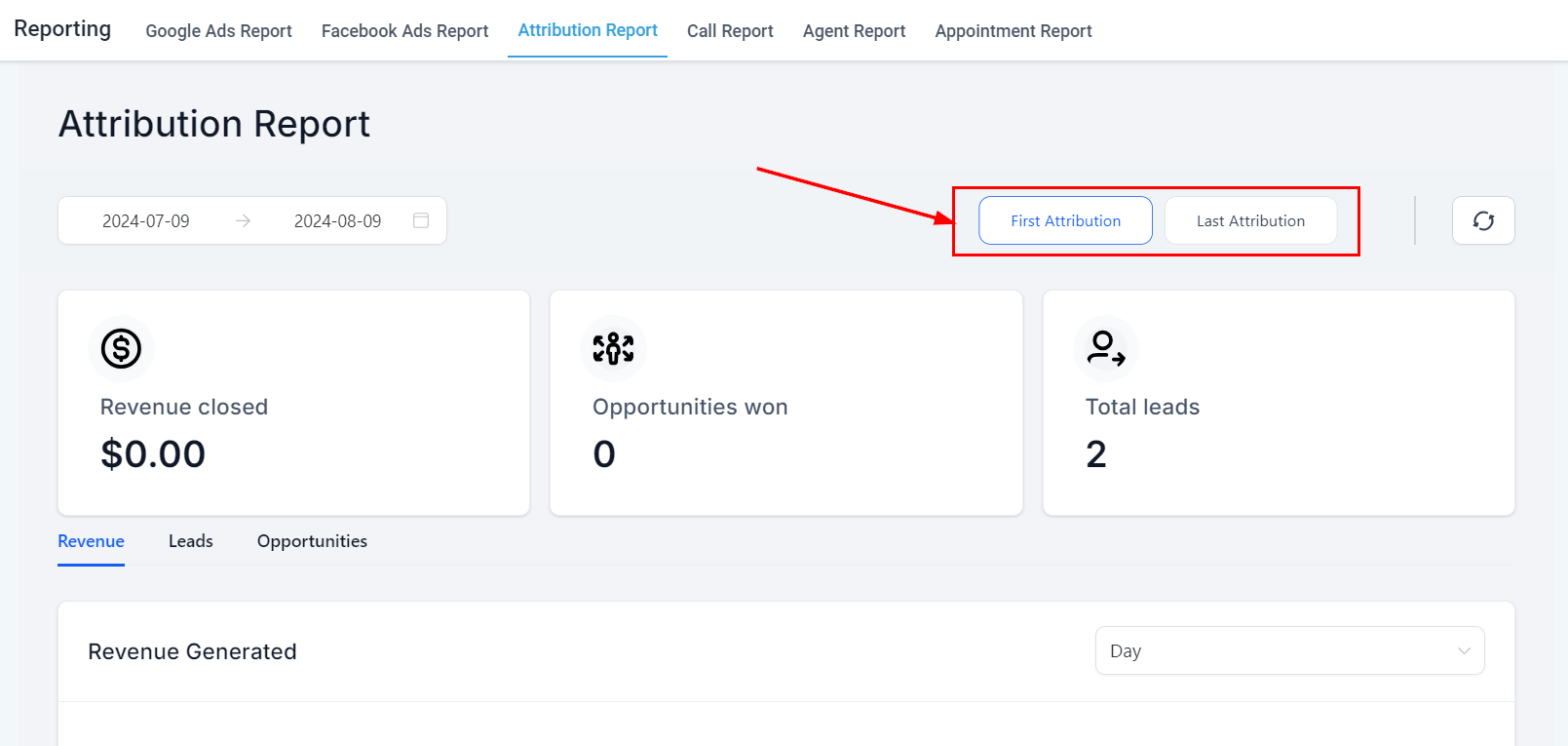
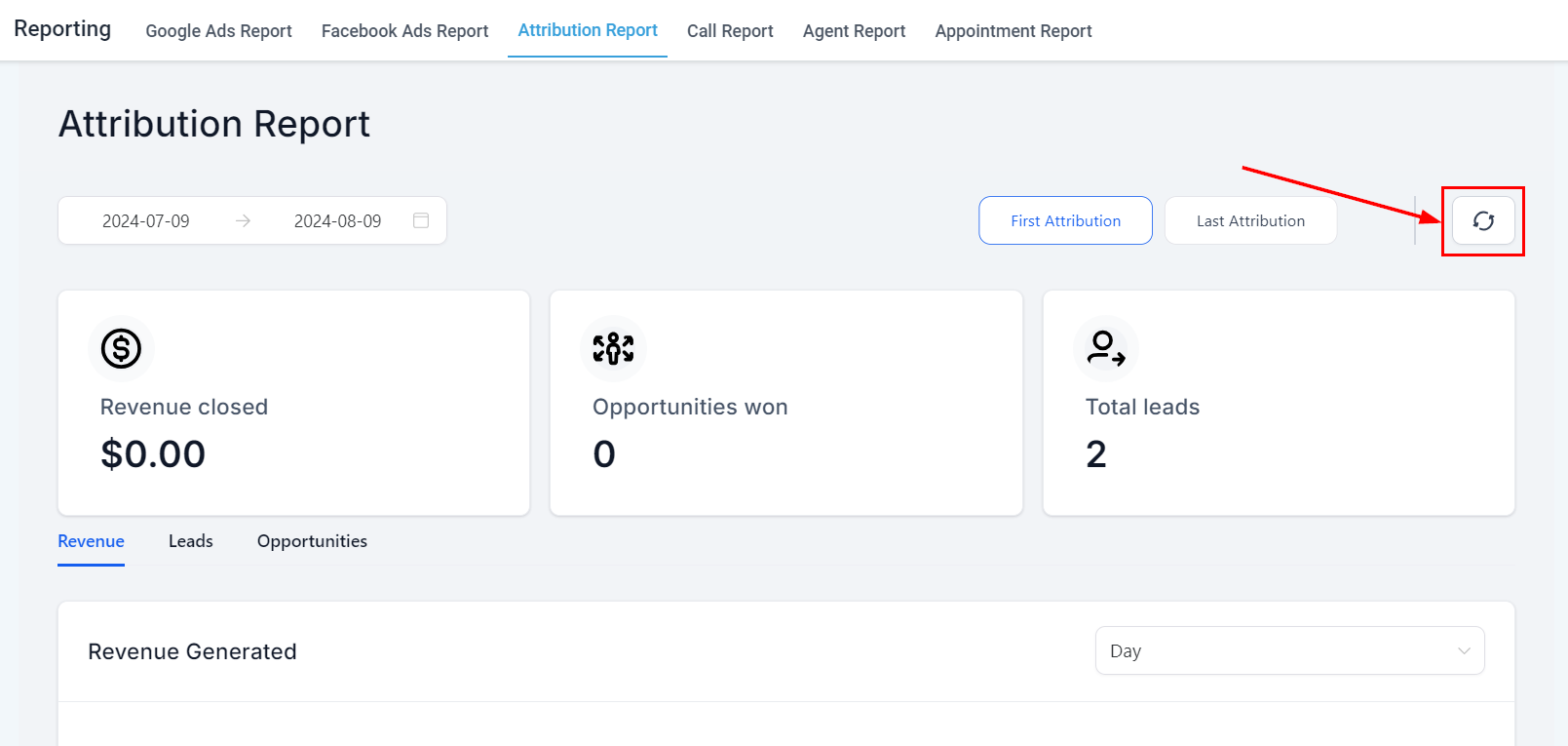
Refresh Data
By clicking on the refresh button, you can quickly update the data displayed to align with the filters you have chosen. This feature ensures that you have access to the most current and accurate reporting information at all times, enabling you to make well-informed decisions based on real-time data without disrupting your workflow or user experience.
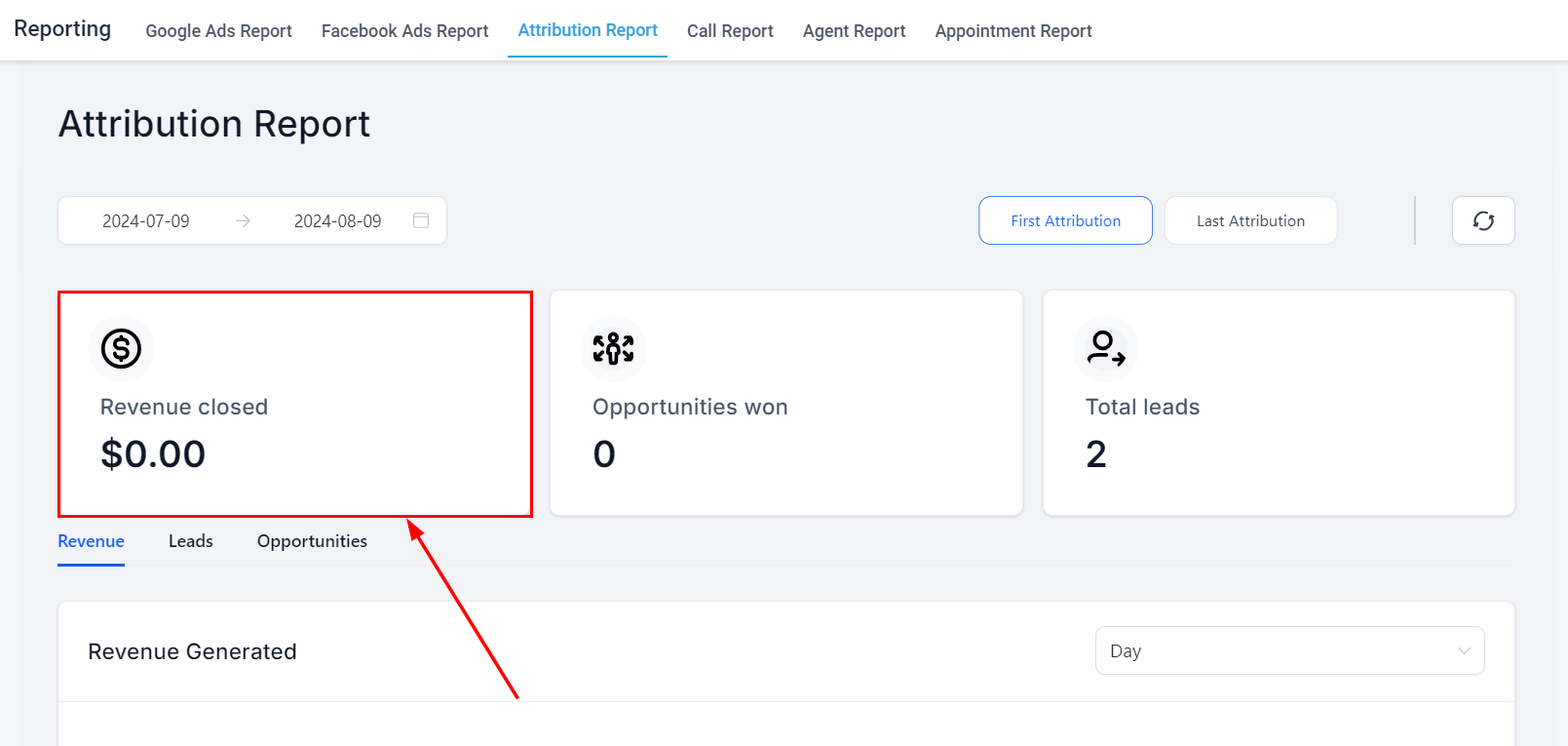
Revenue Closed
Monitor the revenue your business has generated to gain valuable insights into your financial performance.
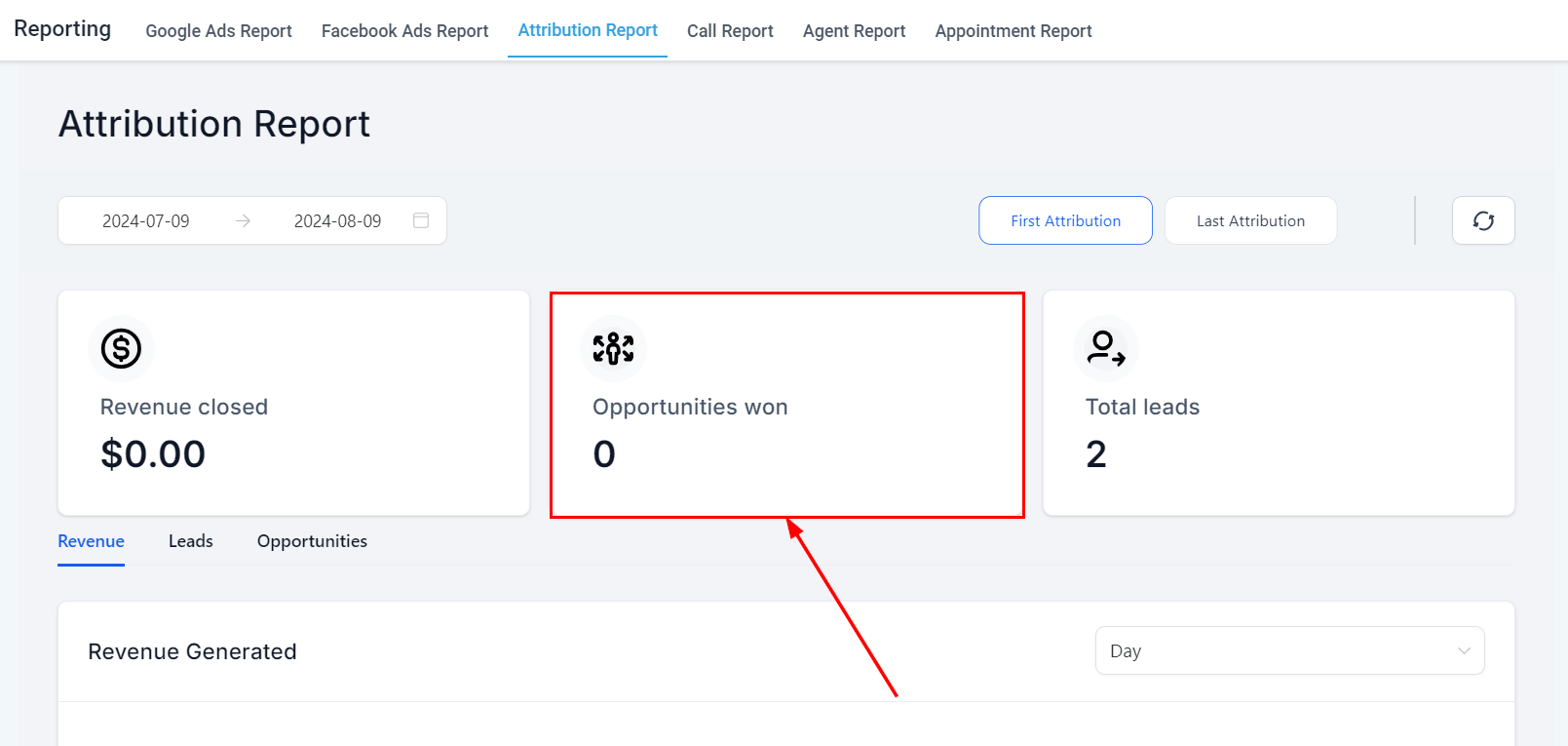
Opportunities Won
Keep track of the number of opportunities you have successfully won to evaluate your sales performance and conversion rates.
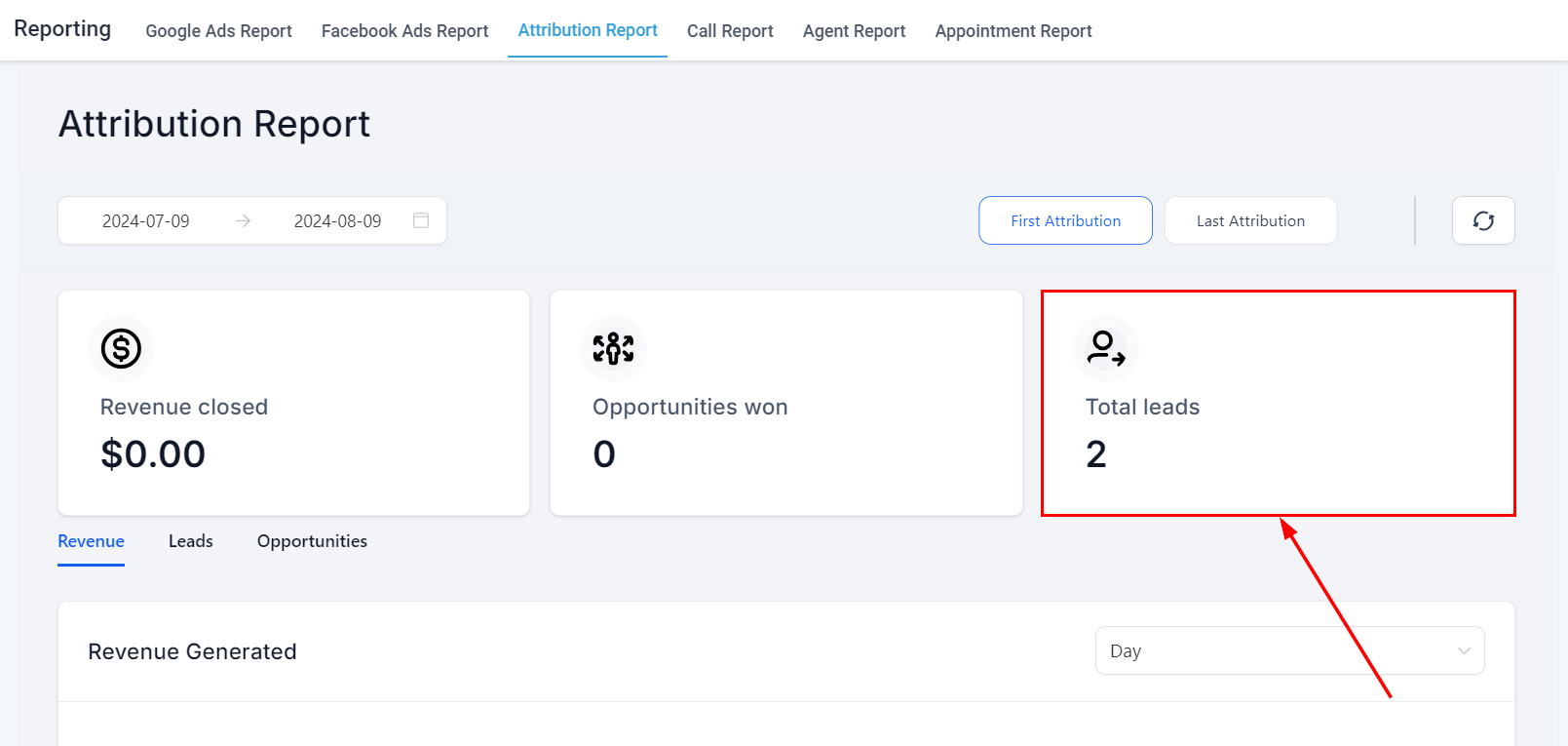
Total Leads
Monitor the number of contacts you’ve gathered in your selected time frame to assess the effectiveness of your lead generation and marketing efforts.
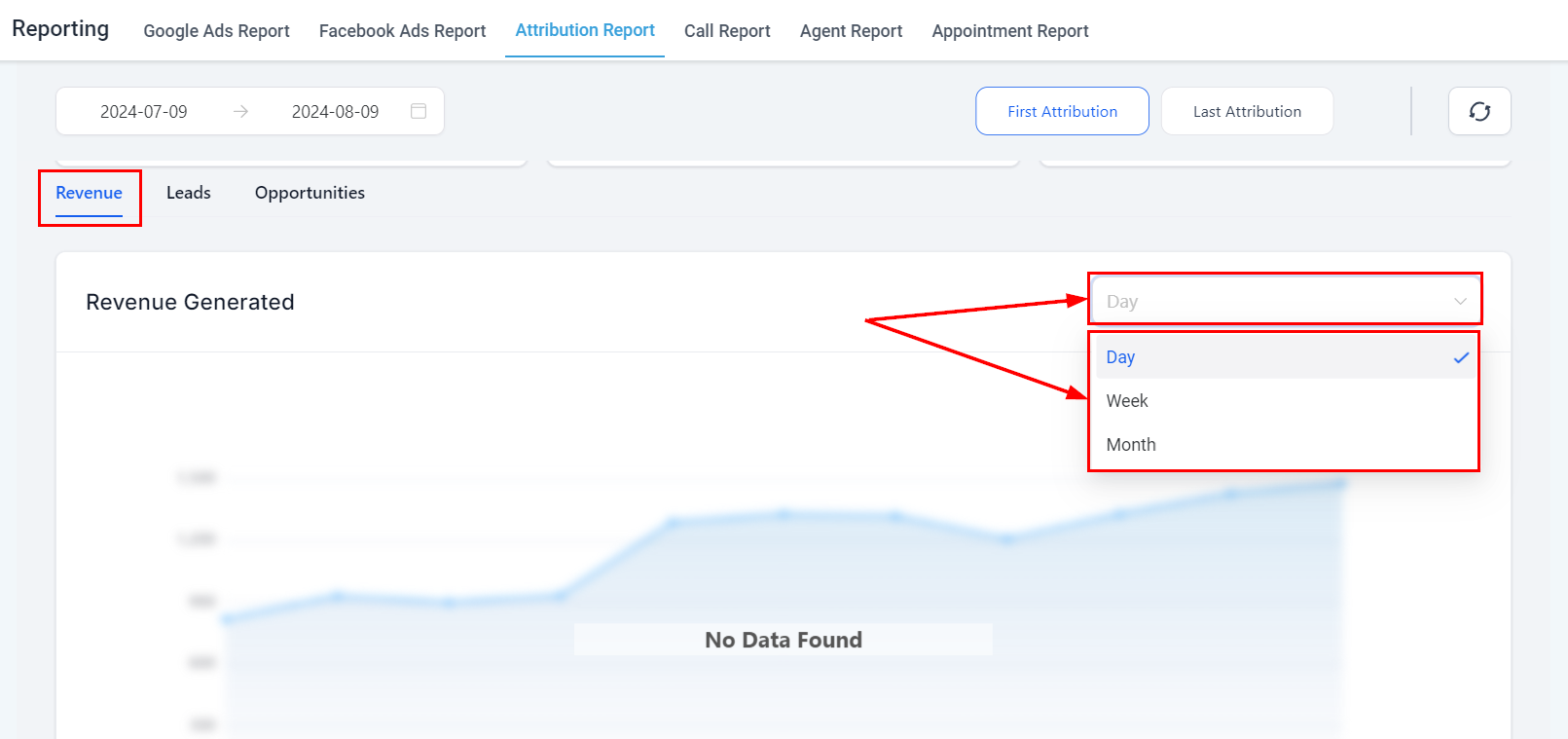
Revenue
View a visual timeline of the revenue generated with the flexibility to display data by days, weeks, or months, depending on your preferred data aggregation method.
Leads
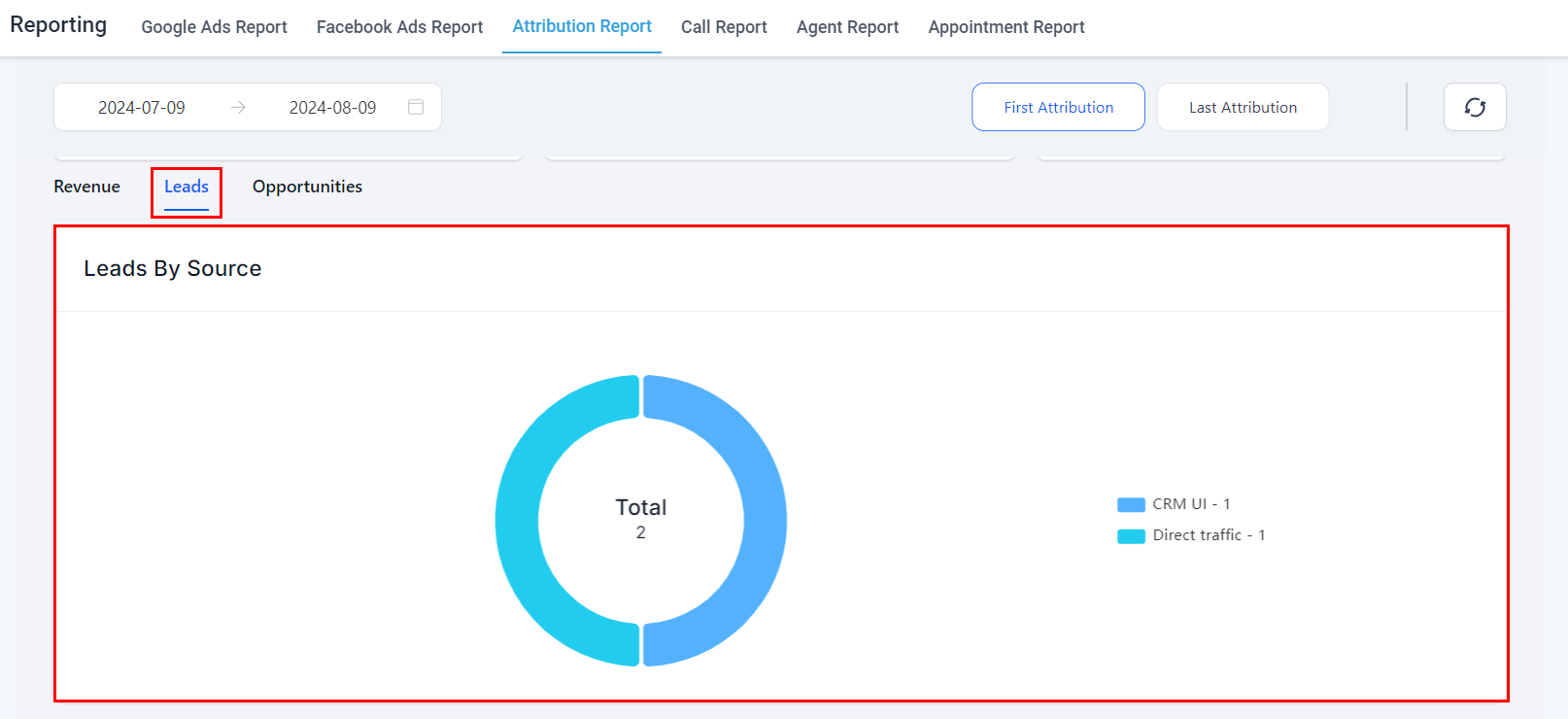
The Leads tab serves the purpose of tracking and analyzing the origins of your leads. It provides insights into which marketing channels or campaigns are most effective in generating new leads, helping you understand the source and journey of each contact. This data allows you to refine your marketing strategies and optimize campaigns for better lead generation and conversion.
Leads By Source
This section features a color-coded donut chart that provides a clear visual representation of how your leads are being generated. Additionally, numerical data is displayed for quick and easy reference.
Types of Attribution Sources
- Paid Search: Traffic from paid search campaigns (e.g., Google Ads).
- Paid Social: Traffic from paid social campaigns (e.g., Facebook, Instagram Ads).
- Direct Traffic: Traffic from users directly typing your URL into their browser or entering your site without a referral source.
- Organic Search: Traffic from non-paid search results on search engines like Google or Bing.
- Social Media: Traffic from organic social media interactions.
- Referrals: Traffic from external sites linking to your website.
- Others: Traffic from various channels, such as incoming calls, SMS, emails, WhatsApp messages, etc.
- CRM UI: Leads created manually within the CRM.
- Third-Party: Leads generated through third-party tools like Zapier.
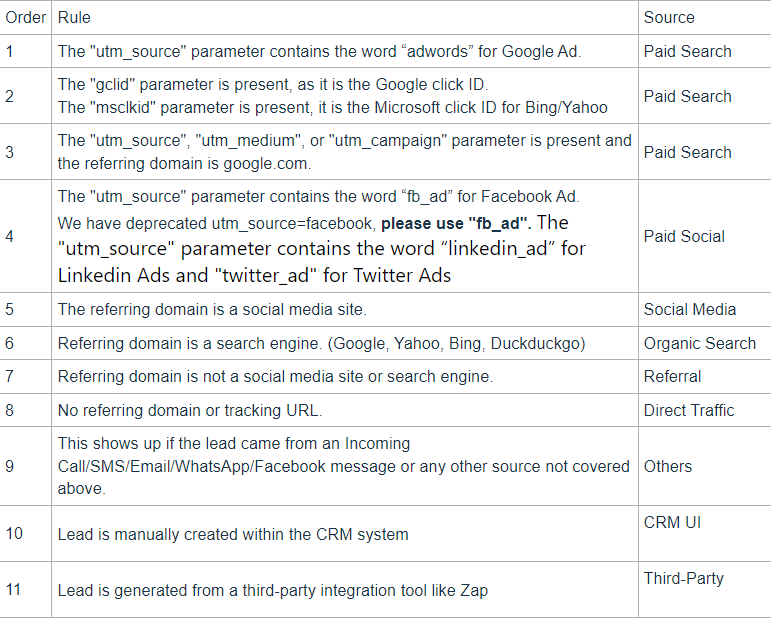
Attribution sources are applied to a contact by the order in the table below.
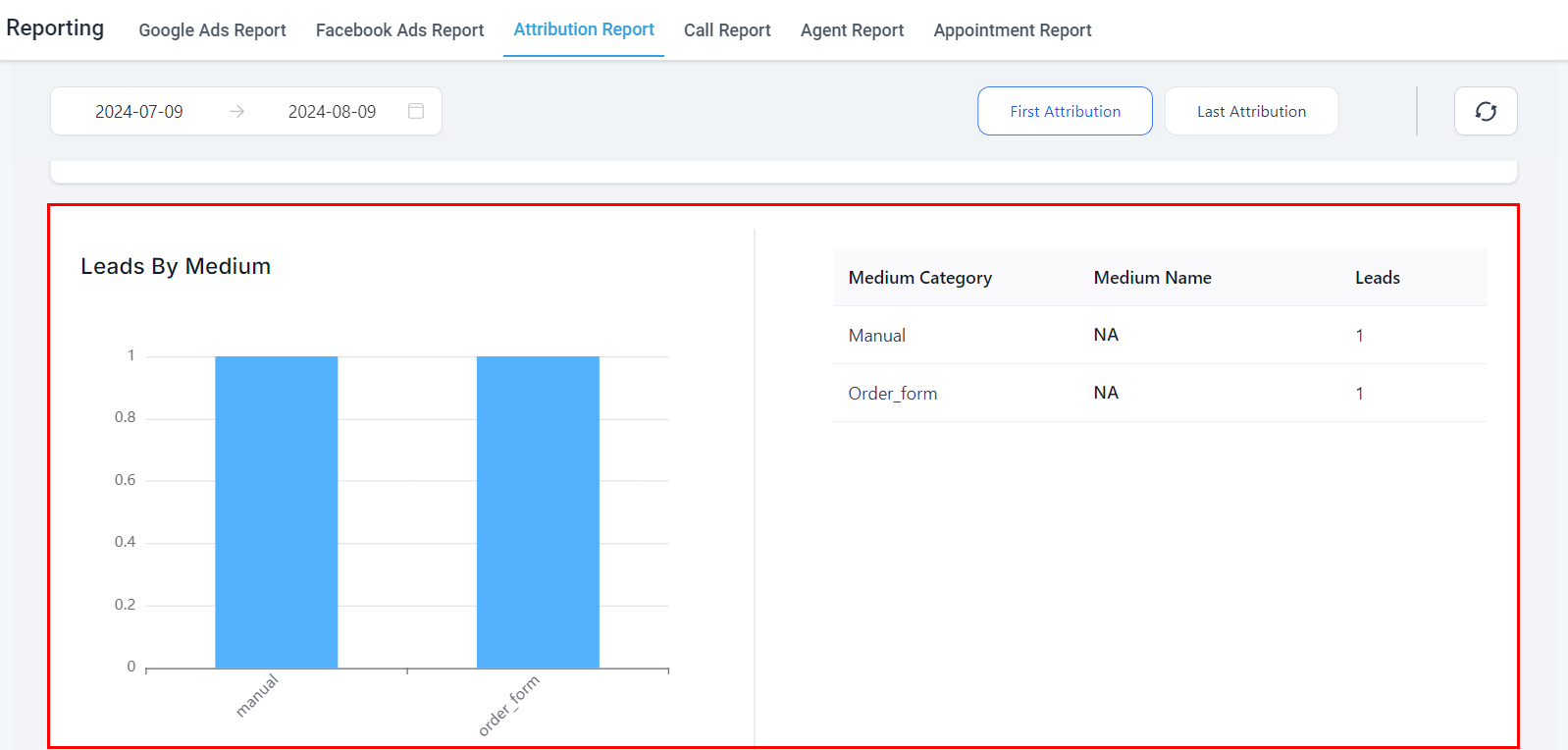
Leads By Medium
This section provides insights into the performance of different marketing channels allowing you to understand which mediums are most effective in driving leads to your business.
Opportunities
Select multiple Opportunity pipelines to compare the session events of your Opportunities.
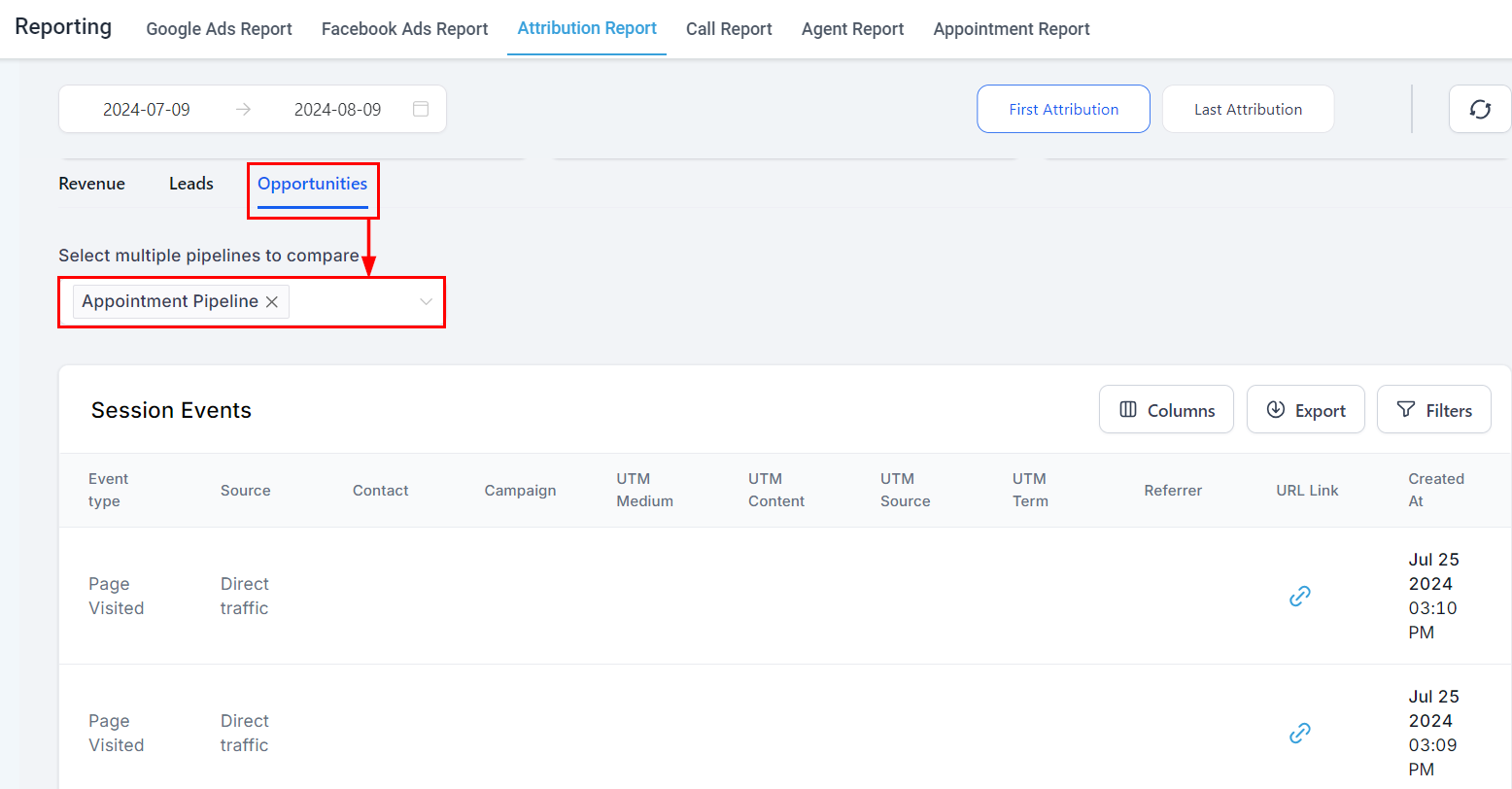
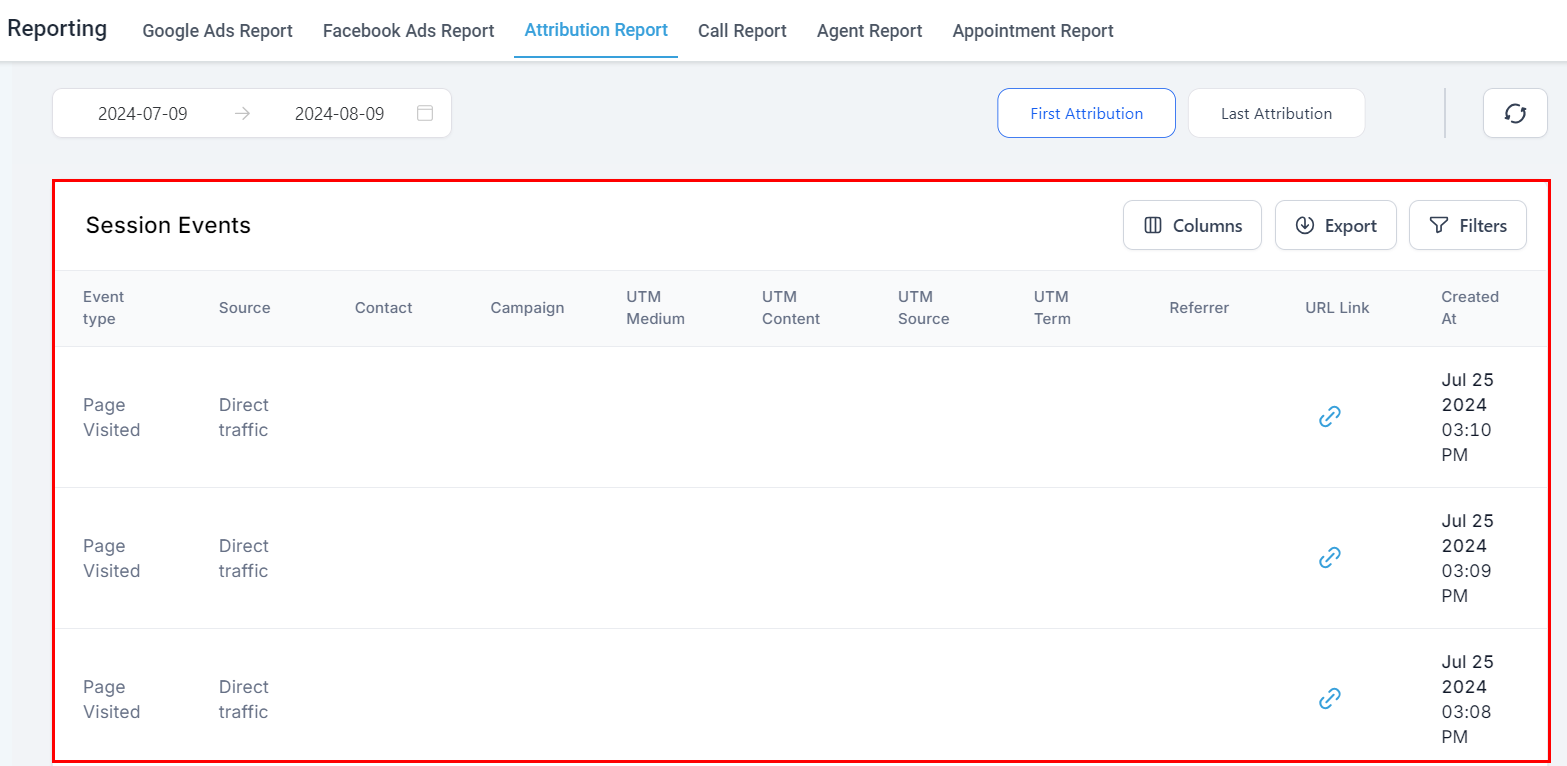
Session Events
By analyzing session events, you can gain insights into the effectiveness of your campaigns and optimize your strategies accordingly. These events are critical for tracking user engagement and understanding how contacts interact with your website or marketing assets.
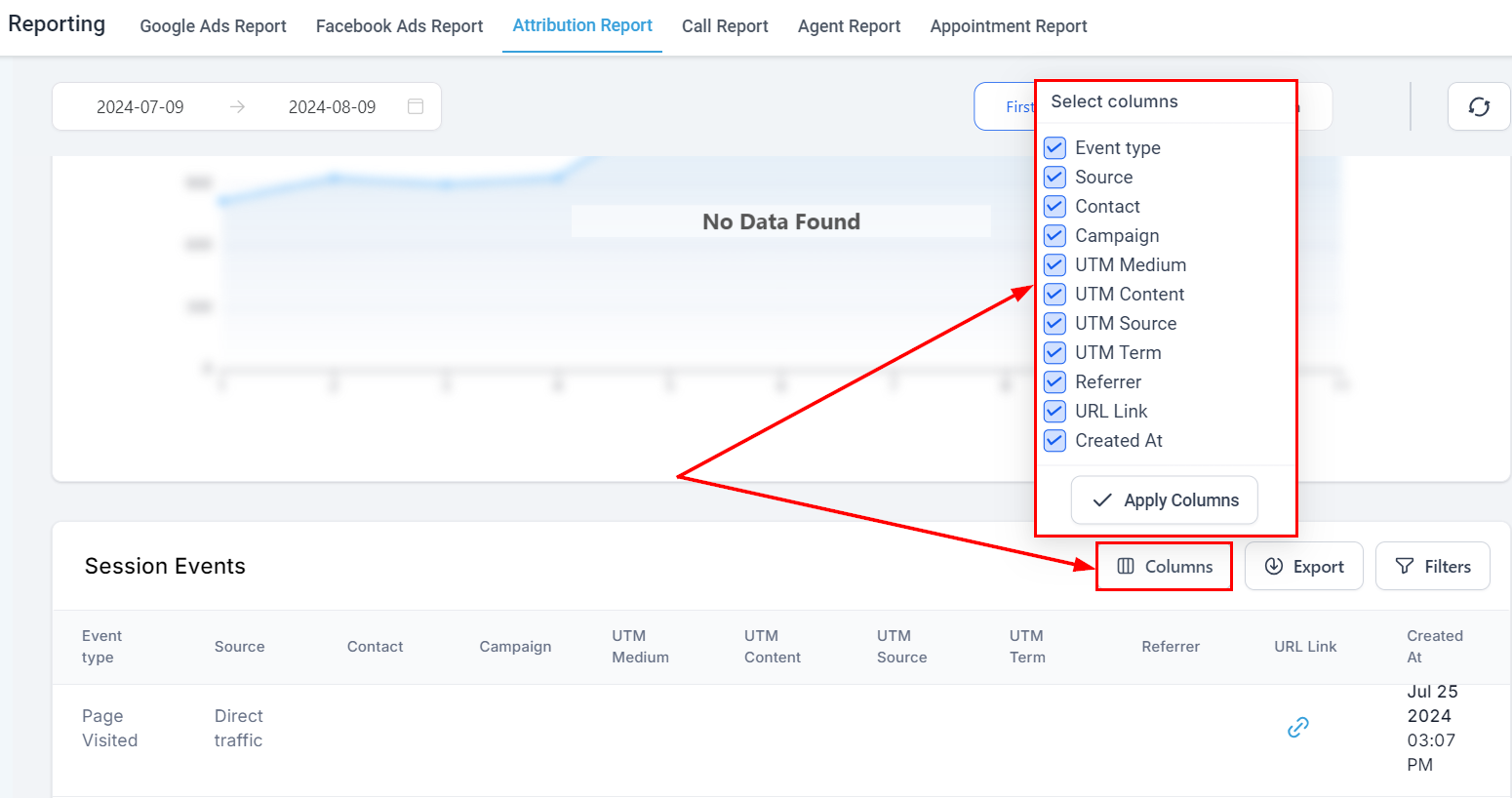
Columns
By clicking on the columns button, you have the flexibility to modify the data columns and tailor the table according to your personal preferences. This feature allows you to add or remove columns from the display, ensuring that the information displayed is relevant and meaningful for your specific needs and analysis.
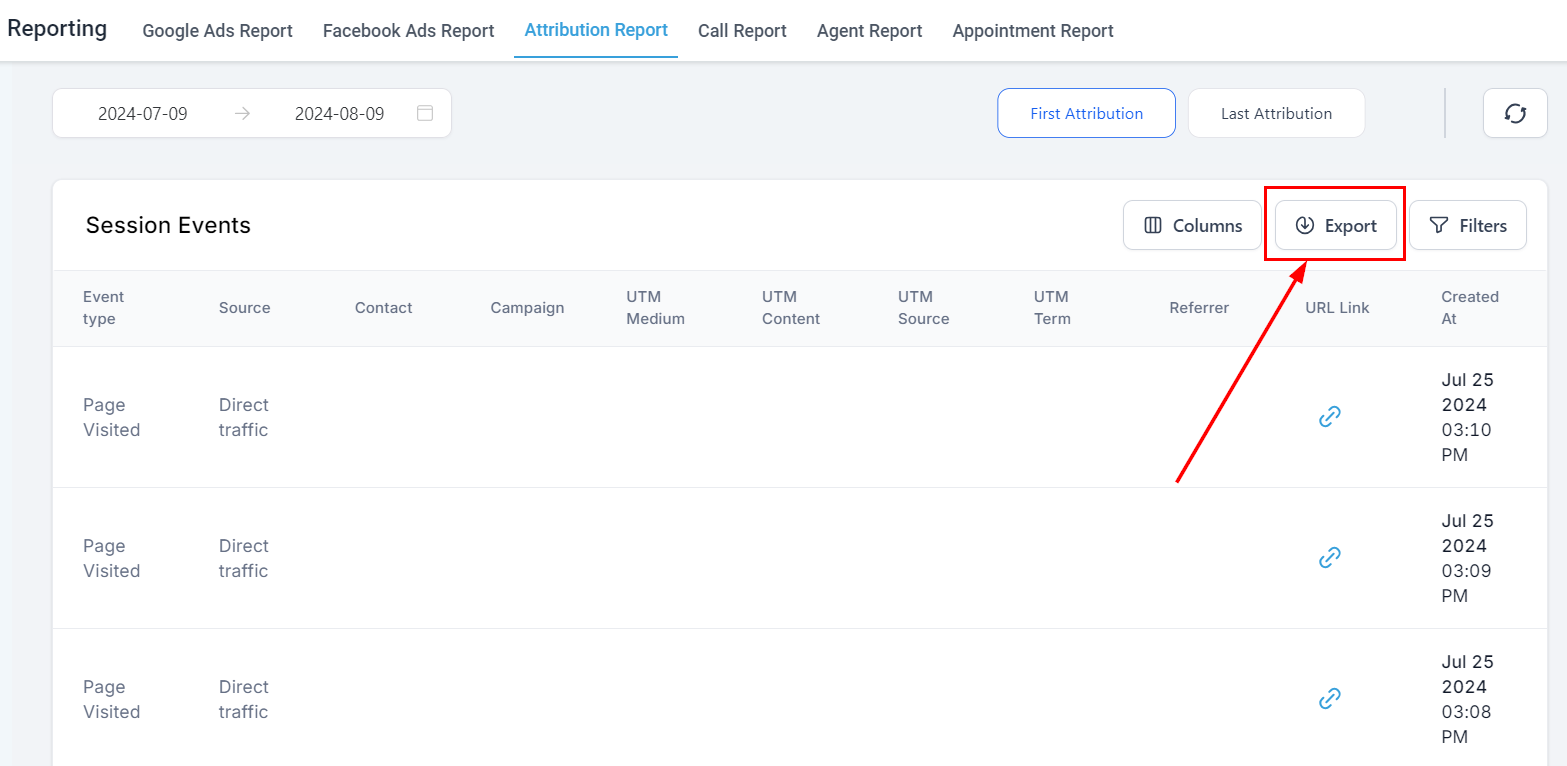
Export Data
By clicking on the Show/Export Data icon, you can view a list of contacts that were created within a specific time frame and download this data as an Excel sheet.
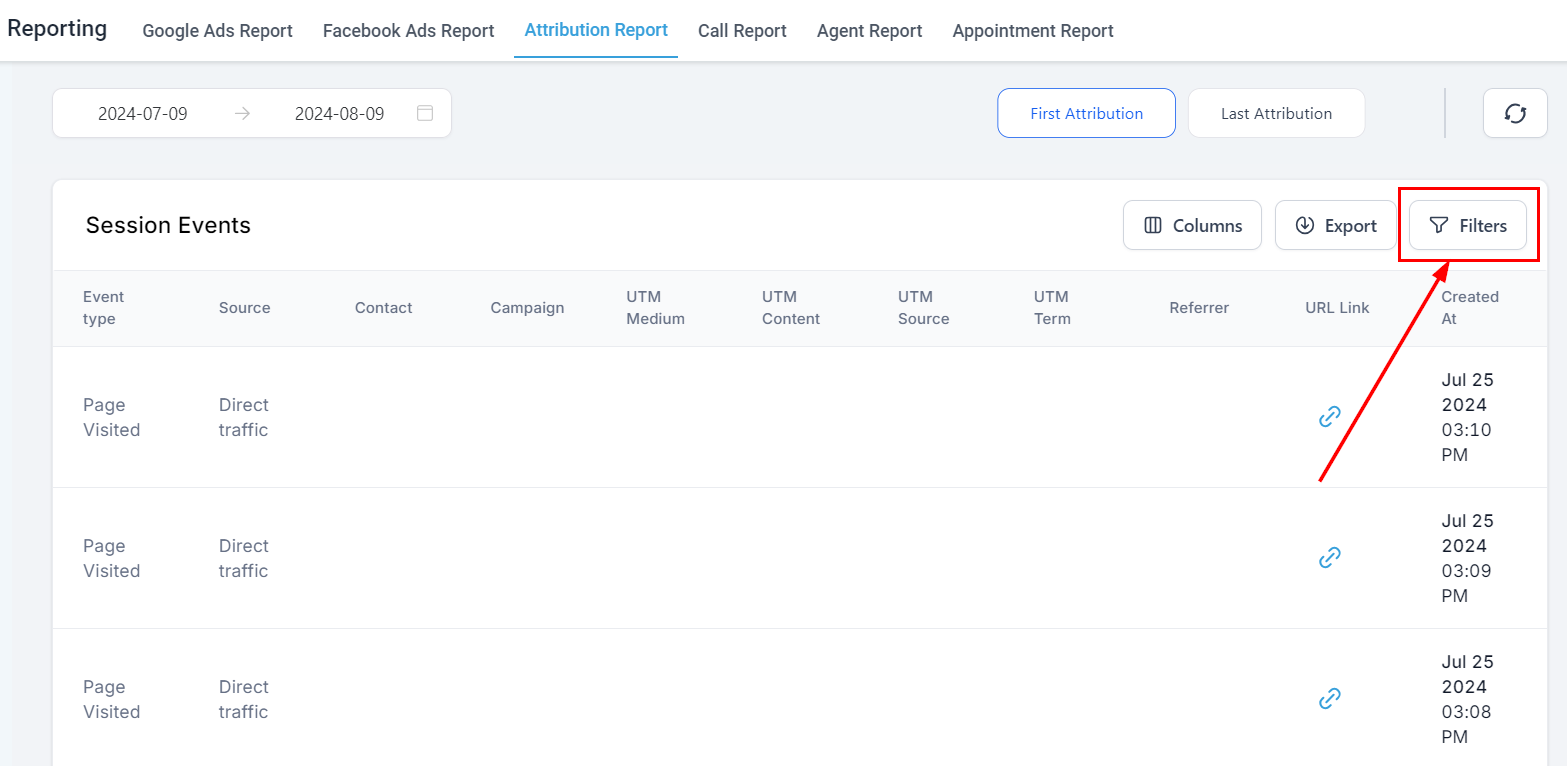
Filter Session Events Report
For a more tailored view of the table data, the filter button allows you to refine and customize the data displayed in the table according to your needs.
Understanding and utilizing contact attribution is essential for optimizing your marketing efforts. By accurately tracking the sources of your contacts’ interactions, you can make informed decisions that enhance your campaigns and improve overall performance. With proper setup and troubleshooting, you can ensure that your attribution data remains accurate and insightful.
Frequently Asked Questions (FAQs)
Q: Can I manually update attribution data?
- No, attribution data is automatically recorded based on the contact’s interactions with your system.
Q: Why is my latest attribution data not updating?
- Ensure that the contact has performed an action that qualifies as an attribution event, such as submitting a form or making a purchase.
Q: How can I track attribution for leads from third-party tools?
- Leads generated through third-party tools like Zapier will be categorized under the “Third-Party” attribution source.
Not a Funnelbud customer yet?
Try our all-in-one CRM for sales and marketing — free for 7 days, no commitment.