How to Use Ask AI on the Mobile App
Managing your work on the go is simple and fast. With a built-in AI workspace, you can take action, create content, and solve problems—all from one place. Instead of switching between tools, you can handle everything through a single conversation.
How to Use It
Open the AI Workspace
Launch your mobile app, then go to the app menu or tap the AI button on your home screen. This opens a full-screen workspace designed for focused work.
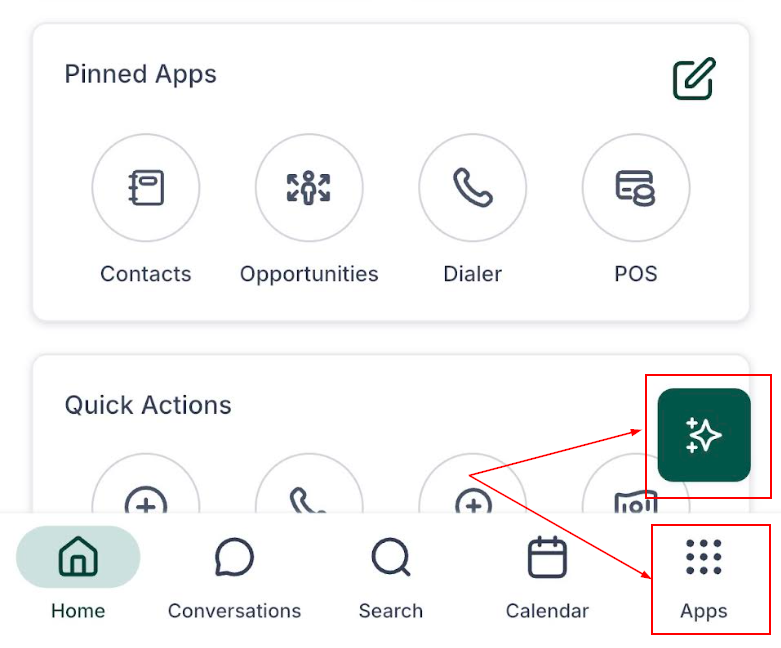
Start with a Clear Request
Type what you need in simple terms. Think of the AI like a team member you can brief. For example:
“What actions can you perform today?”
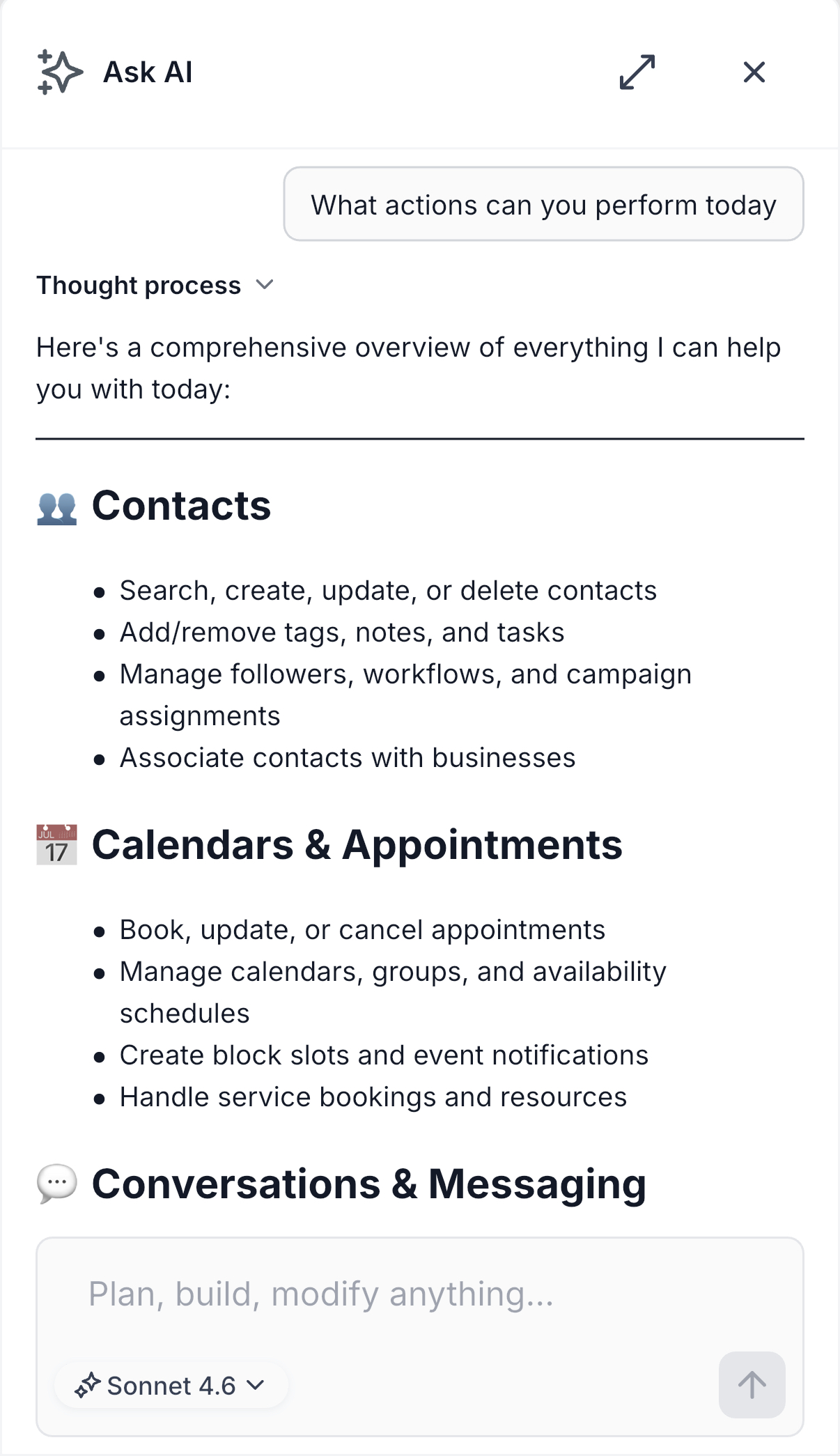
Take Action Directly
Ask the AI to handle tasks for you. You can:
- Add leads to sequences
- Book appointments
- Update pipeline stages
- Check transactions
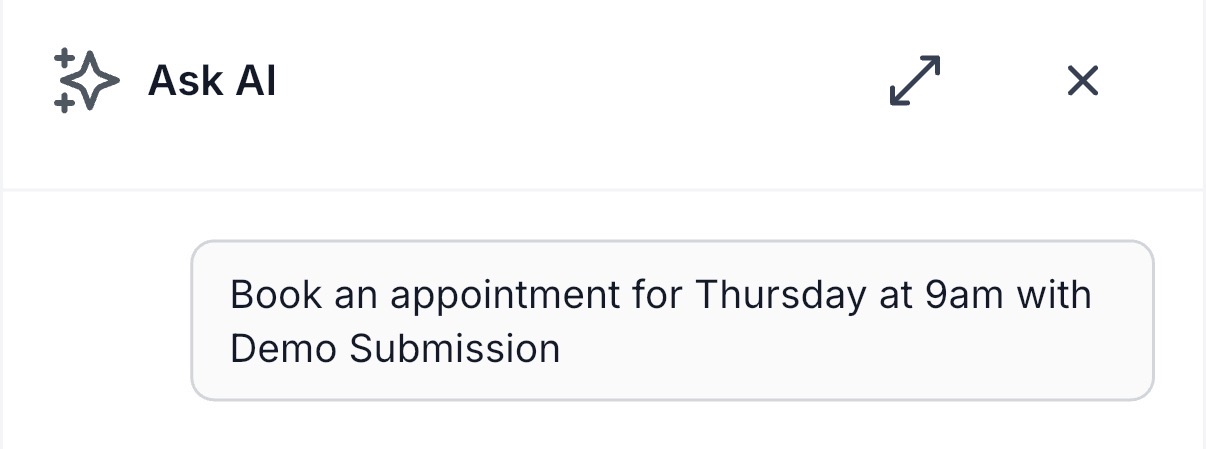
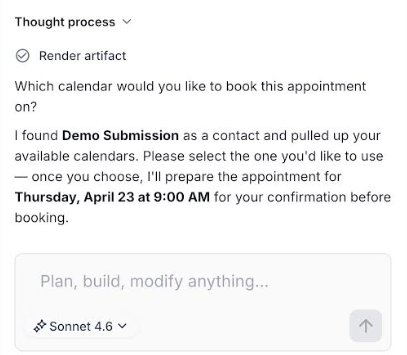
Just describe the task and let it execute or guide you step by step.
Create Content on Demand
Need content quickly? Ask for it. You can:
- Generate blog drafts
- Create branded images
- Write social media posts
Provide a short description, and the AI will produce ready-to-use content.
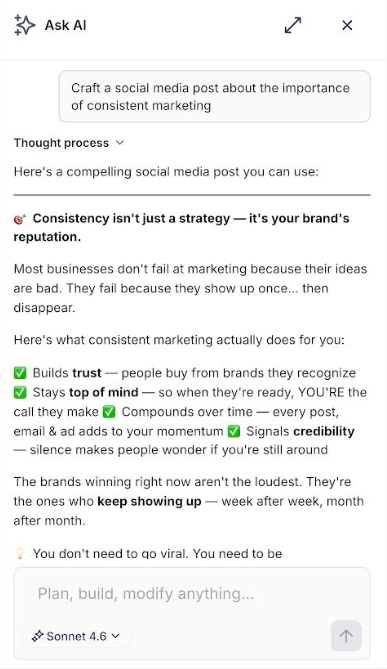
If you get stuck, ask for guidance right away. The AI will explain what to do next so you can keep moving without delays.
Follow Responses in Real Time
Read responses as they appear in a smooth, natural flow. This makes it easier to understand and act immediately.
This AI workspace turns your mobile app into a powerful control center. By combining actions, content creation, and support into one workflow, you can move faster and stay organized. Use it regularly to simplify your tasks and keep everything running smoothly—wherever you are.
✍️Important Note
This feature is currently available to admin-level users. Access for other roles will be added soon.
Not a Funnelbud customer yet?
Try our all-in-one CRM for sales and marketing — free for 7 days, no commitment.