How to Share Marketing Audit Reports
Effective communication is key to converting prospects into clients. The Prospecting Tool allows users to send audit reports directly to prospects via Email or SMS, ensuring a seamless and professional outreach process. With options to customize messages, select recipients, and track sent reports, this feature helps streamline follow-ups and improve engagement.
Sharing Your Prospect
To get started, navigate to the Prospecting tab inside the Marketing section.
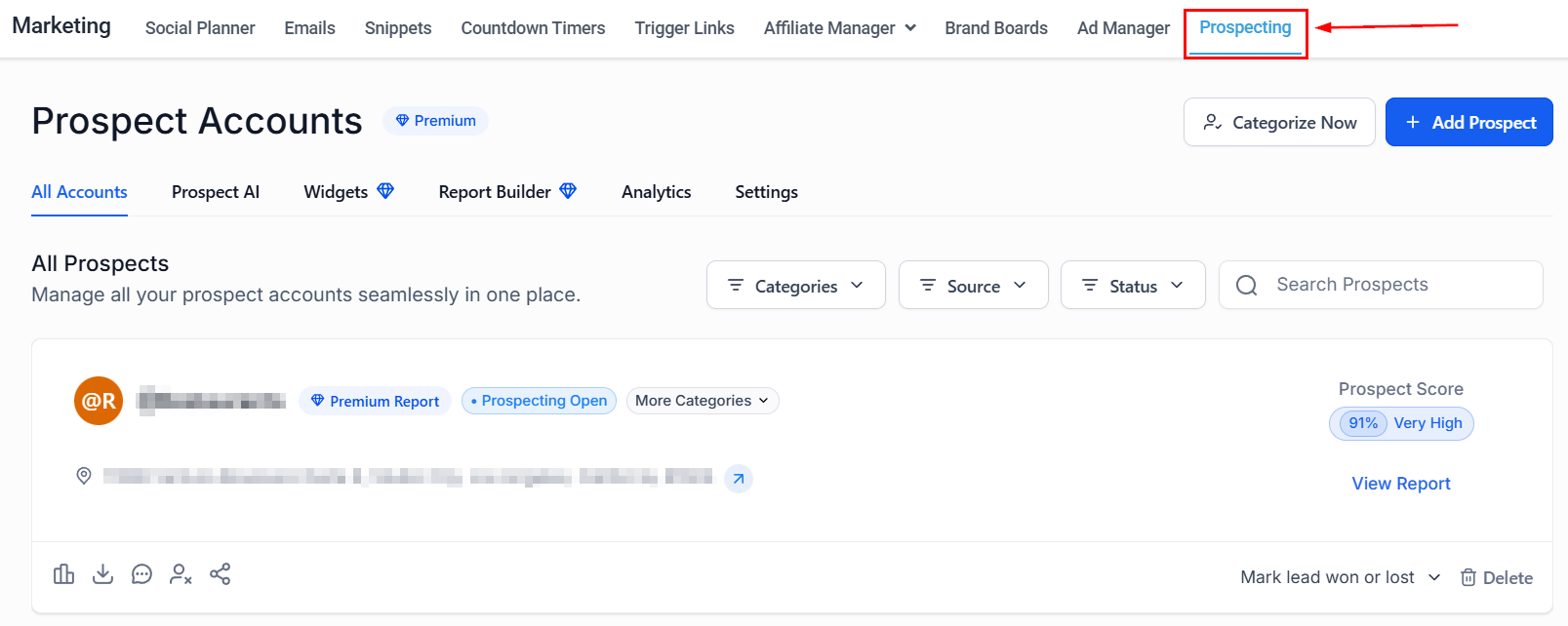
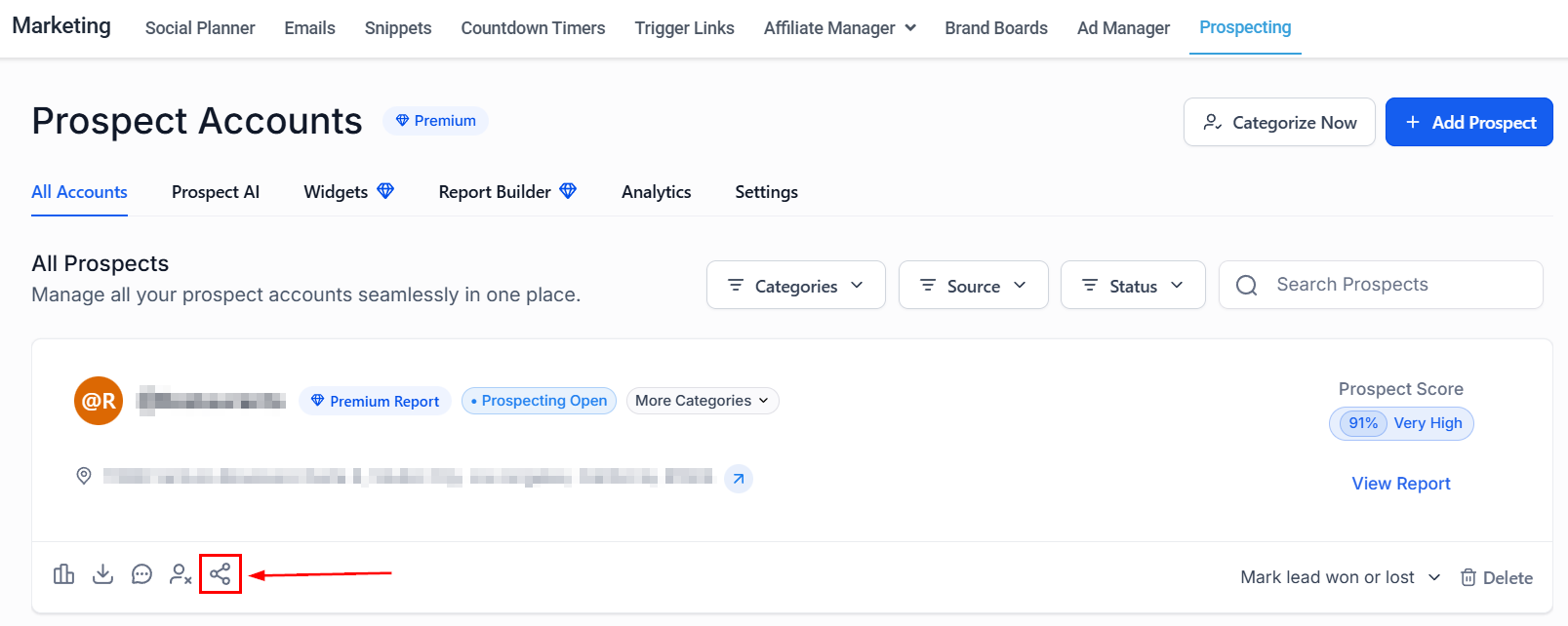
Find the prospect you want to reach out to and click the Share button.
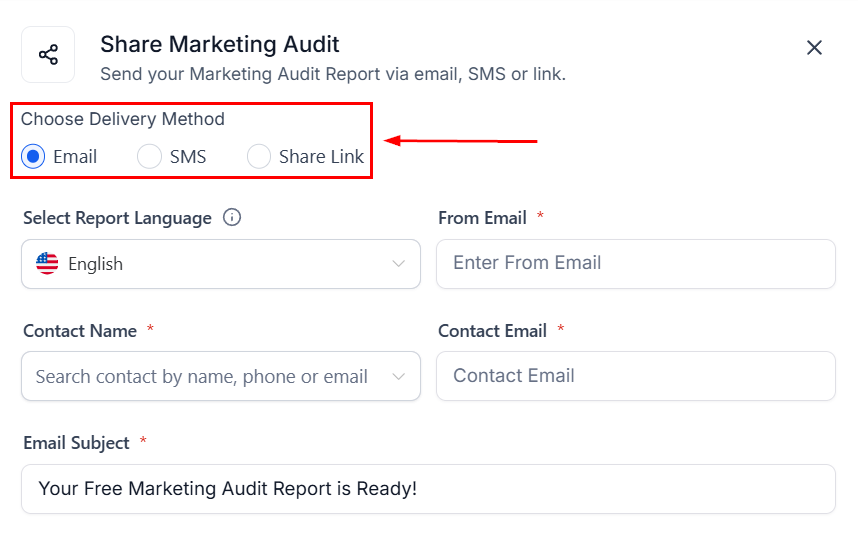
In the pop-up, choose whether to send the report via Email, SMS, or Share Link.
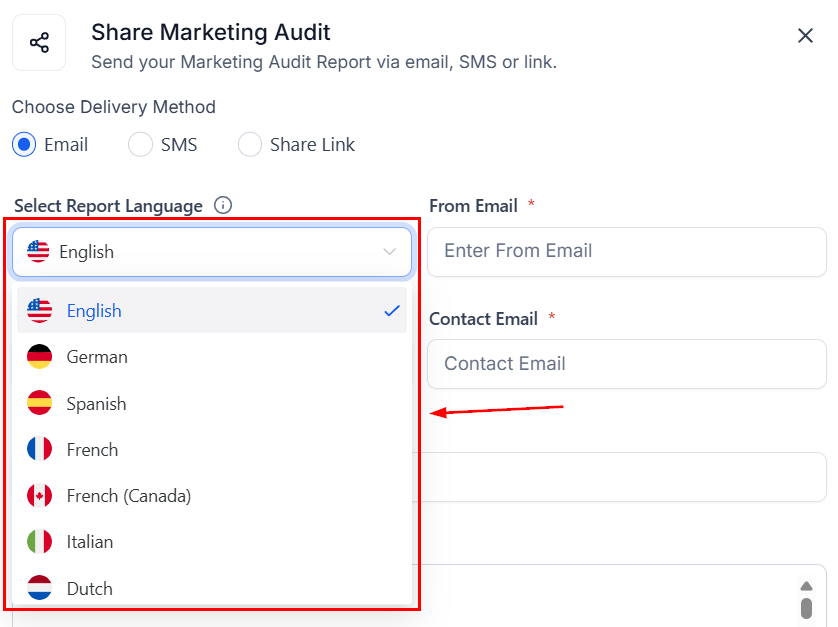
Select the language you want to share the report in.
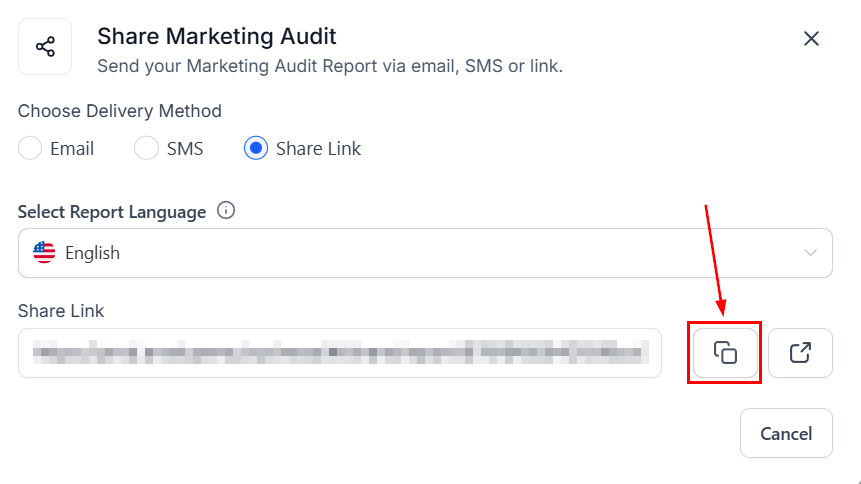
Share Link
If you’ll be using a Share Link, simply click the two-square icon.
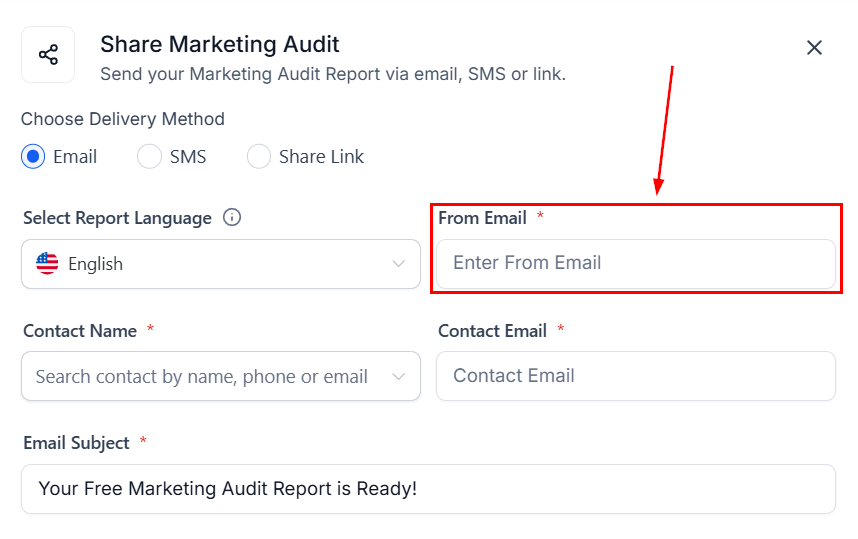
Enter the email you want to use for email sending.
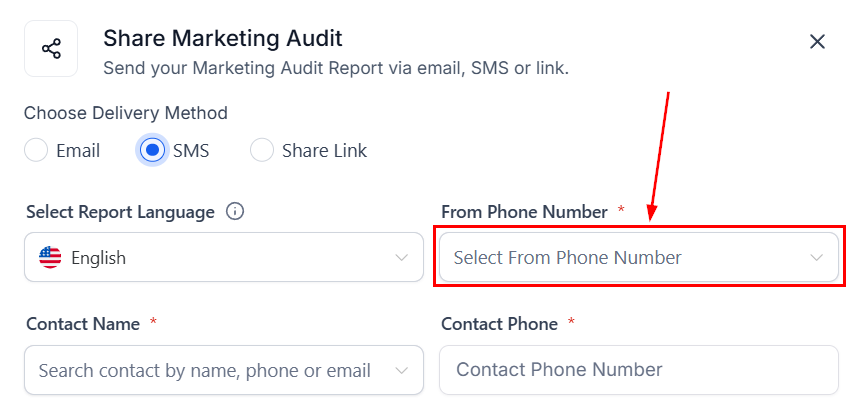
SMS
To send your report via SMS, select one of your system phone numbers.
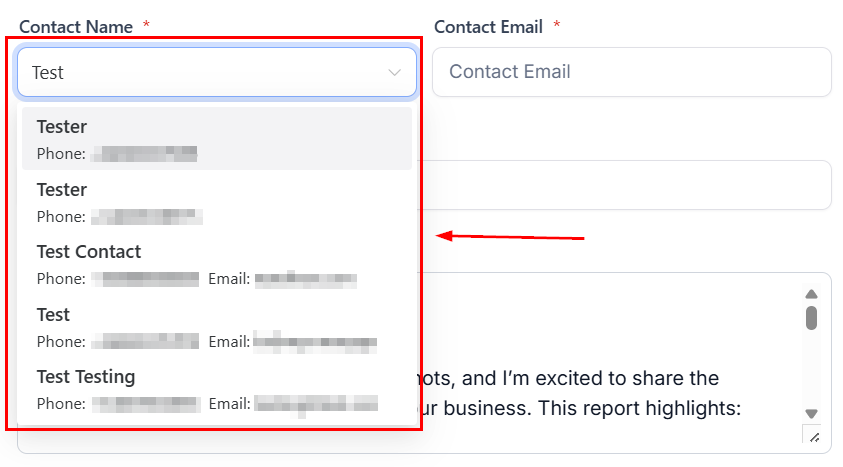
Sending Your Report
Search for the recipient by name, phone number, email, or business name.
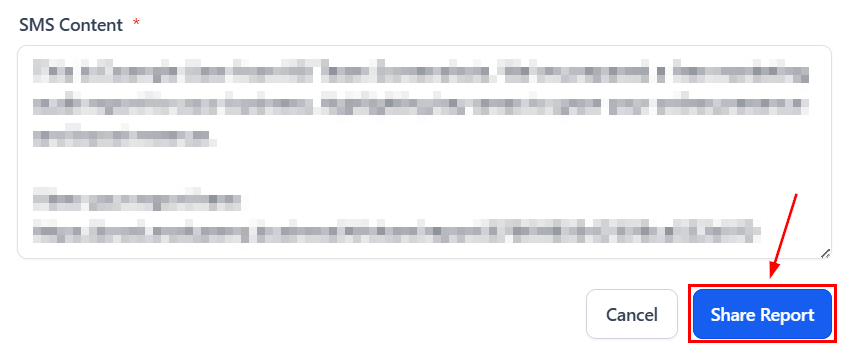
Use the predefined Email and SMS templates or modify the subject line and message body before sending. Review all details to ensure accuracy, then share the report.
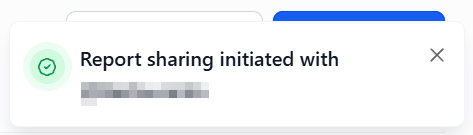
A confirmation notification will appear once the message has been successfully sent.
Sending reports through Email and SMS provides an efficient way to engage with prospects and maintain professional communication. With built-in customization, contact management, and follow-up tracking, the Prospecting Tool ensures a smooth and organized approach to outreach and client conversion.
Not a Funnelbud customer yet?
Try our all-in-one CRM for sales and marketing — free for 7 days, no commitment.