Array Formatter Action
Array Functions are workflow actions designed to help you manage and manipulate arrays, or lists of data, within your automations.
Arrays often appear when working with:
- Ecommerce order line items
- Customer attributes
- Webhook responses
- API data
- Lists generated by workflow triggers
The Array Formatter Action make it easier to extract information, organize data, and perform simple calculations without requiring external tools or custom code.
Benefits of Using Array Functions
Array Functions can make your workflows more efficient by allowing you to process data directly within your automation.
Some key benefits include:
- Enhanced Workflow Automation: Handle tasks such as filtering, searching, and calculating data without relying on third-party services.
- Better Data Insights: Quickly identify important information from large datasets as workflows run.
- Reduced Manual Errors: Automate repetitive data processing tasks and reduce the chance of mistakes.
- Flexible Workflow Design: Build workflows that match your business needs by using different array operations for different scenarios.
How to Set Up Array Functions
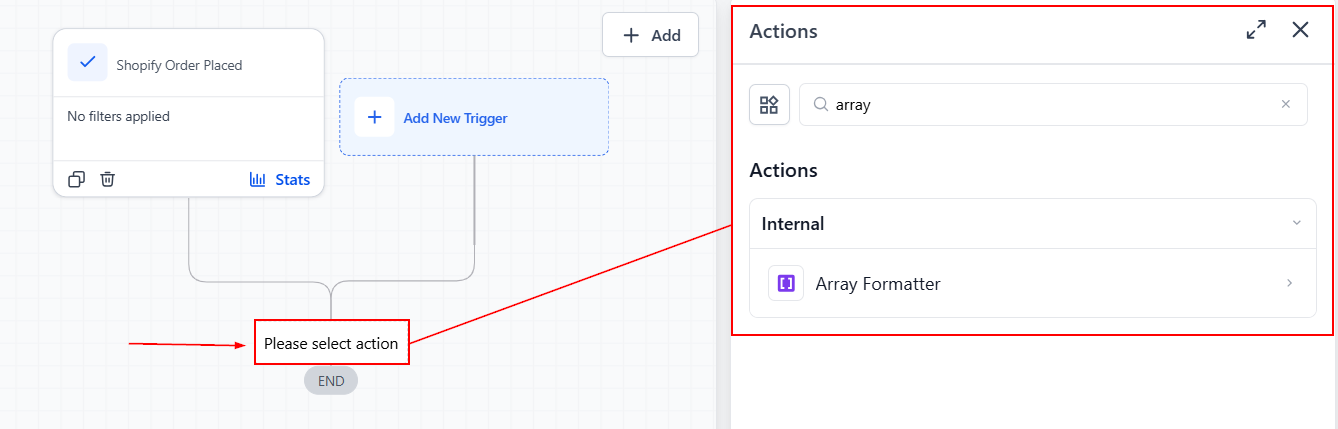
Navigate to your automation area and either create a new workflow or open an existing one. Click Add Action and select Array Formatter from the available workflow actions.
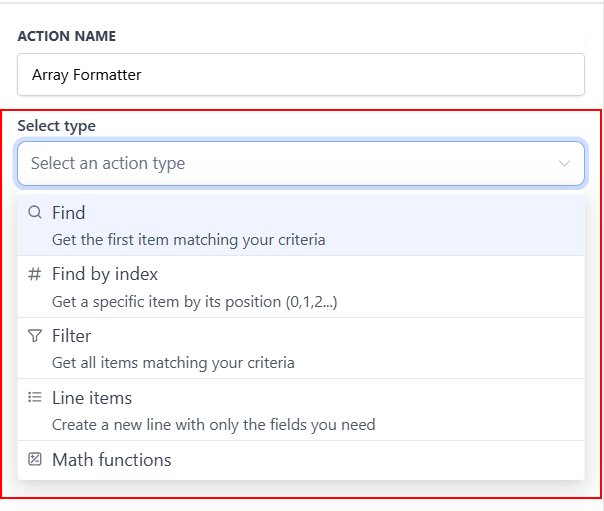
Choose a Function Type
Select the function you want to use from the available options.
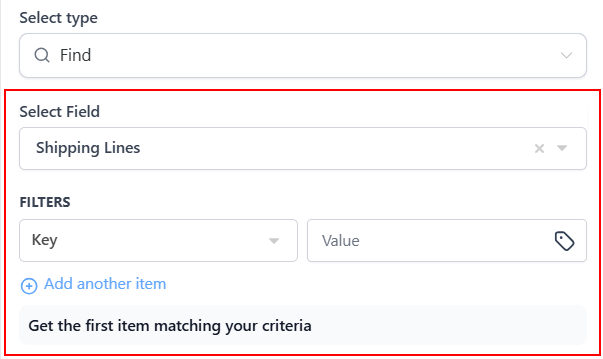
Configure the Inputs
Choose the array you want to work with and configure any required keys, values, or criteria based on the selected function.
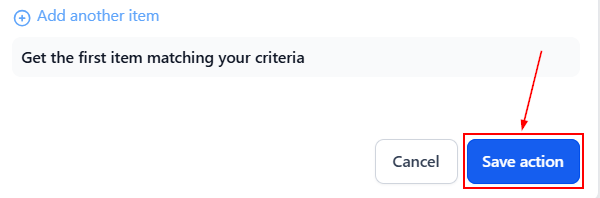
Save and Test
Save your action and test the workflow to verify that the action is returning the expected results.
Once the action runs successfully, it generates output data that can be referenced in later workflow actions.
Understanding the Available Array Functions
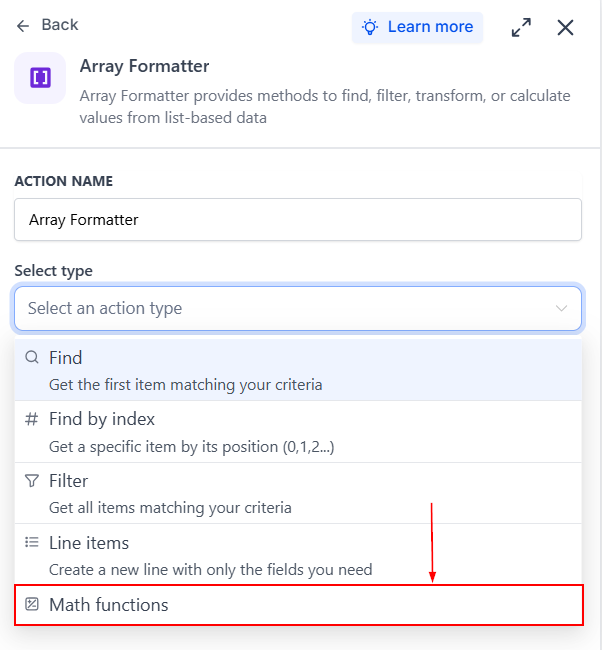
Array Functions include several options that help you work with array data in different ways.
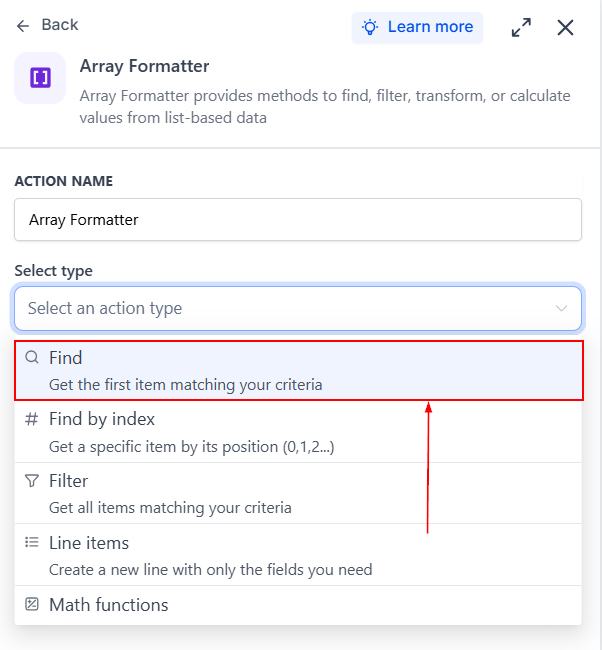
Find
The Find function searches an array for a specific item that matches a key-value pair. For example, if you want to check whether a particular product exists within an order’s line items, the Find function can locate it and return the first matching result.
This is useful when you only need a single matching item rather than a complete list of matches.
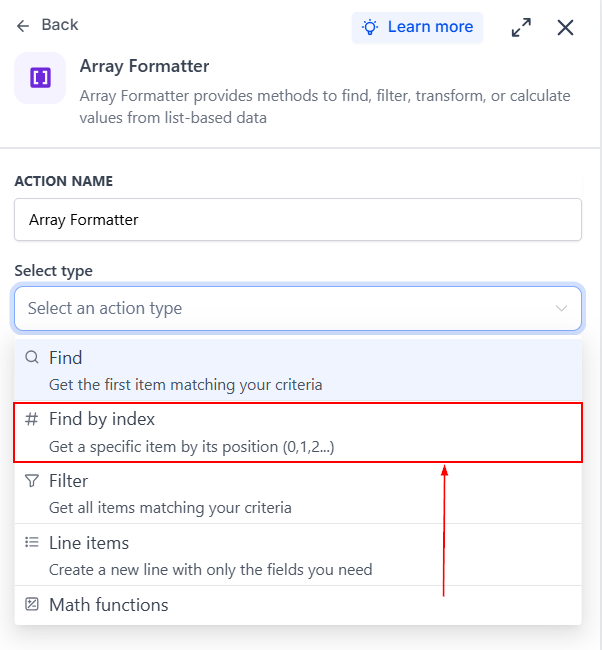
Find by Index
Every item in an array has a position, known as its index. The Find by Index function allows you to retrieve an item based on that position. Since arrays start counting from zero, the first item is at position 0, the second at position 1, and so on.
This function is helpful when you know the exact position of the item you need.
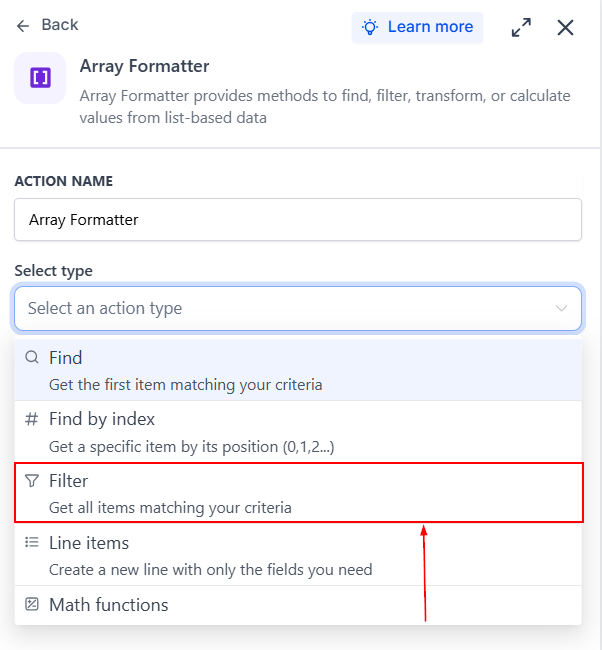
Filter
The Filter function returns all items that match specific criteria. For example, you might filter a list of orders to show only those belonging to a particular customer or return products that belong to a specific category.
Filter is useful when you need a collection of matching results rather than a single item.
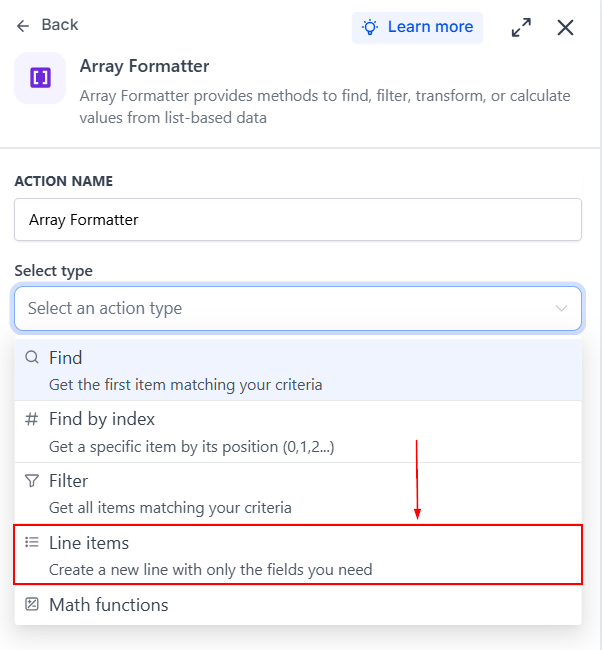
Line Items
The Line Items function allows you to restructure array data into a different format. This can be useful when preparing information for another action, such as sending data to a webhook, storing information in a spreadsheet, or matching the format required by another system.
Rather than changing the information itself, this function focuses on reorganizing how the data is structured.
Math
The Math function performs calculations using numerical values within an array.
Available operations include:
- Sum
- Minimum value
- Maximum value
- Average
- Count
For example, you can calculate the total value of an order, determine the highest price in a list of products, or count the number of items in a dataset.
Common Use Cases
Array Functions can support a wide variety of workflow scenarios, including:
- Checking whether a specific product was purchased
- Finding customer-related records from a larger dataset
- Filtering webhook responses before processing
- Reformatting data for external integrations
- Calculating totals and averages from order information
- Counting records returned from an API
By understanding the purpose of each function type and how they fit into your automations, you can build workflows that are more flexible, accurate, and capable of handling complex data with ease.
Frequently Asked Questions
What type of data can be used with Array Functions?
- Array Functions work with arrays, which are lists of objects or numbers. These arrays commonly come from workflow triggers, webhook responses, order data, and API requests.
Can Array Functions handle nested arrays?
- No. Array Functions are designed to work with one-dimensional, or flat, arrays. More complex nested data structures may require additional processing.
How can I troubleshoot Array Functions?
- Use your workflow’s testing tools to review the output of each action. Testing makes it easier to confirm that the correct data is being returned and that your configuration is working as expected.
Not a Funnelbud customer yet?
Try our all-in-one CRM for sales and marketing — free for 7 days, no commitment.